

![PIXY Wireless[DEFAULT]](http://emeet.com/cdn/shop/files/pixy_647010c6-662a-4af7-b8bb-ad66e457c662.png?v=1780025408&width=480)


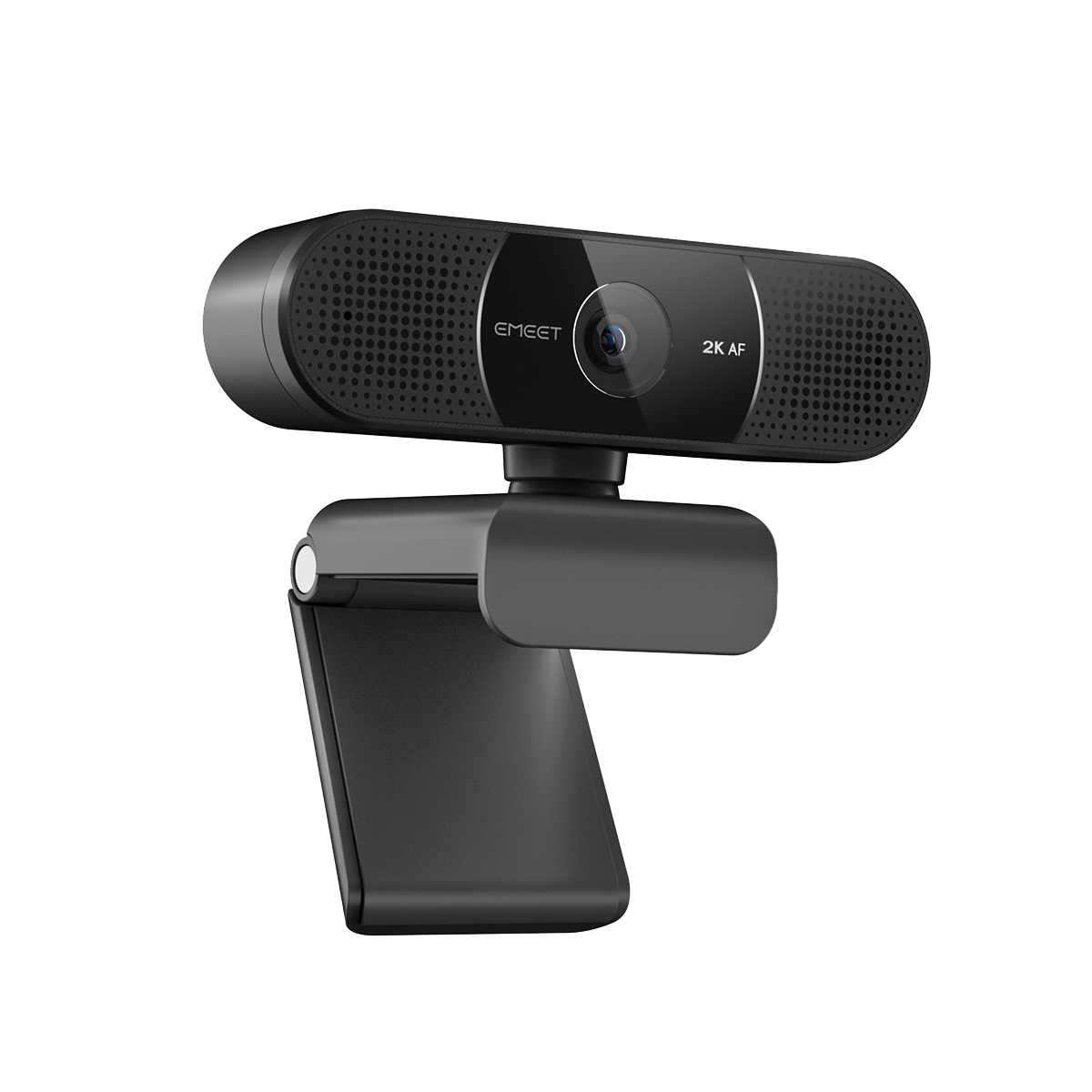


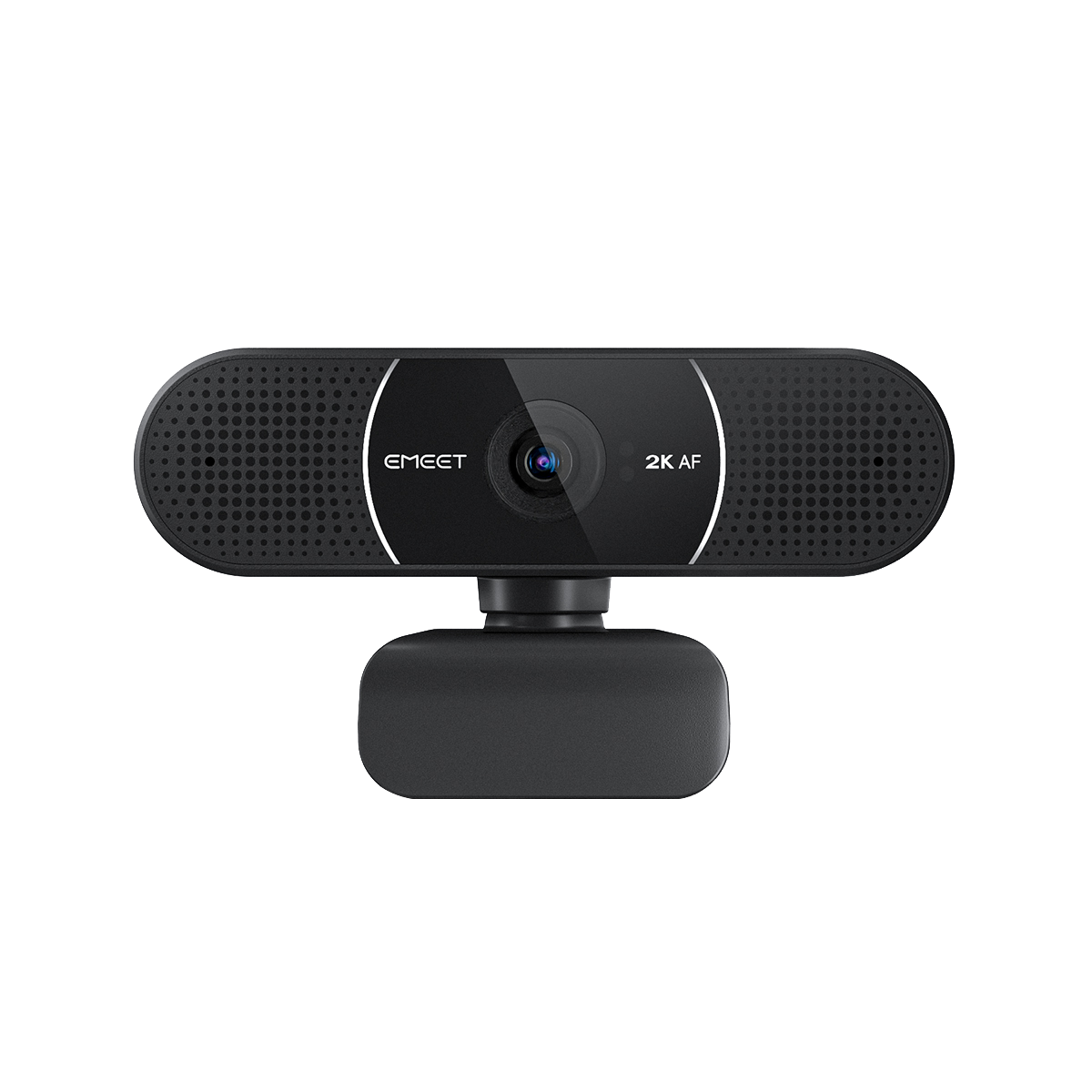
EMEET SmartCam C960 2K
2K High Resolution Webcam with Dual Microphones
NZD
$80.00
Tax included.
Shipping calculated at checkout.
-
Immersive Imaging
2K@30FPS provides high-quality image resolution, brings the best meeting experience for everyone.
-
Flash Focusing
High-speed autofocus with PDAF tech ensuring you start the meeting right away.
-
Top-Notch Tech
Two noise-cancellation microphones with a pickup distance up to 8ft, combining with the latest noise-cancellation chip and AGC algorithm.
-
Personalising
73° FOV perfectly for personal meetings, Auto light correction tech and the help of EMEETLINK to personalise your needs.
-
Plug & Play
No installation required, Physical privacy cover included to maximize your security protection.
-
Imágenes Inmersivas
2K@30FPS ofrece una resolución de imagen de alta calidad y brinda la mejor experiencia de reunión para todos.
-
Enfoque Instantáneo
El autoenfoque de alta velocidad con tecnología PDAF garantiza que comiences la reunión de inmediato.
-
Tecnología de Primera
Dos micrófonos con cancelación de ruido con una distancia de captación de hasta 2,4 m, combinados con el chip de cancelación de ruido más reciente y el algoritmo AGC.
-
Personalización
El campo de visión de 73° es perfecto para reuniones personales; la corrección automática de luz y EMEETLINK personalizan tus necesidades.
-
Plug & Play
No requiere instalación; incluye cubierta de privacidad física para maximizar tu protección de seguridad.
-
Imagens Imersivas
2K@30FPS oferece resolução de imagem de alta qualidade, proporcionando a melhor experiência de reunião para todos.
-
Foco Instantâneo
O foco automático de alta velocidade com tecnologia PDAF garante que você inicie a reunião imediatamente.
-
Tecnologia de Ponta
Dois microfones com cancelamento de ruído com alcance de captação de até 2,4 m, combinados com o chip de cancelamento de ruído mais recente e o algoritmo AGC.
-
Personalização
O campo de visão de 73° é ideal para reuniões pessoais; a correção automática de luz e o EMEETLINK personalizam suas necessidades.
-
Plug & Play
Sem necessidade de instalação; inclui tampa de privacidade física para maximizar sua proteção de segurança.
Quantity:
Inquiry Form
EMEET SmartCam C960 2K
2K High Resolution Webcam with Dual Microphones


Fast, Free Shipping
Refundable in 30 Days
Exclusive Extended Warranty
Hassle-free Customer Service
Introduction Video


EMEET SmartCam C960 2K
C960 2K
NZD
$80.00
Explore
Overview
Specs
FAQs
Reviews
User Manual
Present Your Professionalism to Everyone
High-quality 2K resolution with 73°FOV, two noise-cancellation microphones with a pickup distance of up to 8ft, latest noise-cancellation chip, using tech to perform extremely high-speed autofocusing, providing you with the most immersive personal online meetings.
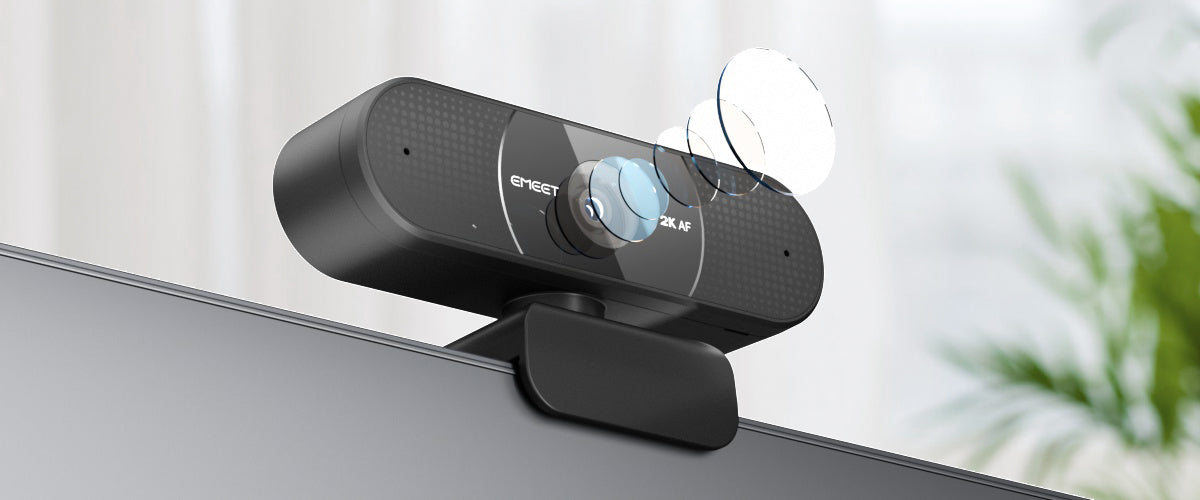

Present Yourself
With the 2K@30FPS high-quality imaging, you can freely express yourself to everyone, show your professionalism to all and turn yourself into the main character in the meeting.

 C960 2K
 Others 1080P
Present Yourself
With the 2K@30FPS high-quality imaging, you can freely express yourself to everyone, show your professionalism to all and turn yourself into the main character in the meeting.

Pinpoint Focus
The technology makes the camera focus on you with extreme speed, no need to make any physical adjustment to the webcam.


Focusing on You
The 73°FOV optimized for your personal use, no extra background will be capture to distract the others or expose your location. Automatically optimizing your lighting conditions, making sure you staying sharp the whole time.


Noise-Cancellation Tech
The latest noise-cancellation chip to reduce the background noises while picking up your voice, providing a crystal-clear voice to your meeting participants.


Speak Freely
Dual-microphones to pick up your voice effectively, with a pickup distance up to 8ft and with the AGC algorithm, allow your audio volume be balance no matter how quiet/loud you speak.


Ease of Use
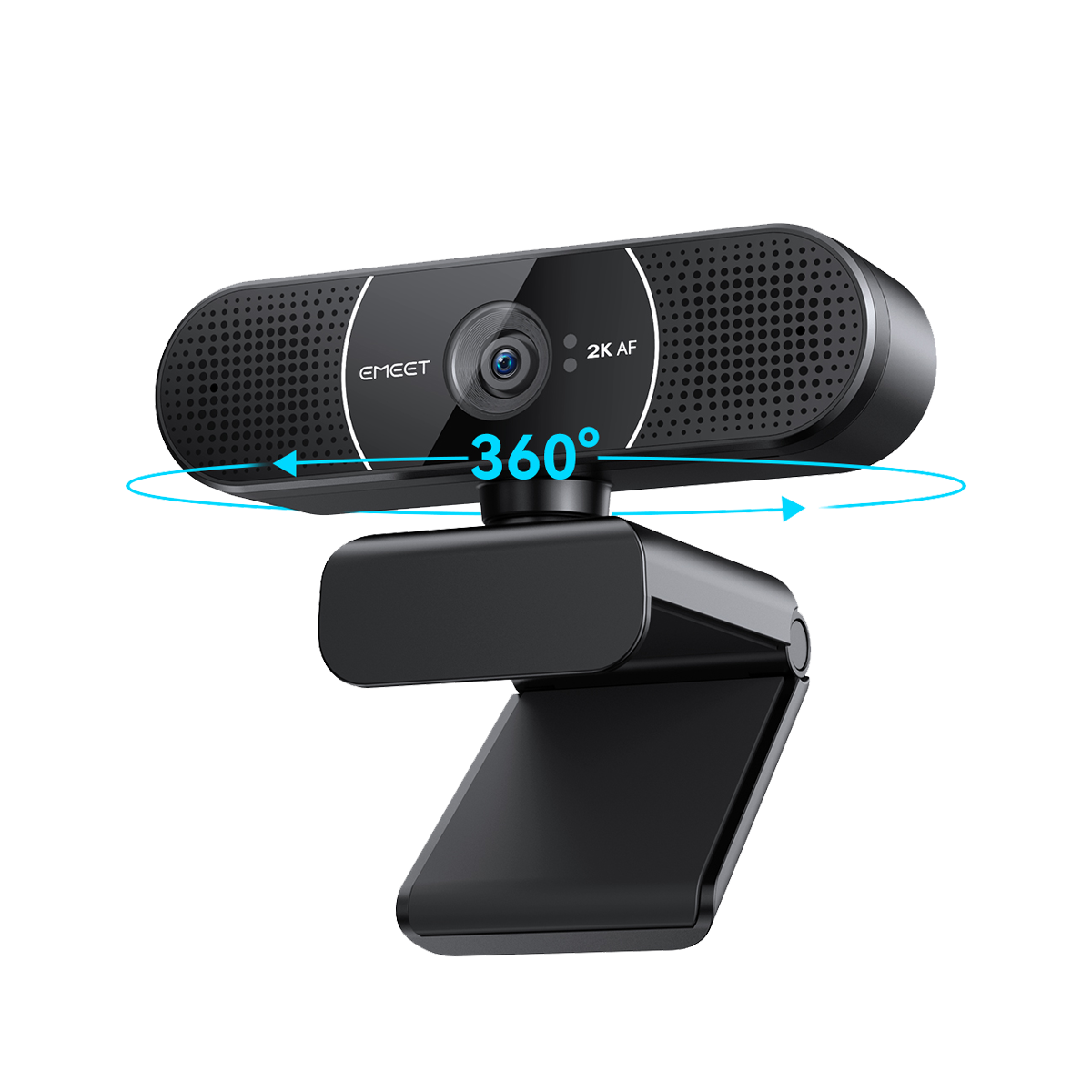
360° rotatable basepod, start your meeting within seconds, with no additional installation required, and use the time on other important jobs.


Flippable Privacy Cover
Flip the privacy cover upward to start your wonderful video calls or flip it down to shelter the lens and protect your privacy immediately.


Personalise Your Needs & Stay Updated
Using the EMEETLINK to personalise your setting to meet all your needs in different scenarios, also using the EMEETLINK to continuously update your camera software.


Adapt to Multiple Scenarios and Live Effectively
Whether you are engaged in live broadcasting, online teaching, home office, or other industries, you can easily use EMEET C960 2K to achieve more efficient work and learning.


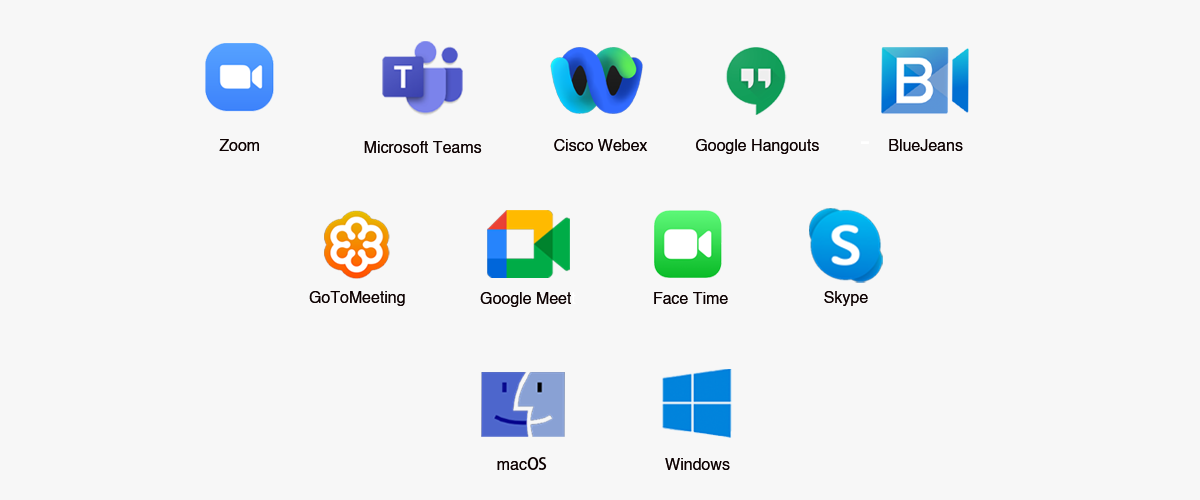
Universal Compatibility
Compatible with all mainstream operation systems and meeting platforms.

TECH SPECS
IMAGE
Max Resolution:
2K at 30FPS
Field of View (FoV):
73°
Focus Type:
Auto Focus
Video Pickup Radius:
20-300cm (Recommend using at a distance of 50-120cm)
Video Codec:
YUY2 / MJPEG
Image Sensor:
CMOS
Exposure Mode:
Automatic
White Balance:
Automatic
BLC (Black Light Compensation):
Automatic
AUDIO
Microphone:
2 Omni-Directional Microphones
Optimal Pickup Range:
8ft(2.4m)
CONNECTION
Connection:
USB2.0, USB-A
Cable Length:
1.5m
UVC Communication Protocol:
UVC 1.0~1.5
USAGE
Privacy Cover:
Physical Privacy Cover
Tripod Thread:
YES
Recommended For:
For Personal Use
Input:
5V, 500mA
Average Power Consumption:
750mW
Dimensions (W*H*D):
100*59*55mm+-1mm
Weight:
133g
COMPATIBILITY
Compatibility:
Works with Zoom, Microsoft Teams, Skype for Business, Slack, Webex, and many more
Operating System:
Windows10, 11 Mac OS 10.14 or later


WHAT'S IN THE BOX
- EMEET SmartCam C960 2K
- Physical Privacy Cover
- User Manual
Product Comparison
| Model |
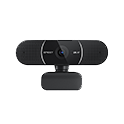 C960 2K
|
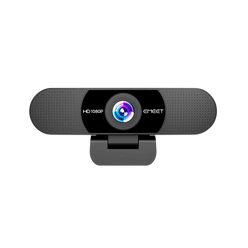 C960
C960
|
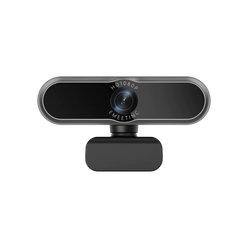 C965
C965
|
|
|---|---|---|---|---|
| Price | $80.00 | $64.00 | ||
| Max Resolution | 2K@30FPS | FHD 1080P@30FPS | FHD 1080P@30FPS | |
| Field of View (Diagonal) | 73° | 90° | 96° | |
| Focus Type | Auto Focus | Fixed Focus | Auto Focus | |
| Auto Light Correction | Yes | Yes | Yes | |
| Microphone | 2 Noise-Canceling Mics | 2 Noise-Canceling Mics | 2 Noise-Canceling Mics | |
| Connection | Plug-and-Play USB-A | Plug-and-Play USB-A | Plug-and-Play USB-A | |
| Privacy Cover | Physical Flippable Privacy Cover | Physical Flippable Privacy Cover | Physical Flippable Privacy Cover | |
| 360° Rotatable Head | Yes | N/A | N/A | |
| Tripod-Mounted(1/4" Thread) | Yes | Yes | Yes | |
| Dimensions (W*H*D mm) | 100*59*55mm | 125*68*52 | 100*59*55 | |
| Weight | 133g | 125g | 146g |
FAQ
Have a Question?
EMEET SmartCam C960 2K
2K High Resolution Webcam with Dual Microphones
How to install the device on a tripod?
Look for a 1/4 threaded hole in the bottom of the camera.
Twist the webcam and tripod together until they are snugly joined.
Place your webcam with the tripod anywhere you desire in the best position to frame yourself.
How to install the device on the PC?
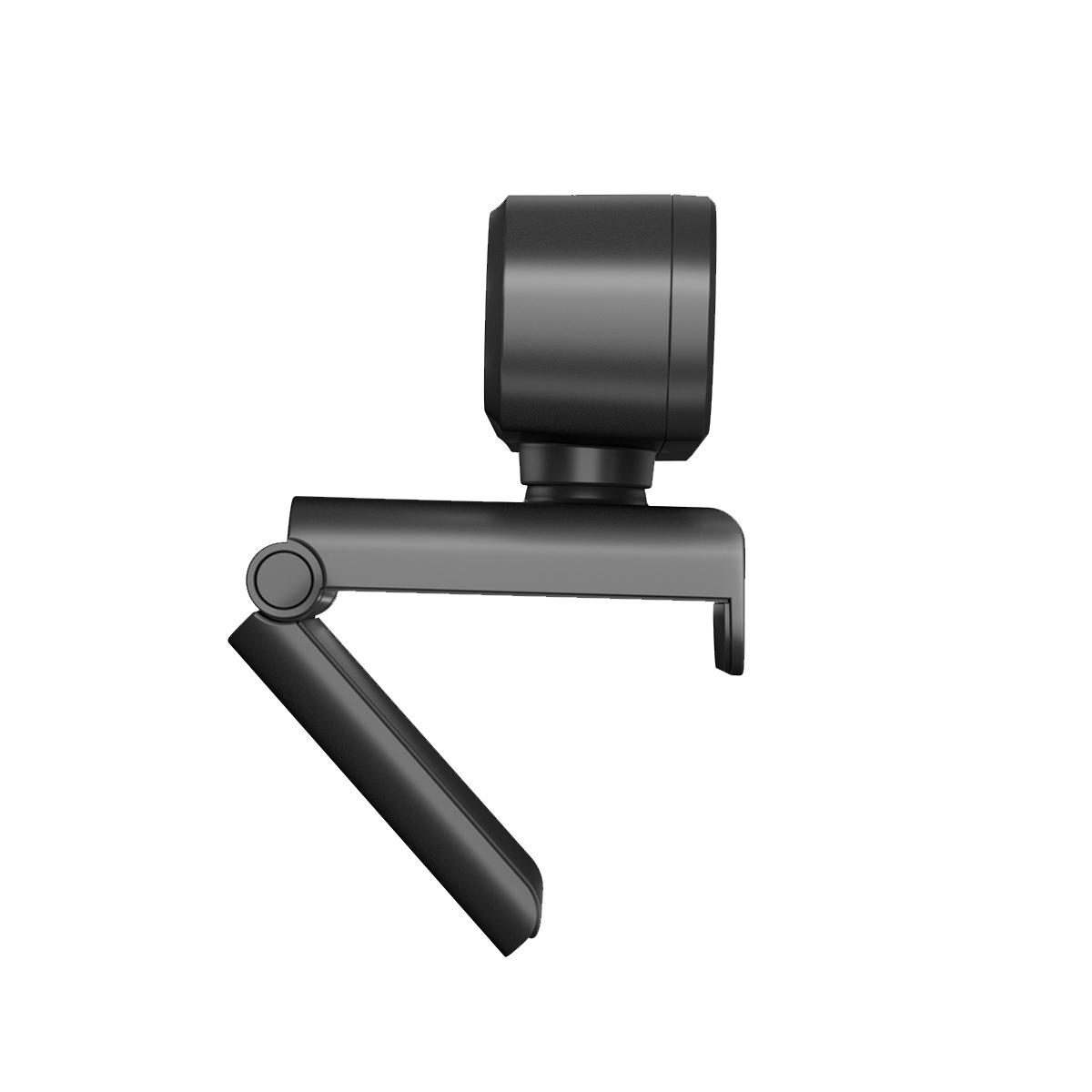
Place your webcam on a computer, laptop, or monitor in a position you desire.
Unfold the universal clip so it fits the top of your monitor or laptop screen.
Manually adjust the webcam up/down to the best position to frame yourself.
How do I use a USB Webcam?
-
Turn on
Plug the USB-A connector into your computer, the device will automatically turn on.
Then open the software you want to use, and select the EMEET device. The device status indicator will turn blue.
-
Turn off
Exit the meeting software, the camera will turn off.
Unplug the USB connector from your computer or laptop, the device will automatically turn off.
-
Plug-and-play supports your computer to recognize the webcam immediately.
-
Note:
If your computer does not instantly recognize the webcam, please check if the following tips can resolve the issue:
Check if the device has been selected on your meeting software.
Try plugging into a different USB port or restarting the computer.
USER MANUAL
EMEET SmartCam C960 2K User Manual
Download Now
- Choosing a selection results in a full page refresh.