












Quick Answer
If you frequently work from different locations, attend online classes, or use a laptop as your primary workstation, choosing a webcam with easy mounting options can save time and frustration.
The best laptop-friendly webcams in 2026 are:
| Webcam | Best For |
|---|---|
| EMEET PIXY | Travel, hybrid work, creators |
| Logitech MX Brio | Professional office setups |
| Insta360 Link 2 | AI tracking and presentations |
| OBSBOT Tiny 2 Lite | Dynamic presentations and teaching |
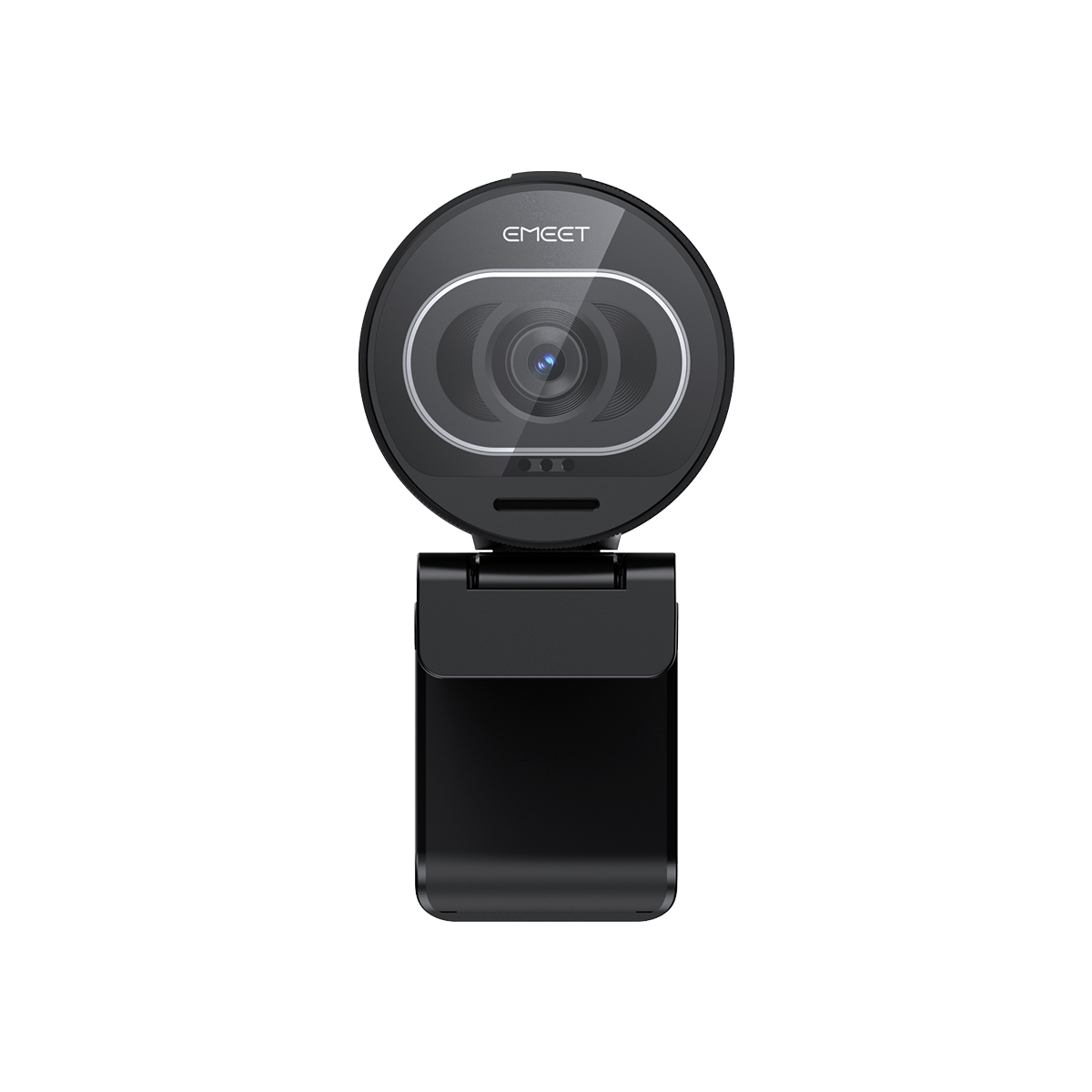
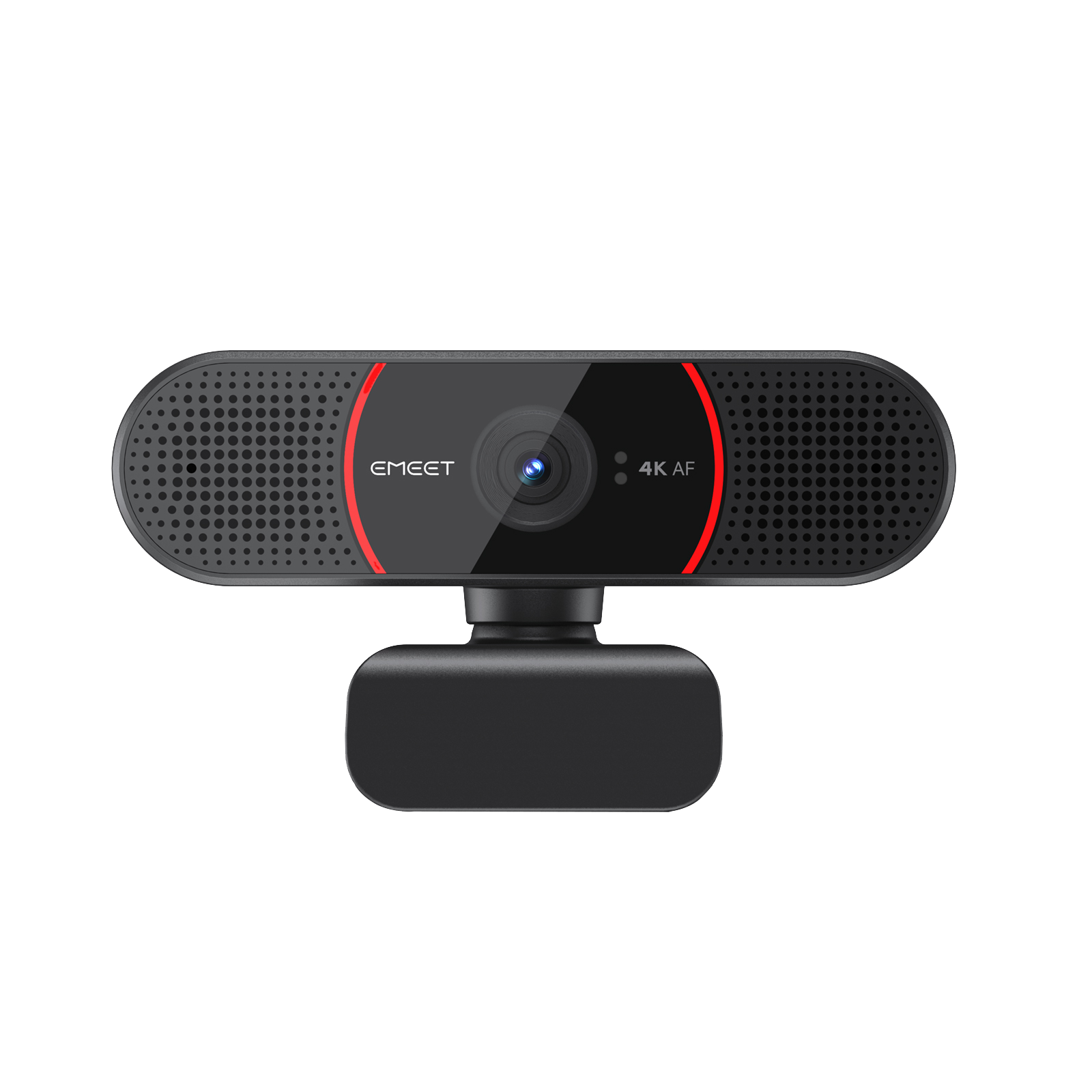
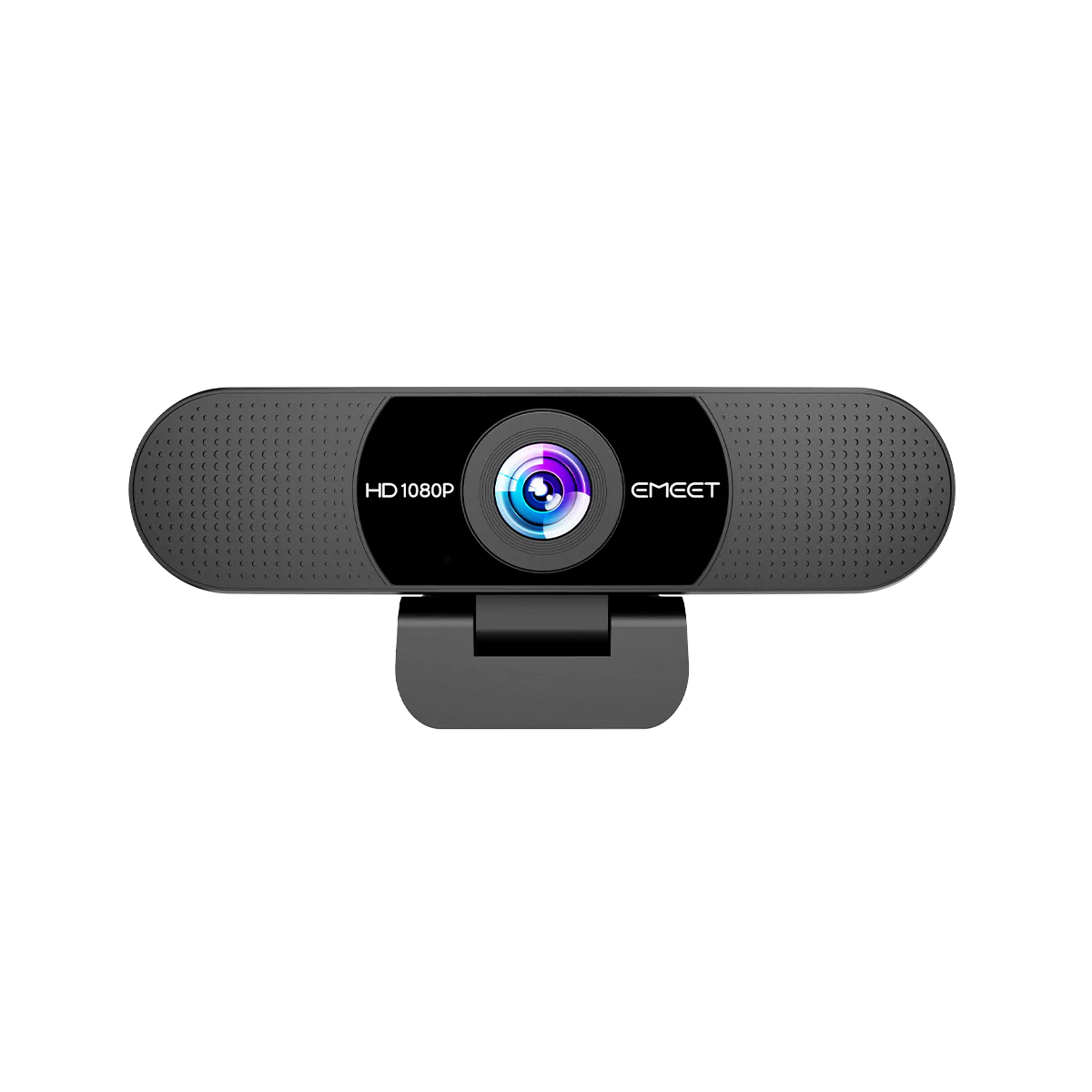
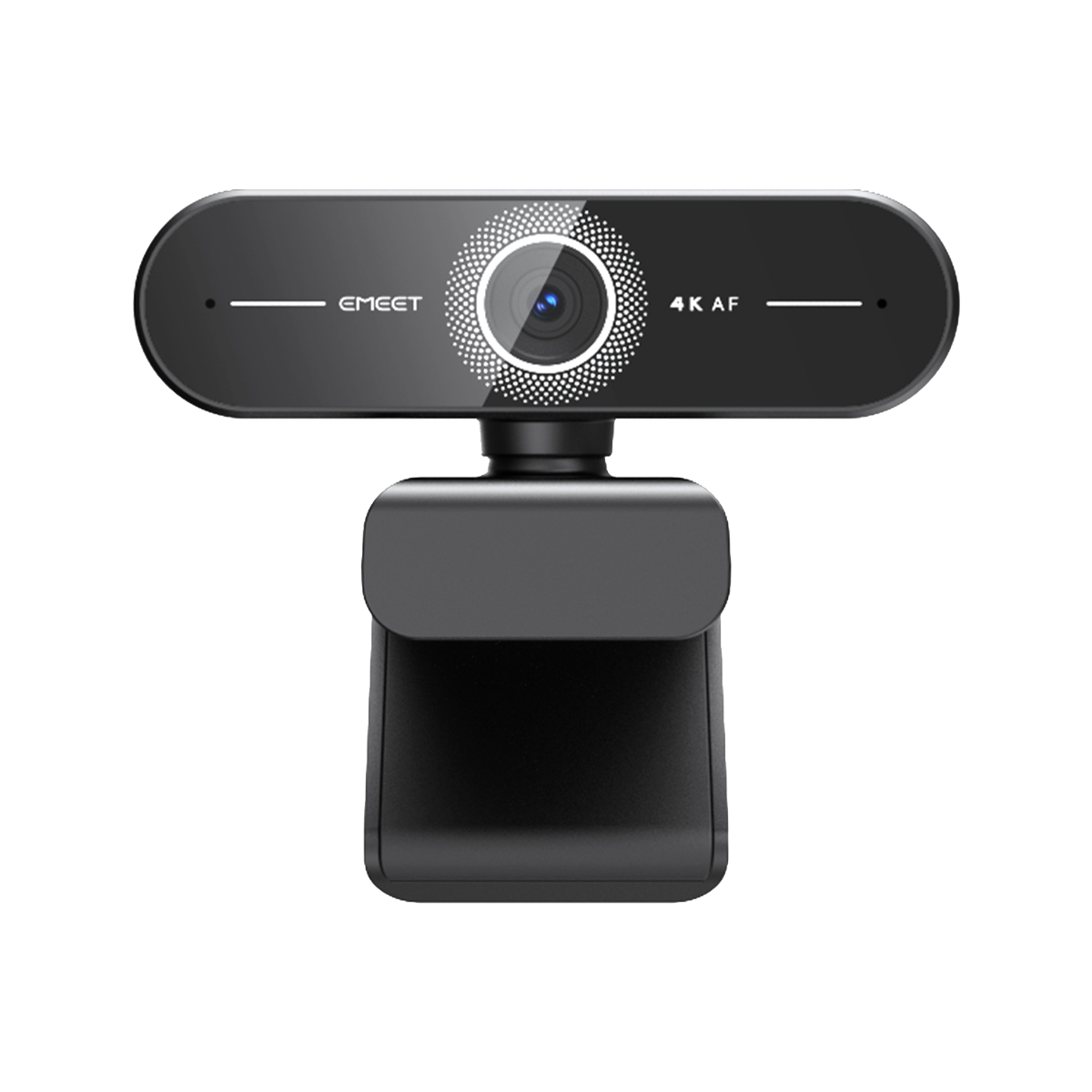
Among them, EMEET PIXY stands out for its compact design, tool-free installation, portrait mode support, and flexible mounting options.
What Makes a Webcam Easy to Mount?
Many webcams claim to be easy to install, but laptop users often encounter common issues:
- Webcam slips off thin bezels
- Blocks part of the screen
- Requires additional adapters
- Difficult to pack for travel
- Limited mounting flexibility
A laptop-friendly webcam should offer:
Tool-Free Installation
No screws or additional brackets required.
Thin-Bezel Compatibility
Works with modern laptops such as:
- MacBook Air
- MacBook Pro
- Dell XPS
- Lenovo ThinkPad
- ASUS ZenBook
Multiple Mounting Options
A good webcam should support:
- Laptop mounting
- External monitor mounting
- Tripod mounting
Compact Design
The webcam should not block the display or built-in sensors.
Common Problems Laptop Users Face With External Webcams
Problem #1: The Webcam Feels Too Bulky
Some webcams are designed primarily for desktop monitors.
When attached to a laptop, they may:
- Extend too far above the screen
- Add unnecessary weight
- Make the laptop feel top-heavy
This becomes particularly noticeable during travel.
Problem #2: Limited Flexibility
Many webcams only support landscape orientation.
However, content creators increasingly need:
- TikTok
- Instagram Reels
- YouTube Shorts
Portrait mode support is becoming more important.
Problem #3: Difficult Setup
Nobody wants to spend ten minutes adjusting a webcam before every meeting.
The best laptop webcams should work within seconds after opening the laptop.
Best Webcams for Laptop Users in 2026
EMEET PIXY

Best Overall for Laptop Users
Key Features:
- 4K resolution
- Dual-camera AI system
- 2-axis PTZ gimbal
- Portrait mode
- AI tracking
- Compact design
- 120g weight
Why it works well for laptops:
The PIXY was designed with portability in mind.
Its compact body makes it easy to carry in a laptop bag, while the monitor clip securely fits thin-bezel laptops.
Unlike many larger webcams, it doesn't obstruct the screen or add significant weight to the laptop lid.
Ideal for:
- Remote workers
- Students
- Digital nomads
- Hybrid professionals
Logitech MX Brio

Best Premium Business Webcam
Key Features:
- 4K video
- Sony STARVIS sensor
- HDR
- RightLight 5
- Enterprise software ecosystem
Strengths:
- Excellent image quality
- Strong compatibility
- Reliable performance
Limitations:
- Larger footprint
- Less portable
- Higher price
Insta360 Link 2

Best for Presentations
Key Features:
- AI tracking
- Gesture control
- 3-axis gimbal
Excellent for:
- Teachers
- Trainers
- Presenters
The motorized gimbal makes it ideal for users who frequently move around during meetings.
OBSBOT Tiny 2 Lite

Best for Dynamic Workspaces
Ideal for:
- Online teaching
- Workshops
- Live demonstrations
The AI tracking system follows movement smoothly, reducing the need for manual camera adjustments.
Why EMEET PIXY Is Particularly Suitable for Laptop Users
Many users need one webcam that works across multiple scenarios.
For example:
- Home office during weekdays
- Coffee shop meetings while traveling
- Online classes
- Content creation
PIXY supports all of these situations without requiring additional accessories.
Key advantages include:
Lightweight Design
At only 120g, PIXY remains easy to carry every day.
Multiple Mounting Modes
Supports:
- Laptop clip
- Monitor clip
- Tripod mounting
- Portrait mode setup
Travel-Friendly
The compact body fits easily into most laptop bags.
AI Tracking
Unlike traditional webcams, PIXY can automatically keep users centered during presentations and video calls.
Real-World Use Cases
Mobile Professionals
If you regularly work from:
- Hotels
- Airports
- Coworking spaces
- Coffee shops
A compact webcam becomes a major advantage.
Home Office Users
For professionals who attend frequent Zoom or Teams meetings, a stable mount and high-quality image improve communication.
Students
Online classes often require long video sessions.
A webcam with reliable mounting and clear audio helps reduce distractions.
Content Creators
Portrait mode support makes it easier to create content for social platforms without additional equipment.
FAQ
Can I attach a webcam to a MacBook Air?
Yes. Most modern webcams support thin-bezel laptops, including MacBook Air and MacBook Pro.
Do external webcams damage laptop screens?
No. Quality webcams use soft mounting clips designed to distribute pressure evenly.
What is the best webcam for frequent travelers?
EMEET PIXY is one of the most travel-friendly options due to its compact size and lightweight design.
Is tripod support important?
Yes. Tripod support adds flexibility for presentations, streaming, and content creation.
Can I use the same webcam for work and content creation?
Absolutely. Models such as PIXY support both professional meetings and social media content.
Final Verdict
If your primary goal is easy installation, portability, and flexibility, EMEET PIXY offers one of the most balanced solutions available in 2026.
For users focused on enterprise workflows, Logitech MX Brio remains an excellent premium choice.
For teaching and presentations, Insta360 Link 2 and OBSBOT Tiny 2 Lite are also strong contenders.
The best webcam ultimately depends on how and where you work, but laptop users should prioritize mounting flexibility, portability, and ease of setup above all else.
