











Hybrid works are nothing new; they have become more commonly used in different organisations. In modern workplaces, partially distributed teams have grown due to the rise of global companies and workers' mobility. In 2020-2021, there was an acceleration in the shift from physical to digital.
What are Hybrid Works?
Hybrid workplaces are where employees move between working remotely and in a corporate office environment; employees who are not required to be on-site will have this option for the long term. Admittedly some short-term considerations are driving businesses to bring employees back to a corporate office environment, but maintaining the same office space for a hybrid workforce seems unlikely. Leaders want employees to occupy these spaces to get the cultural benefits of in-person working. Still, most office leases expire in 5 to 10-year terms, and change will come slowly. These leases will age out, and as the businesses mature, it's highly likely that companies will begin to reduce corporate leases to accommodate a flexible workforce. As time passes, the hybrid work environment will be reinforced by reduced real-estate investments made by businesses.
Advantages of Hybrid Works
Hybrid works are not only applied to companies internally but it is applied externally as well. Many companies have international business corporations; conducting offline meetings with overseas companies has high travelling expenses, time-consuming and other downside factors. Especially when you are only making a preliminary approach, conducting a hybrid meeting is not only cost-effective, but you can also schedule the meeting upon your schedule.
Difference between virtual and hybrid meetings
A virtual meeting is where all participants will be attending the conference from different locations and remotely collaborating with others on a conferencing platform, such as Zoom.
Hybrid meetings are mixed with in-office-based, and virtual participants join the conference together and collaborate. Physical and virtual meeting environments integrate and display real-time audiovisual feeds from the platform and conference room.
We can differentiate hybrid works into 3 types
Mostly office-based meeting participants and a few remote participants. For example, a regular weekly meeting, but few colleagues are out for a business trip, and the meeting requires them to attend.

Remote and office meetings with equal attendance. This is when conducting an initial business approach meeting with an overseas company, and both parties have sent equal numbers of participants to explain their company status.

Conferences mostly attended by remote participants and online teaching would be a great example. The teacher is in a teaching room, and all the students attend the lesson virtually.

How to make a successful hybrid meeting?
A successful hybrid meeting is based on whether all the in-office-based and virtual participants can collaborate. For virtual participants to hear all the vital information during the hybrid meetings, the conference equipment should include the following functions:
- High video resolution
- A wide radius of audio pickup
- Speakerphones
- Easy setup & easy-to-use
Select the correct hybrid meeting device: EMEET Meeting Capsule
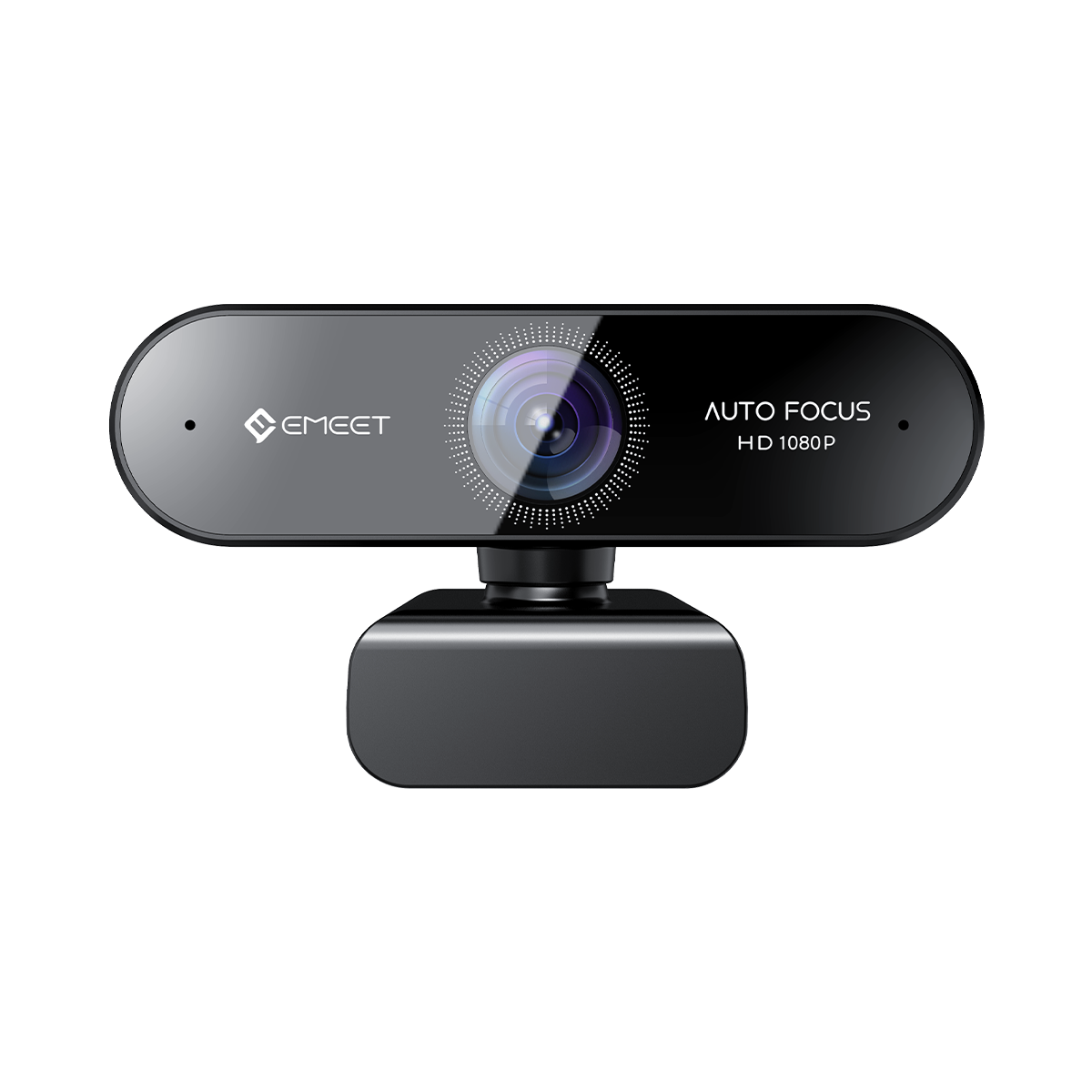
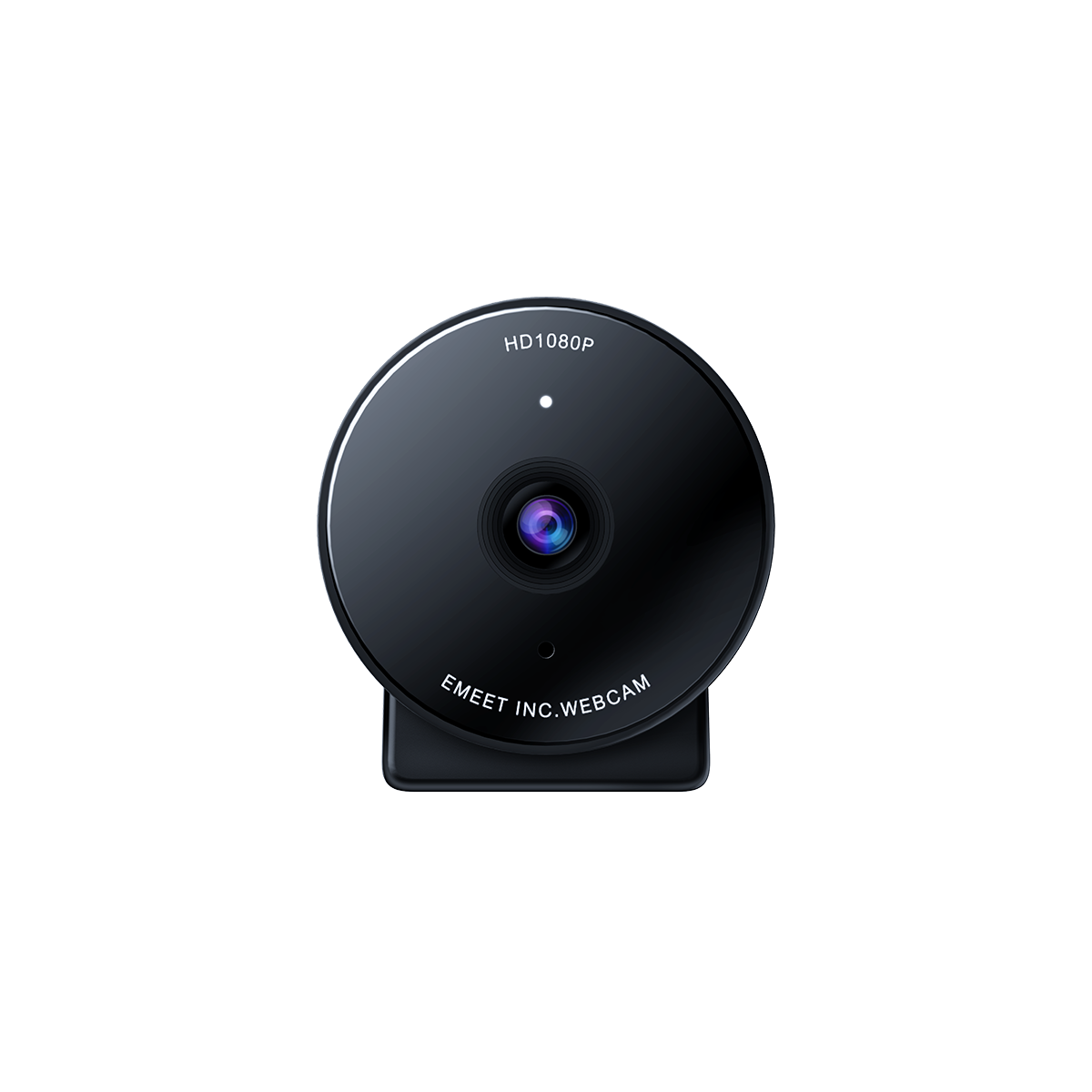
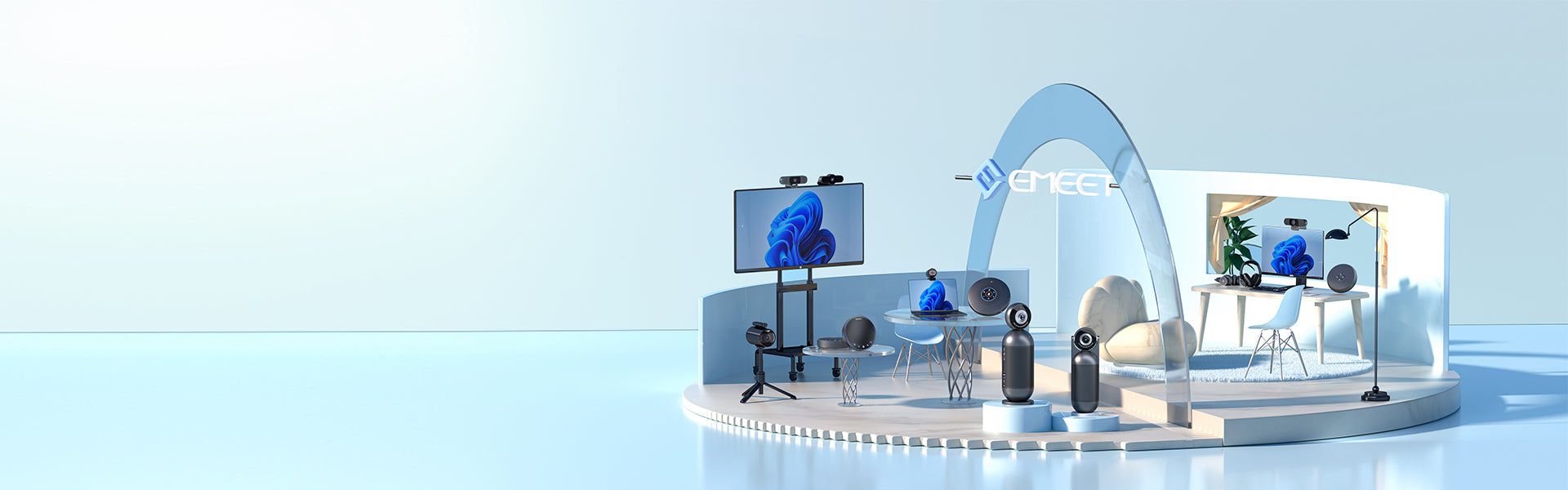
To comply with different types of hybrid meetings from above, selecting an appropriate video conference camera would be vital. The EMEET Meeting Capsule is the most suitable video conference equipment to meet the different types of hybrid meetings.
EMEET Meeting Capsule is a conference room camera and microphone device. It has a 1080P resolution, 30FPS, 360° conference camera for remote face-to-face meetings and 5 different types of conferencing modes for selection, including; Collaboration, Speech, Classic, Spotlight & InPrivate. In addition to allowing co-located participants to talk without looking at the screen, panoramic 360° cameras enable remote participants to follow meetings with no hiccups.
With the different selection of conferencing modes, you could just use the Meeting Capsule to meet your different conference needs without purchasing different types of conference cameras for different types of hybrid meetings.
Collaboration mode
The Collaboration mode is highly suitable for a hybrid meeting with many office-based participants and only a few remote participants. The Meeting Capsule has a 360° panoramic view of the meeting room at the lower bottom of the screen, and the current speaker screen is at the top. The Meeting Capsule can display 3 present speakers max simultaneously.

Classic mode
The Classic mode is highly suitable for hybrid meetings, for the number of office-based and remote participants are equal. It is a 180° wide-angle mode, accommodates the picture in front of the lens, and you can adjust the wide angle between 180°/120°/60° by using the remote control and adjusting the display position by clicking the direction buttons.

Spotlight mode
The Spotlight mode would be suitable for meetings where most of the participants are remote attendees, as the mode is a standard webcam mode; it has a default viewing angle of 65° and accommodates the 65° picture in front of the lens.

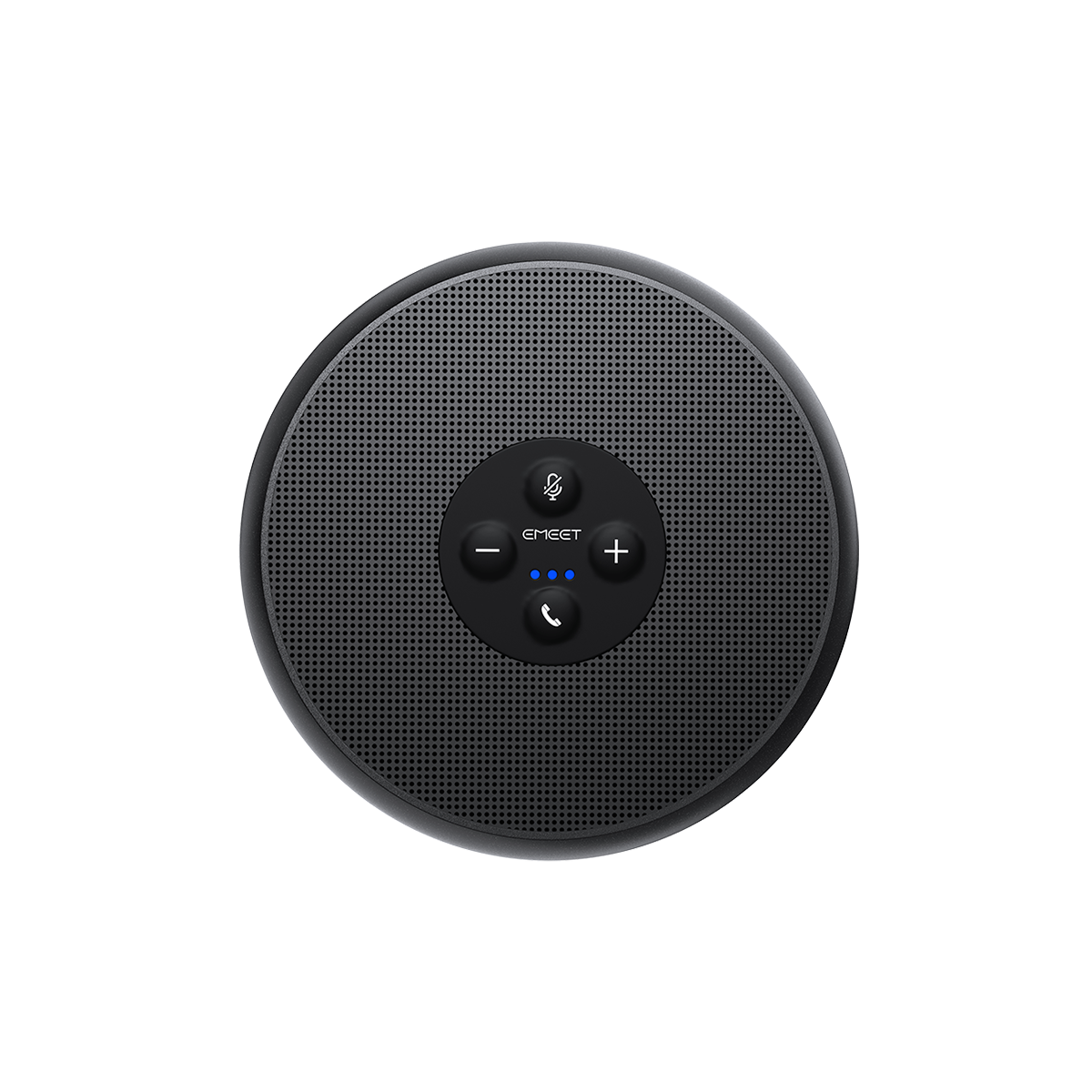
You can change the mode by operating the remote control, and an instant InPrivate mode can be activated by clicking the "Shield" symbol. You can also change the mode by clicking the buttons on the Meeting Capsule. Furthermore, EMEET has software called EMEETLINK, and it is a conferencing software that can control your EMEET devices, including changing the modes of Meeting Capsule.
Conclusion
Overall, it is crucial for businesses to select the correct video conference equipment as the traditional corporation in the office environment is now changing slowly into hybrid works. Companies will need to prepare for this change and select the correct conference equipment in order for the business to run smoothly when the change happens.


