


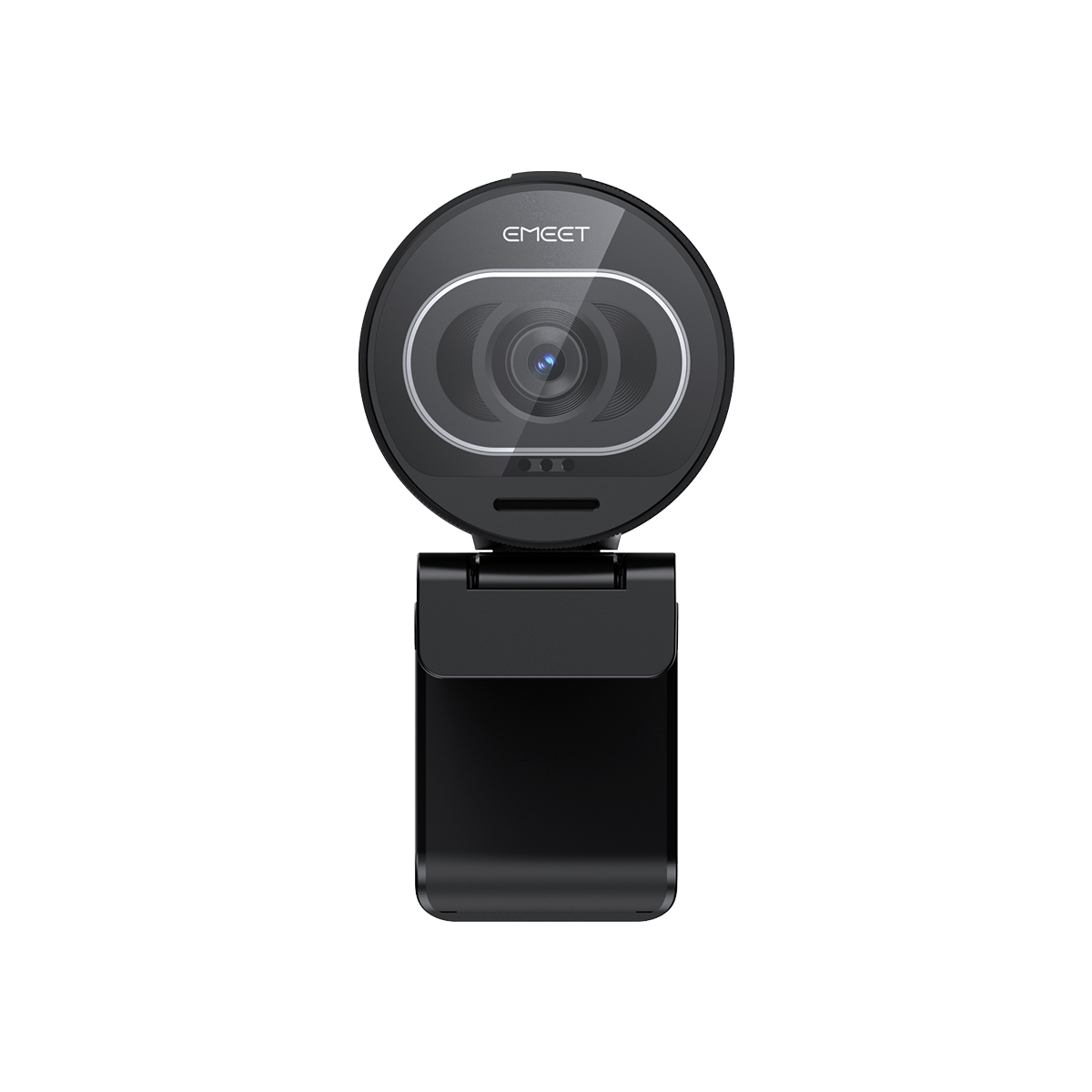


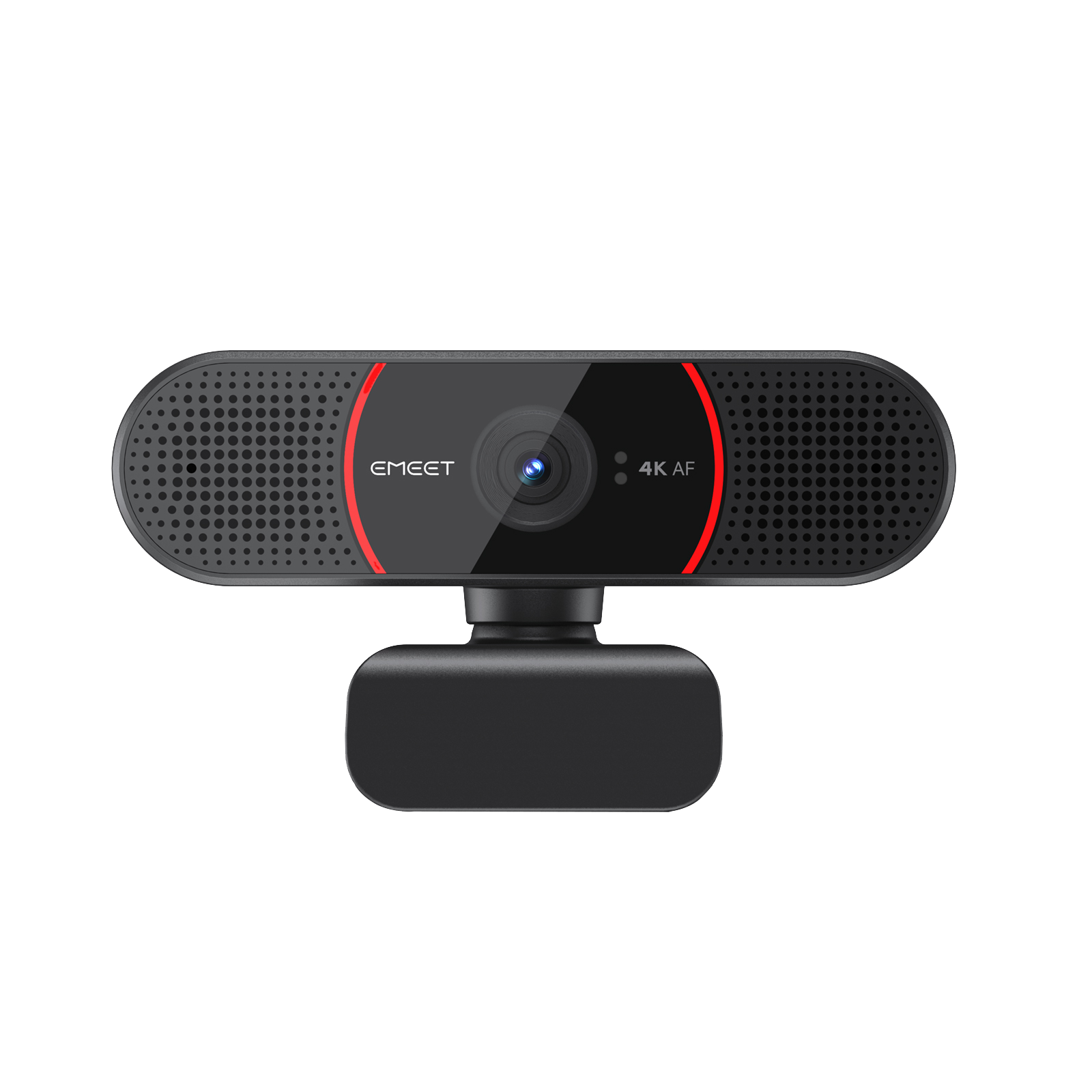
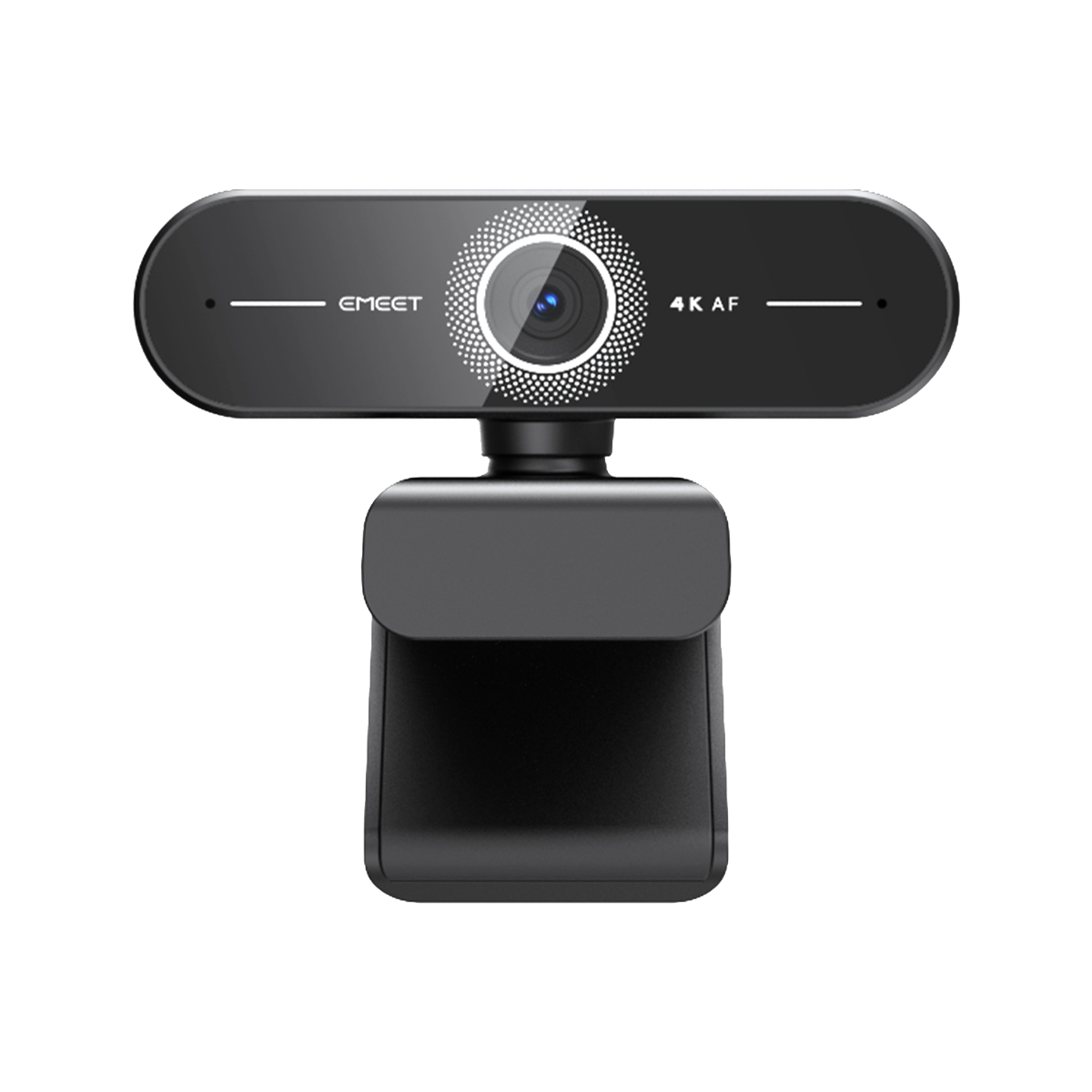

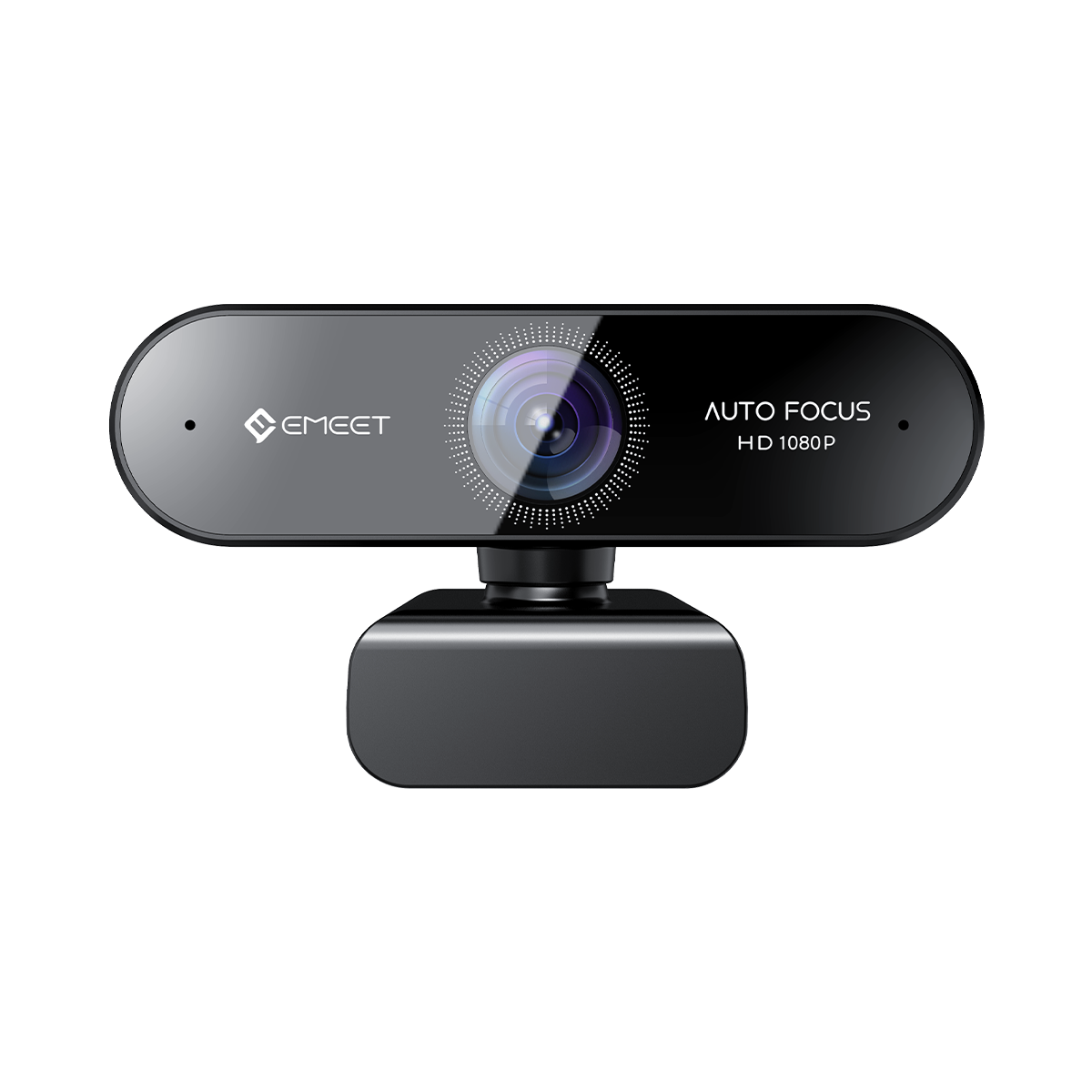

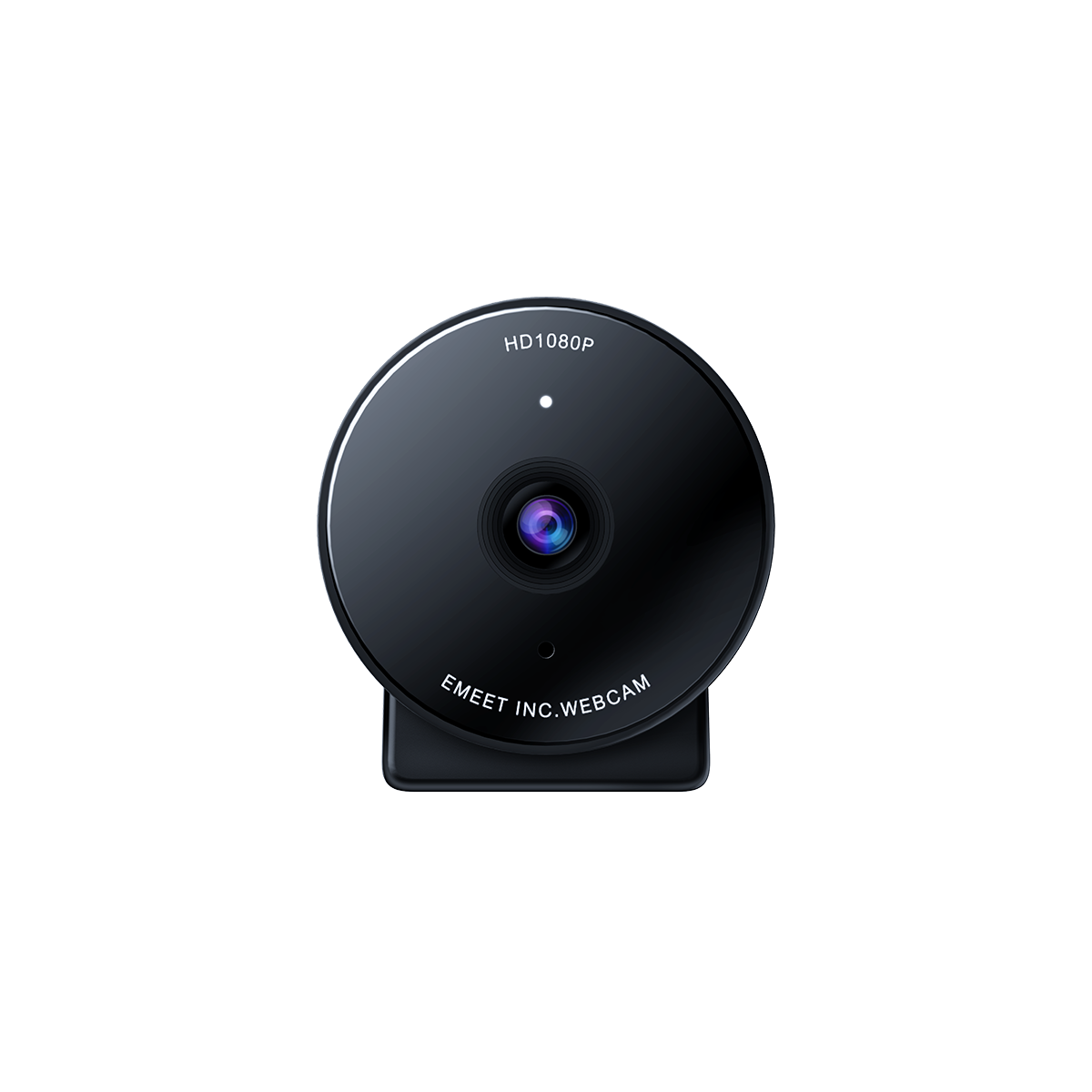






C960 Ultra FAQ
1. How to Use the C960 Ultra?
You can quickly get started with the C960 Ultra by following these steps:
-
Connect the Device
Plug the camera's USB connector directly into your computer's USB port. -
Open Your Application
Launch the application you want to use (such as the system camera or video conferencing software). In the device selection list, choose C960 Ultra as the camera.
Once the camera starts outputting video normally, the indicator light will turn solid blue.
Note:
The C960 Ultra features a driver-free design. Simply plug it into your computer and start using it—no additional drivers are required.
2. What mounting options does the C960 Ultra support?
The C960 Ultra supports two convenient mounting methods:
-
Monitor Mount
Use the built-in clip to securely attach the camera to the top of your monitor or laptop screen. -
Tripod Mount
The bottom of the camera features a 1/4-inch threaded hole, allowing it to be mounted on a standard tripod or universal stand.

3. What is the maximum resolution and frame rate of the C960 Ultra?
The C960 Ultra supports a maximum resolution of 4K (3840 × 2160) at 30 frames per second (fps).
It also supports 1080p (1920 × 1080) at up to 60 fps, allowing you to choose the best setting for different scenarios such as video conferencing, streaming, or recording.
4. What is the field of view (FOV) of the C960 Ultra? Does it support manual zoom?
The C960 Ultra features an adjustable field of view (FOV) ranging from 40° to 73°.
The default FOV is 73°, and it can be adjusted through the EMEET STUDIO software.
Note:
When using 4K, the FOV cannot be adjusted and will remain fixed at 73°.
5. Does the C960 Ultra come with software for advanced settings?
Yes. The C960 Ultra supports companion software for advanced configuration.
You can download EMEET STUDIO from the official website to easily adjust image parameters and other advanced settings.
6. How do I use the privacy mode on the C960 Ultra?
You can manually rotate the privacy shutter on the camera body to turn privacy mode on or off.
7. Does the C960 Ultra have a built-in microphone?
Yes. The C960 Ultra features dual built-in HD microphones that provide clear audio pickup. It is suitable for video meetings, live streaming, and online communication, without the need for an external microphone.

8.Does C960 Ultra support Webex?
Yes. The EMEET C960 Ultra is compatible with mainstream video conferencing software, including Webex, Zoom, Microsoft Teams, Skype and more. It is plug-and-play with no additional drivers required.