

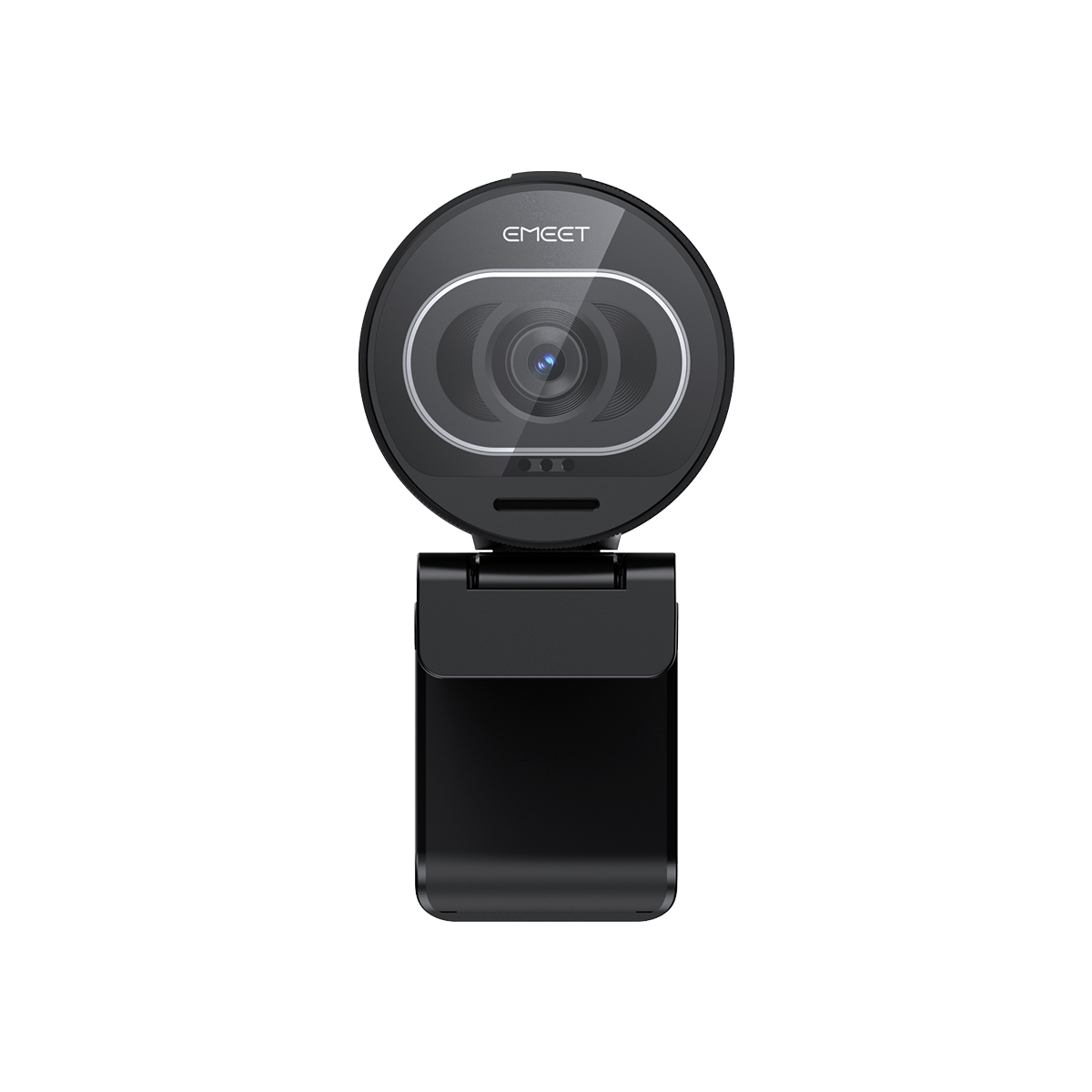


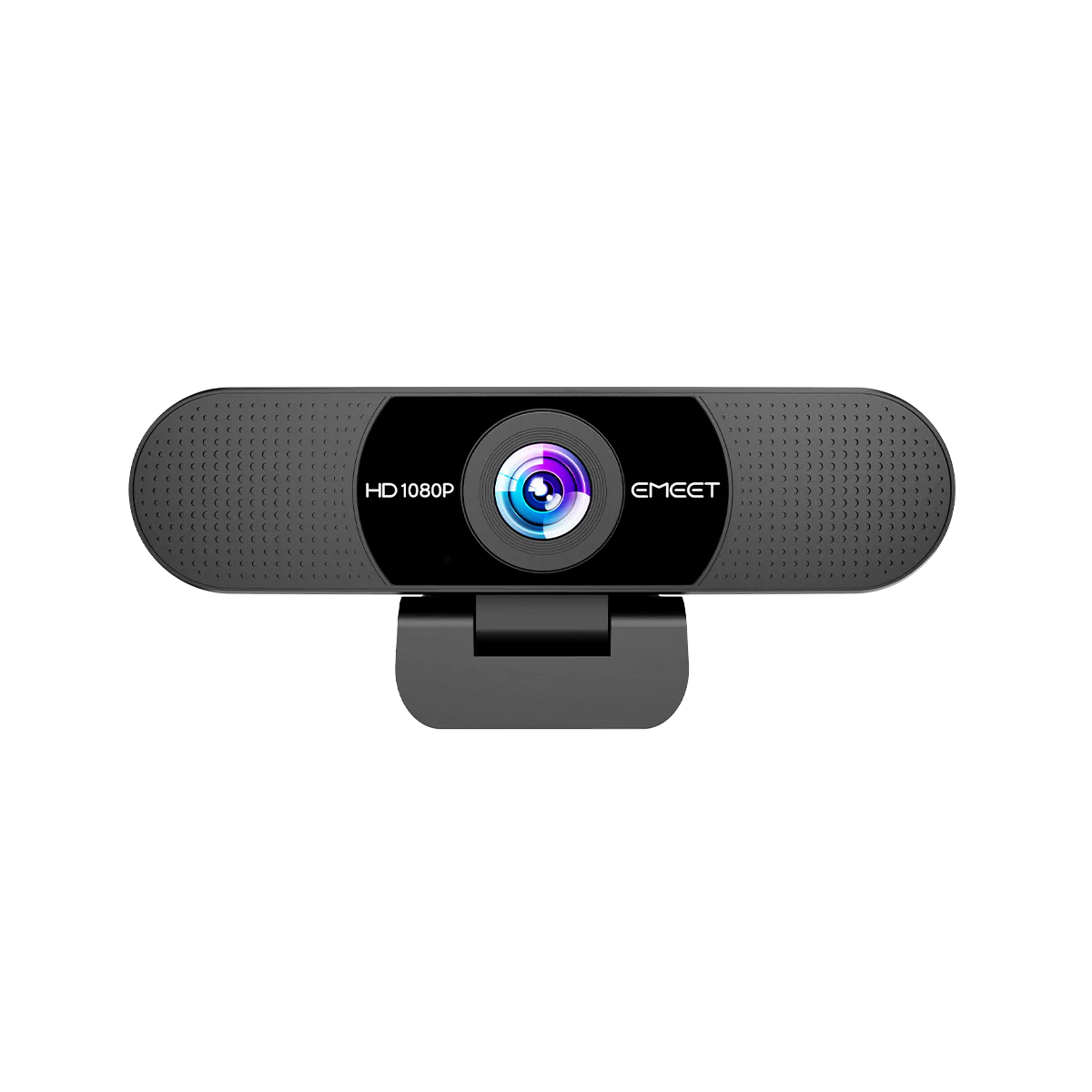
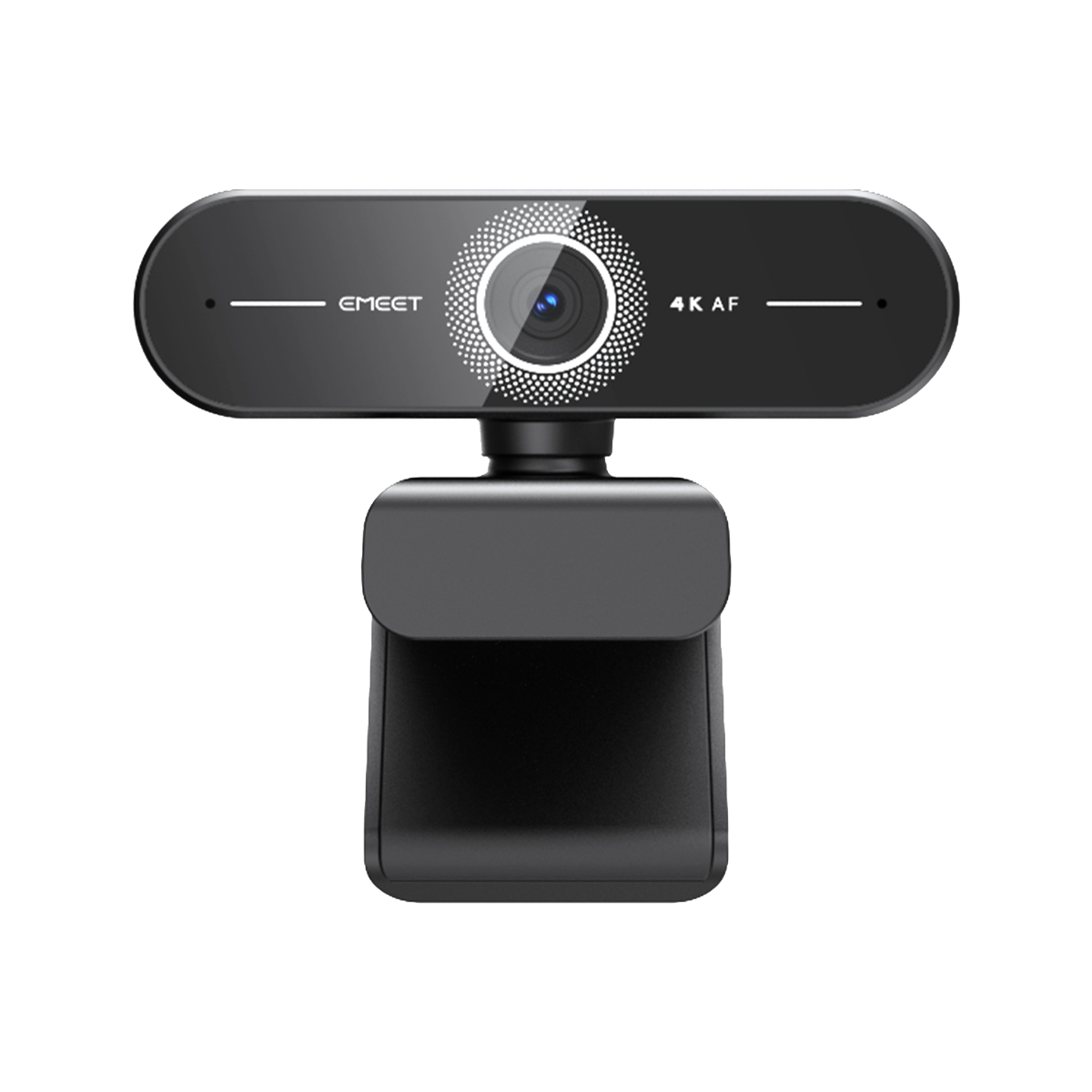


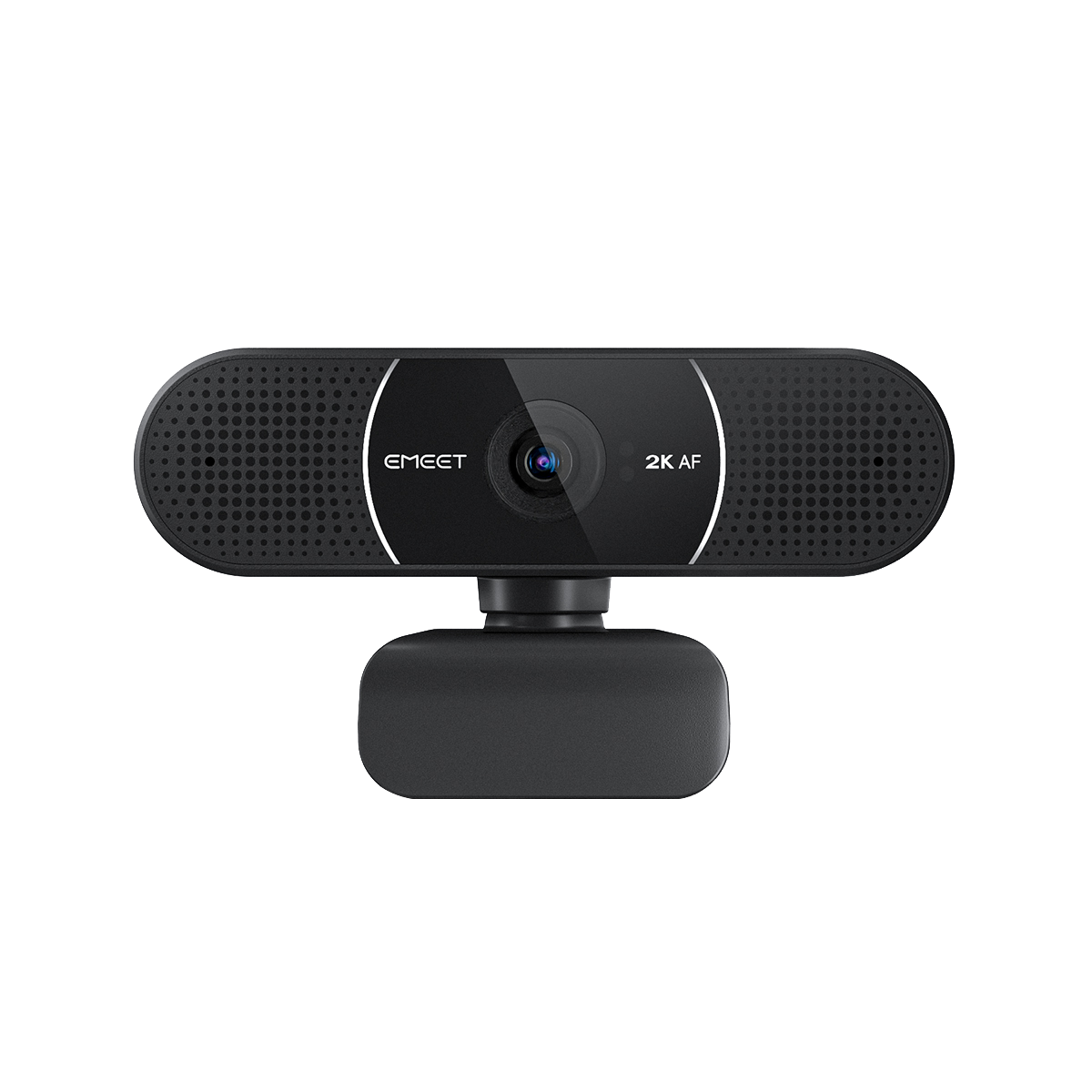
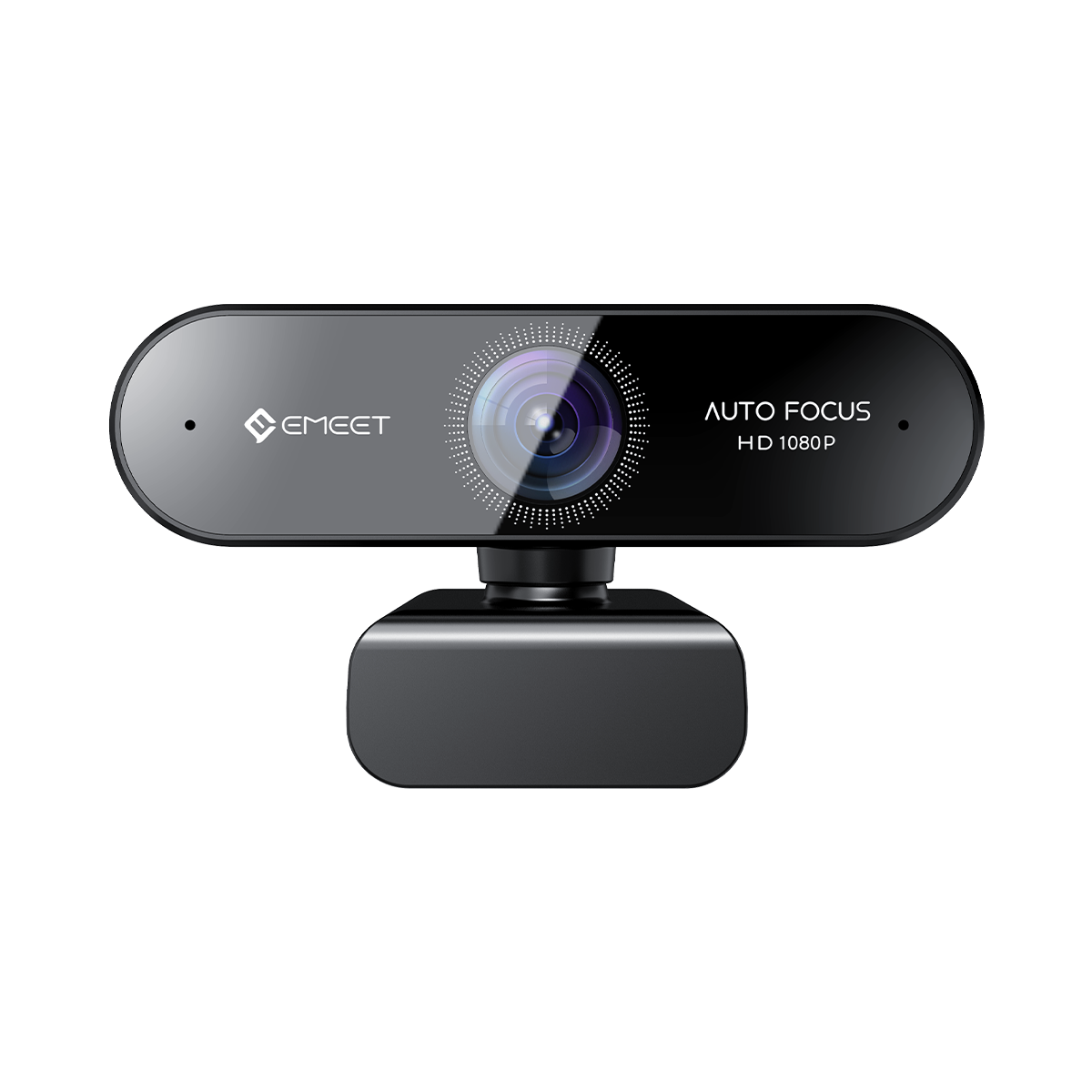

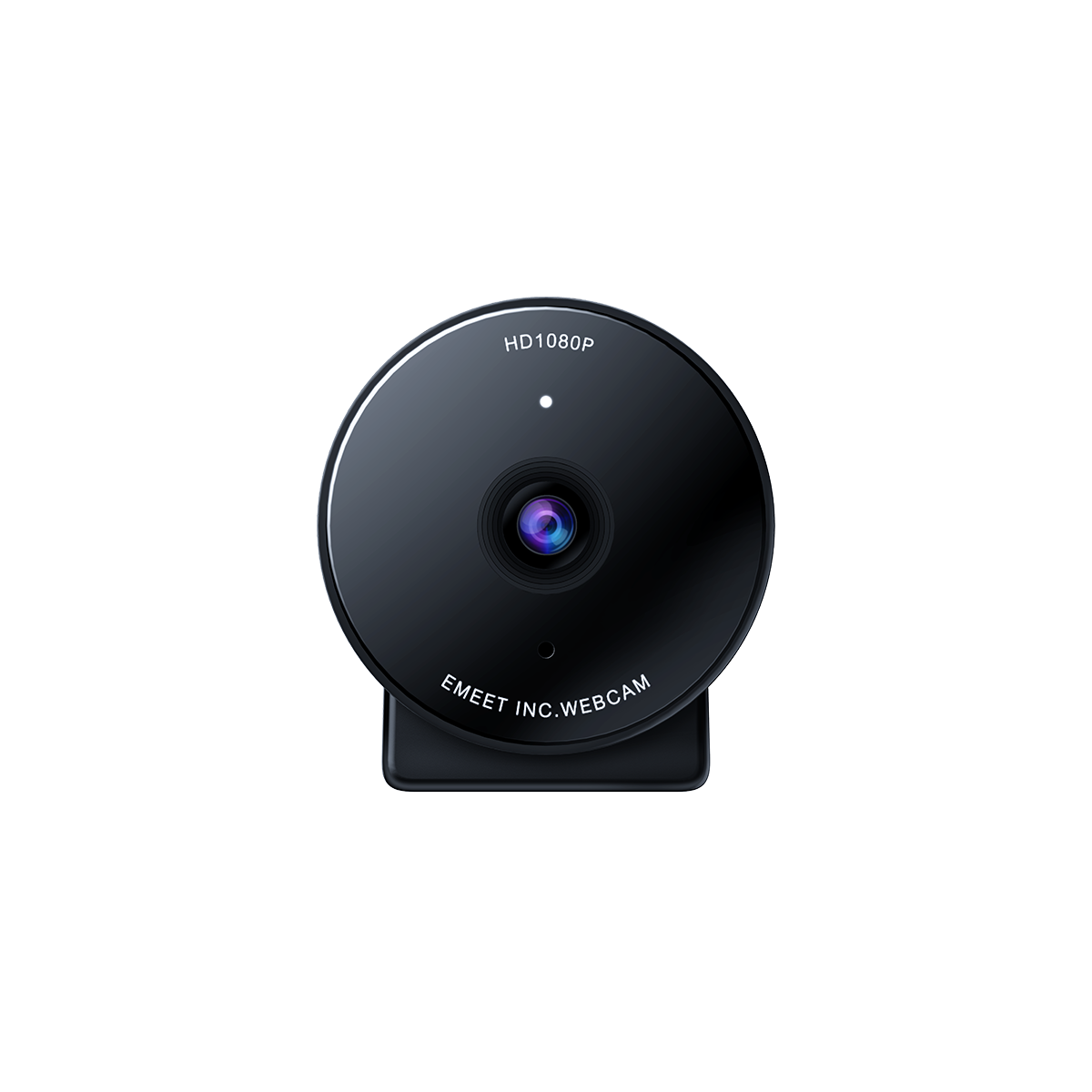
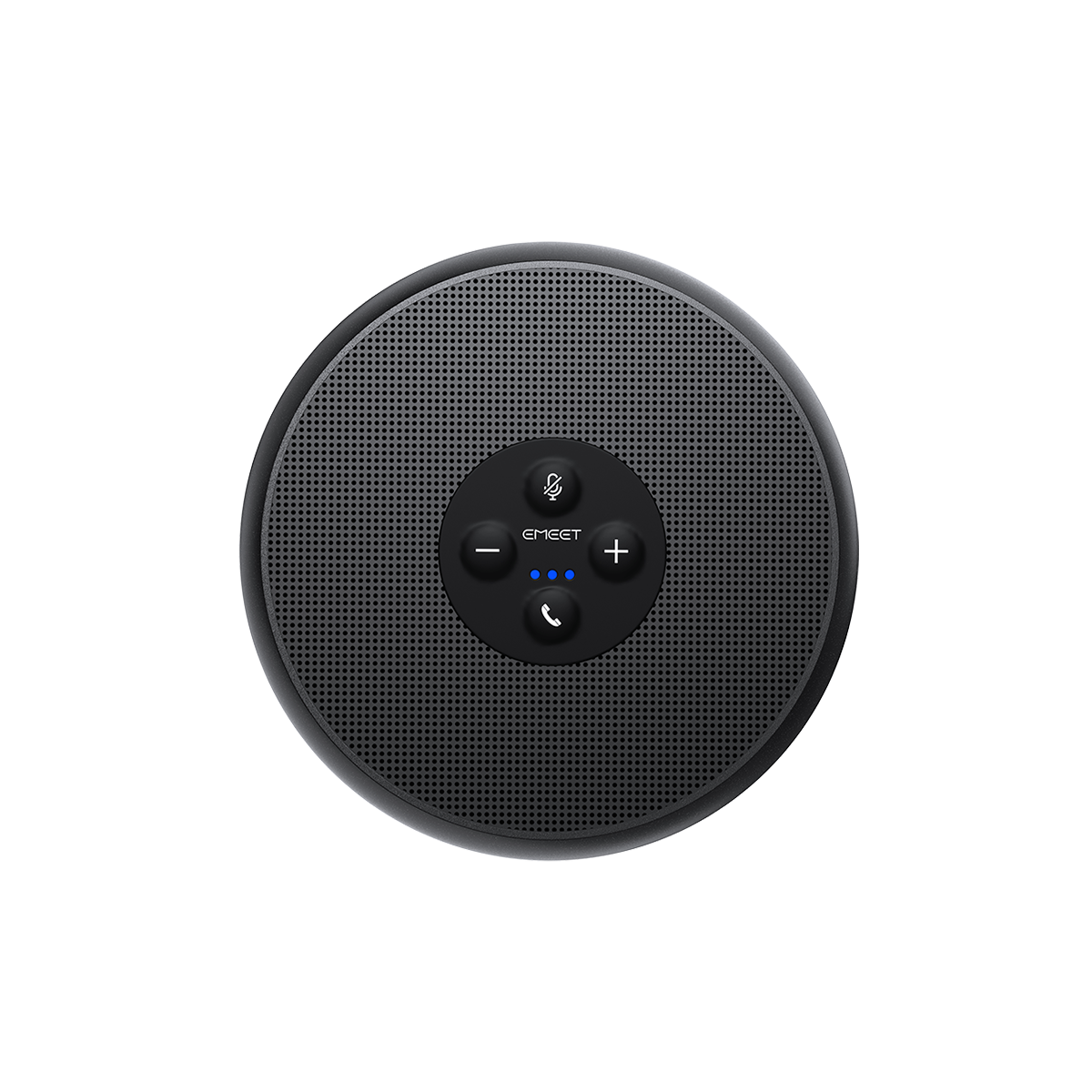






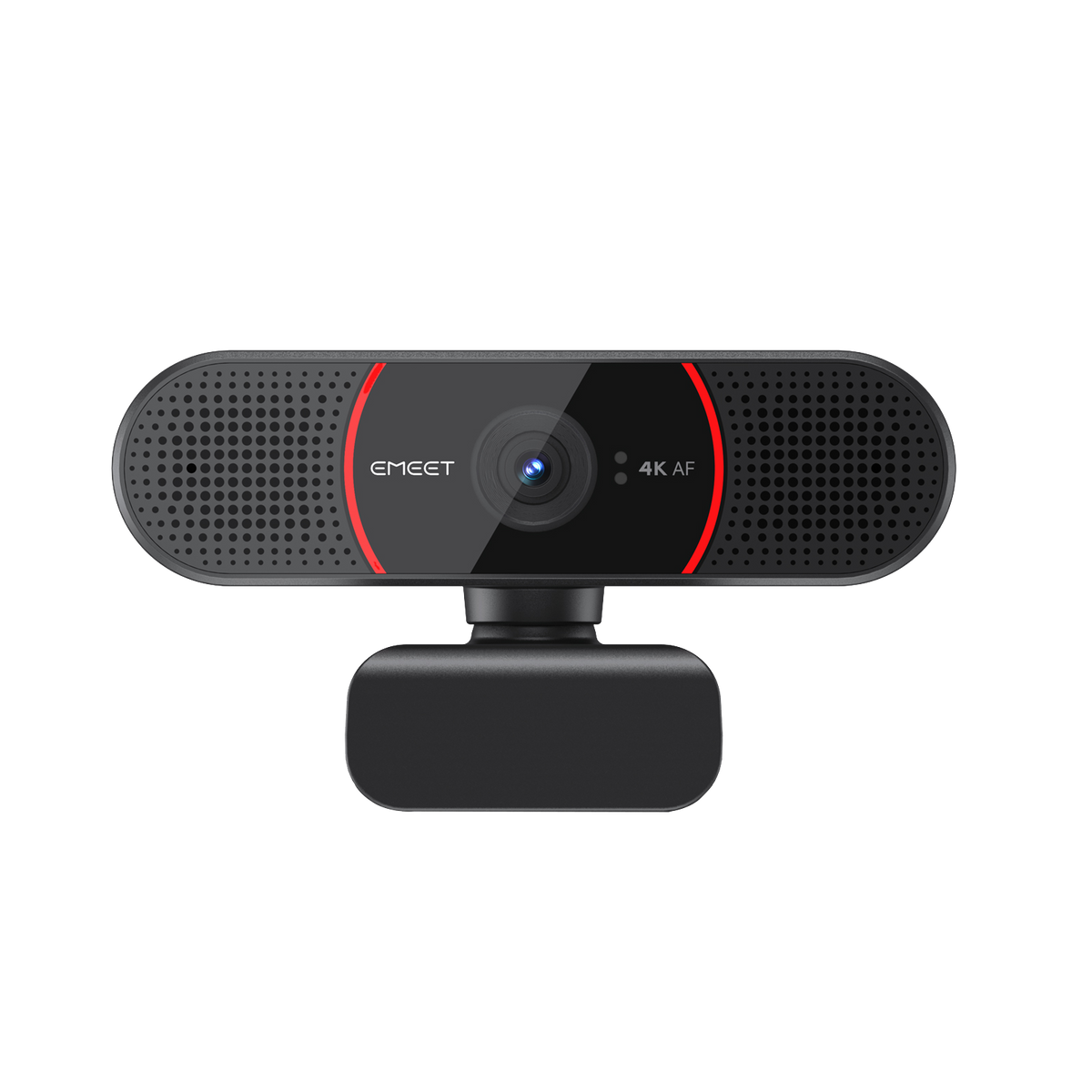


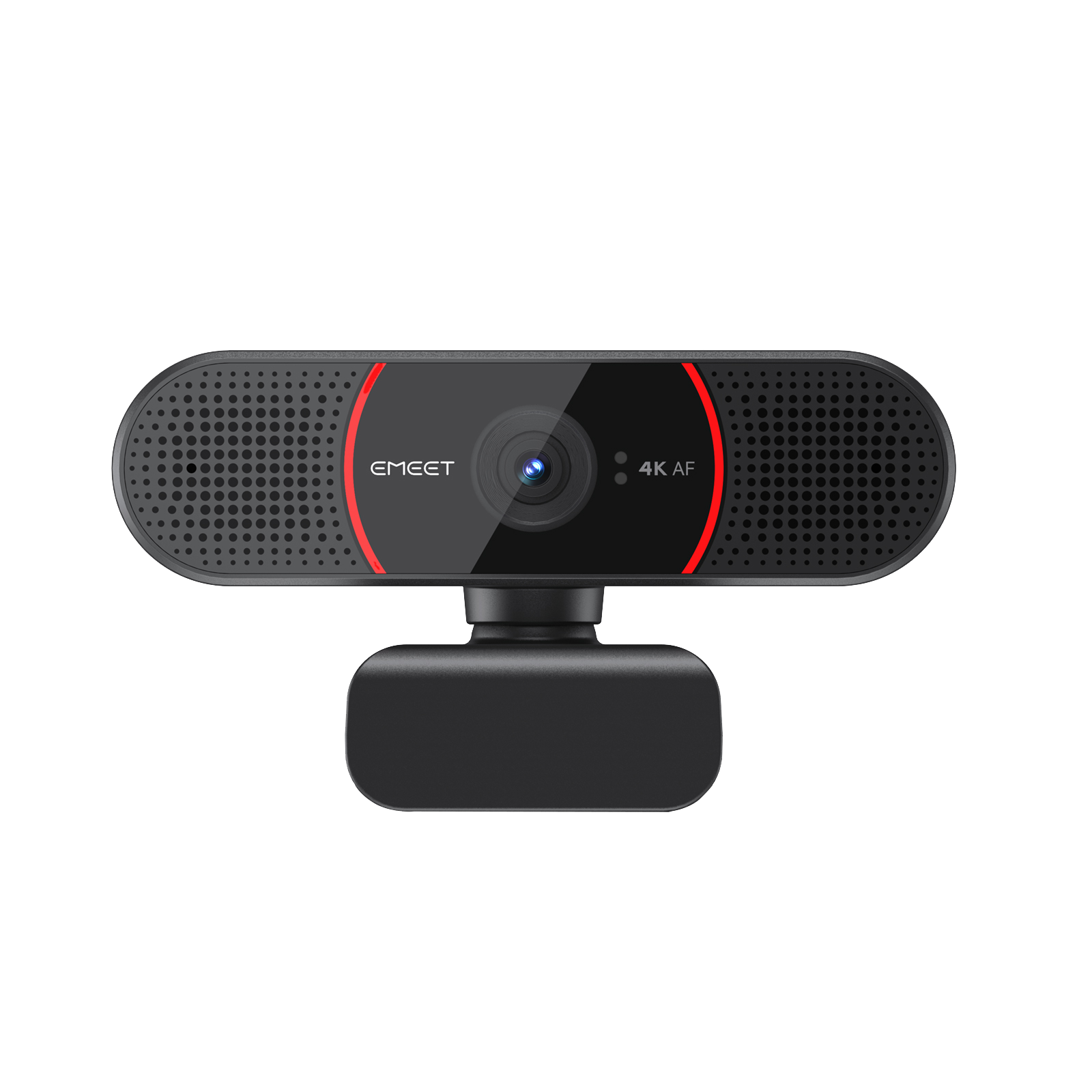
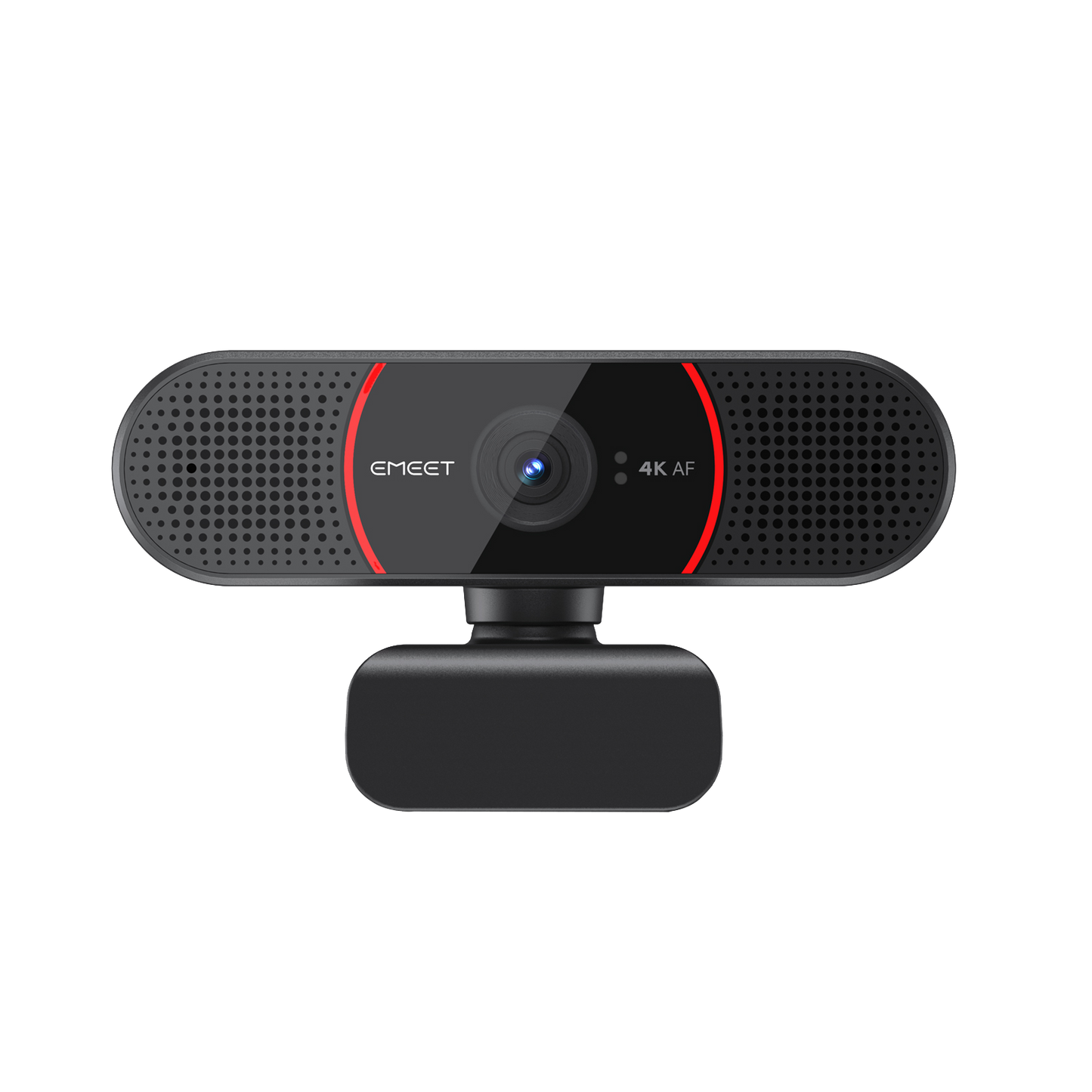
EMEET SmartCam C960 4K
Ultra HD Autofocus 4K Webcam with Dual Microphones
Impuesto incluido.
Los gastos de envío se calculan en la pantalla de pago.
-
4K, 2K, 1080p, 720p@30fps, Sony sensor
-
PDAF autofocus, auto light correction
-
Dual noise-cancellng microphones
-
73° field of view
-
USB 2.0/3.0 plug-and-play convenience
Quantity:
Inquiry Form
EMEET SmartCam C960 4K
Ultra HD Autofocus 4K Webcam with Dual Microphones


Envío Rápido y Gratuito
Reembolsable en 30 Días
Garantía Extendida Exclusiva
Servicio al Cliente sin Complicaciones
Vídeo de presentación





EMEET SmartCam C960 4K
C960 4K
MXN
$ 1,027.00
Vista General
Explorar
Especificaciones
Preguntas Frecuentes
Reseñas
Manual de Usuario
Clearer in Sight
The EMEET C960 4K is an upgraded UHD 4K webcam that enables both clearer video with a Sony sensor and clearer audio with dual nosice-cancellling mics. Perfect for online meetings, online teaching and more.


Ultra 4K HD Resolution
Enjoy professional-grade clarity with 4x the resolution of a standard HD webcam


Crisp UHD 4K with Sony Sensor
Present yourself more vividly with the Sony sensor and UHD 4k
resolution.
Auto Light Correction
The webcam will automatically adjust itself to ensure proper lighting
for your remote meetings, no matter the light conditions.


Precise & Stable PDAF-Powered Autofocus
The autofocus automatically adjusts the lens to keep you in sharp focus steadily. Never need to worry about blurry or out-of-focus images again.

Dual Noise-Cancelling Microphones
The two microphones empowered by our advanced noise reduction algorithm filter out noises efficiently, allowing clearer and smooth conversation.
Focus on You
The close-up 73° FoV ensures that you are always at the center of the frame. Perfect for personal use.

Plug and Play
Only one step needed and you're ready to go. All you need is to plug the USB cable to your PC and it's all set. No need to distinguish USB 2.0 and 3.0 for both can output videos in crystal clear 4K.

Privacy Protected
Comes with a physical cover for absolute privacy protection. Simply roll down the cover when not in use for a more relieved mind.

Easy to Use
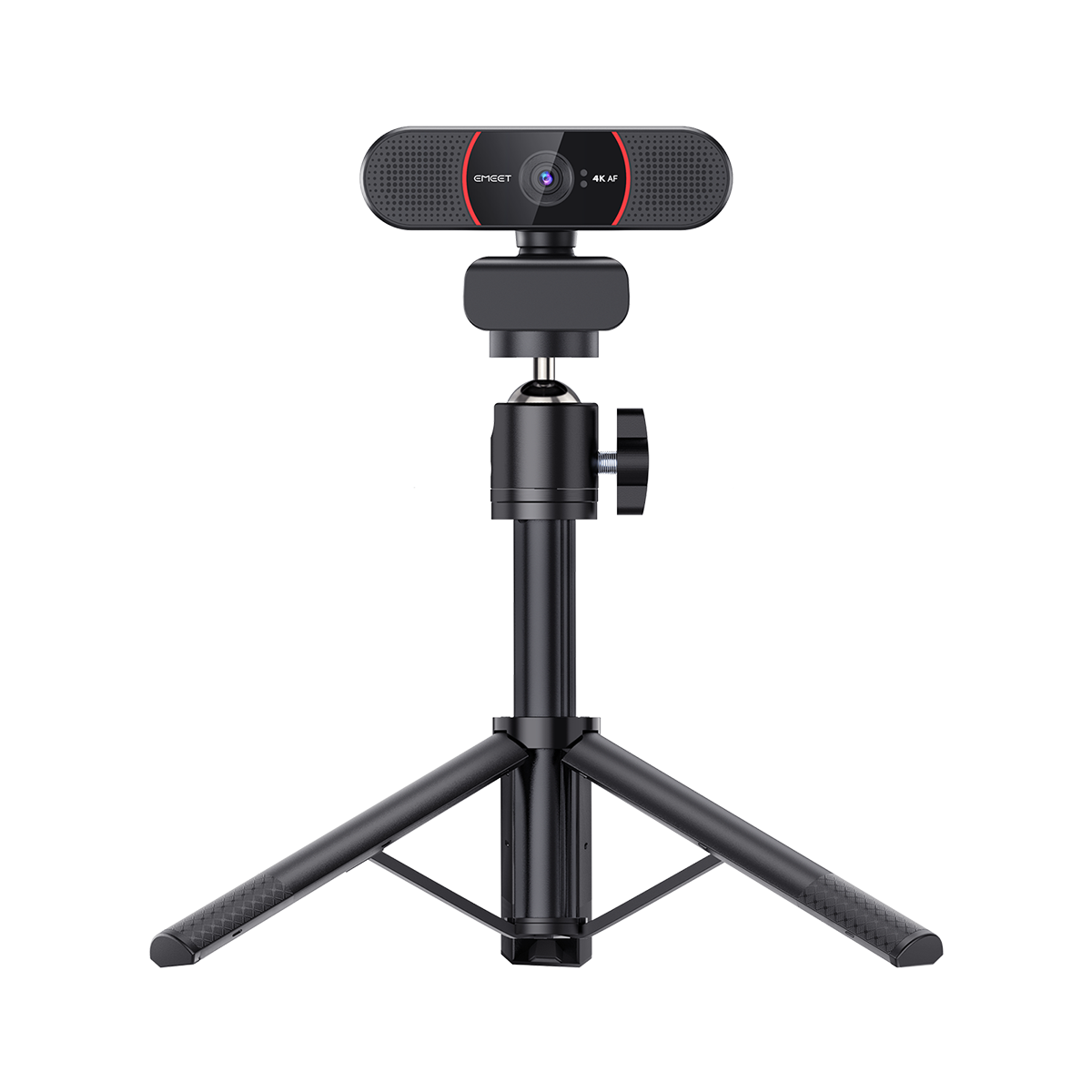
With the 180° adjustable base, the 360° rotatable head and the 1/4" tripod thread, you can use it anyway you like, either clip it on your monitor or simply mount it on a tripod.

Out-of-the-Box Compatibility
EMEET devices are designed to seamlessly integrate with the most popular operating systems and platforms, giving you the flexibility to work across multiple devices and environments.


Mac OS

Windows

Microsoft Teams

Zoom

GoToMeeting

Skype

Google Meet

Face Time

Cisco Webex

BlueJeans
Better with EMEETLINK
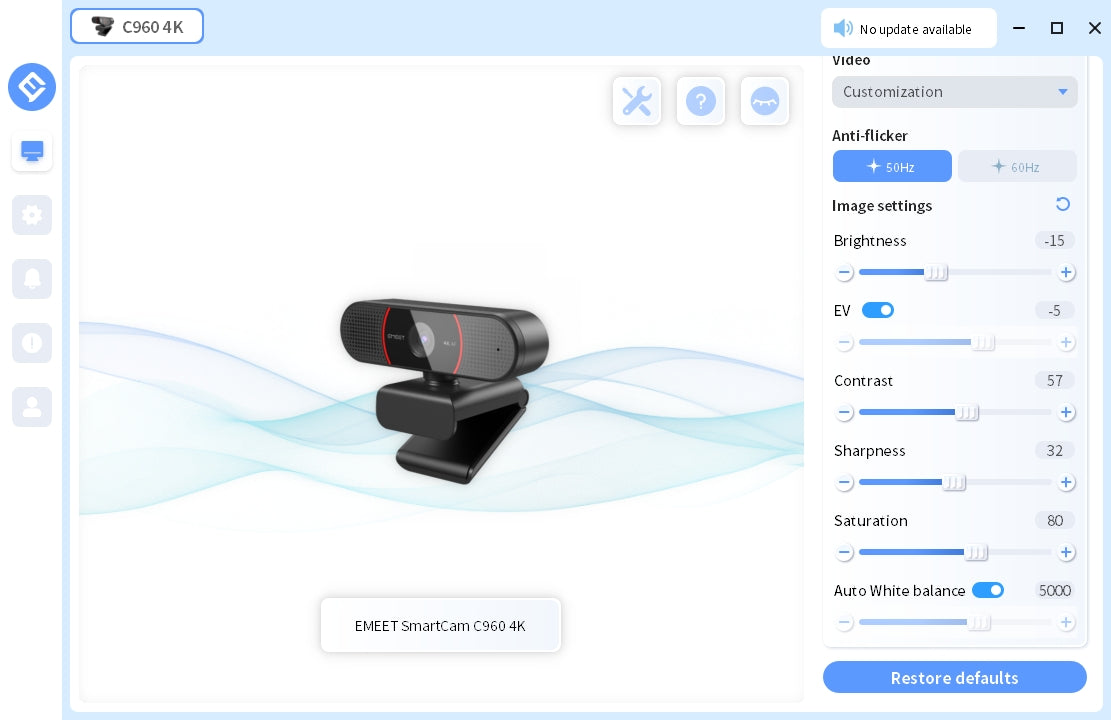
Easily manage your EMEET devices with EMEETLINK.
Change parameters and upgrade firmware to let it get smarter.
Change parameters and upgrade firmware to let it get smarter.
TECH SPECS
IMAGE
Max Resolution:
4K at 30FPS
Field of View (FoV):
73°
Focus Type:
PDAF-Powered Autofocus
Video Pickup Radius:
20-300cm
Video Codec:
YUY2 / MJPEG
Image Sensor:
Sony Sensor
Exposure Mode:
Automatic
White Balance:
Automatic
BLC (Black Light Compensation):
Automatic
AUDIO
Microphone:
2 Omni-Directional Microphones
Optimal Pickup Range:
8ft
CONNECTION
Connection:
Type A
Cable Length:
1.5m
UVC Communication Protocol:
UVC 1.0~1.5
USAGE
Privacy Cover:
Phyical Privacy Cover
Tripod Thread:
YES
Recommended For:
For Personal Use
Input:
5V, 500mA
Average Power Consumption:
2.5W
Dimensions (W*H*D):
100*59*55mm +1 mm
Weight:
153.4g
COMPATIBILITY
Compatibility:
Works with Zoom, Microsoft Teams, Skype for Business, Slack, Webex, and many more
Operating System:
Windows10, 11 Mac OS 10.14 or later


WHAT'S IN THE BOX
- EMEET SmartCam C960 4K
- Physical Privacy Cover
- User Manual
Product Comparison
| Model |
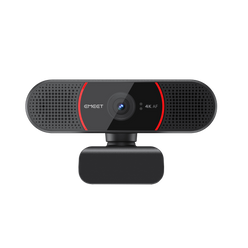 C960 4K
|
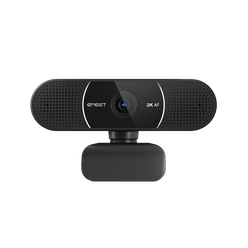 C960 2K
|
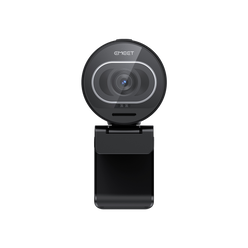 S600
S600
|
|---|---|---|---|
| Precio | $ 1,027.00 | $ 856.00 | $ 1,027.00 |
| Max Resolution | Ultra HD 4K@30FPS | 2K@30FPS | Ultra HD 4K@30FPS FHD 1080P@60FPS |
| Field of View (Diagonal) | 73° | 73° | Adjustable 65°-88° |
| Focus Type | PDAF Auto Focus | PDAF Auto Focus | TOF Auto Focus |
| Auto Light Correction | Yes | Yes | Yes |
| Microphone | 2 Noise-Canceling Mics | 2 Noise-Canceling Mics | 2 Noise-Canceling Mics |
| Connection | Plug-and-Play USB-A | Plug-and-Play USB-A | Plug-and-Play USB-C to C |
| Privacy Cover | Physical Flippable Privacy Cover | Physical Flippable Privacy Cover | Built-in Rotary Privacy Cover |
| 360° Rotatable Head | Yes | Yes | NO |
| Tripod-Mounted(1/4" Thread) | Yes | Yes | Yes |
| Dimensions (W*H*D mm) | 100*59*55 | 100*59*55 | 71*52*71 |
FAQ
Have a Question?
EMEET SmartCam C960 4K
Ultra HD Autofocus 4K Webcam with Dual Microphones
What is TOF Focusing?
TOF Focusing is a camera technology that uses Time of Flight (TOF) imaging to measure the distance between the camera and the subject being photographed.
This enables more accurate autofocus and better low-light photography.
What is the difference between TOF focusing and automatic focusing?
TOF focusing and automatic focusing have some differences.
Automatic focusing is a technology that uses the camera lens to measure the focus in the photo and adjusts the camera's focus distance automatically to make the focus clear based on the measurement result.
TOF focusing uses time-of-flight camera technology to calculate the distance to the object, and when adjusting the focus, it prioritizes the distance to the object, so it can focus more accurately.
In addition, TOF focusing can work better in low-light environments because it does not rely only on visible light.
How do I use the USB Webcam?
1. Turn on
Plug the USB-A connector into your computer, the device will automatically turn on.
Then open the software you want to use, and select the EMEET device.
The device status indicator will turn blue, indicating that the camera is working.
2. Turn off
Exit the meeting software, the camera will turn off.
Unplug the USB connector from your computer or laptop, the device will automatically turn off.
3. Plug-and-play supports your computer to recognize the webcam immediately.
Note: If your computer does not instantly recognize the webcam, please check if the following tips can resolve the issue:
Check if the device has been selected on your meeting software.
Try plugging into a different USB port or restarting the computer.
USER MANUAL
EMEET SmartCam C960 4K User Manual
Download Now
- Al seleccionar una opción, se actualiza toda la página.