

![PIXY Wireless[DEFAULT]](http://emeet.com/cdn/shop/files/pixy_647010c6-662a-4af7-b8bb-ad66e457c662.png?v=1780025408&width=480)




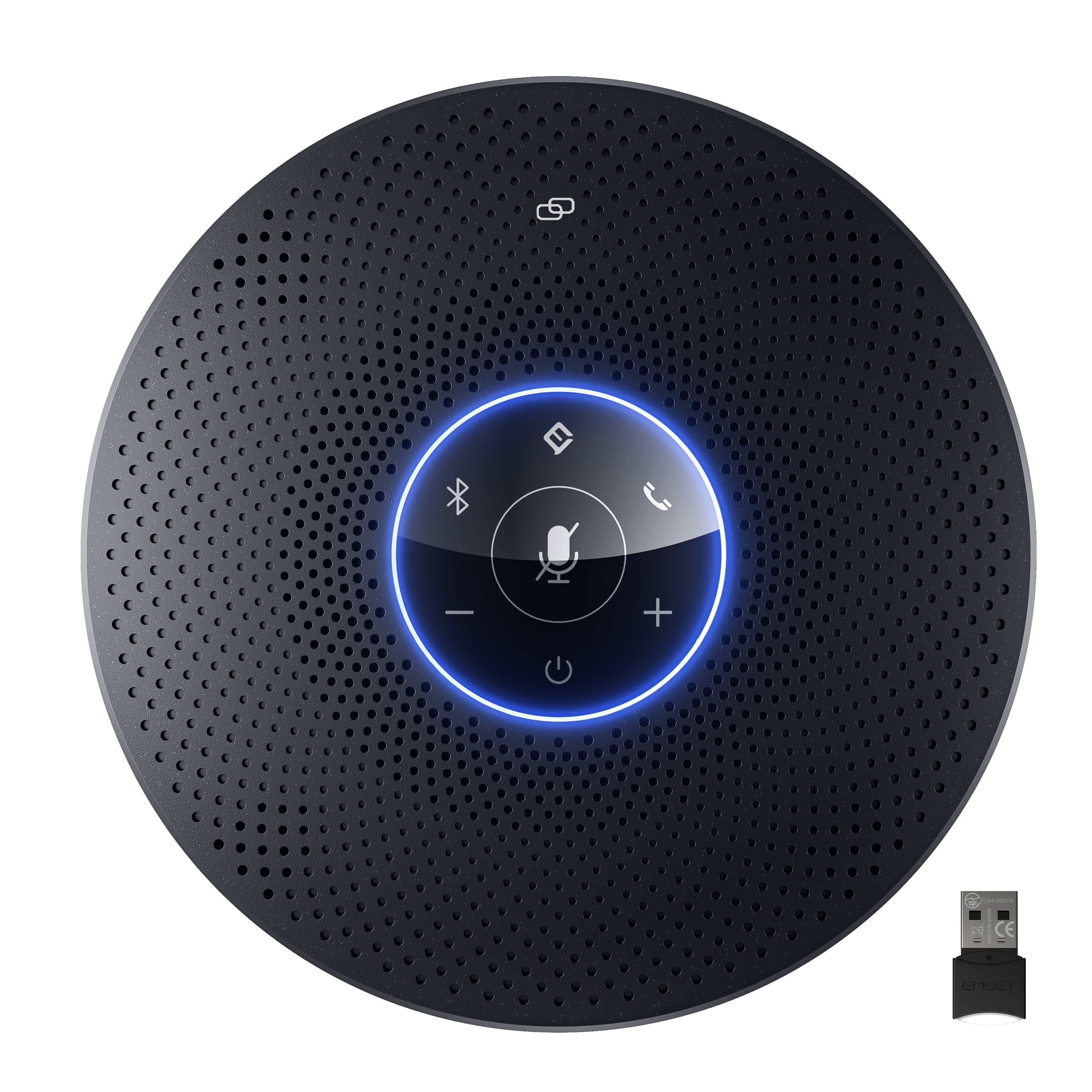
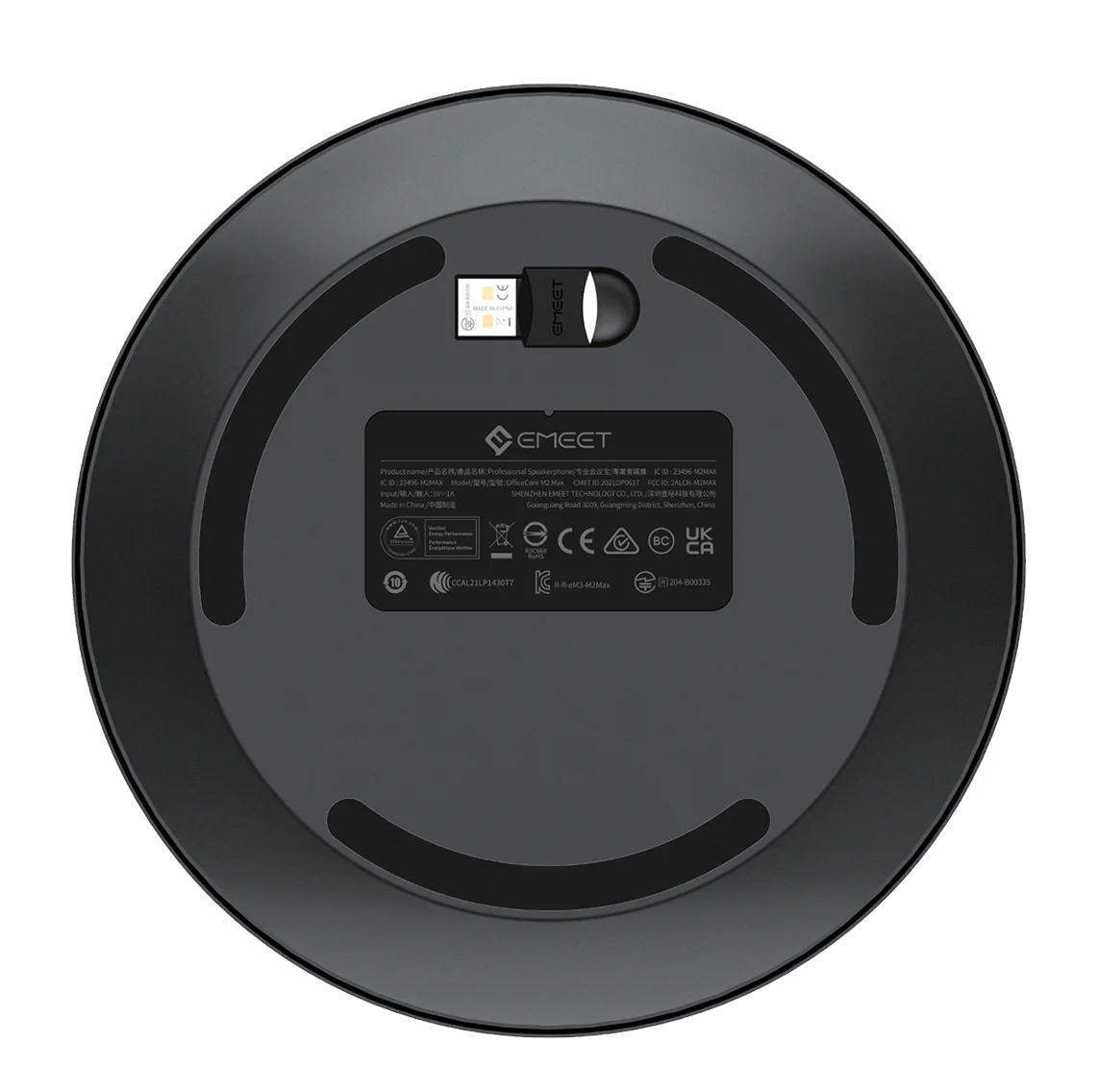
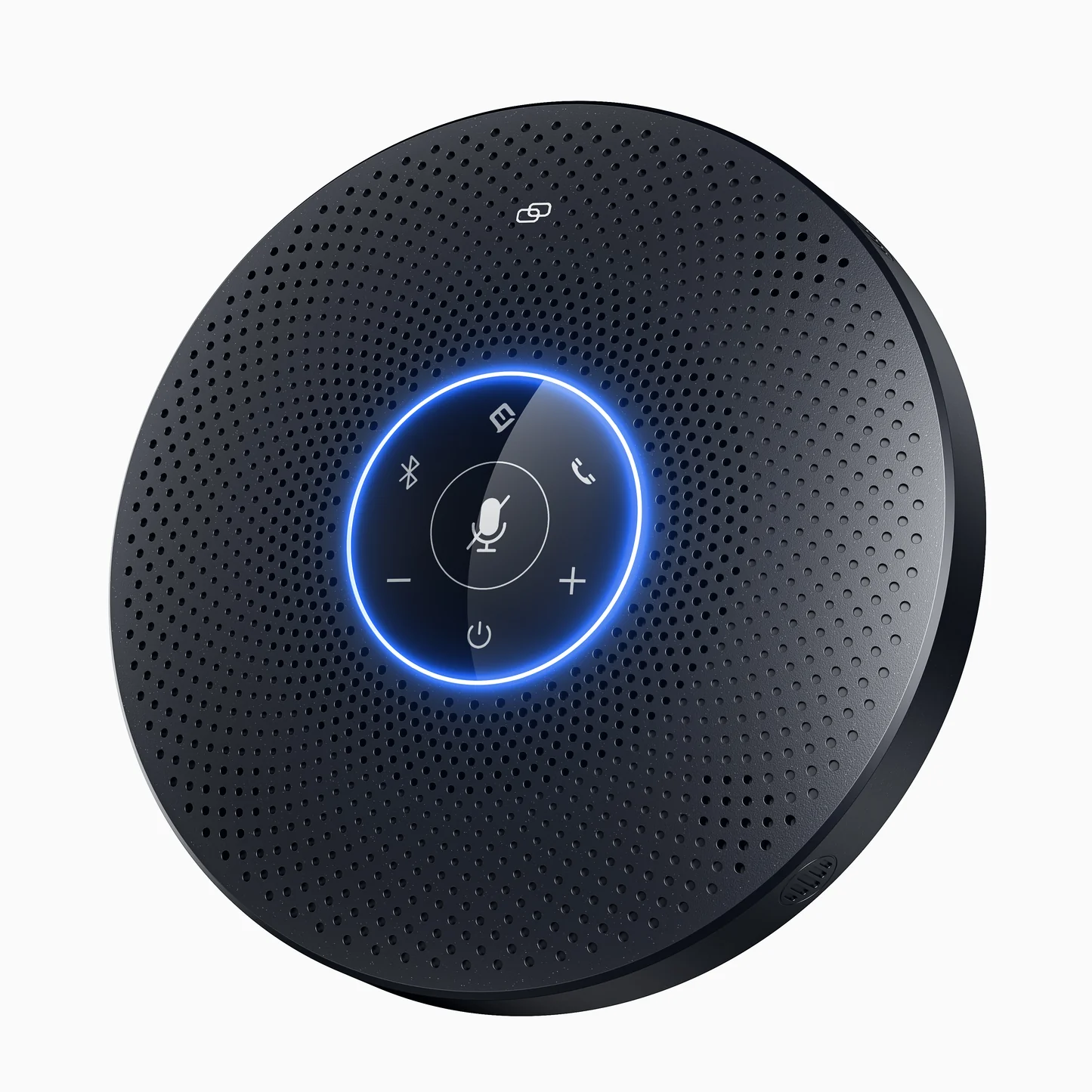
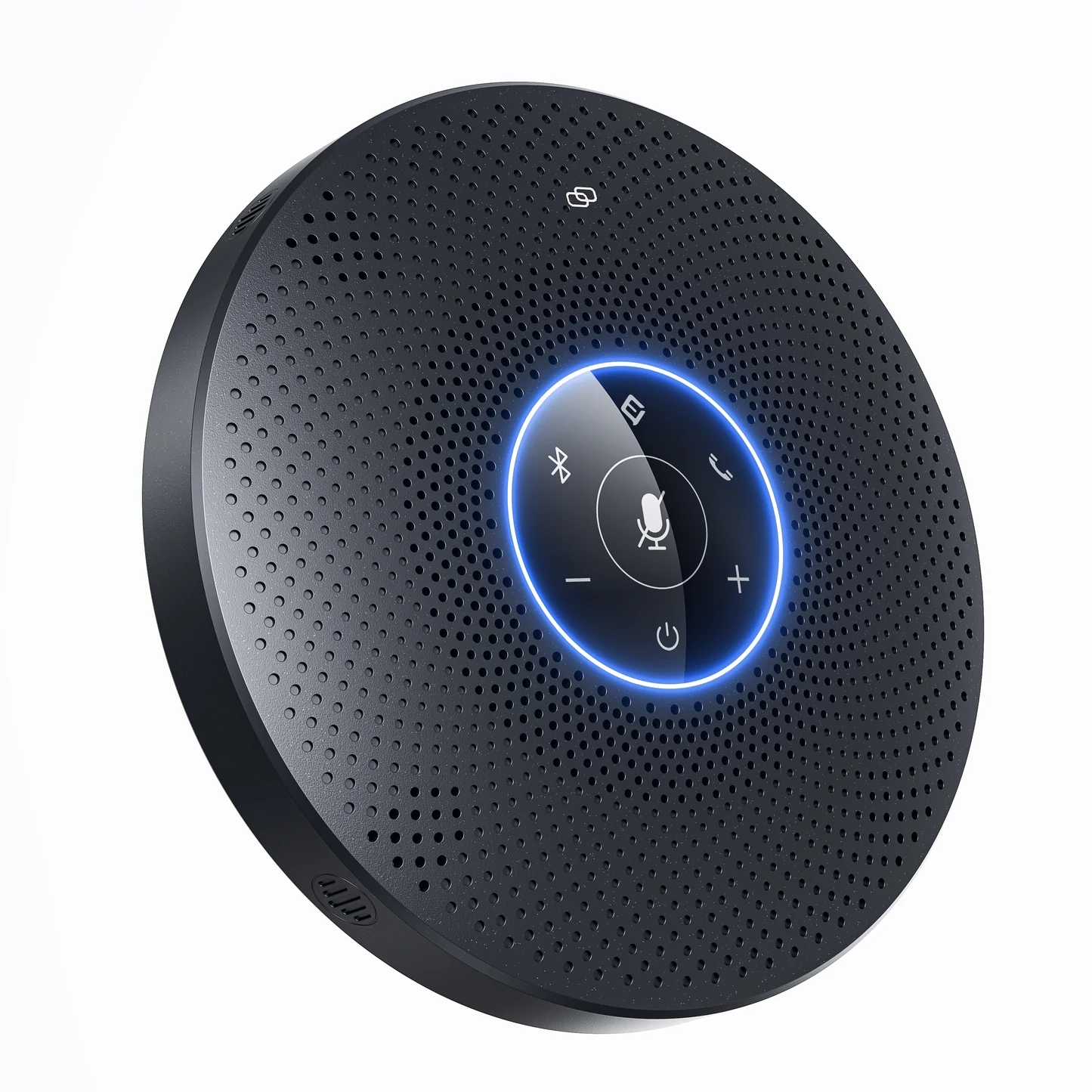
EMEET OfficeCore M2 Max
Dual Way Audio Quality Max Professional Speakerphone
SGD
$558.00
税込み。
配送料はチェックアウト時に計算されます。
- 360° × 5m voice pickup & voice positioning
- 4 directional mics, 48kHz sampling rate
- VoiceIA® - voice enhancement, noise cancellation and full duplex
- Loud and clear 5W/89dB speaker
- Patented suspended microphone cavity design
- Daisy Chain connection
- Plug-and-play USB, multi-point Bluetooth, USB adapter
数量:
お問い合わせフォーム
EMEET OfficeCore M2 Max
Dual Way Audio Quality Max Professional Speakerphone


迅速、無料配送
30日以内に返金可能
独占延長保証
手間のかからないカスタマーサービス



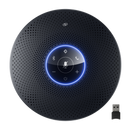
EMEET OfficeCore M2 Max
M2 Max
SGD
$558.00
Explore
Overview
Specs
FAQs
Reviews
User Manual
最大化されたパフォーマンス、最適化された生産性
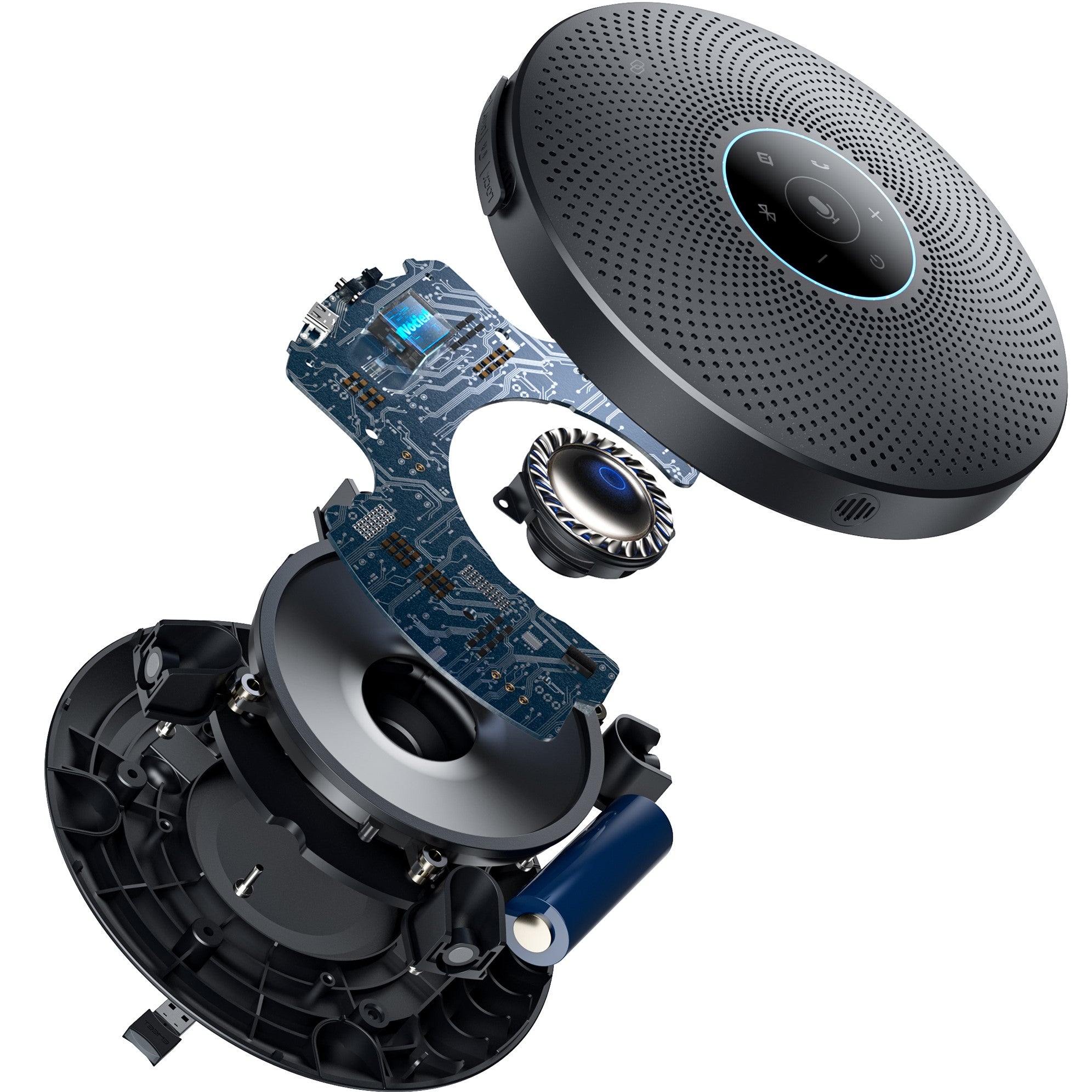
リングライトによる360°音声ピックアップとポジショニング、48kHzサンプリングレート、独自のDSPアルゴリズムVoiceIA®、史上初の吊り下げ式マイクキャビティデザインを備えた最高級プロ向けスピーカーフォンは、中・大規模会議室やパーソナルワークスペースに最適です。
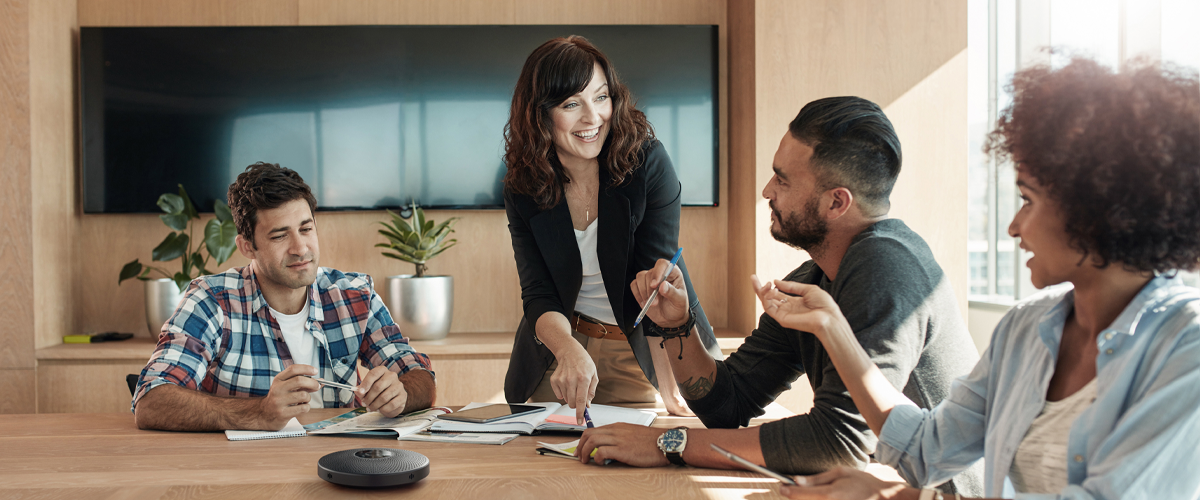

超高品位の360° 音声ピックアップ
4つの直径10mmの高感度指向性マイクは、360°の音声ピックアップを可能にし、クラス最高の48kHzサンプリングレートによる際立った明瞭さとリアリティで、超高品位の室内音声が再現されるため、リモートチームメンバーは、自分がその場にいるかのように会話に完全に没入できます。
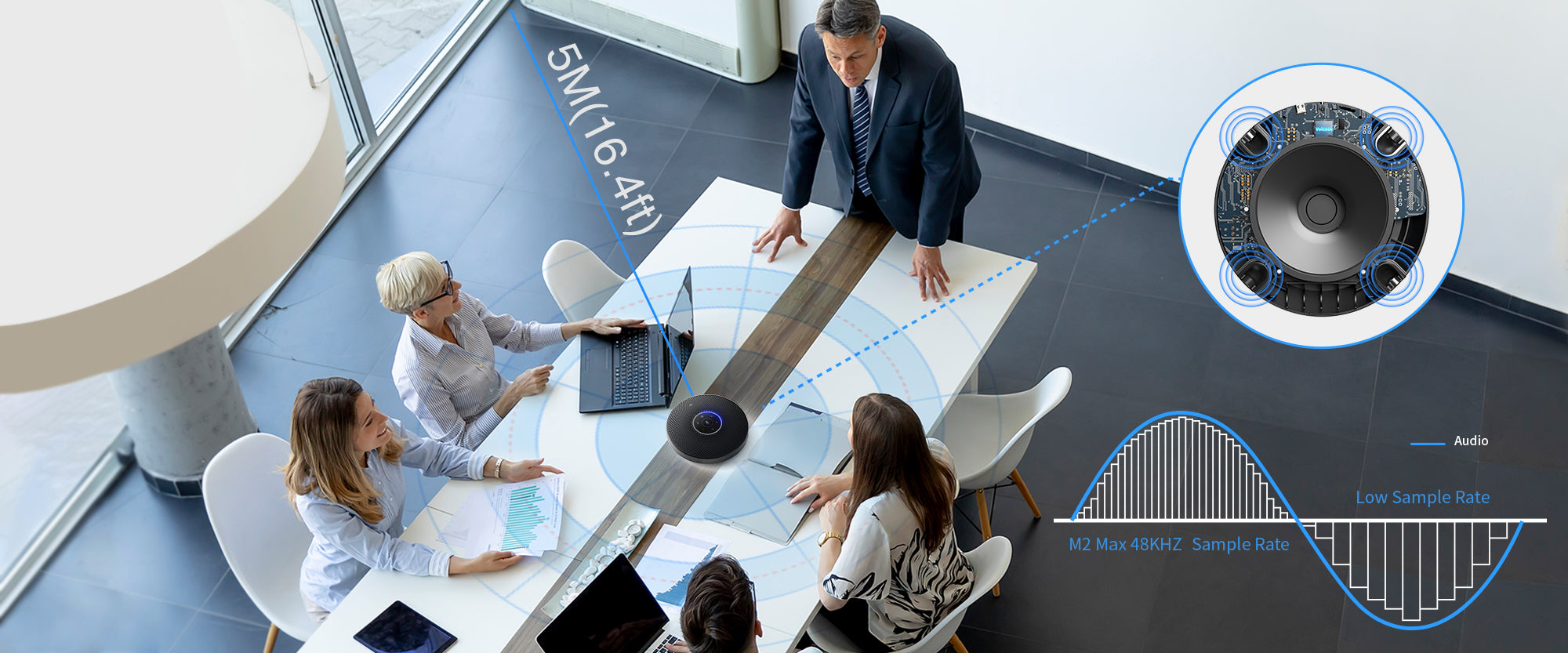
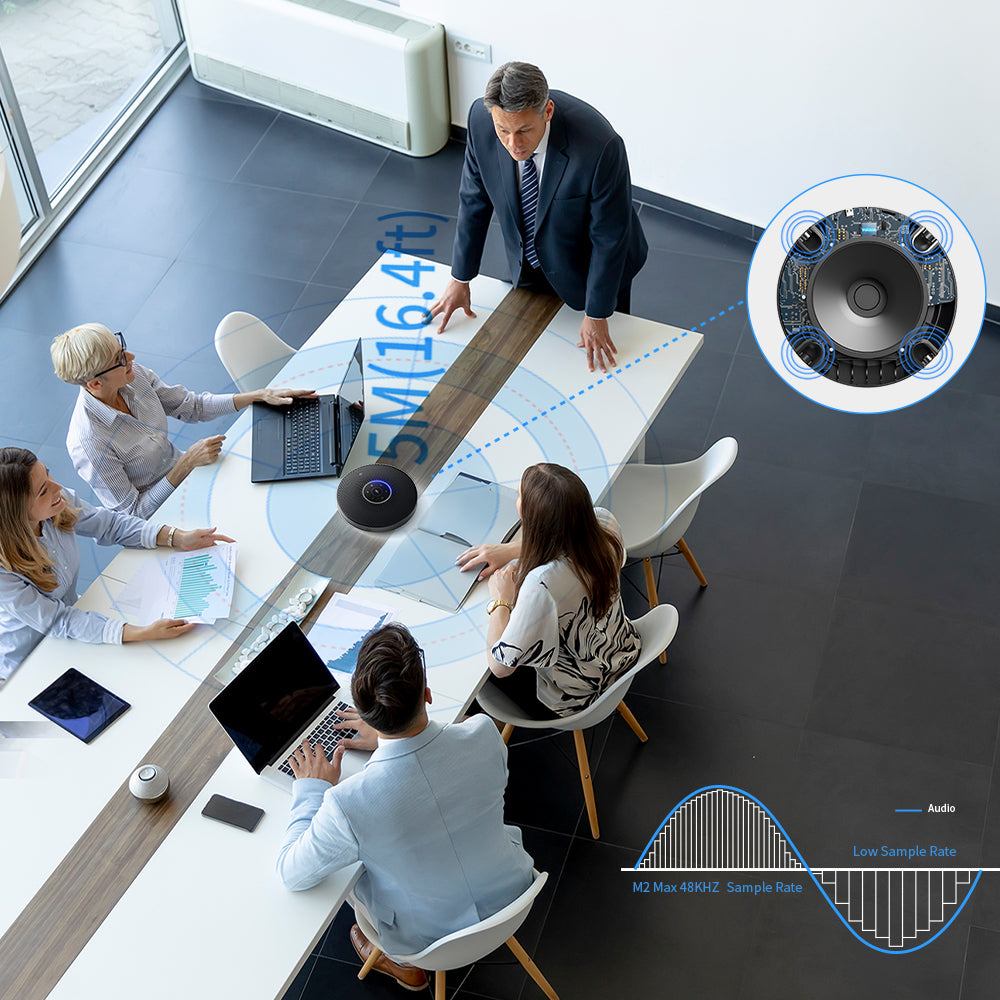
スマート音声ポジショニング
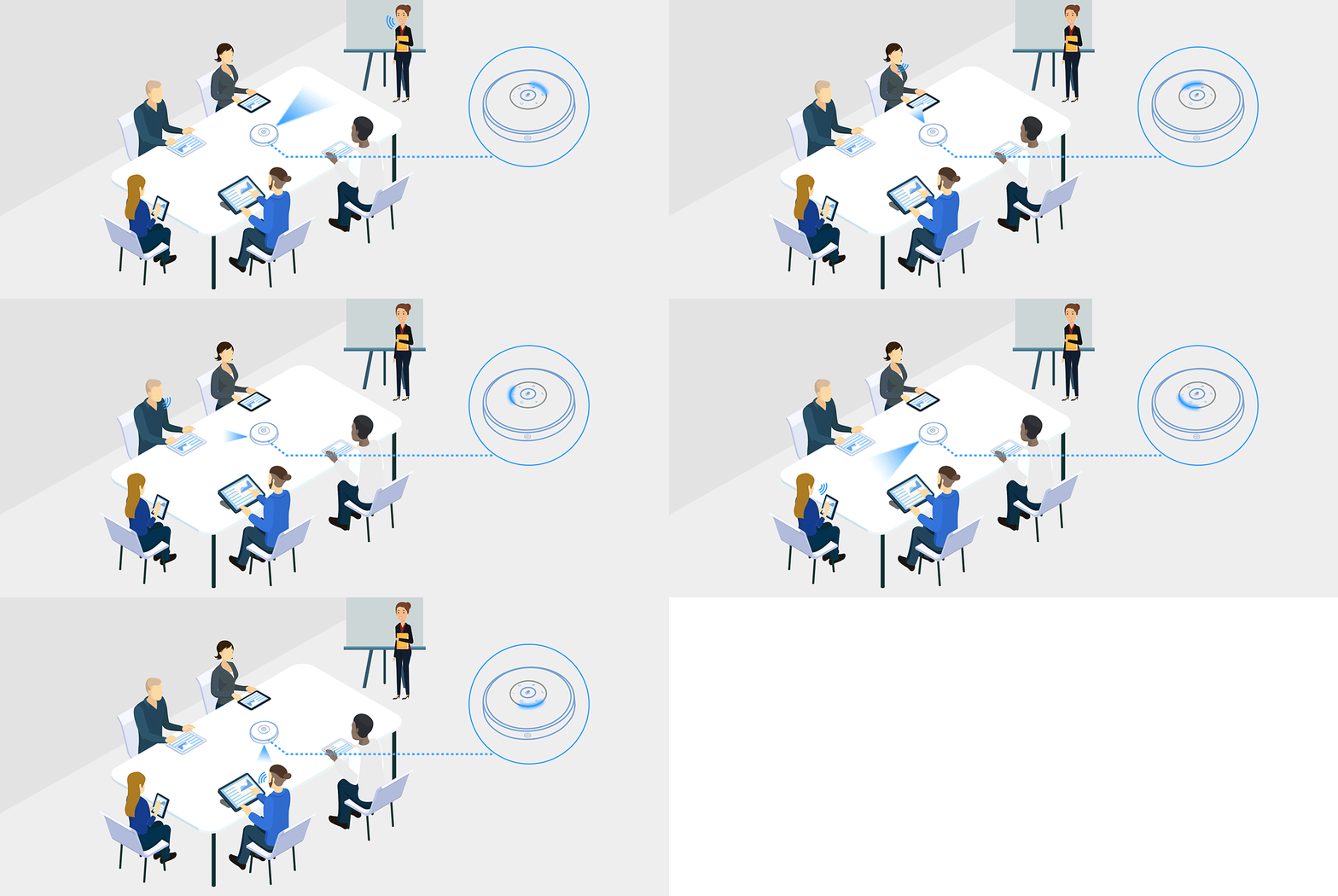
スマートアルゴリズムが話し手の位置を検知し、明るい360°リングライトが声の正確な方向を照らして示します。 部屋のどこでにいても自由に発言でき、自分の声が拾われているかどうか簡単に知ることができます。

業界をリードするノイズフィルタリング
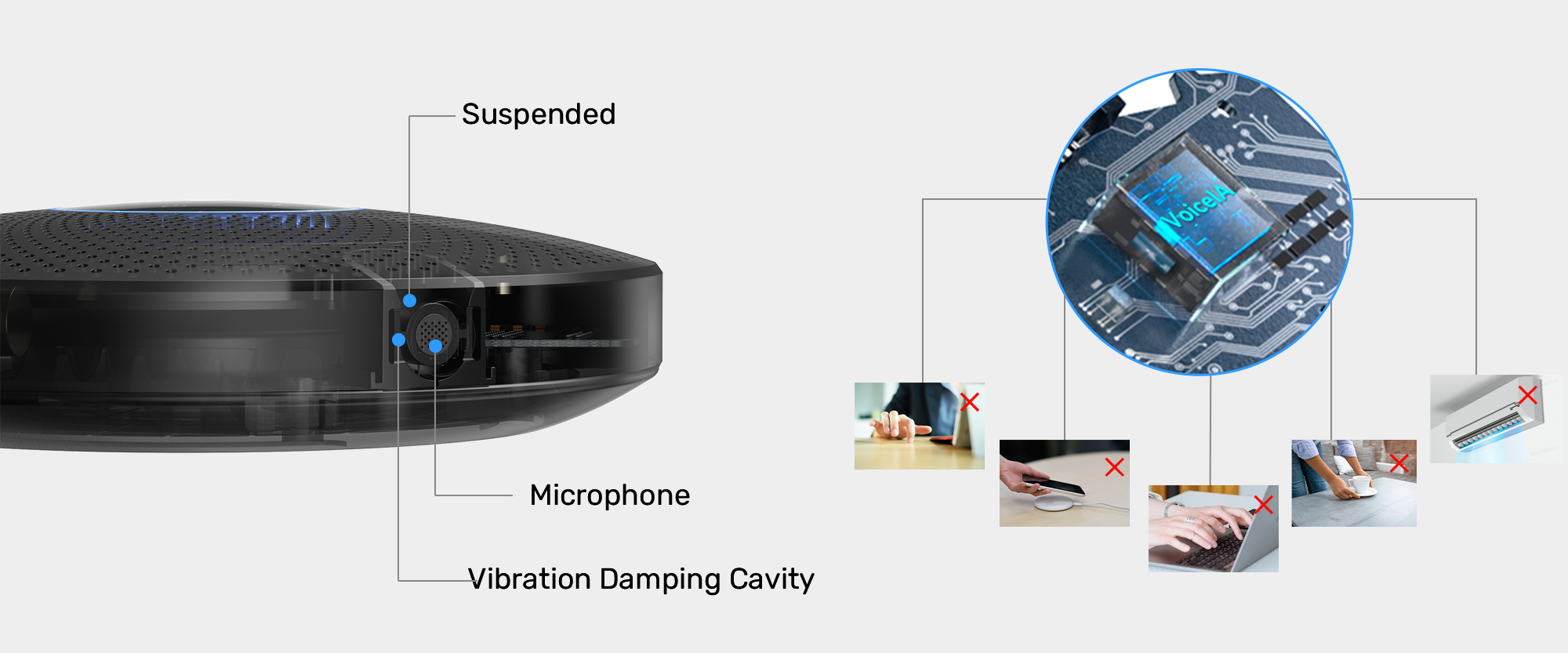
高級製品に固有の、史上初の吊り下げ式マイクキャビティデザインは、優れた緩衝作用を提供し、話者自身や机の振動による振動ノイズを効果的にフィルタリングします。専用のボタンのある、独自のVoiceIA®アルゴリズムが人の声を強調しながら、エコーと周囲のノイズを消去します。両方向でノイズを消去することで、まったく気が散る要素がない会議を実現することができます。
プロ向けのサウンド
複合振動板を採用した、巧みにチューニングされた45mmの高性能5Wスピーカーは、中音域にある人間の声に特にフォーカスし、最大89dB@0.5mの明瞭な音声を実現します。これは、会議室全体をカバーするのに最適な音量で、部屋のどこにいてもリモートのチームメイトの言葉を聞き取ることができます。

さまざまな接続、より迅速な開始
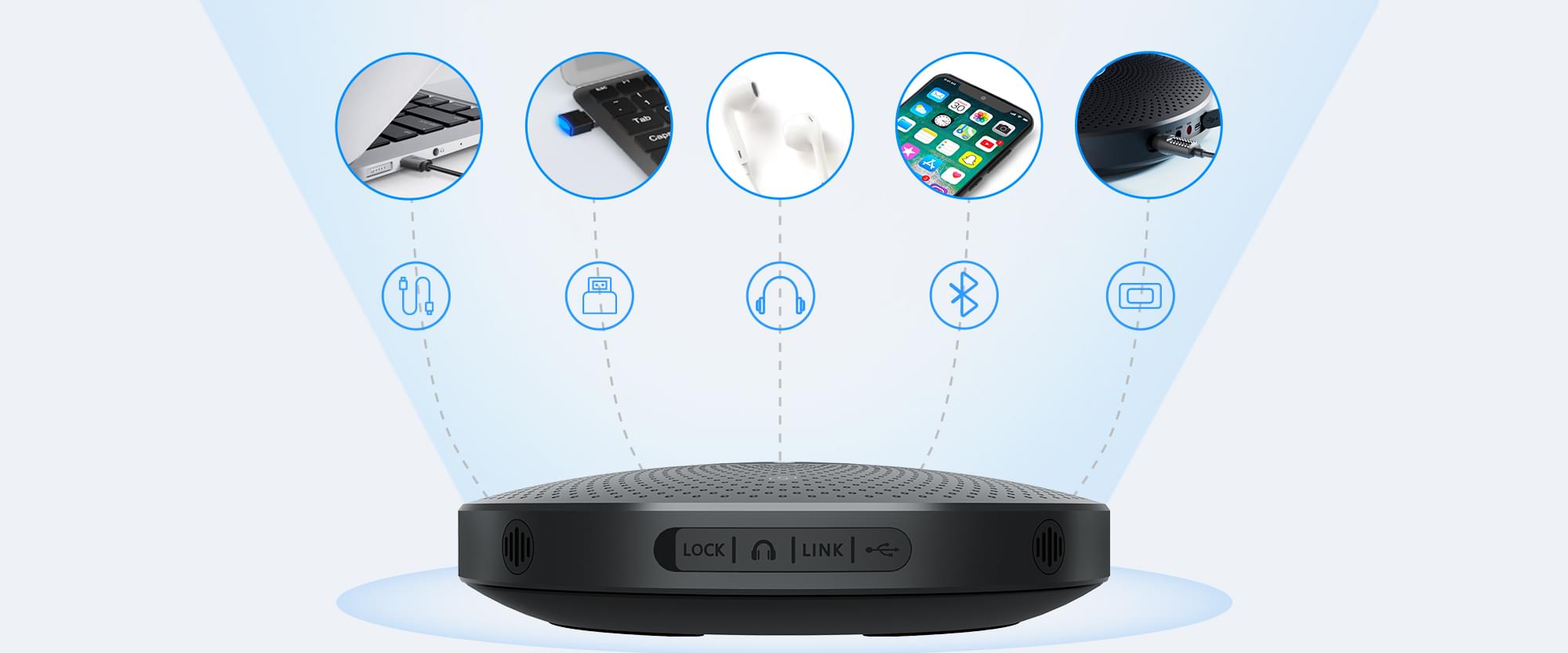
USB-Cでデバイスに接続すれば、手動で電源を入れる必要がなく、すぐに使用できます。または、Bluetoothを選択すれば、同時に2台のデバイスに接続することが可能です。さらに、さまざまな状況に対応できるようUSBアダプターA300と3.5mmジャックも用意しています。
追加の選択肢のための多様な互換性
主なOSと会議プラットフォームに対応しています。使い慣れている会議プラットフォームを選んでも、お好みに応じて別の会議プラットフォームに変更しても、さまざまなシナリオでお客様のニーズに応えられるよう、常に準備しています。

多様な用途による極めて高い柔軟性
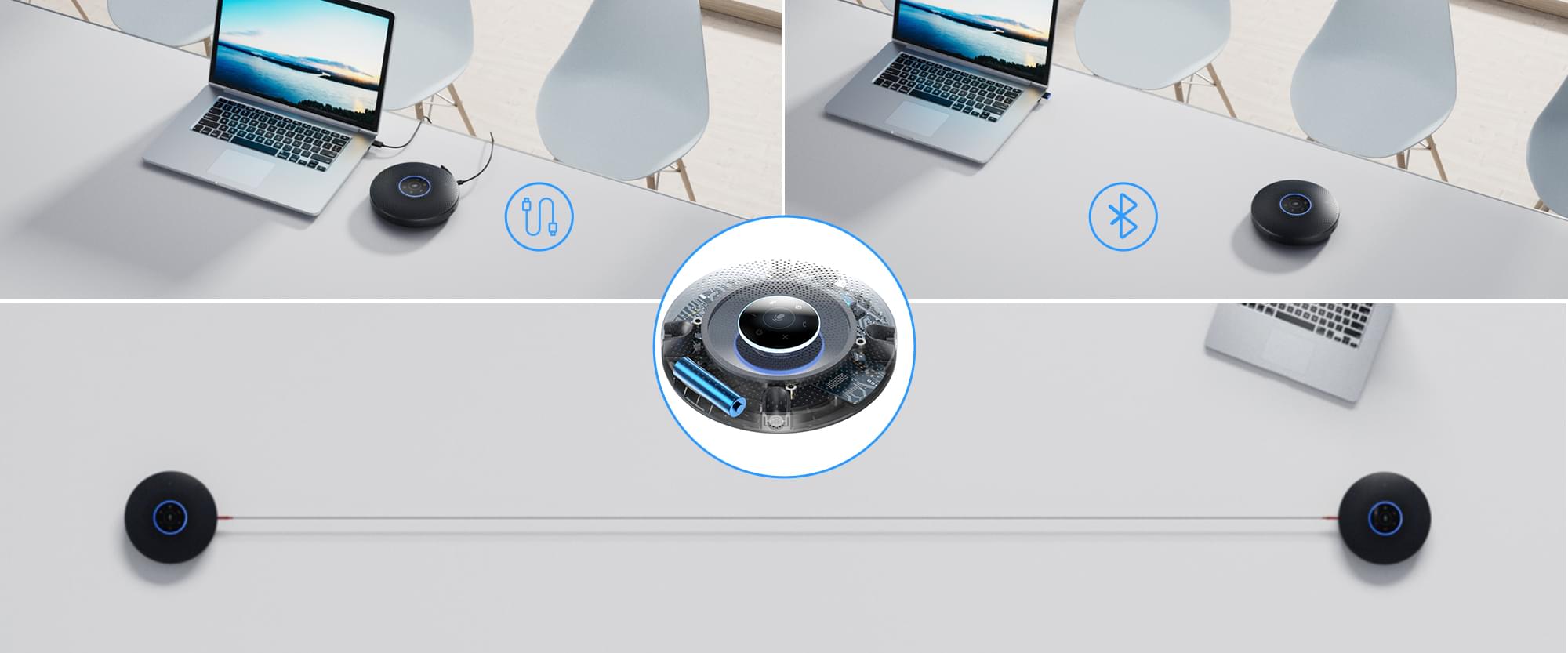
有線のプラグ・アンド・プレイを介して、または内蔵バッテリーとさまざまな接続方法による、ケーブルなしの無線接続で、好きな場所にM2 Maxを配置することができます。また、EMEETデイジーチェーンケーブルを介して、2台のM2 Maxを接続することで、最大25人の参加者に対応することもできます。
簡単に設定をカスタマイズ
PC向けEMEETLINKとの連携。デバイスのスタンバイ時間の調整、Bluetoothの名称変更、ファームウェアのアップグレードで、デバイスを継続的に改善し、よりスマートにすること。これらすべてが専用ソフトウェアのEMEETLINKで可能です。

さまざまな対応範囲のためのインテリジェント会議ソリューション
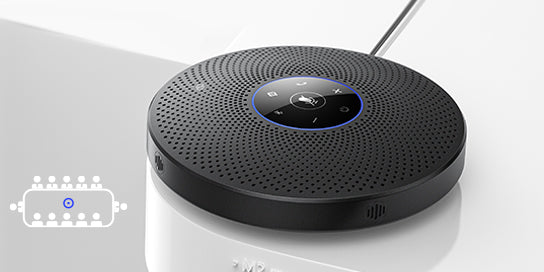
コラボレーション:1台のEMEET OfficeCore M2 Max

音声の拡張:デイジーチェーンケーブルによる2台のEMEET OfficeCore M2 Max
-
音声ピックアップ範囲:最大10m
-
最大25人の部屋に対応
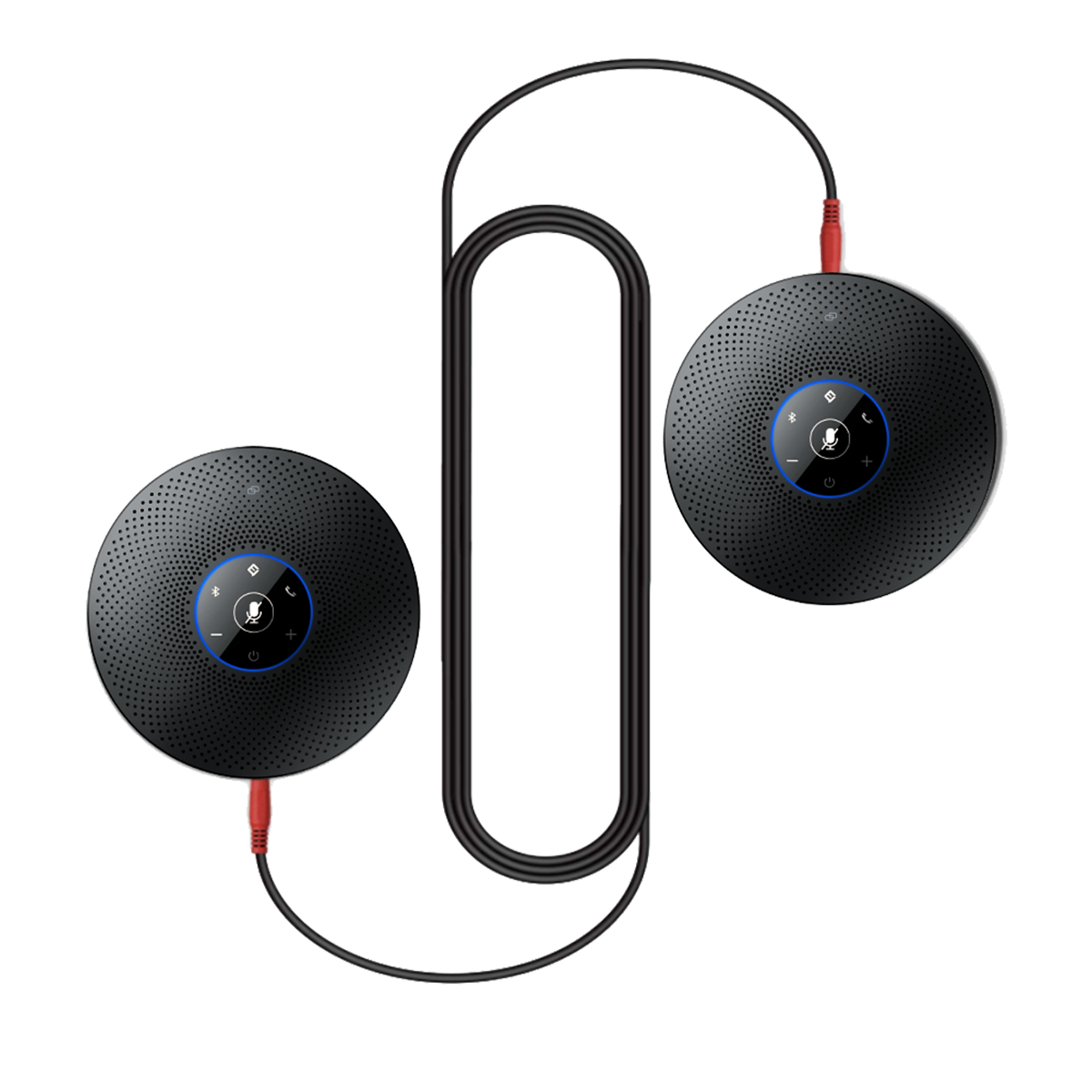
OfficeCore M2 Max*2
$998.00
$1,150.00
(1) EMEET OfficeCore M2 Max*2
(2) EMEET Daisy Chain Cable*1
1
2
3
4
5
6
7
8
9
10
11
12
13
14
15
4つの指向性マイク
技術仕様
マイク
マイクアレイ:
4つの指向性マイクアレイ
マイクタイプ:
ECM
マイクサンプリングレート:
48kHz
マイク周波数応答:
100Hz~10kHz
音声ピックアップ範囲:
最大5m(研究所でテスト済み)
マイク技術:
音声追尾リングライト、360°音声ピックアップ、全二重、ノイズキャンセリング、音声強調
スピーカー
最大音声出力:
89dB@0.5m
最大入力電力:
5W
周波数応答:
20Hz~20kHz(±3dB)
信号雑音比 (SNR):
>75dB
接続
接続方法:
USB-Cケーブル、Bluetooth、USBアダプター、3.5mmジャック
USBケーブル:
USB-C to A(3m)
Bluetoothのバージョン:
Bluetooth 5.0
Bluetoothの範囲:
最大30m(オープンスペースでテスト済み)
USB Bluetoothアダプター:
EMEET A300
接続デバイス数:
有線1台、Bluetooth経由で同時に2台
サポートするBluetoothのプロファイル:
A2DP、AVRCP、HFRプロファイル、SBCコーデック
用途
バッテリーの容量:
2600mAh
バッテリータイプ:
リチウムイオン
会議人数:
最大15人
デイジーチェーン:
最大25人
推奨される用途:
ハドルルーム、中会議室、ボードルーム
対応ソフトウェア:
EMEETLINK
入力:
5V、1A
平均消費電力:
1.25W
互換性
プラットフォーム:
Zoom、Microsoft Teams、Webex、Skypeなどで動作
OS:
Windows 7、8、10以降、Mac OS 10.10以降
全般
寸法(幅*高さ*奥行き):
188mm*188mm*45mm
重量:
630g
保証:
2年

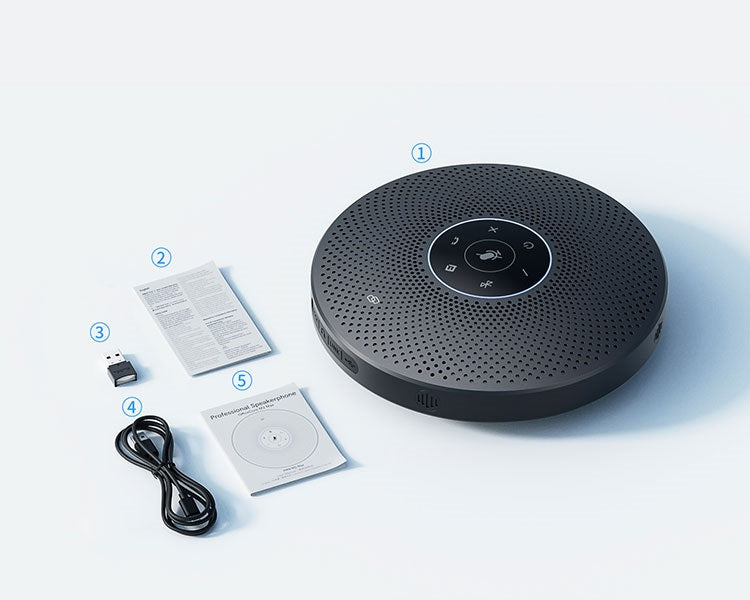
ボックスの内容
- EMEET OfficeCore M2 Max
- 安全ガイド
- USBドングルA300
- USB-Cケーブル(3m)
- ユーザーマニュアル
製品比較
| モデル |
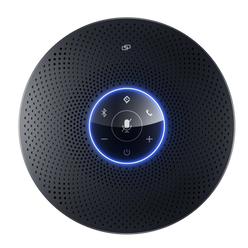 M2 Max
|
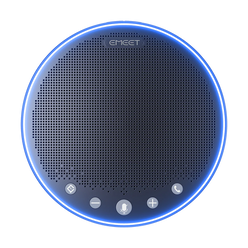 M3
M3
|
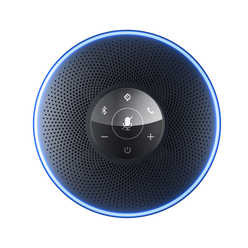 M2
M2
|
|
|---|---|---|---|---|
| 価格 | $558.00 | $338.00 | $322.00 | |
| Recommended For | Huddle Room, Medium Room, Board Room | Workspace & Home Office, Huddle Room, Medium Room, Work From Anywhere | Workspace & Home Office, Huddle Room, Medium Room, Work From Anywhere | |
| Meetings With | Up to 15 people | Up to 12 people | Up to 10 people | |
| Daisy Chained | Up to 25 people | Up to 20 people | Up to 16 people | |
| Microphone Array | 4 Directional Mic Array | 4 Omni-Directional Mic Array | 4 Omni-Directional Mic Array | |
| Mic Sample Rate | 48kHz | 16kHz | 16kHz | |
| Voice Pickup Range(Tested in lab environment) | Up to 16ft | Up to 16ft | Up to 12ft | |
| Loudspeaker | 89dB@0.5m, 5W | 89dB@0.5m, 5W | 89dB@0.5m, 3W | |
| Connection Method | USB-C Cable, Bluetooth, USB Adapter, 3.5mm Jack | USB-C Cable, Bluetooth, USB Adapter, 3.5mm Jack | USB-C Cable, Bluetooth, USB Adapter, AUX in/out | |
| Connected Devices | 1 Corded, 2 via Bluetooth simultaneously | 1 Corded, 2 via Bluetooth simultaneously | 1 Corded, 1 via Bluetooth | |
| USB Adapter | EMEET A300 | EMEET A300 | EMEET A300 | |
| Bluetooth | Bluetooth 5.0 | Bluetooth 5.0 | Bluetooth 4.2 | |
| Battery Included | Yes | Yes | Yes | |
| Dimensions(W*H*D) | 7.4 in*7.4 in*1.7 in (188mm*188mm*45mm) | 5.3 in* 5.3 in*1.4 in (135mm*135mm*35mm) | 4.9 in* 4.9 in*1.4 in (125mm*125mm*35mm) | |
| Weight | 1.38 lb (630g) | 0.86 lb (390g) | 0.63 lb (290 g) |
よくある質問
質問がありますか?
EMEET OfficeCore M2 Max
Dual Way Audio Quality Max Professional Speakerphone
USBケーブルを介して、EMEET Speakerphone M2 Maxを接続する方法は?
USB-Cケーブルを使用して、M2 Maxをコンピューターに接続すると、自動的にオンになります。
接続が成功すると、ステータスLEDライトが緑色に点灯します。
Bluetooth Conference Speaker M2 MaxのVoiceIA®機能をオンにする方法は?
VoiceIA®ボタンを短く押すと、機能をオン/オフできます。
オン/オフすると、プロンプトトーン(VoiceIA®オン、VoiceIA®オフ)が鳴ります。
注記:ワイヤレス状態で電話をかけると、プロンプトトーンは鳴りません。
デイジーチェーン(カスケード機能)を使用する方法は?
EMEETのデイジーチェーンケーブルを使用して、各デバイスのOUT/LINKポートに接続します。
USB接続 + デイジーチェーン:
USB接続では、デバイスのソースライトが緑色に点灯します。
別のデバイスをデイジーチェーン接続すると、デバイスのソースライトはアイスブルーに点灯します。
Bluetooth接続 + デイジーチェーン:
Bluetooth接続では、デバイスのソースライトが青色に点灯します。
別のデバイスをデイジーチェーン接続すると、デバイスのソースライトはアイスブルーに点灯します。
注記:マイクのミュートボタン、音声「+」「-」ボタン、VoiceIA®ボタンは、カスケード中に同期されません。
範囲を広げるのは、モノスピーカーとマイクの拡張であり、ステレオスピーカーではありません。
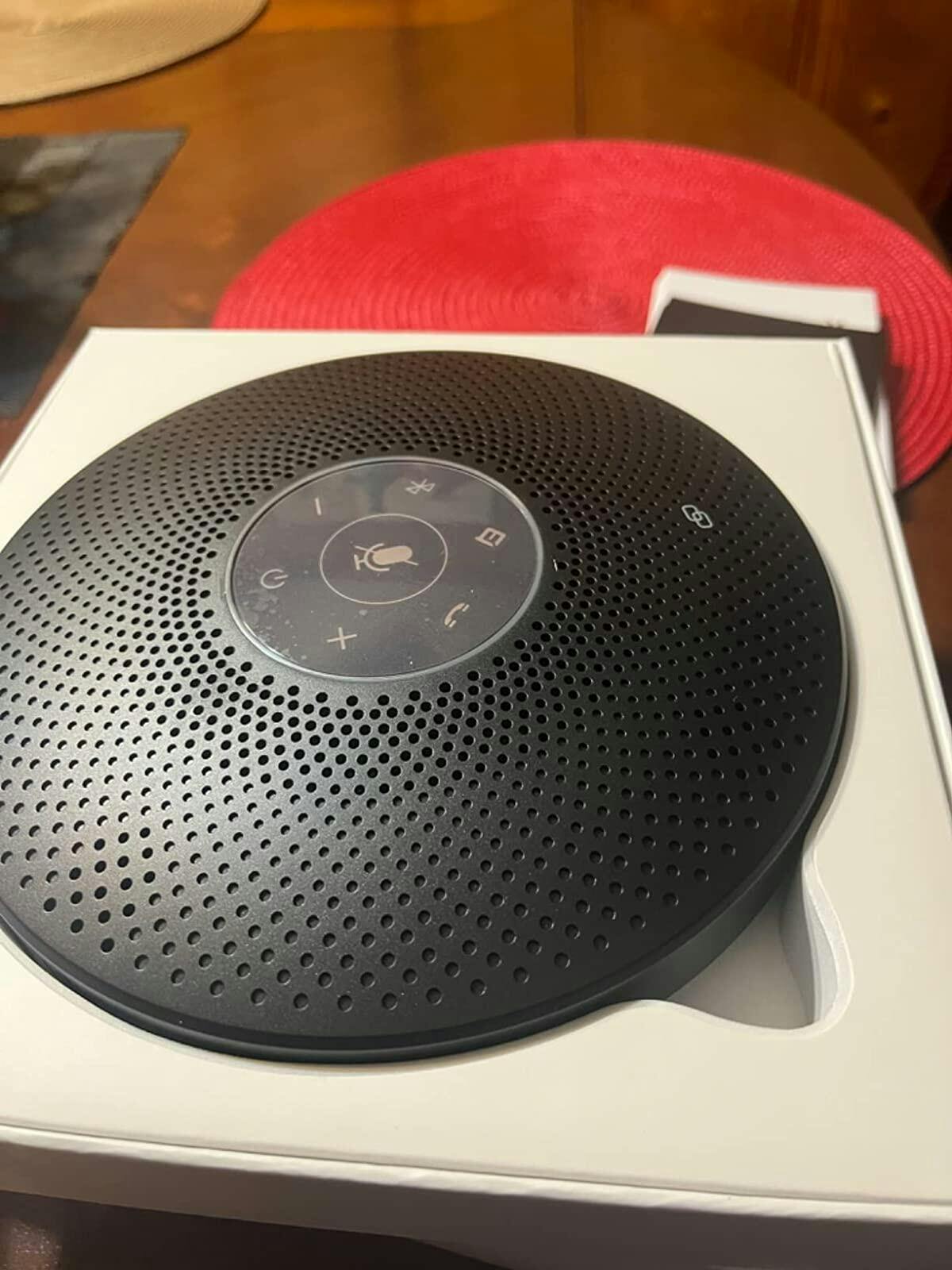
ユーザーマニュアル
EMEET OfficeCore M2 Maxユーザーマニュアル
今すぐダウンロード
- 選択結果を選ぶと、ページが全面的に更新されます。