


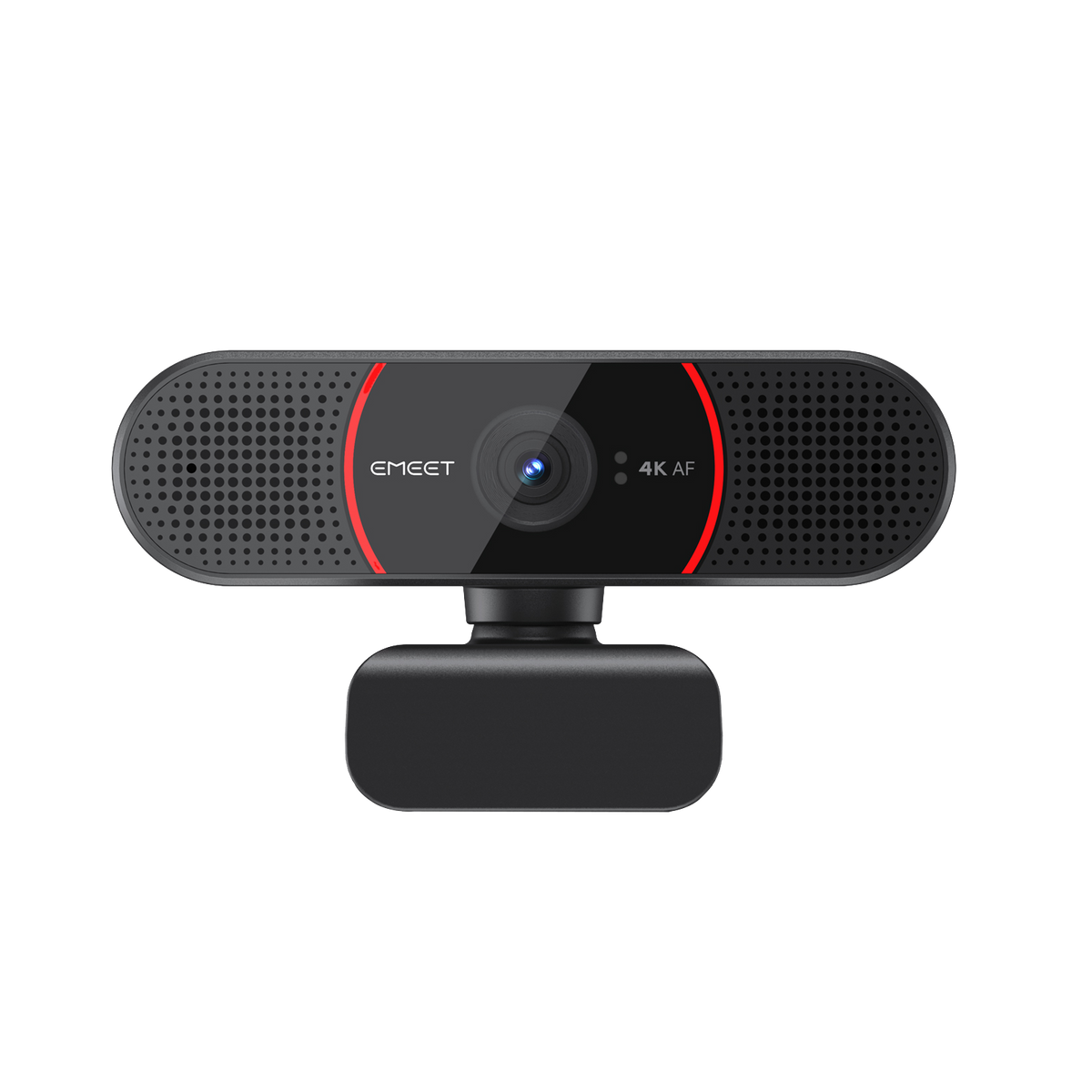


EMEET SmartCam C960 4K
Ultra HD Autofocus 4K Webcam with Dual Microphones
USD
$49.99
$59.99
Tributo incluído.
Frete calculado no checkout.
-
4K, 2K, 1080p, 720p@30fps, Sony sensor
-
PDAF autofocus, auto light correction
-
Dual noise-cancellng microphones
-
73° field of view
-
USB 2.0/3.0 plug-and-play convenience
-
4K, 2K, 1080p, 720p@30fps, Sony sensor
-
Autoenfoque PDAF, corrección automática de luz
-
Micrófonos duales con cancelación de ruido
-
Campo de visión de 73°
-
Conveniencia USB 2.0/3.0 plug-and-play
-
4K, 2K, 1080p, 720p@30fps, Sony sensor
-
Foco automático PDAF, correção automática de luz
-
Microfones duplos com cancelamento de ruído
-
Campo de visão de 73°
-
Conveniência USB 2.0/3.0 plug-and-play
Bundle & Save
Quantidade:
Inquiry Form
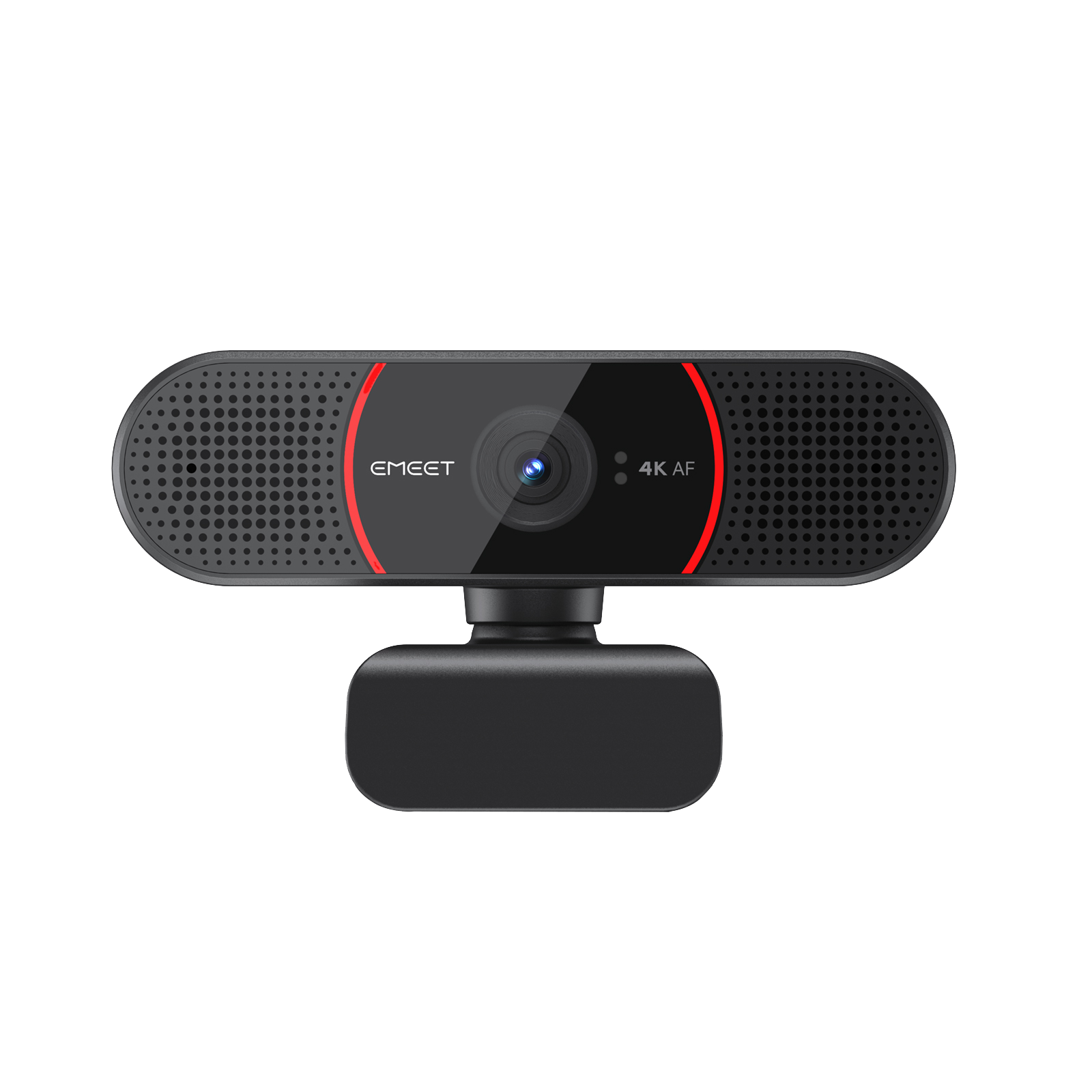
EMEET SmartCam C960 4K
Ultra HD Autofocus 4K Webcam with Dual Microphones


Frete Rápido e Grátis
Reembolsável em 30 Dias
Garantia Estendida Exclusiva
Atendimento ao Cliente Sem Complicações
Vídeo de introdução

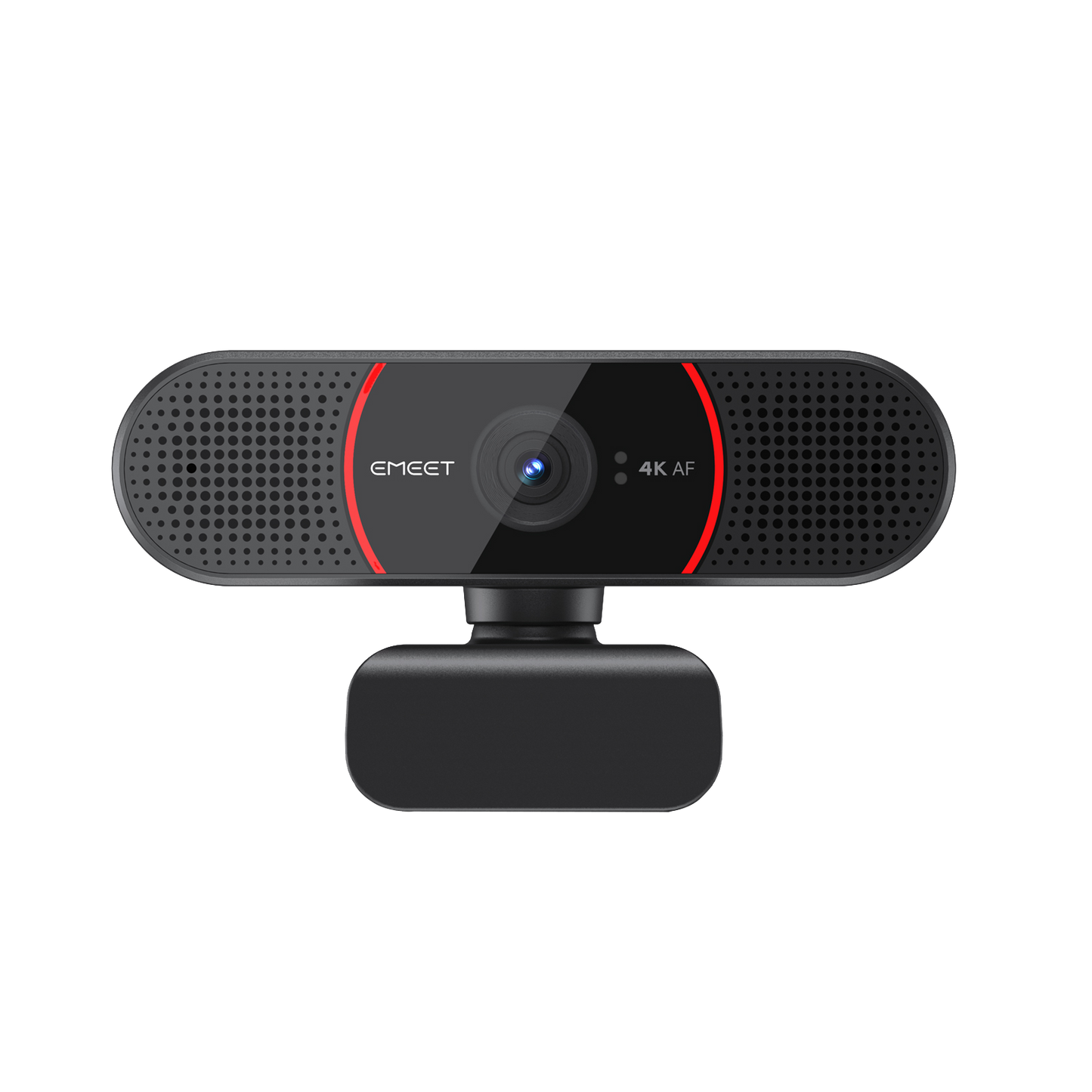




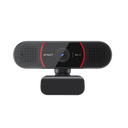
EMEET SmartCam C960 4K
C960 4K
USD
$49.99
$59.99
Explorar
Visão Geral
Especificações
FAQ
Avaliações
Manual do Usuário
Mais Nítido na Visão
A EMEET C960 4K é uma webcam UHD 4K aprimorada que oferece vídeo mais nítido com sensor Sony e áudio mais claro com microfones duplos de cancelamento de ruído. Perfeita para reuniões online, ensino online e muito mais.


Resolução Ultra HD 4K
Aproveite clareza de nível profissional com 4x a resolução de uma webcam HD padrão


Crisp UHD 4K with Sony Sensor
Present yourself more vividly with the Sony sensor and UHD 4k
resolution.
Auto Light Correction
The webcam will automatically adjust itself to ensure proper lighting
for your remote meetings, no matter the light conditions.


Autofoco Preciso e Estável com Tecnologia PDAF
O autofoco ajusta automaticamente a lente para mantê-lo em foco nítido de forma estável. Nunca mais se preocupe com imagens borradas ou fora de foco.

Dual Noise-Cancelling Microphones
The two microphones empowered by our advanced noise reduction algorithm filter out noises efficiently, allowing clearer and smooth conversation.
Foco em Você
O campo de visão de 73° em close-up garante que você esteja sempre no centro do quadro. Perfeito para uso pessoal.

Plug and Play
Apenas um passo e você está pronto. Tudo que você precisa é conectar o cabo USB ao PC e está tudo configurado. Sem necessidade de distinguir USB 2.0 e 3.0, pois ambos podem reproduzir vídeos em 4K cristalino.

Privacidade Protegida
Vem com uma tampa física para proteção absoluta da privacidade. Simplesmente abaixe a tampa quando não estiver em uso para mais tranquilidade.

Fácil de Usar
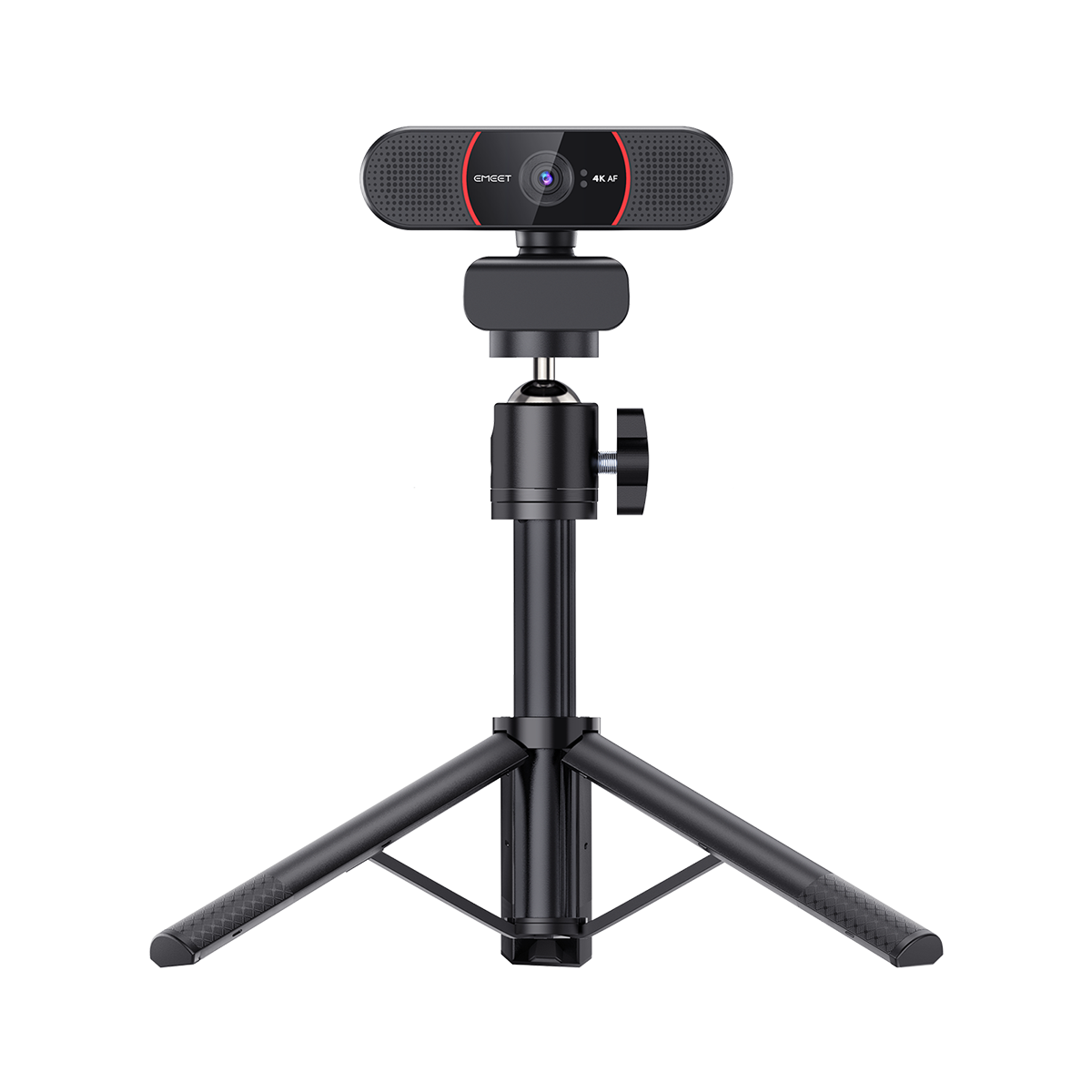
Com a base ajustável em 180°, a cabeça rotativa em 360° e a rosca de tripé de 1/4", você pode usá-la da forma que preferir, seja clipes no monitor ou montada em um tripé.

Out-of-the-Box Compatibility
EMEET devices are designed to seamlessly integrate with the most popular operating systems and platforms, giving you the flexibility to work across multiple devices and environments.


Mac OS

Windows

Microsoft Teams

Zoom

GoToMeeting

Skype

Google Meet

Face Time

Cisco Webex

BlueJeans
Melhor com EMEETLINK
Gerencie facilmente seus dispositivos EMEET com o EMEETLINK.
Altere parâmetros e atualize o firmware para torná-lo mais inteligente.
Altere parâmetros e atualize o firmware para torná-lo mais inteligente.
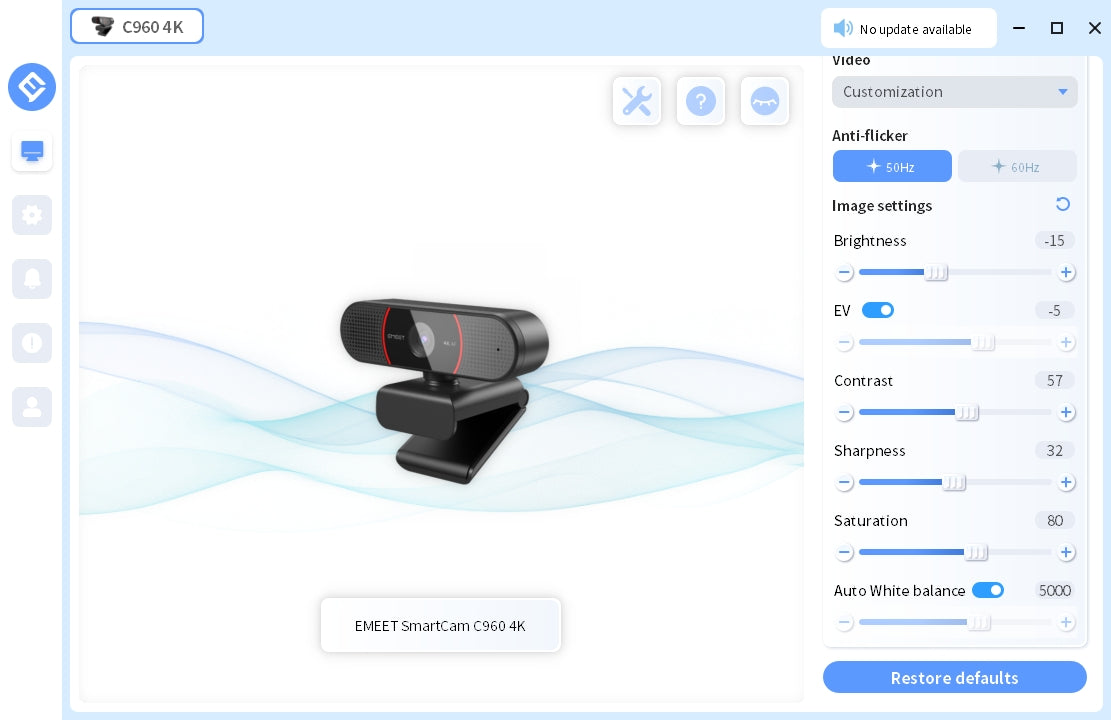
ESPECIFICAÇÕES TÉCNICAS
IMAGEM
Resolução Máxima:
4K a 30FPS
Campo de Visão (FoV):
73°
Tipo de Foco:
Autofoco com Tecnologia PDAF
Raio de Captação de Vídeo:
20-300cm
Codec de Vídeo:
YUY2 / MJPEG
Sensor de Imagem:
Sensor Sony
Modo de Exposição:
Automático
Balanço de Branco:
Automático
BLC (Compensação de Luz de Fundo):
Automático
ÁUDIO
Microfone:
2 Microfones Omnidirecionais
Alcance de Captação Ideal:
2,4m (8ft)
CONEXÃO
Conexão:
Type A
Comprimento do Cabo:
1,5m
Protocolo de Comunicação UVC:
UVC 1.0~1.5
USO
Tampa de Privacidade:
Tampa de Privacidade Física
Rosca para Tripé:
SIM
Recomendado Para:
Para Uso Pessoal
Entrada:
5V, 500mA
Consumo Médio de Energia:
2,5W
Dimensões (L*A*P):
100*59*55mm +1mm
Peso:
153,4g
COMPATIBILIDADE
Compatibilidade:
Funciona com Zoom, Microsoft Teams, Skype for Business, Slack, Webex e muito mais
Sistema Operacional:
Windows 10, 11 Mac OS 10.14 ou superior


O QUE HÁ NA CAIXA
- EMEET SmartCam C960 4K
- Tampa de Privacidade Física
- Manual do Usuário
Comparação de Produtos
| Modelo |
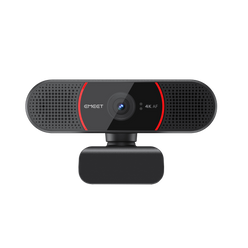 C960 4K
|
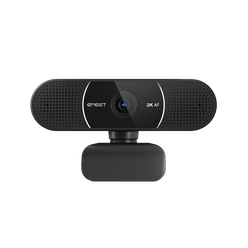 C960 2K
|
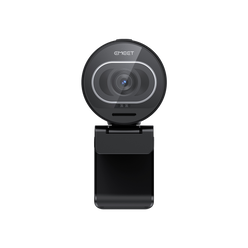 S600
S600
|
|
|---|---|---|---|---|
| Preço | $49.99 | $49.99 | $57.99 | |
| Max Resolution | Ultra HD 4K@30FPS | 2K@30FPS | Ultra HD 4K@30FPS FHD 1080P@60FPS |
|
| Field of View (Diagonal) | 73° | 73° | Adjustable 65°-88° | |
| Focus Type | PDAF Auto Focus | PDAF Auto Focus | TOF Auto Focus | |
| Auto Light Correction | Yes | Yes | Yes | |
| Microphone | 2 Noise-Canceling Mics | 2 Noise-Canceling Mics | 2 Noise-Canceling Mics | |
| Connection | Plug-and-Play USB-A | Plug-and-Play USB-A | Plug-and-Play USB-C to C | |
| Privacy Cover | Physical Flippable Privacy Cover | Physical Flippable Privacy Cover | Built-in Rotary Privacy Cover | |
| 360° Rotatable Head | Yes | Yes | NO | |
| Tripod-Mounted(1/4" Thread) | Yes | Yes | Yes | |
| Dimensions (W*H*D mm) | 100*59*55 | 100*59*55 | 71*52*71 |
FAQ
Tem alguma dúvida?
EMEET SmartCam C960 4K
Ultra HD Autofocus 4K Webcam with Dual Microphones
O que é Foco TOF?
O Foco TOF é uma tecnologia de câmera que usa imagens de Tempo de Voo (TOF) para medir a distância entre a câmera e o objeto fotografado.
Isso permite autofoco mais preciso e melhor captação em ambientes com pouca luz.
Qual é a diferença entre o foco TOF e o foco automático?
O foco TOF e o foco automático têm algumas diferenças.
O foco automático é uma tecnologia que usa a lente da câmera para medir o foco na imagem e ajusta automaticamente a distância de foco da câmera para tornar o foco nítido com base no resultado da medição.
O foco TOF usa tecnologia de câmera de tempo de voo para calcular a distância até o objeto e, ao ajustar o foco, prioriza a distância até o objeto, podendo focar com mais precisão.
Além disso, o foco TOF pode funcionar melhor em ambientes com pouca luz, pois não depende apenas da luz visível.
Como uso a Webcam USB?
1. Ligar
Conecte o conector USB-A ao computador, o dispositivo ligará automaticamente.
Em seguida, abra o software que deseja usar e selecione o dispositivo EMEET.
O indicador de status do dispositivo ficará azul, indicando que a câmera está funcionando.
2. Desligar
Saia do software de reunião, a câmera desligará.
Desconecte o cabo USB do computador ou notebook, o dispositivo desligará automaticamente.
3. Plug-and-play permite que o computador reconheça a webcam imediatamente.
Nota: Se o computador não reconhecer instantaneamente a webcam, verifique se as dicas a seguir podem resolver o problema:
Verifique se o dispositivo foi selecionado no software de reunião.
Tente conectar a uma porta USB diferente ou reinicie o computador.
MANUAL DO USUÁRIO
Manual do Usuário EMEET SmartCam C960 4K
Baixar Agora
- Ao escolher uma seleção, a página inteira é atualizada.