


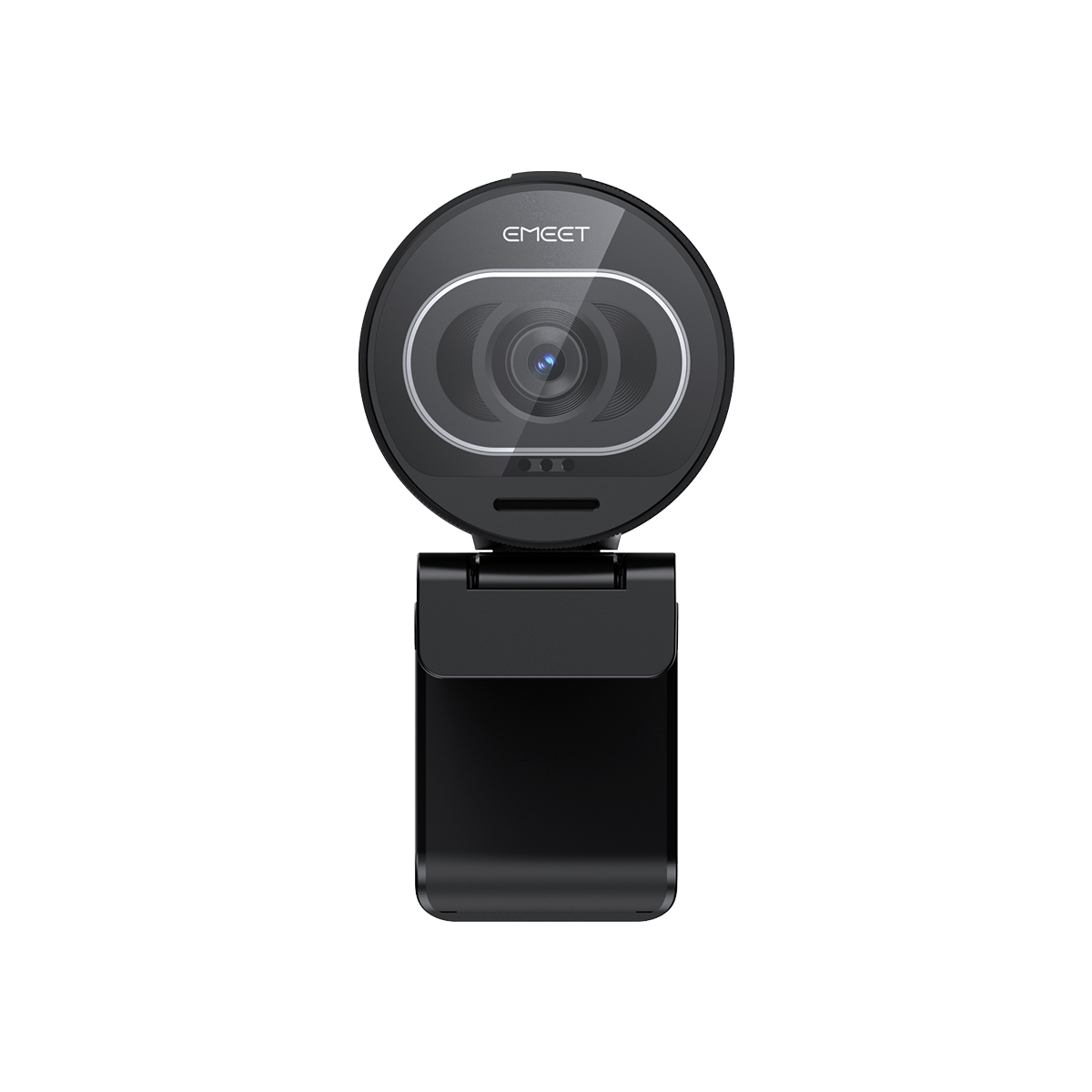



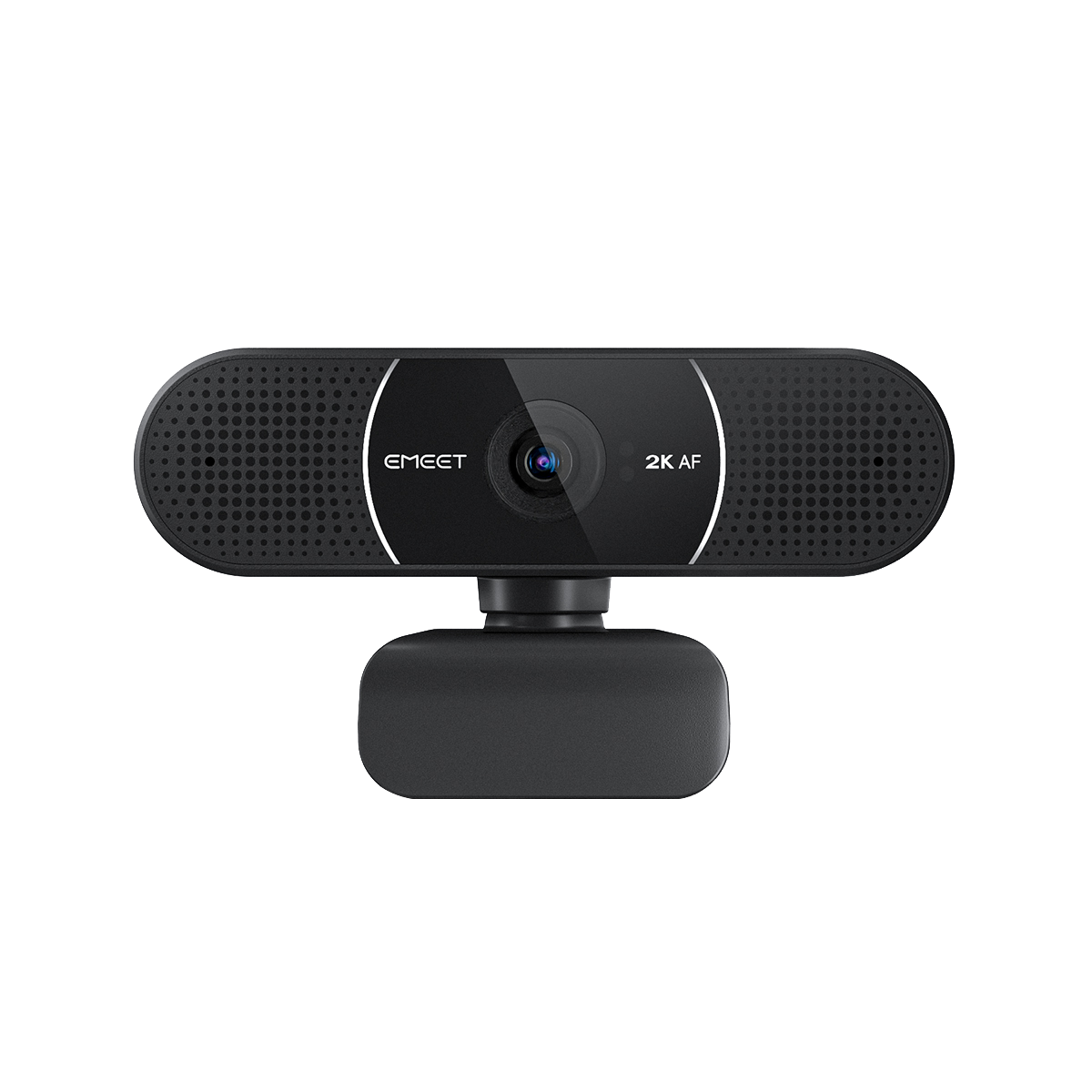
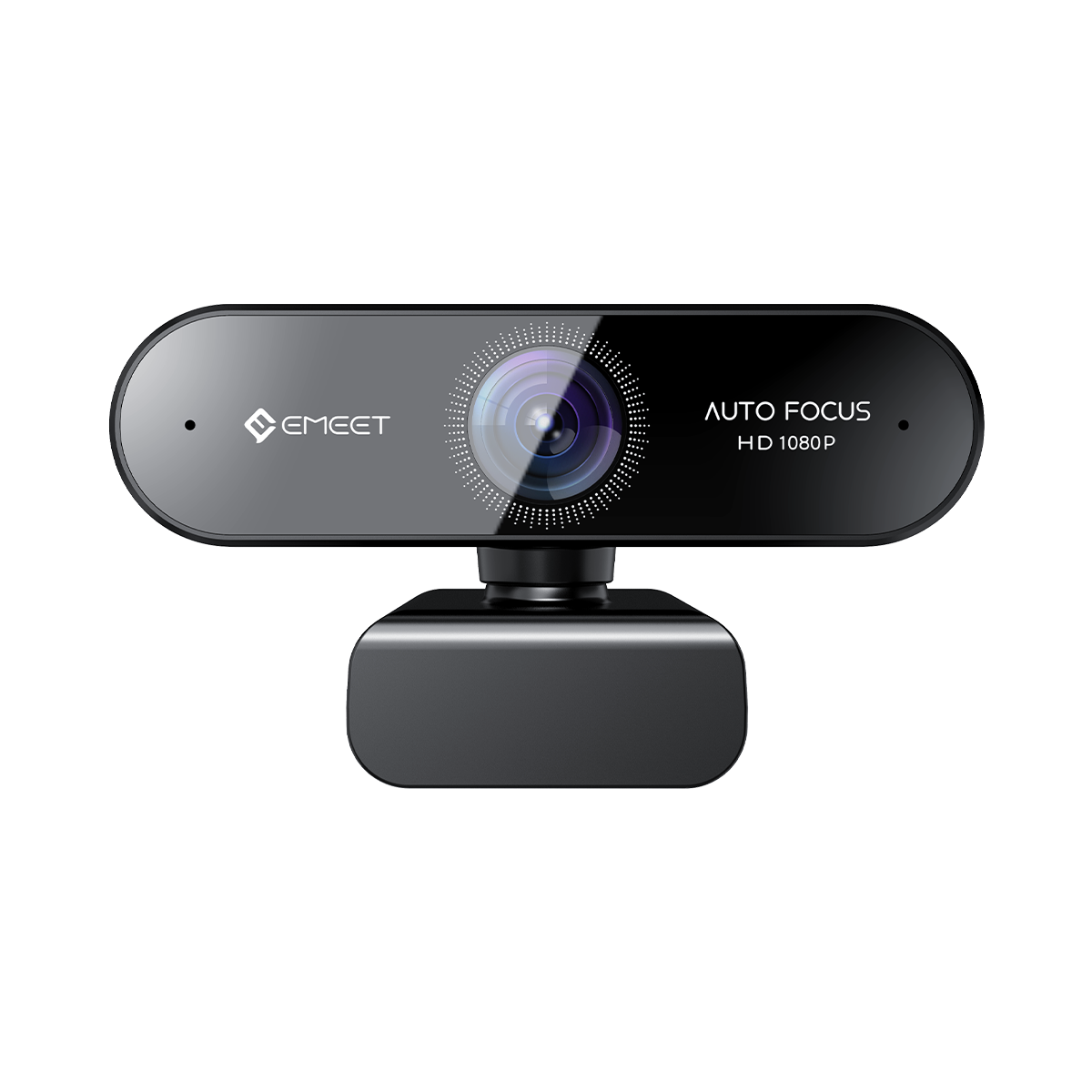






EMEET SmartCam S600L
Webcam de Streaming 4K com Anel de Luz Integrado
BRL
R$ 600,00
Tributo incluído.
Frete calculado no checkout.
-
Larger 1/2” CMOS Sensor: Captures more light for clearer details and better low-light performance.
-
UHD 4K Clarity: Up to 4K@30fps and 1080p@60fps for crisp, smooth video quality.
-
Built-in Ring Light: Cold, warm, and mixed lighting with 6 extra modes for even, flattering illumination.
-
0.2s Fast PDAF Autofocus: Instant, accurate focus that keeps you sharp — even in close-up demos.
-
Clean All-in-One Setup: Camera and lighting in one — no extra lights, no desk clutter.
-
Sensor CMOS 1/2" más grande: Captura más luz para obtener detalles más nítidos y mejor rendimiento en condiciones de poca luz.
-
Claridad UHD 4K: Hasta 4K@30fps y 1080p@60fps para una calidad de video nítida y fluida.
-
Luz de Anillo Integrada: Iluminación fría, cálida y mixta con 6 modos adicionales para una iluminación uniforme y favorecedora.
-
Autoenfoque PDAF Rápido de 0,2 s: Enfoque instantáneo y preciso que te mantiene nítido, incluso en demostraciones en primer plano.
-
Configuración Todo en Uno: Cámara e iluminación en uno, sin luces adicionales ni desorden en el escritorio.
-
Sensor CMOS 1/2" maior: Captura mais luz para detalhes mais nítidos e melhor desempenho em baixa iluminação.
-
Clareza UHD 4K: Até 4K@30fps e 1080p@60fps para qualidade de vídeo nítida e suave.
-
Luz de Anel Integrada: Iluminação fria, quente e mista com 6 modos extras para iluminação uniforme e favorável.
-
Foco Automático PDAF Rápido de 0,2s: Foco instantâneo e preciso que mantém você nítido, mesmo em demonstrações em close-up.
-
Configuração All-in-One: Câmera e iluminação em um só — sem luzes extras, sem bagunça na mesa.
Quantidade:
Inquiry Form

EMEET SmartCam S600L
4K Streaming Webcam with Built-in Ring Light


Frete Rápido e Grátis
Reembolsável em 30 Dias
Garantia Estendida Exclusiva
Atendimento ao Cliente Sem Complicações


EMEET SmartCam S600L
S600L+Tripod
BRL
R$ 600,00
Explorar
Visão Geral
Especificações
FAQ
Avaliações
Manual do Usuário

 rgrktee
 astralsway_
 tyler.creates_studio
 strawbxrryfox
 fluxphy
 gaminginpink
 bigraingirl
 papasgame
Visão Geral

Resolução UHD 4K
Veja os Detalhes
A S600L oferece clareza realista e visuais de qualidade profissional em resolução UHD 4K, levando sua transmissão ao vivo e criação de conteúdo ao próximo nível

Sensor de 1/2"
Melhor Imagem com Sensor Maior
Com o sensor maior de 1/2" aprimorado com DRC, a S600L capta até 25% mais luz do que webcams padrão, entregando vídeos mais claros e de aparência mais natural mesmo com pouca luz.


Temperatura de Cor
2600K-6200K

CRI (Índice de
Reprodução de Cor)≥90

Proteção Ocular
Ring Light Integrado
Mostre o Seu Melhor
Sempre pareça ótimo em qualquer condição de iluminação com o ring light integrado.


6 Iluminações Predefinidas
Crie o Clima, Brilhe em Cores
As luzes integradas da S600L oferecem seis cores vibrantes para você criar o clima perfeito, realçar suas características e tornar cada videochamada ou transmissão visualmente impressionante.


1080P60FPS
Vídeos Suaves
A S600L permite transmitir em 1080P@60fps, entregando vídeos suaves para seu streaming e criação de conteúdo.

Foco Rápido em 0,2s
A S600L permite transmitir em 1080P@60fps, entregando vídeos suaves para seu streaming e criação de conteúdo.

Modo Beleza Personalizável
Com ajustes de beleza personalizáveis que permitem afinar sua aparência do jeito que preferir, restaura uma aparência fiel à realidade, como vista a olho nu — natural, equilibrada e sempre pronta para as câmeras.

Campo de Visão Perfeito de 73°
Com um campo de visão de 73° otimizado para criadores, a S600L oferece um enquadramento confortável que foca a atenção onde mais importa.

Modo Mesa
Ative facilmente o modo mesa no EMEET STUDIO junto com um tripé.

Microfones Integrados
Para Ser Ouvido com Clareza
A S600L vem com 2 microfones integrados, permitindo que você seja ouvido com clareza durante o streaming ou videochamadas.

Remoção de Fundo com Tela Verde
A S600L oferece bordas mais limpas e separação natural do sujeito para que você possa substituir seu fundo com resultados de qualidade profissional para streaming, reuniões ou conteúdo criativo.

EMEET STUDIO
Salve sua imagem personalizada, mude as iluminações e fique atualizado com o EMEET STUDIO.



Pronto para Conteúdo Mobile
Gire facilmente a S600L com um tripé e você estará pronto para seu conteúdo mobile.

Tampa de Privacidade
Proteção de privacidade em instantes com a tampa de privacidade integrada.

Plug and Play


Compatível com Switch2 e Xbox


Múltiplos Cenários


Streaming de Games
Reunião Remota
Educação Online
Videochamadas


ESPECIFICAÇÕES TÉCNICAS
VÍDEO
Tamanho do sensor:
1/2" CMOS Sensor
Resolução de vídeo:
Resolução padrão: 3840*2160@30FPS
640*360@30FPS, 640*480@30FPS
640*360@30FPS, 640*360@60FPS
640*480@30FPS,800*600@30FPS
960*720@30FPS,1024*576@30FPS
1024*576@60FPS,1280*720@30FPS
1280*720@60FPS,1280*960@30FPS
1920*1080@30FPS,1920*1080@60FPS
2560*1440@30FPS,3840*2160@30FPS
640*360@30FPS, 640*480@30FPS
640*360@30FPS, 640*360@60FPS
640*480@30FPS,800*600@30FPS
960*720@30FPS,1024*576@30FPS
1024*576@60FPS,1280*720@30FPS
1280*720@60FPS,1280*960@30FPS
1920*1080@30FPS,1920*1080@60FPS
2560*1440@30FPS,3840*2160@30FPS
Formato de codificação de vídeo:
MJPEG, YUY2
Abertura
F/1.8
Campo de visão:
73°
Tipo de foco:
Foco automático PDAF
ÁUDIO
Microfone:
2 microfones integrados
Iluminação
Ring light integrado:
Sim
Brilho:
5~60Lux@0.5m
Temperatura de cor:
SIM
Dimensões (L*A*P):
Frio: 6200K
Quente: 2600K
Misto: 4000K
Quente: 2600K
Misto: 4000K
Software
Conectividade
2m USB-C
Interface
Furo rosqueado de 1/4"
Requisitos do sistema
Processador Intel® Core 2 Duo 2.4 GHz ou superior
2 GB de RAM ou mais
Uma porta USB 2.0
2 GB de RAM ou mais
Uma porta USB 2.0
Compatibilidade
Windows 10 ou posterior (sistemas operacionais de 64 bits)
macOS (10.14 ou posterior)
Não é compatível com sistemas Windows baseados em arquitetura ARM
macOS (10.14 ou posterior)
Não é compatível com sistemas Windows baseados em arquitetura ARM

O que está na caixa?
- EMEET S600L*1
- Adaptador USB-C para USB-A*1
- Guia do usuário*1
- Garantia*1
- Manual do usuário*1
FAQ
Tem alguma dúvida?
EMEET SmartCam S600L
4K Streaming Webcam with Built-in Ring Light
Como usar a S600L?
Comece a usar a S600L rapidamente seguindo estas etapas:
- Conectar o dispositivo:
Conecte o cabo USB da S600L diretamente ao computador. Ao conectar, o ring light acende como indicador de inicialização e apaga automaticamente após 6 segundos, indicando que o dispositivo está pronto para uso. - Abrir um aplicativo
Abra um aplicativo compatível (como a câmera do sistema ou um software de videoconferência) e selecione S600L na lista de dispositivos. Quando o vídeo aparecer normalmente, o indicador da câmera ficará azul fixo. - Ajustar a iluminação
Use o botão no lado direito da S600L para alternar as cores de luz e ajustar o brilho conforme necessário.
Observação:
A S600L é totalmente plug-and-play e sem necessidade de drivers. Basta conectá-la ao computador e ela estará pronta para uso.
Quais opções de montagem a S600L suporta?
A S600L suporta duas opções de montagem convenientes:
-
Montagem em monitor
Com o clipe de base incluído, a câmera pode ser fixada com segurança na parte superior do seu monitor. - Montagem em tripé
A parte inferior da câmera possui um orifício rosqueado padrão de 1/4 de polegada , permitindo que seja montada na maioria dos tripés ou suportes universais.

Como uso o ring light da S600L?
O ring light pode ser operado da seguinte forma:
- Após ligar a câmera, o ring light exibirá um efeito de iluminação de inicialização e se apagará automaticamente após 6 segundos.
- Todos os ajustes são feitos usando o botão no lado direito da câmera:
- Pressão curta para ligar a luz de preenchimento.
- Com a luz acesa, pressão curta para alternar entre modos de luz, incluindo frio, quente, misto e ambiente. (A luz ambiente é azul por padrão e pode ser personalizada pelo software EMEET STUDIO.)
- Pressione e segure por 2 segundos para desligar o ring light.
- Gire o botão para ajustar o brilho.
MANUAL DO USUÁRIO
Manual do Usuário EMEET SmartCam S600L
Baixar Agora
- Ao escolher uma seleção, a página inteira é atualizada.