












A best gaming streaming setup in 2026 is no longer just about powerful hardware. Whether you're building a gaming streaming setup for beginners or upgrading to a professional gaming streaming setup, success depends on choosing the right webcam, microphone, lighting, and software.
Modern creators across Twitch and YouTube rely on optimized gaming streaming gear to deliver better visuals, clearer audio, and more engaging content.

What You Need for a Gaming Streaming Setup (Quick Overview)
A complete gaming streaming setup pc or console setup typically includes:
-
Camera (webcam or streaming camera)
-
Microphone
-
Lighting system
-
Streaming software (OBS or similar)
Even a cheap gaming streaming setup can look professional when these elements are balanced correctly.
Popular configurations include:
-
single pc gaming streaming setup
-
dual pc gaming streaming setup
-
gaming streaming setup with dual monitor
-
wireless gaming streaming setup
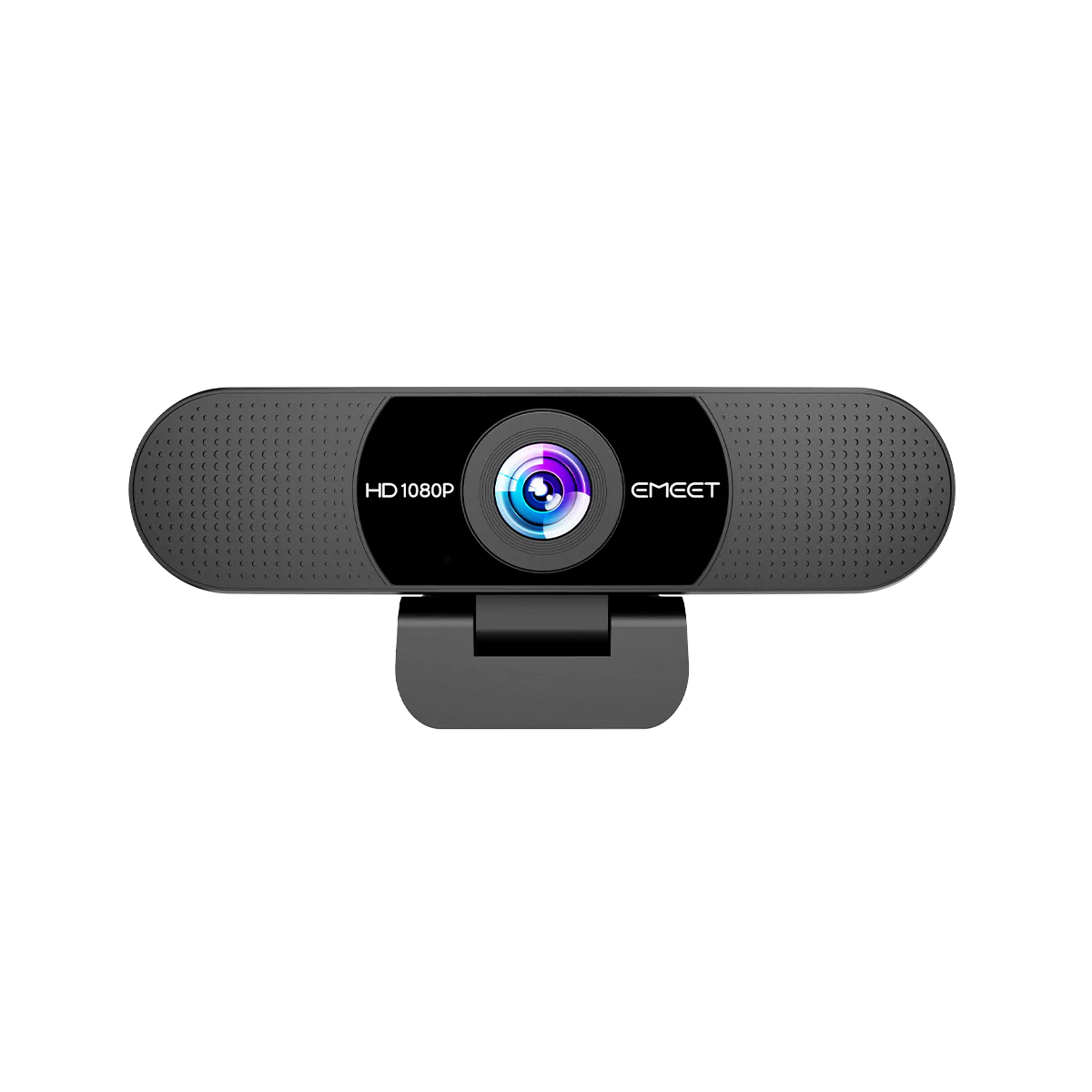
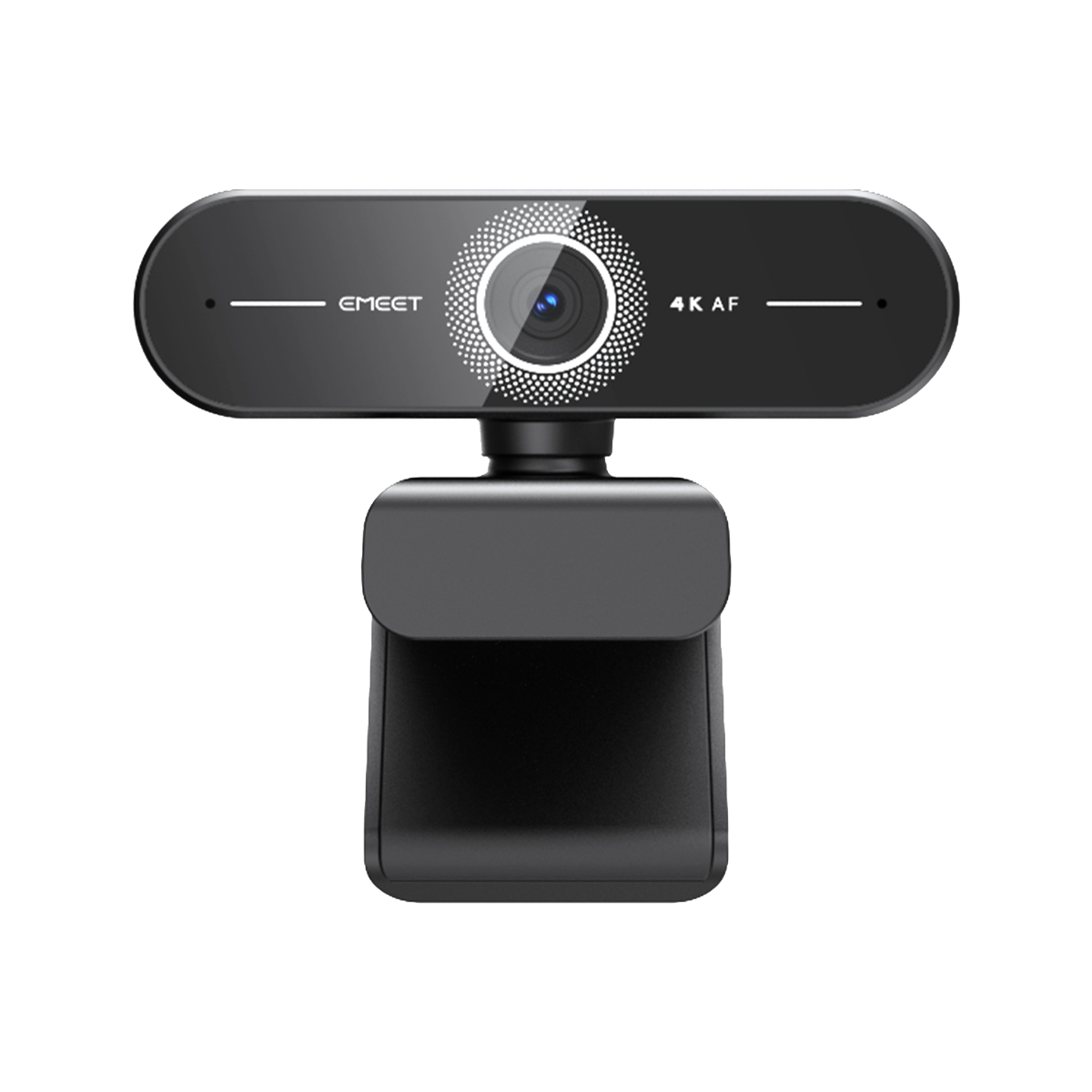
Best Webcam for Gaming Streaming (4K, AI Tracking & Auto Framing)
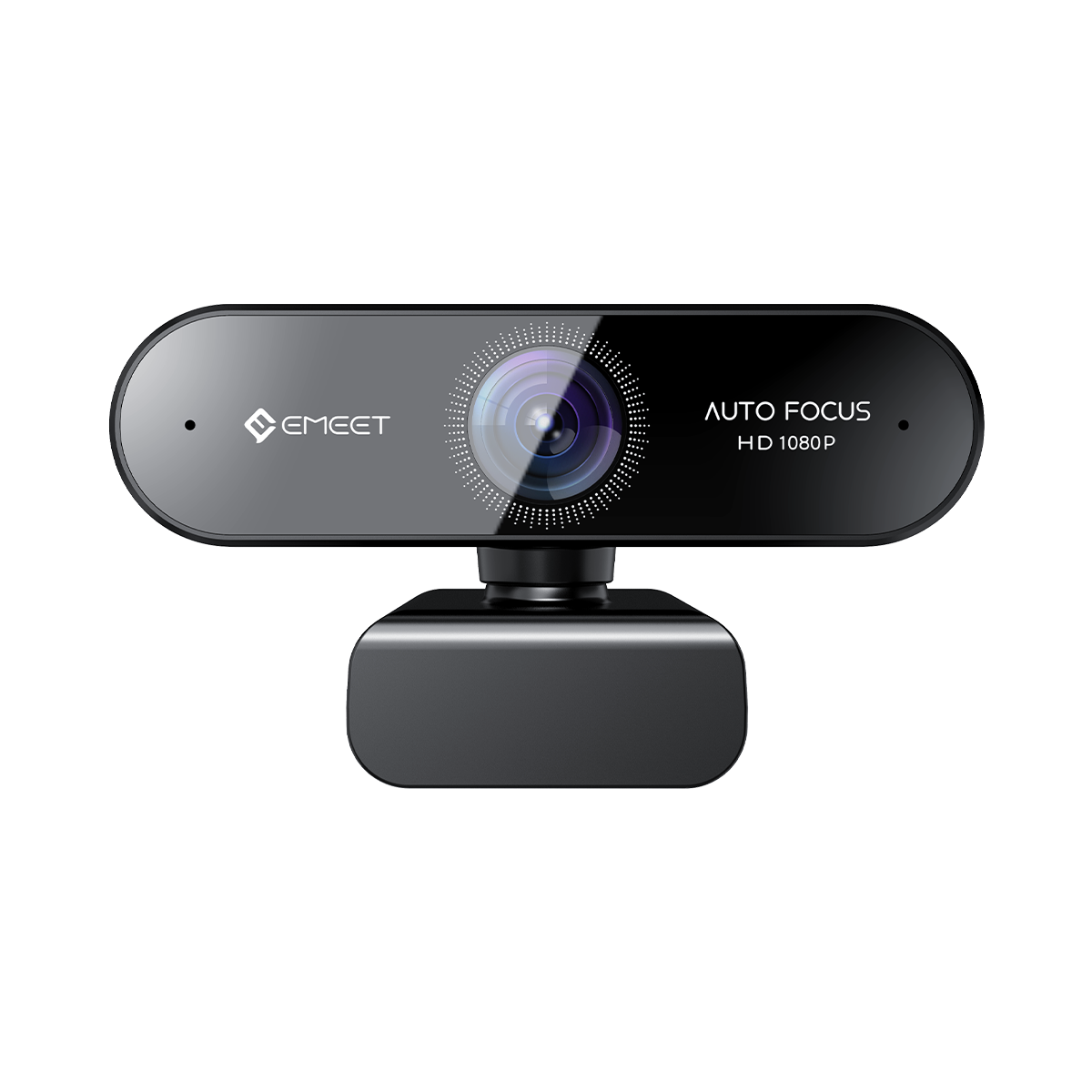
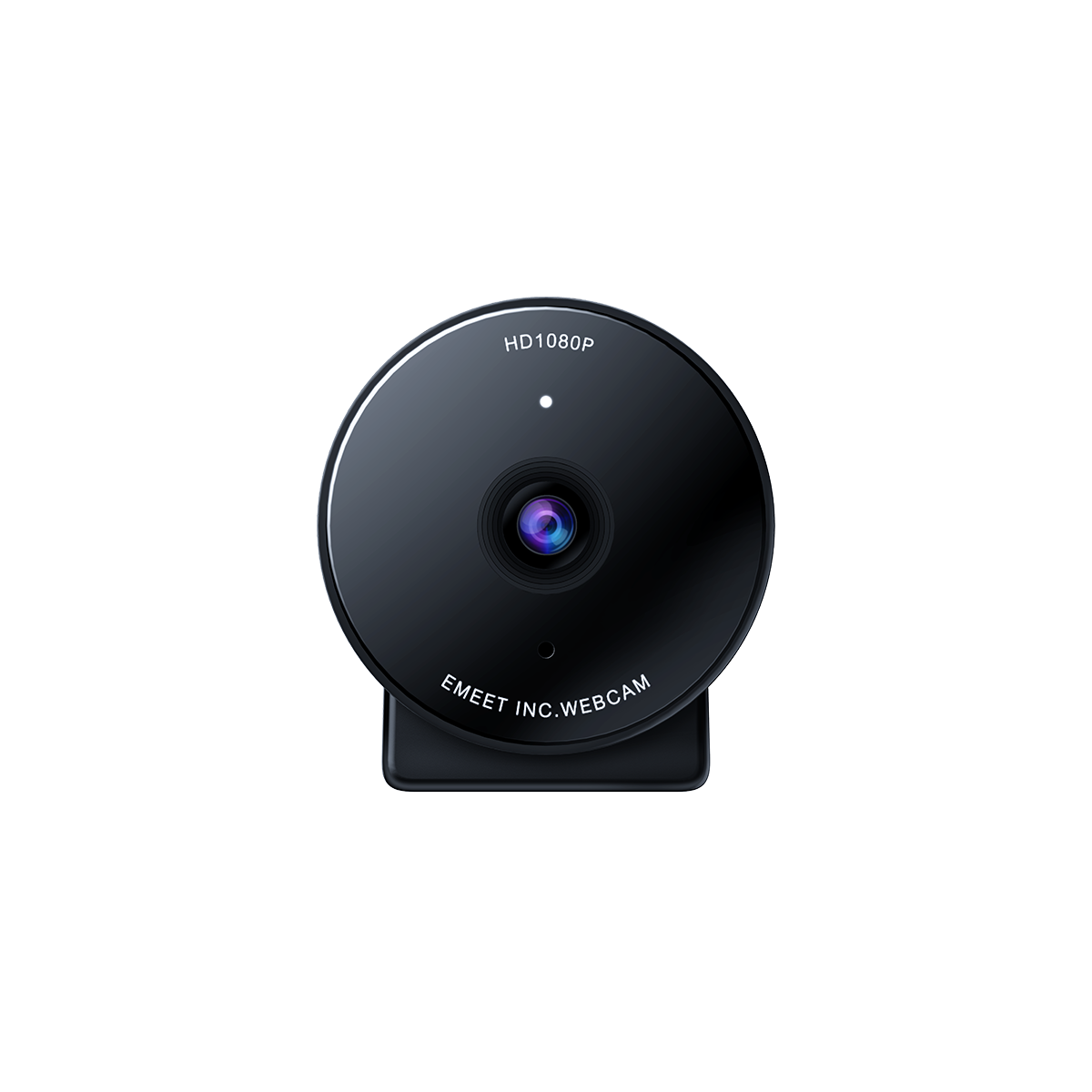
A webcam is the most important visual component of any gaming streaming setup with camera. Viewers expect sharp image quality, stable framing, and natural lighting response.
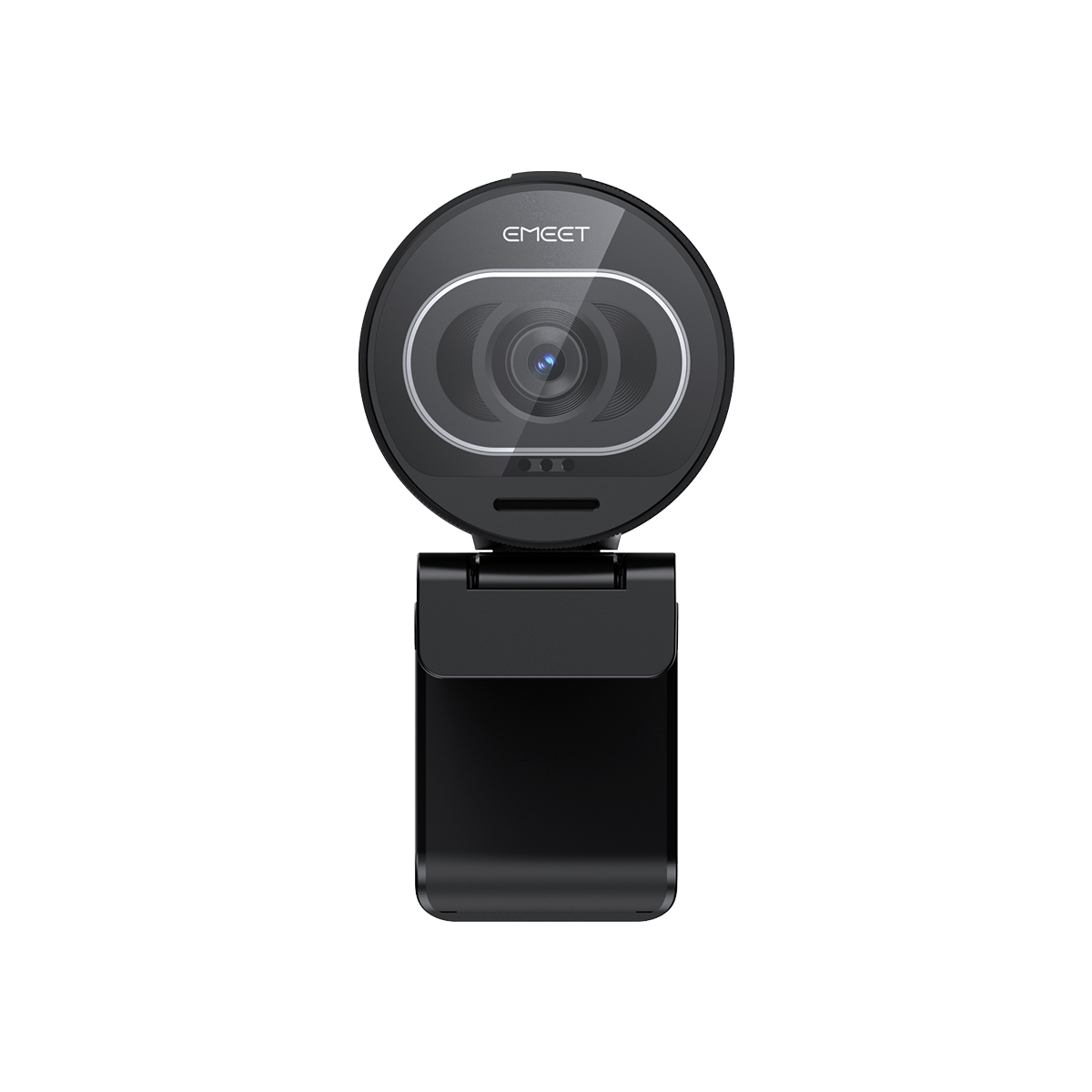
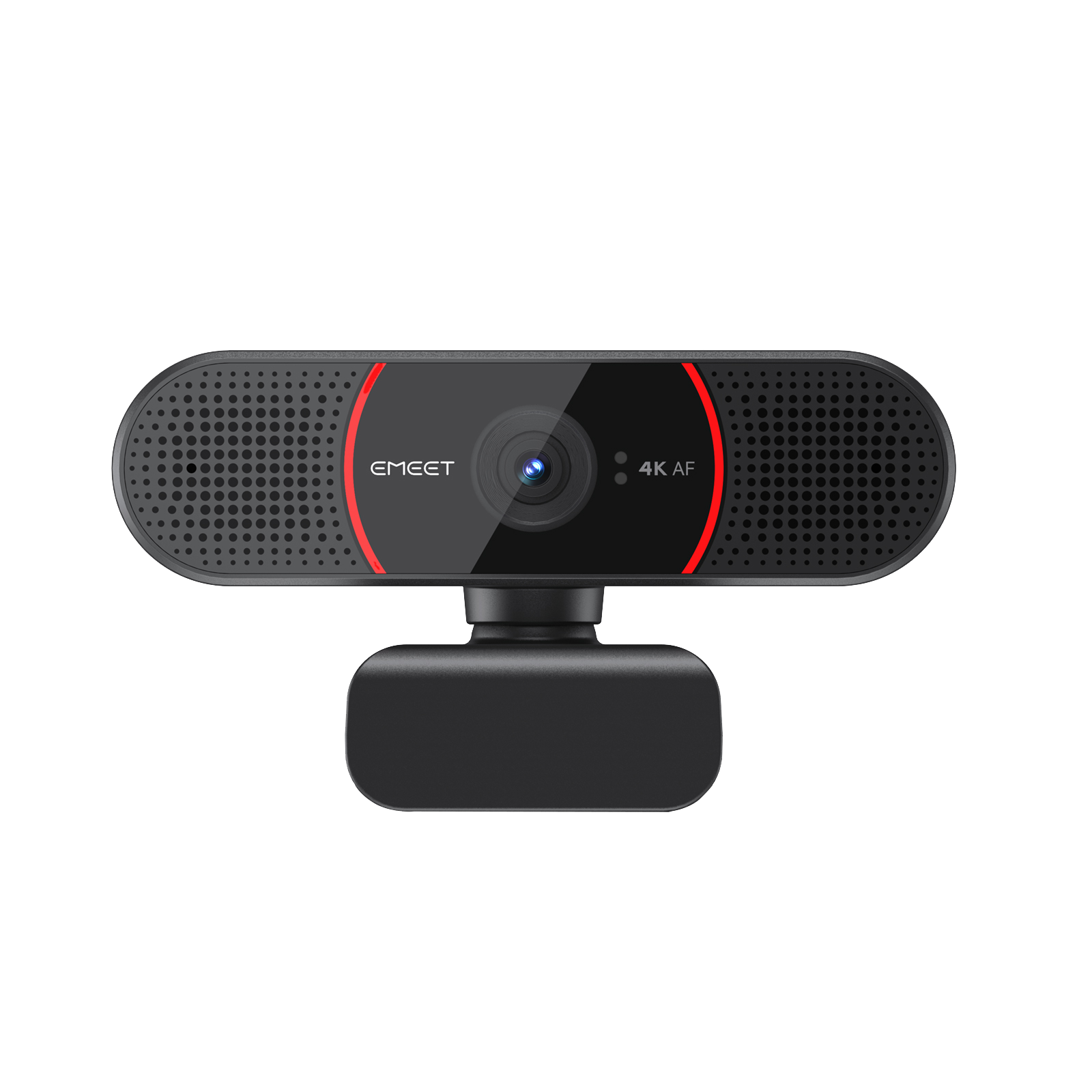
Recommended Product: EMEET SmartCam C60E 4K Dual

The EMEET SmartCam C60E 4K Dual is designed for creators who want professional-grade video without complex setup.
Key advantages:
-
Dual 4K camera system for flexible framing and depth
-
Up to 4K UHD resolution at 30fps
-
Fast PDAF autofocus for sharp subject tracking
-
11x hybrid zoom for product or desk presentation
-
Built-in dual microphones for clear voice pickup
-
Works well for OBS, Twitch, and YouTube streaming setups
This makes it ideal for:
-
gaming streaming webcam users
-
gaming streaming setup pc creators
-
minimalist gaming streaming setup
-
gaming streaming desk setup environments
It is especially strong for users searching for a best webcam for gaming streaming or 4k webcam for gaming streaming with plug-and-play simplicity.
Best AI Webcam for Solo Streamers
Solo streamers need automation to reduce setup friction. AI tracking cameras are becoming essential in modern gaming streaming setup ideas.
Recommended Product: EMEET PIXY Wireless

The EMEET PIXY Wireless is built for solo creators who move, present, or stream without a cameraman.
Key features:
-
AI auto-tracking that follows your movement
-
Wireless design for flexible placement
-
Stable framing for solo streaming sessions
-
Designed for streaming setup for gaming creators
-
Strong fit for gaming content creator setup workflows
This is ideal for:
-
streaming setup for gaming creators
-
gaming streaming setup room setup
-
professional gaming streaming setup
-
creators upgrading from static webcams to dynamic setups
It is especially relevant for AI webcam for gaming streaming and webcam with AI tracking for streaming use cases.
Best Microphone for Gaming Streaming (Clear Audio Picks)
Audio quality often matters more than video in a best gaming streaming setup. Poor sound can immediately reduce viewer retention.
Recommended Product: Shure MV7

The Shure MV7 is widely used by streamers and podcasters for its broadcast-quality sound.
Key advantages:
-
Hybrid USB/XLR connectivity
-
Clear voice isolation for noisy environments
-
Professional broadcast sound quality
-
Excellent for Twitch and YouTube creators
Perfect for:
-
gaming streaming setup for twitch
-
gaming streaming setup for youtube
-
budget gaming streaming setup upgrades
-
professional gaming streaming gear setups
It is a strong upgrade path for both cheap gaming streaming setup users and advanced creators.
Best Lighting Setup for Gaming Streaming (Simple & Effective Options)
Lighting defines the visual quality of your gaming streaming room setup more than most users realize.
Recommended Product: Elgato Key Light

The Elgato Key Light is one of the most popular choices among streamers.
Key benefits:
-
Soft, adjustable lighting for face clarity
-
App-based brightness and color control
-
Professional studio-style lighting
-
Reduces shadows for cleaner webcam output
Ideal for:
-
RGB lighting for gaming streaming setup (paired setups)
-
gaming streaming lighting setup
-
minimalist gaming streaming setup
-
gaming streaming desk setup creators
It helps even entry-level setups look like a professional gaming streaming setup.
Best Streaming Software for Gamers (OBS & Easy Tools)
Software completes the complete gaming streaming setup ecosystem.
Recommended Tool: OBS Studio
OBS remains the industry standard for streamers.
Key benefits:
-
Free and open-source
-
Full control over overlays and scenes
-
Works with all major webcams and capture cards
-
Used in both single PC and dual pc gaming streaming setup
Also popular alternatives include Streamlabs and Twitch Studio for beginners.
Best Gaming Streaming Setup by Budget (Beginner to Pro)
Budget Setup (Under $500)
Ideal for beginners building a gaming streaming setup for beginners:
-
Basic PC or console
-
Entry-level webcam
-
USB microphone
-
Ring light
Perfect for a cheap gaming streaming setup
Mid-Range Setup ($500–$1000)
Balanced setup for serious creators:
-
Upgraded PC system
Best for gaming streaming setup under 1000
Professional Setup ($1000+)
High-end creator setup:
-
Dual PC gaming streaming setup
-
XLR microphone system
-
Full studio lighting setup
Ideal for professional gaming streaming setup and scaling creators
FAQ: Gaming Streaming Setup Questions Answered
Q: What is the best gaming streaming setup for beginners?
A: A simple PC, webcam, microphone, and lighting system is enough for a gaming streaming setup for beginners.
Q: Do I need a 4K webcam for streaming?
A: Not required, but a 4k webcam for gaming streaming improves clarity and professionalism significantly.
Q: What is the best webcam for gaming streaming?
A: AI webcams like EMEET C60E are ideal for modern gaming streaming webcam setups.
Q: Can I stream with a single PC?
A: Yes, a single pc gaming streaming setup is sufficient for most beginners.
Q: What makes a professional gaming streaming setup?
A: A mix of high-quality camera, microphone, lighting, and optimized gaming streaming gear.
