










![C960 Ultra[BR]](http://emeet.com/cdn/shop/files/c960-ultra_sensor_PT-BR.jpg?v=1784874465&width=1200)
![C960 Ultra[BR]](http://emeet.com/cdn/shop/files/c960-ultra_4k-autofocus_PT-BR.jpg?v=1784874465&width=1200)
![C960 Ultra[BR]](http://emeet.com/cdn/shop/files/c960-ultra_metal-unibody_PT-BR.jpg?v=1784874465&width=1200)
![C960 Ultra[BR]](http://emeet.com/cdn/shop/files/c960-ultra_dual-mic_PT-BR.jpg?v=1784874465&width=1200)
![C960 Ultra[BR]](http://emeet.com/cdn/shop/files/c960-ultra_privacy-cover_PT-BR.jpg?v=1784874466&width=1200)
![C960 Ultra[BR]](http://emeet.com/cdn/shop/files/c960-ultra_compatibility_PT-BR.jpg?v=1784874465&width=1200)
![C960 Ultra[BR]](http://emeet.com/cdn/shop/files/c960-ultra_mac-compatibility_PT-BR.jpg?v=1784874465&width=1200)
![C960 Ultra[BR]](http://emeet.com/cdn/shop/files/c960-ultra_scenarios_PT-BR.jpg?v=1784874466&width=1200)


EMEET SmartCam C960 Ultra
Webcam 4K Ultra Nítida com Design Premium
BRL
R$ 699,99
Tax included.
Shipping calculated at checkout.
- 1/1.5" Sony Large Sensor: Sharper details and cleaner images, even in low-light conditions.
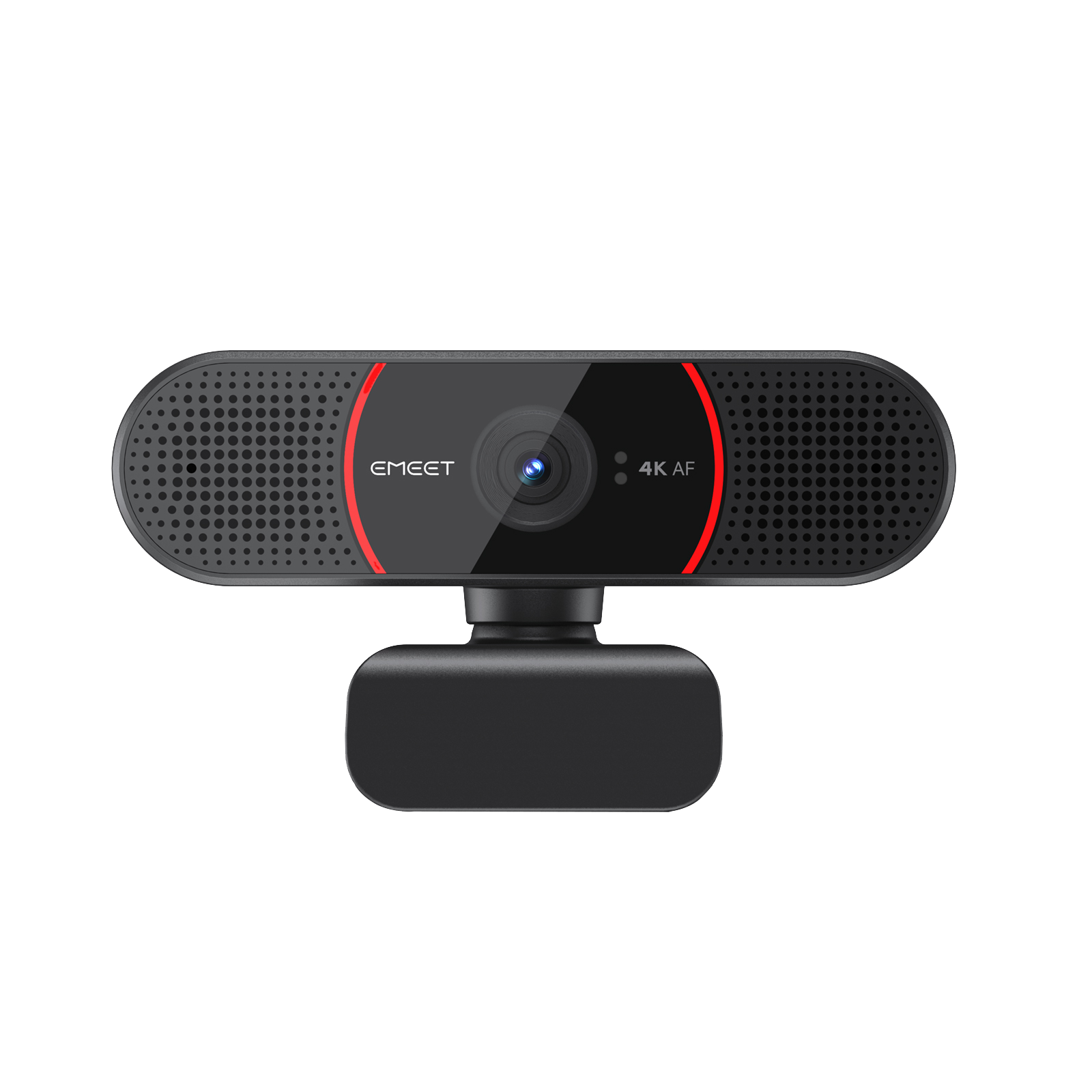
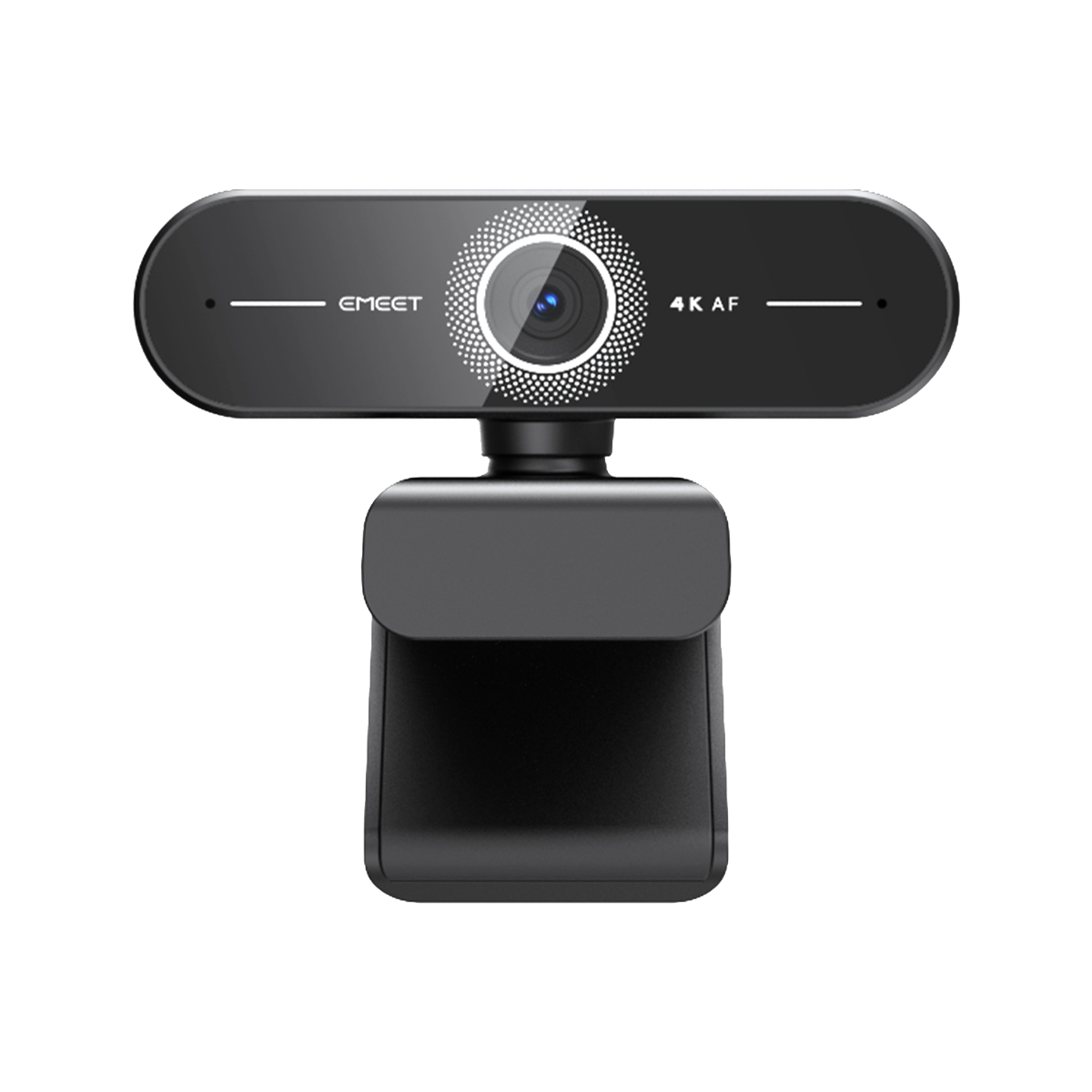
- UHD 4K Clarity: Professional 4K clarity & smooth 60FPS at 1080P.
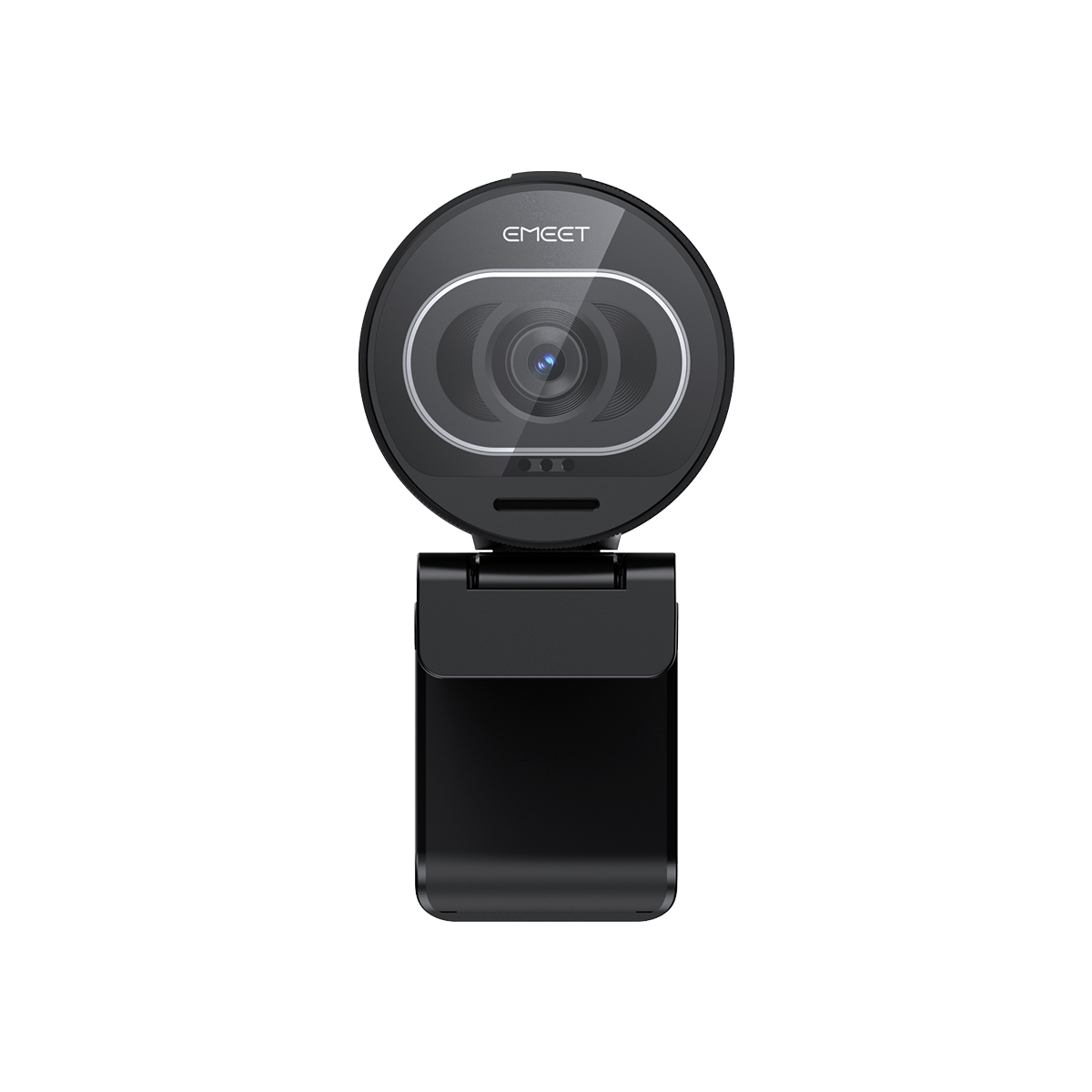
- Premium Aluminum Alloy: Stylish design to seamlessly match modern setups.
- 0.2s Fast PDAF Autofocus: Instant, accurate auto focus that keeps you sharp.
- Natural Bokeh: Enjoy a natural bokeh effect and stand out without looking processed.
- Sensor Sony grande de 1/1.5": Detalles más nítidos e imágenes más limpias, incluso en condiciones de poca luz.
- Claridad UHD 4K: Claridad 4K profesional y fluidez de 60FPS a 1080P.
- Aleación de aluminio premium: Diseño elegante que combina a la perfección con configuraciones modernas.
- Autoenfoque PDAF rápido de 0.2s: Enfoque instantáneo y preciso que te mantiene nítido.
- Bokeh natural: Disfruta de un efecto bokeh natural y destaca sin verse artificial.
- Sensor Sony grande de 1/1.5": Detalhes mais nítidos e imagens mais limpas, mesmo em condições de pouca luz.
- Nitidez UHD 4K: Nitidez 4K profissional e fluidez de 60FPS em 1080P.
- Liga de alumínio premium: Design elegante que combina perfeitamente com configurações modernas.
- Foco automático PDAF rápido de 0,2s: Foco instantâneo e preciso que mantém você nítido.
- Bokeh natural: Aproveite um efeito bokeh natural e se destaque sem parecer processado.
Quantity:
Inquiry Form

EMEET SmartCam C960 Ultra
Ultra-Clear 4K Webcam with Premium Design
Select Accessories



Fast, Free Shipping
Refundable in 30 Days
Exclusive Extended Warranty
Hassle-free Customer Service

![C960 Ultra[BR]](http://emeet.com/cdn/shop/files/c960-ultra_sensor_PT-BR.jpg?v=1784874465&width=1445)
![C960 Ultra[BR]](http://emeet.com/cdn/shop/files/c960-ultra_4k-autofocus_PT-BR.jpg?v=1784874465&width=1445)
![C960 Ultra[BR]](http://emeet.com/cdn/shop/files/c960-ultra_metal-unibody_PT-BR.jpg?v=1784874465&width=1445)
![C960 Ultra[BR]](http://emeet.com/cdn/shop/files/c960-ultra_dual-mic_PT-BR.jpg?v=1784874465&width=1445)
![C960 Ultra[BR]](http://emeet.com/cdn/shop/files/c960-ultra_privacy-cover_PT-BR.jpg?v=1784874466&width=1445)
![C960 Ultra[BR]](http://emeet.com/cdn/shop/files/c960-ultra_compatibility_PT-BR.jpg?v=1784874465&width=1445)
![C960 Ultra[BR]](http://emeet.com/cdn/shop/files/c960-ultra_mac-compatibility_PT-BR.jpg?v=1784874465&width=1445)
![C960 Ultra[BR]](http://emeet.com/cdn/shop/files/c960-ultra_scenarios_PT-BR.jpg?v=1784874466&width=1445)


EMEET SmartCam C960 Ultra
C960 Ultra
BRL
R$ 699,99
Explore
Overview
Specs
FAQs
Reviews
User Manual

Highlights

Outstanding Quality in Any Light
Professional 4K clarity powered by a 1/1.5" large Sony sensor. Capture sharper details and cleaner images, even in low-light conditions.

Sharper. Clearer. More Professional
Capture every detail in stunning 4K resolution. Whether for meetings, streaming, or content creation, C960 Ultra delivers crisp visuals with natural colors and enhanced clarity-so you always look your best on screen.

See in the Dark
Delivers clear, low-noise video even in low-light environments, keeping you professional without extra lighting.

Superior and Modern Design
Crafted from high-grade aluminum alloy for durability, heat dissipation, and a premium feel. Designed to seamlessly match modern, minimalist desktop setups.

Match Your Mac & Minimalist Setup


0.2s Ultra-Fast Auto Focus
PDAF technology delivers fast, precise focusing for sharp, stable images. Keeps you perfectly in focus during movement and close-up use.

Professional Framing
Keeps you perfectly centered without distortion-Keeps you perfectly centered without distortion. Ideal for meetings, streaming and solo content creation.

Natural Bokeh Effect
Achieve a natural bokeh effect powered by a large 1/1.5" sensor. C960 Ultra creates authentic background separation without artificial blur, delivering a more cinematic and professional look.

Cleaner Green Screen Removal
C960 Ultra delivers cleaner edges and more precise background separation when used with green screen or virtual background software. The result is a more polished, professional appearance in meetings, streams, and content creation.

Clear Voice Pickup
Ensures your voice sounds clear, natural, and well-defined in calls and recordings.

Powered by EMEET STUDIO Software
Enhanced with EMEET STUDIO for advanced camera control and image optimization. Unlock more flexibility for professional meetings and content creation

Area Crop Mode

Whiteboard Presentation
With the EMEET STUDIO, C960 Ultra automatically detects and frames whiteboards for clear, readable presentations.
Desk Demo
Manually select and crop your frame in EMEET STUDIO for precise composition and distraction-free visuals. Ideal for whiteboard and desk demos.

Mobile Content Ready
Easily create portrait-format content for Shorts, Reels, and TikTok

Broad System & App Compatibility

Ease of Use

Ideal for


TECH SPECS
VIDEO
Sensor Size:
C960 Ultra: 1/1.5" SONY CMOS Sensor
C960 UltraX: 1/1.3" CMOS Sensor
C960 UltraX: 1/1.3" CMOS Sensor
Video Resolution:
Default Resolution: 3840×2160@30FPS
640×360@30FPS, 640×480@30FPS
640×360@30FPS, 640×360@60FPS
640×480@30FPS, 800×600@30FPS
960×720@30FPS, 1024×576@30FPS
1024×576@60FPS, 1280×720@30FPS
1280×720@60FPS, 1280×960@30FPS
1920×1080@30FPS, 1920×1080@60FPS
2560×1440@30FPS, 3840×2160@30FPS
640×360@30FPS, 640×480@30FPS
640×360@30FPS, 640×360@60FPS
640×480@30FPS, 800×600@30FPS
960×720@30FPS, 1024×576@30FPS
1024×576@60FPS, 1280×720@30FPS
1280×720@60FPS, 1280×960@30FPS
1920×1080@30FPS, 1920×1080@60FPS
2560×1440@30FPS, 3840×2160@30FPS
Video Coding Format:
MJPEG, YUY2
Aperture:
C960 Ultra: F/1.8
C960 UltraX: F/1.95
C960 UltraX: F/1.95
Field of View:
C960 Ultra: 73°
C960 UltraX: 76.6°
C960 UltraX: 76.6°
Focus Type:
PDAF Auto Focus
HDR:
C960 Ultra: No
C960 UltraX: Supported
C960 UltraX: Supported
AUDIO
Microphone:
2 Built-in Microphones
Software
Connectivity
1.5m USB-C to USB-C cable
Interface
1/4" Threaded Hole
System Requirement
A 2.4 GHz Intel® Core 2 Duo processor or higher
2 GB of RAM or more
A USB 2.0 port
2 GB of RAM or more
A USB 2.0 port
Compatibility
Windows 10 or later (64-bit operating systems)
macOS (10.14 or later)
Does not support Windows systems based on the ARM architecture
macOS (10.14 or later)
Does not support Windows systems based on the ARM architecture

What's in the box?
- USB-C to USB-A Adapter*1
- 1.5m USB-C to USB-C Cable*1
- EMEET C960 Ultra*1
- Quick Start Guide Card*1
- Warranty*1
- User Manual*1
FAQ
Have a Question?
EMEET SmartCam C960 Ultra
Ultra-Clear 4K Webcam with Premium Design
How do I use the camera?
You can get started quickly by following the steps below:
- Connect the device: Plug the camera's USB connector directly into your computer's USB port.
- Open the application: Launch the application you want to use (such as the system camera or video conferencing software). In the device selection list, switch to this camera. Once the camera starts outputting video normally, the indicator light will turn solid blue.
Note: The product features a driver-free design. Simply plug it into your computer and start using it — no additional drivers are required.
What mounting options are supported?
Two convenient mounting options are supported:
Monitor Mount
Use the built-in clip to securely attach the camera to the top of your monitor or laptop screen.
Tripod Mount
The bottom of the camera features a 1/4-inch threaded hole, allowing it to be mounted on a standard tripod or universal stand.

What are the maximum resolution and frame rate?
The maximum resolution is 4K (3840 × 2160) at up to 30 frames per second (fps). It also supports 1080p (1920 × 1080) at up to 60 fps, so you can choose the best setting for different scenarios such as meetings and live streaming.
USER MANUAL
EMEET SmartCam C960 Ultra Series User Manual
Download Now
- Choosing a selection results in a full page refresh.