

![PIXY Wireless[DEFAULT]](http://emeet.com/cdn/shop/files/pixy_647010c6-662a-4af7-b8bb-ad66e457c662.png?v=1780025408&width=1200)


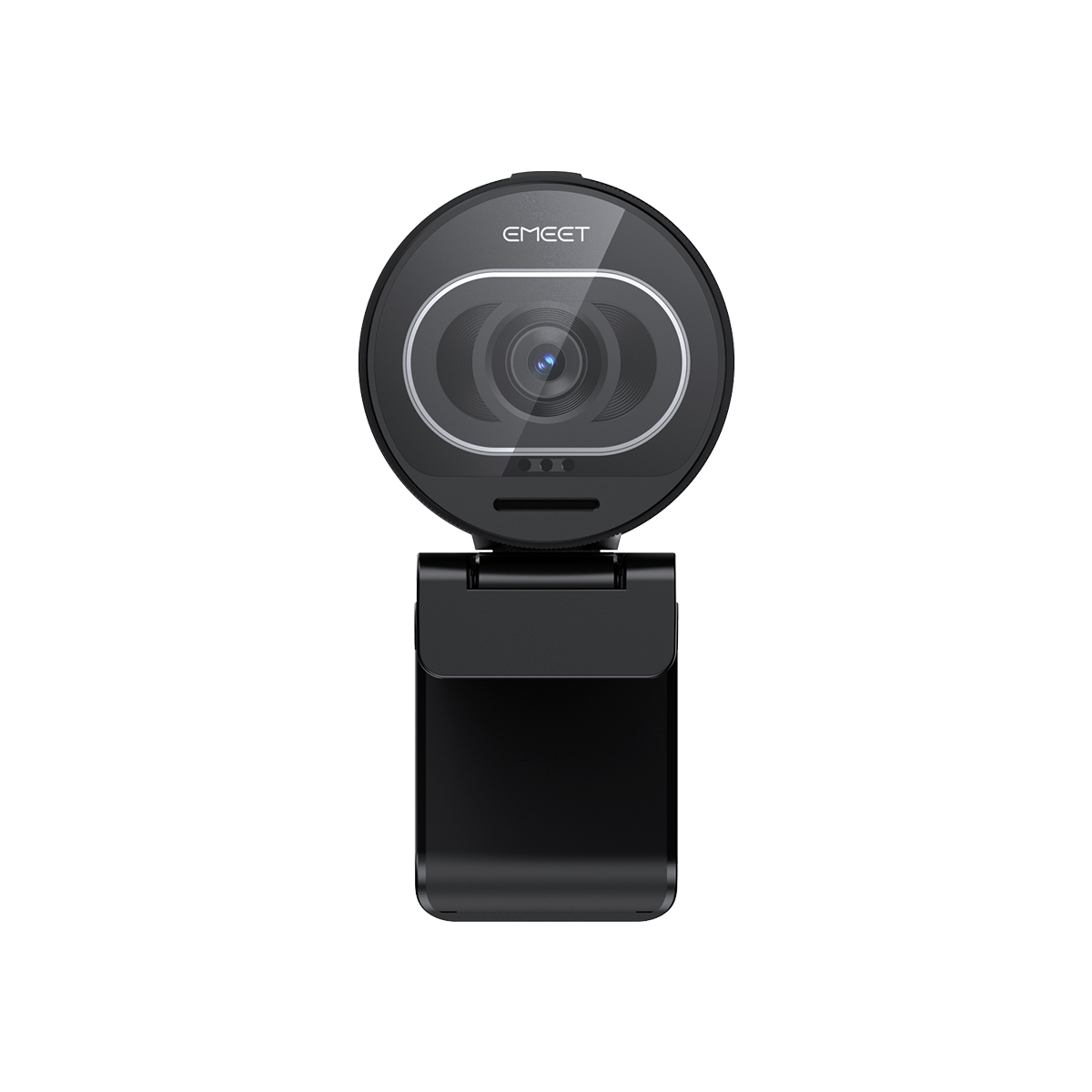

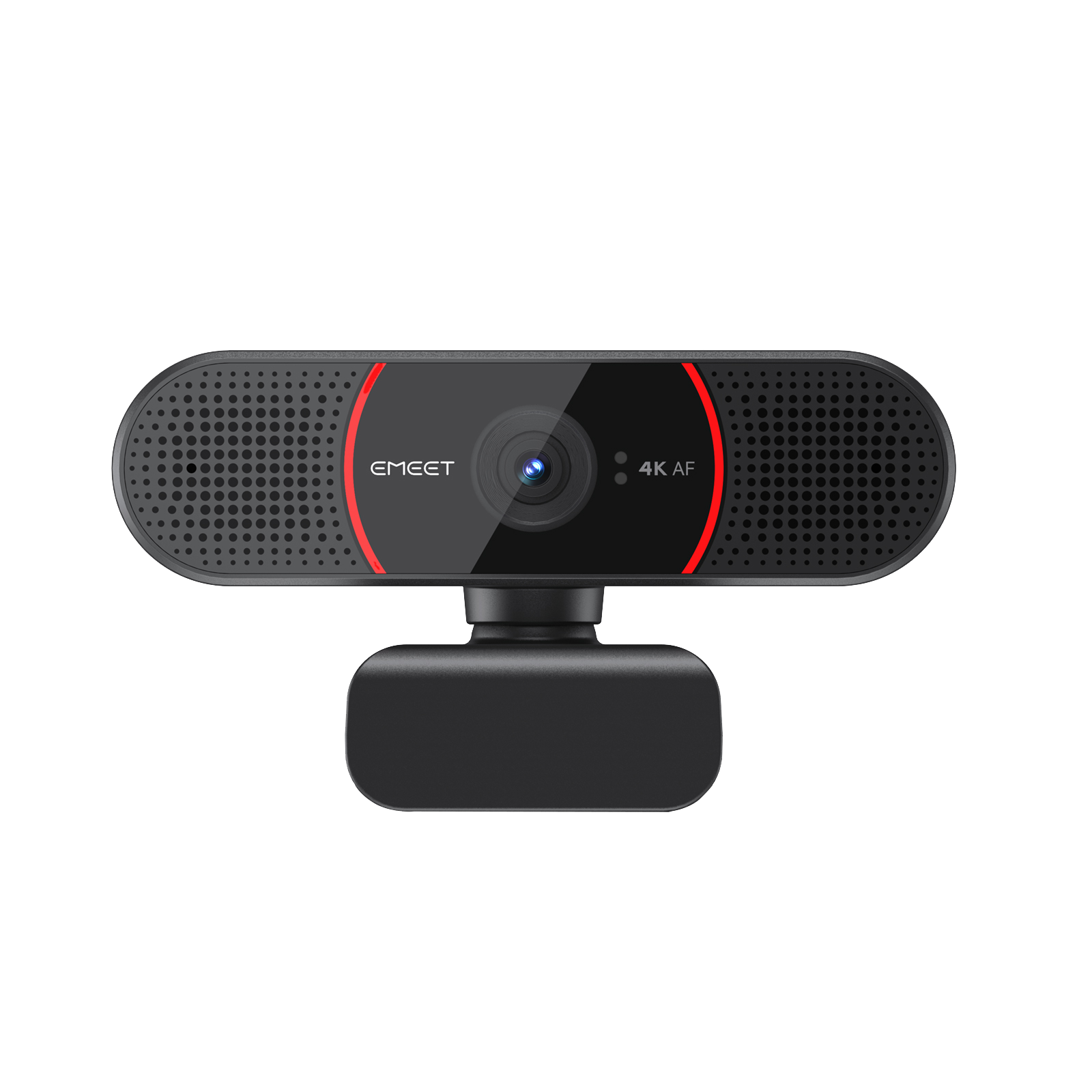
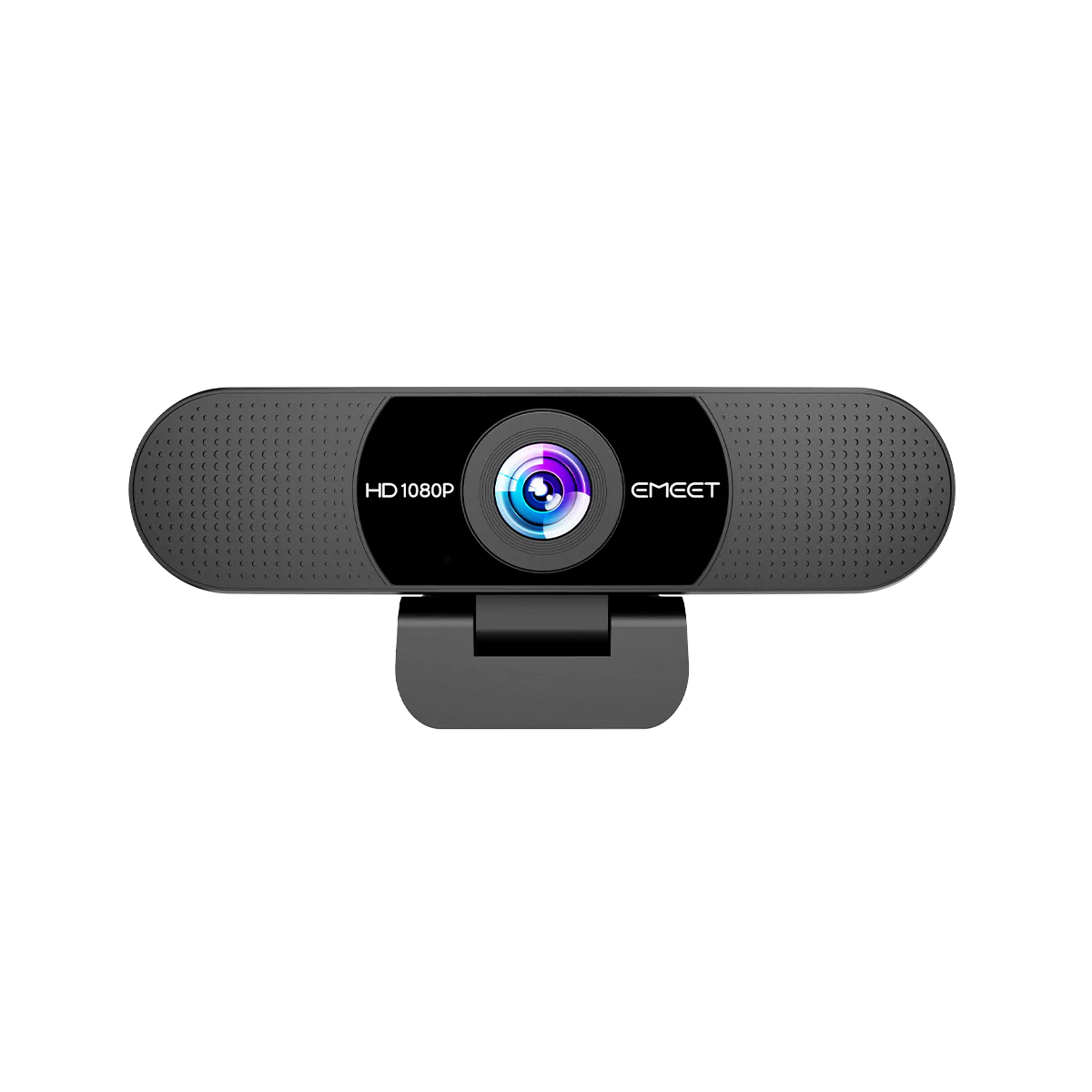
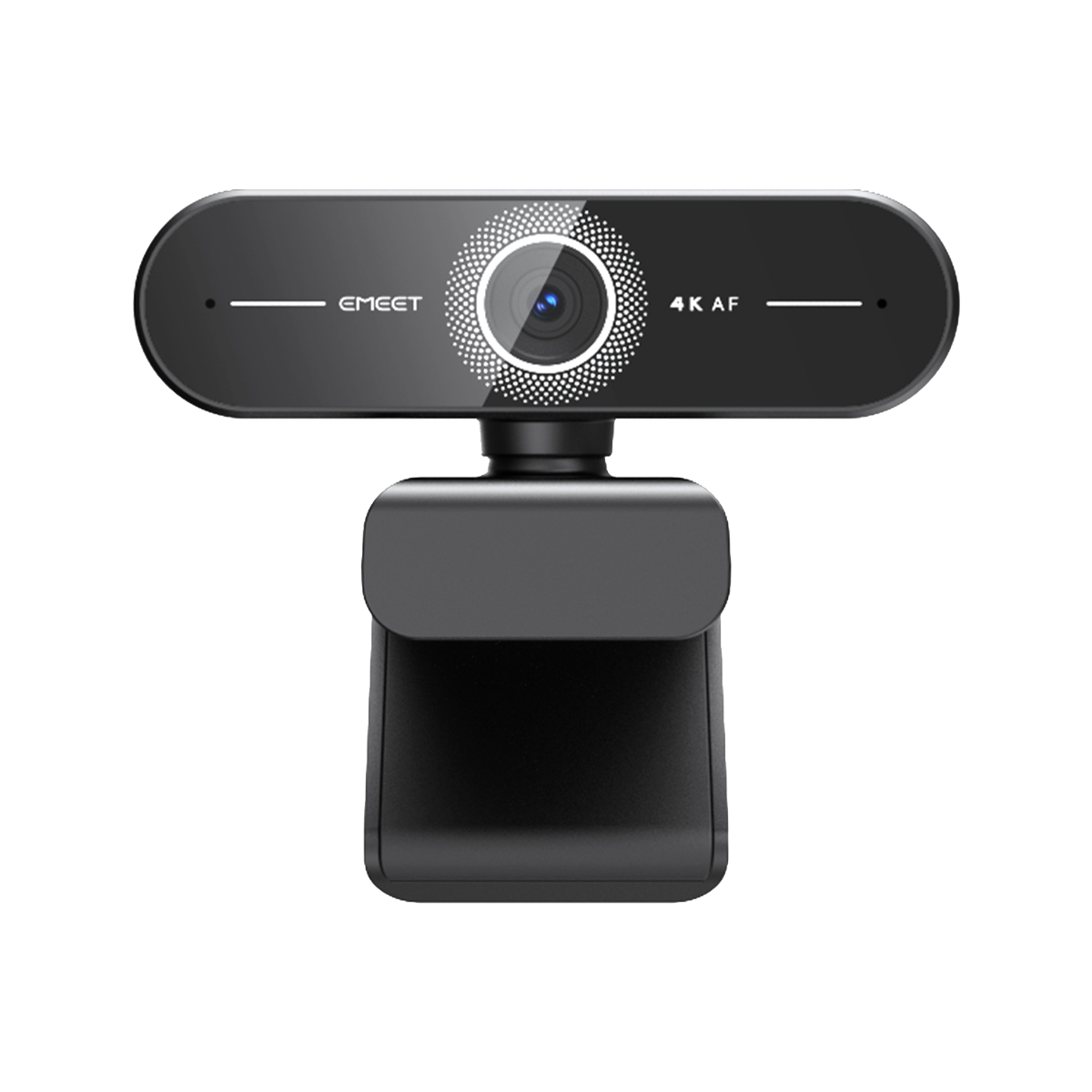

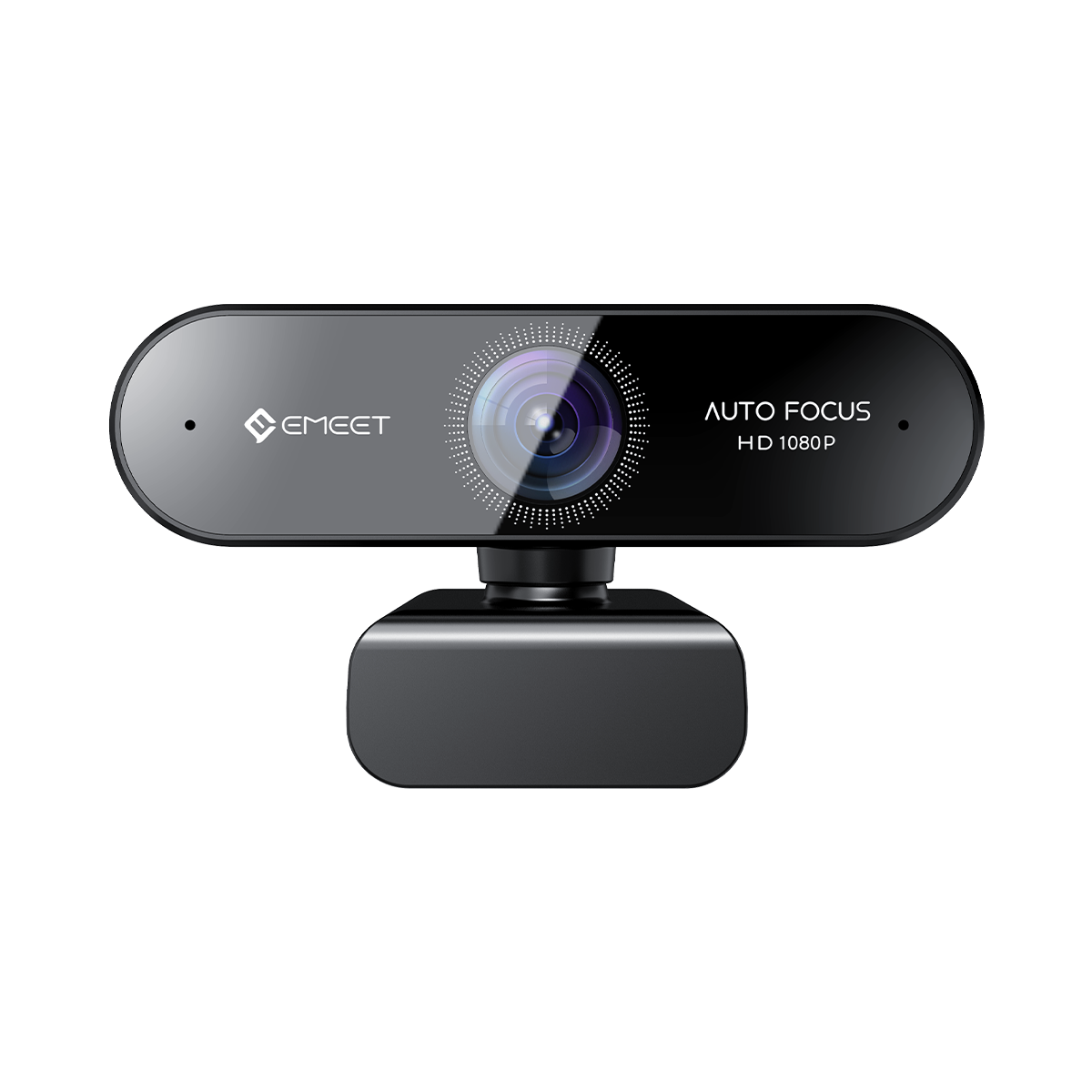

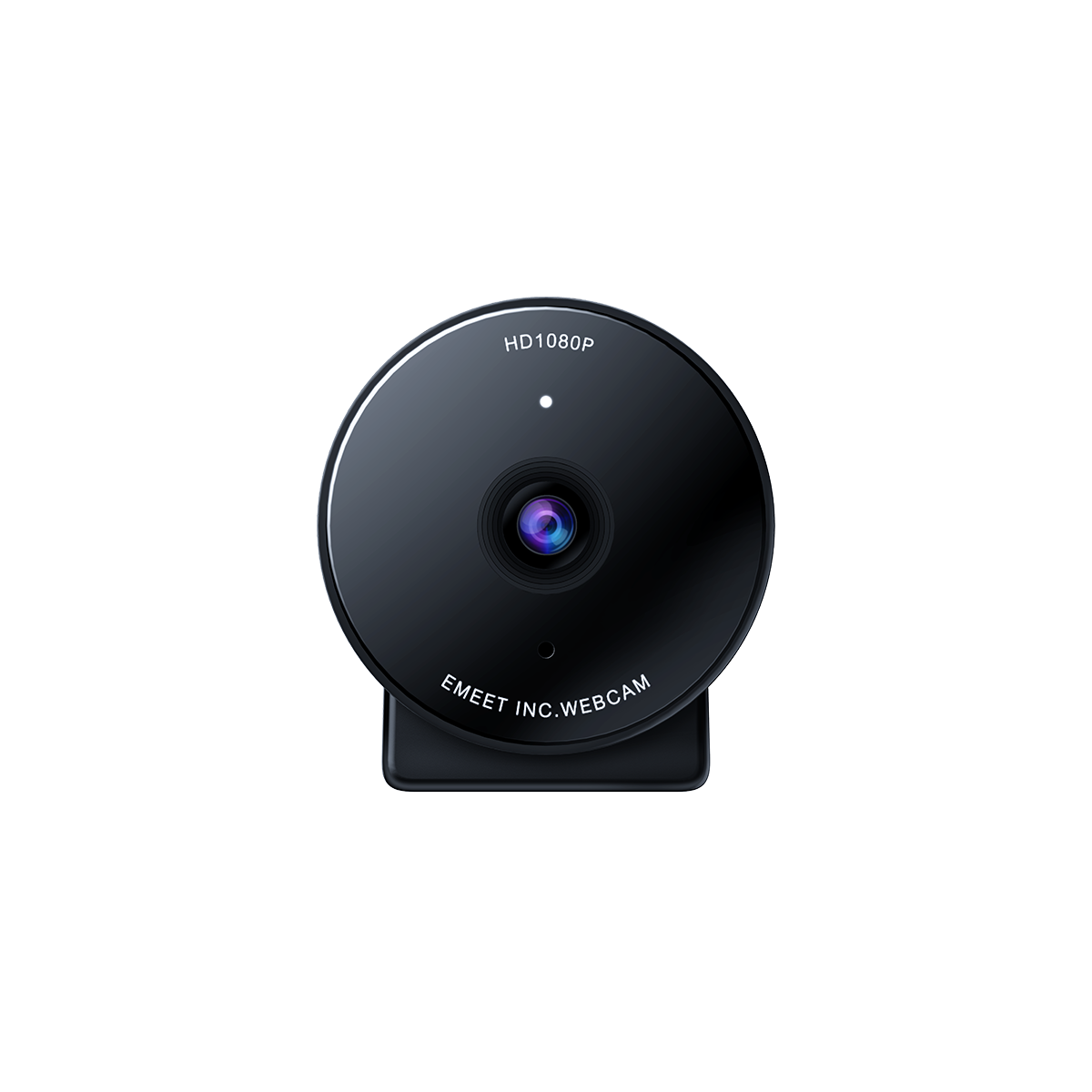





EMEET SmartCam S800
A Webcam de Transmissão ao Vivo UHD 4K de Próxima Geração
BRL
R$ 699,99
Tax included.
Shipping calculated at checkout.
- 4k@30fps, 1080P@60fps
- Supports HDR
- Sony1/2" lmage Sensor
- AI Face Autofocus
- Dual Noise Cancelling Microphones
- 0.3s Super-Fast Autofocus
- 4k@30fps, 1080P@60fps
- Compatible con HDR
- Sensor de imagen Sony 1/2"
- Autoenfoque facial con IA
- Micrófonos duales con cancelación de ruido
- Autoenfoque ultrarrápido de 0,3 s
- 4k@30fps, 1080P@60fps
- Suporta HDR
- Sensor de imagem Sony 1/2"
- Foco automático facial com IA
- Microfones duplos com cancelamento de ruído
- Foco automático ultrarrápido de 0,3s
Quantity:
Inquiry Form

EMEET SmartCam S800
The Next-Gen UHD 4K Live Streaming Webcam
Select Accessories



Fast, Free Shipping
Refundable in 30 Days
Exclusive Extended Warranty
Hassle-free Customer Service
Introduction Video


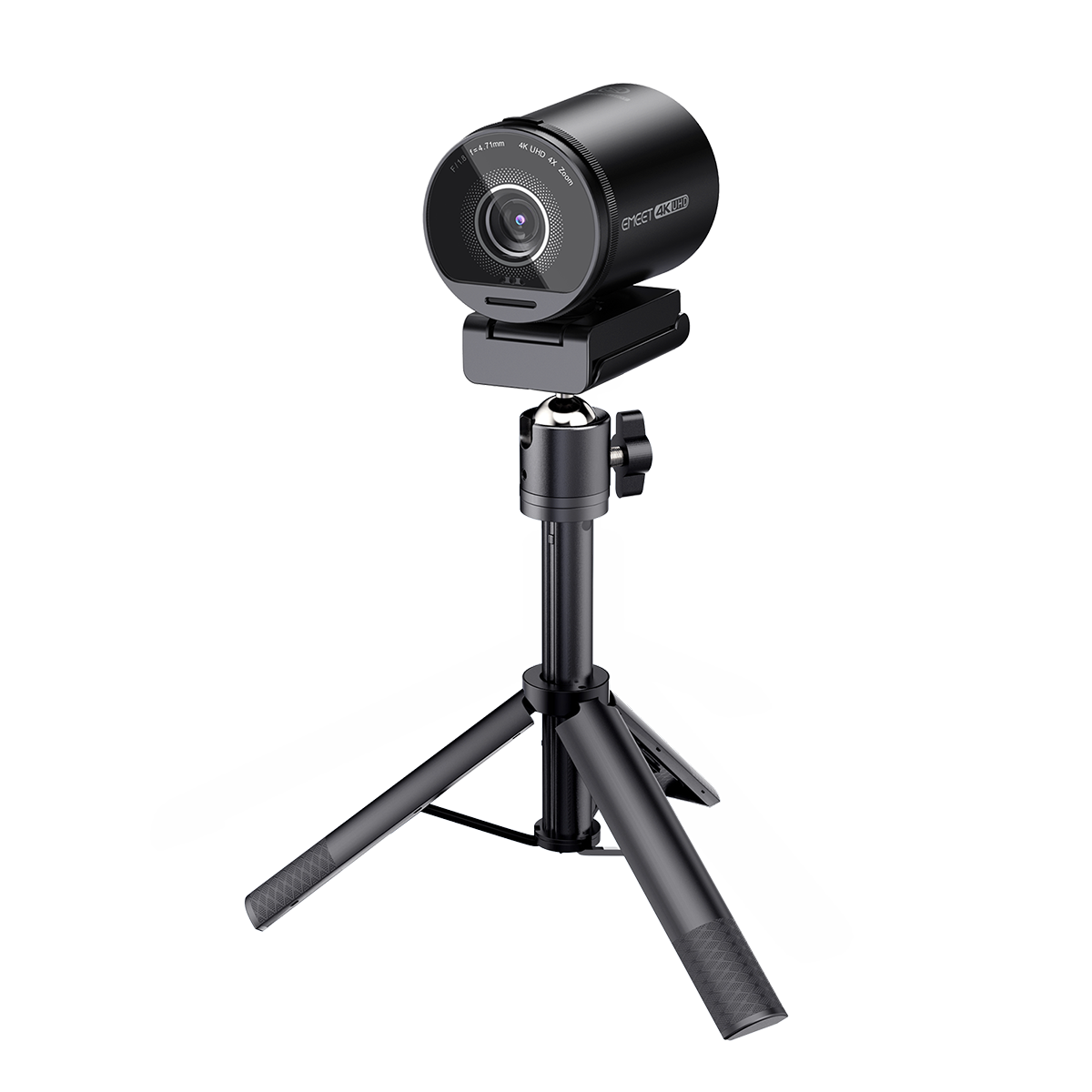


EMEET SmartCam S800
S800
BRL
R$ 699,99
Explore
Overview
Specs
FAQs
Reviews
User Manual


EXCELÊNCIA EM IMAGEM


UHD 4K com HDR
Com HDR e profundidade de cor de 10 bits, você aproveita uma experiência visual melhor, com uma gama mais ampla de brilho e cor.

Mais Vívido com Profundidade de Cor de 10 Bits
A profundidade de cor de 10 bits proporciona uma representação de cores incrivelmente precisa e detalhada, com mais de 1,07 bilhão de cores, garantindo que suas imagens ganhem vida com realismo e profundidade impressionantes.

Como o HDR Funciona
O HDR captura imagens mais fiéis à realidade combinando múltiplas imagens com exposições diferentes, resultando em mais detalhes e uma gama mais ampla de cores.

Qualidade Detalhada em 4K UHD
A resolução de 3840×2160 garante imagens de altíssima qualidade repletas de detalhes.

Sensor Grande Sony de 1/2" com Abertura F/1.8
Desfrute de imagens mais nítidas e bem focadas graças ao sensor maior e à menor profundidade de campo proporcionada pela abertura F/1.8.

Pouca Luz Não é Problema
Graças ao sensor maior, a S800 tem um desempenho excepcional independentemente da intensidade da iluminação, seja forte ou fraca.

60fps Suave como Seda
Capture cada movimento com fluidez a 60fps.

Dual Noise Cancelling Microphones
Comprehensively upgraded noise reduction technology. Say no to disturbing noises.

High-Speed Lossless Transmission
Experience lossless image data transmission with the USB3.0 cable faster than ever.


PDAF+TOF Dual Focusing Technology
AI face autofocus and 0.3s super-fast object focusing.

Campo de Visão Ajustável
Ajuste o campo de visão de 40° a 73° no EMEETLINK conforme sua necessidade.

Pronta para Apresentações
Ajuste facilmente o ângulo para mostrar sua mesa durante apresentações em videochamadas.

Múltiplas Formas de Uso

Green Screen Removal
AI image noise reduction algorithm ensures better background removal with green screen.

Rotatable Privacy Cover
Protect your privacy by easily rotating the built-in cover.

EMEETLINK Software
Easily manage EMEET device with EMEET, change parameters and upgrade firmware for better experience.

Strong Compatibility
Compatible with mainstream operating systems and various live streaming and meeting software.

Usage Scenario
Present yourself better with EMEET S800 no matter where you are.


Análises Aprofundadas por Influenciadores
“
The EMEET S800 Webcam Is GLORIOUS! This is the EMEET S800 4K webcam which is also capable of a resolution of 1080p with 60 frames per second.


Andyhhhdx
“
It is fairly simple but as far as a webcam it actually does look great, I also was blown away by the on baord mics, I almost couldn't tell that It was different from my handheld mic.


MrBlack
TECH SPECS
IMAGE
Max Resolution:
4K Ultra HD 2160P@30FPS
Max frame rate:
Full HD 1080P@60FPS
Pixel:
8-Megapixel
Image Sensor:
1/2" Large Sony Sensor
Focus Type:
AI Face Autofocus
Central Area Focus
PDAF+TOF
Central Area Focus
PDAF+TOF
Digital Zoom
4X
Field of View (FoV):
40° ~ 73°
Video Pickup Radius:
10-300cm
HDR
YES
Exposure Mode:
Automatic
White Balance:
Automatic
BLC (Black Light Compensation):
Automatic
AUDIO
Video Codec:
YUY2 / MJPEG
Microphone:
2 Omni-Directional Microphones
Optimal Pickup Range:
10ft
USAGE
Privacy Cover:
Gear-Driven Privacy Cover
Tripod Thread:
YES
Dimensions (W*H*D):
71.5mm * 52mm * 71mm
Weight:
180g ± 10g
COMPATIBILITY
Compatibility:
Compatible with main operating systems and popular software including OBS, Xsplit, Youtube, Twitch, Zoom, etc.
Operating System:
Windows 7,8,10,11 or later, Mac OS 10.10 or later

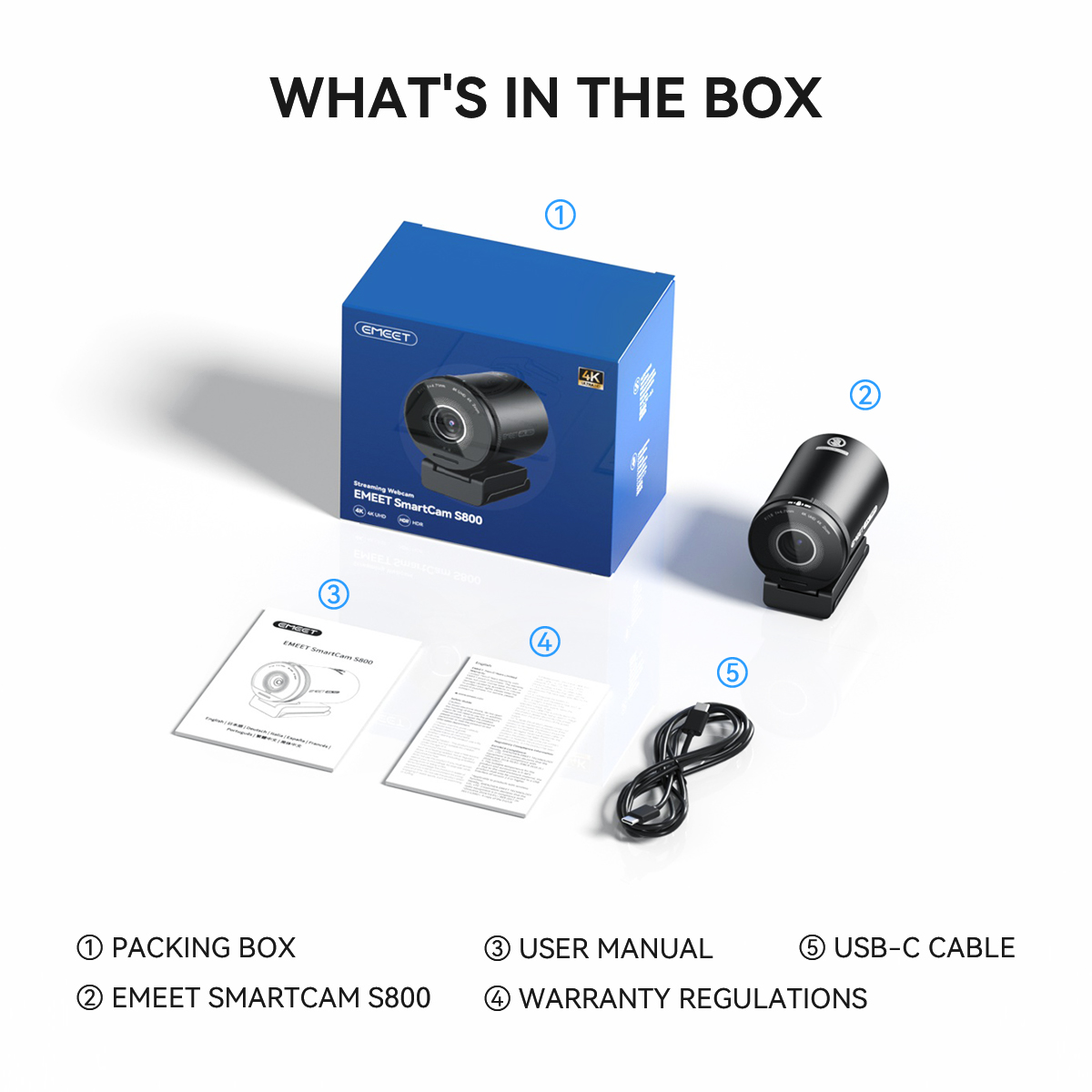
Product Comparison
| Model |
 S800
S800
|
 S600
S600
|
 C960 4K
|
|
|---|---|---|---|---|
| Price | R$ 699,99 | R$ 399,99 | R$ 329,99 | |
| Resolução Máxima | Ultra HD 4K@30FPS FHD 1080P@60FPS | Ultra HD 4K@30FPS FHD 1080P@60FPS | HD 4K@30FPS | |
| HDR | ✔ | ❌ | ❌ | |
| Tipo de Foco | Foco Automático TOF | Foco Automático PDAF | Foco Automático PDAF | |
| Tamanho do Sensor | Sensor Sony de Grande Área de 1/2" | Sensor de 1/2.5" | Sensor de 1/2.55" | |
| Campo de Visão | 40°-73° Ajustável via EMEETLINK | 40°-73° Ajustável via EMEETLINK | 40°-73° Ajustável via EMEETLINK |
|
| Zoom Digital | 4X | 4X | NA | |
| Correção Automática de Luz | Sim | Sim | Sim | |
| Microfone | 2 Microfones com Cancelamento de Ruído | 2 Microfones com Cancelamento de Ruído | 2 Microfones com Cancelamento de Ruído | |
| Conexão | USB 3.0 Plug-and-Play USB-C para A | USB 2.0 Plug-and-Play USB-C para A | USB 2.0 Tipo A | |
| Tampa de Privacidade | Tampa de Privacidade Giratória Integrada | Tampa de Privacidade Giratória Integrada | Tampa de privacidade física | |
| Suporte para Tripé(Rosca de 1/4") | Sim | Sim | Sim | |
| Dimensões (L*A*P mm) | 71*52*71 | 71*52*71 | 100*59*55 | |
| Peso | 180g | 203.7g | 135g |
FAQ
Have a Question?
EMEET SmartCam S800
The Next-Gen UHD 4K Live Streaming Webcam
How can I turn the EMEET SmartCam S800 on/off?
Turn on
Plug the USB into your webcam, and plug the other end of the USB cable into the computer.
Then open the software you want to use with the webcam, the device status indicator will turn Blue.
Turn off
Unplug the USB cable from your computer or laptop, the device will automatically turn off.
Plug-and-play supports your computer to recognize the webcam immediately.
If your computer does not instantly recognize the webcam, try plugging into a different USB port or restarting the computer.
Why is it necessary to use a USB 3.0 interface to connect to S800?
The rated output current of USB 3.0 on a computer is 900mA, while the rated output current of USB 2.0 is 500mA. The rated current of S800 is 700mA.
However, some computers may fail to drive the S800 when USB ports are abnormal or when a HUB is used to connect the S800. We recommend the following:
1. Please connect S800 to the USB 3.0 port with the supplied USB cable.
2. If you want to connect S800 to a HUB, please use a HUB with a separate power supply to connect to S800.
How to install the webcam on a tripod?
Look for a 1/4 threaded hole in the bottom of the camera.
Twist the webcam and tripod together until they are snugly joined.
Place your webcam with the tripod anywhere you desire to the best position to frame yourself.
USER MANUAL
EMEET SmartCam S800 User Manual
Download Now
- Choosing a selection results in a full page refresh.