

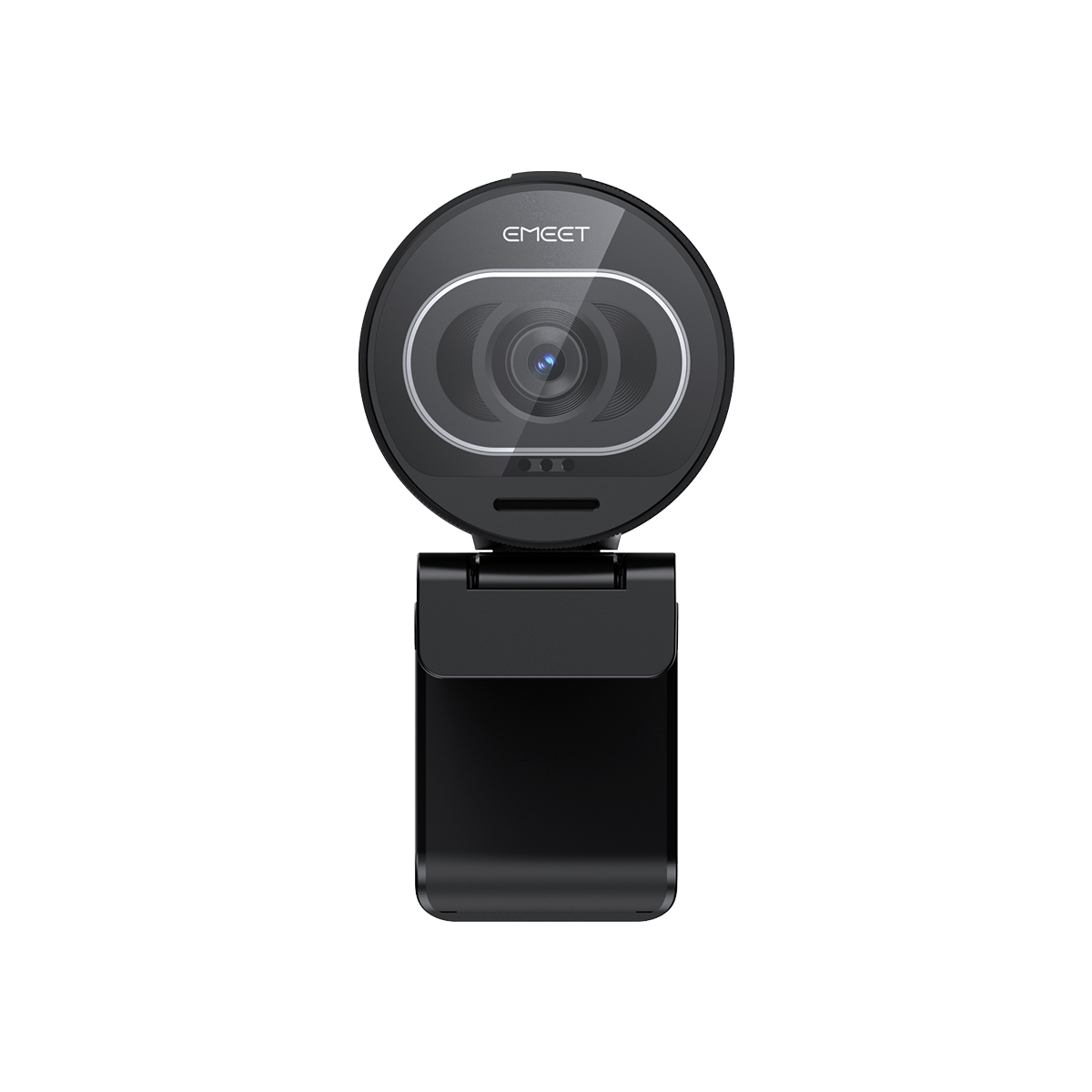


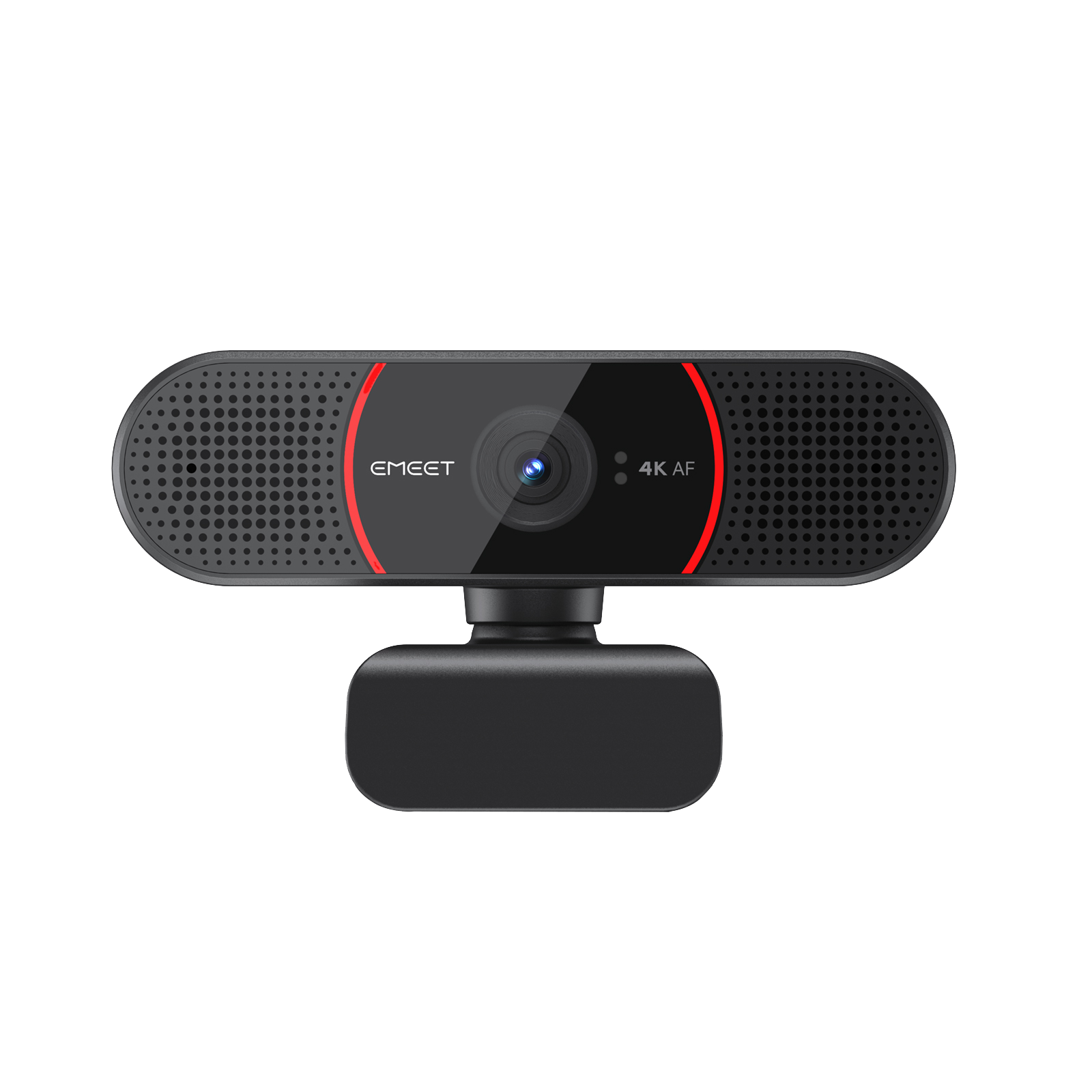
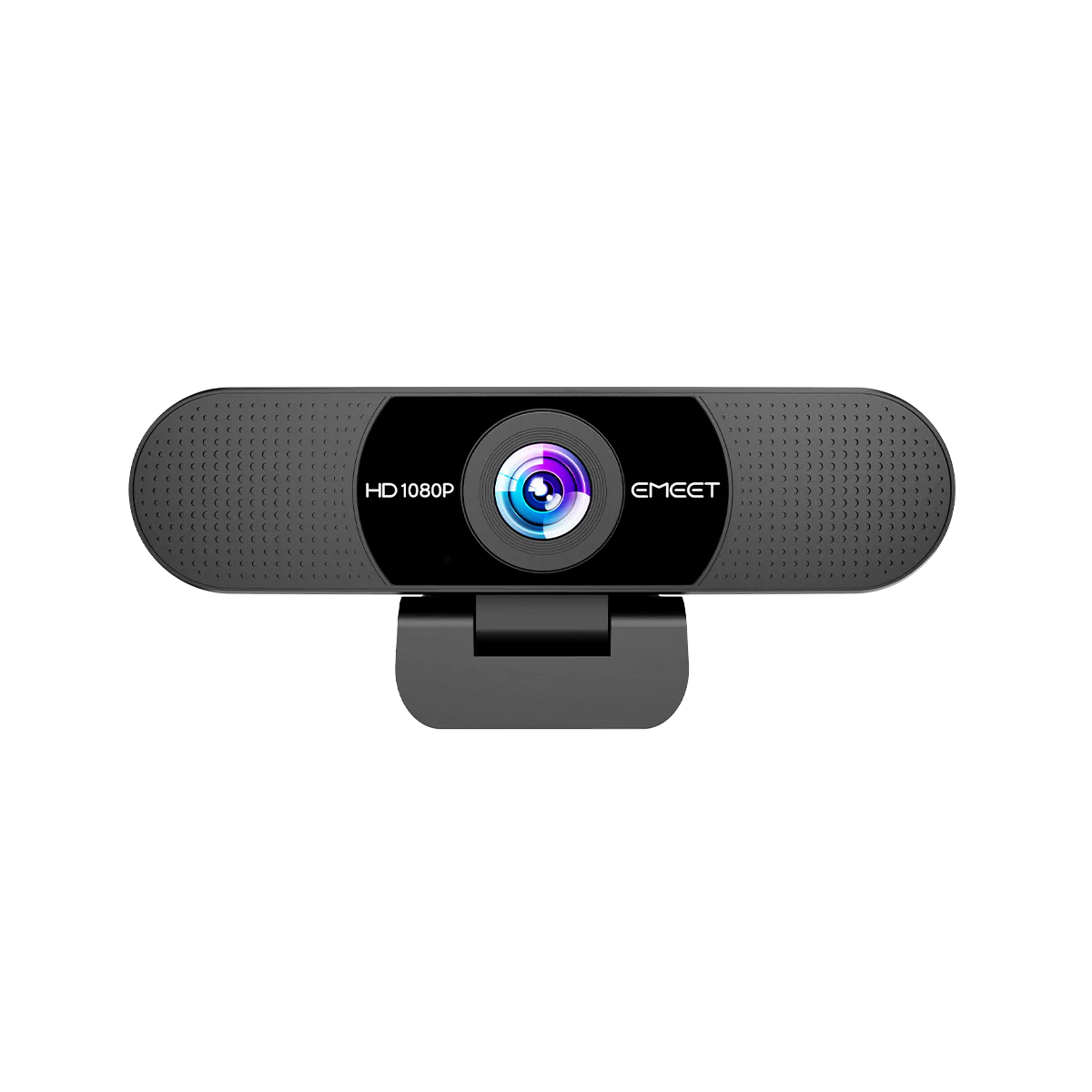
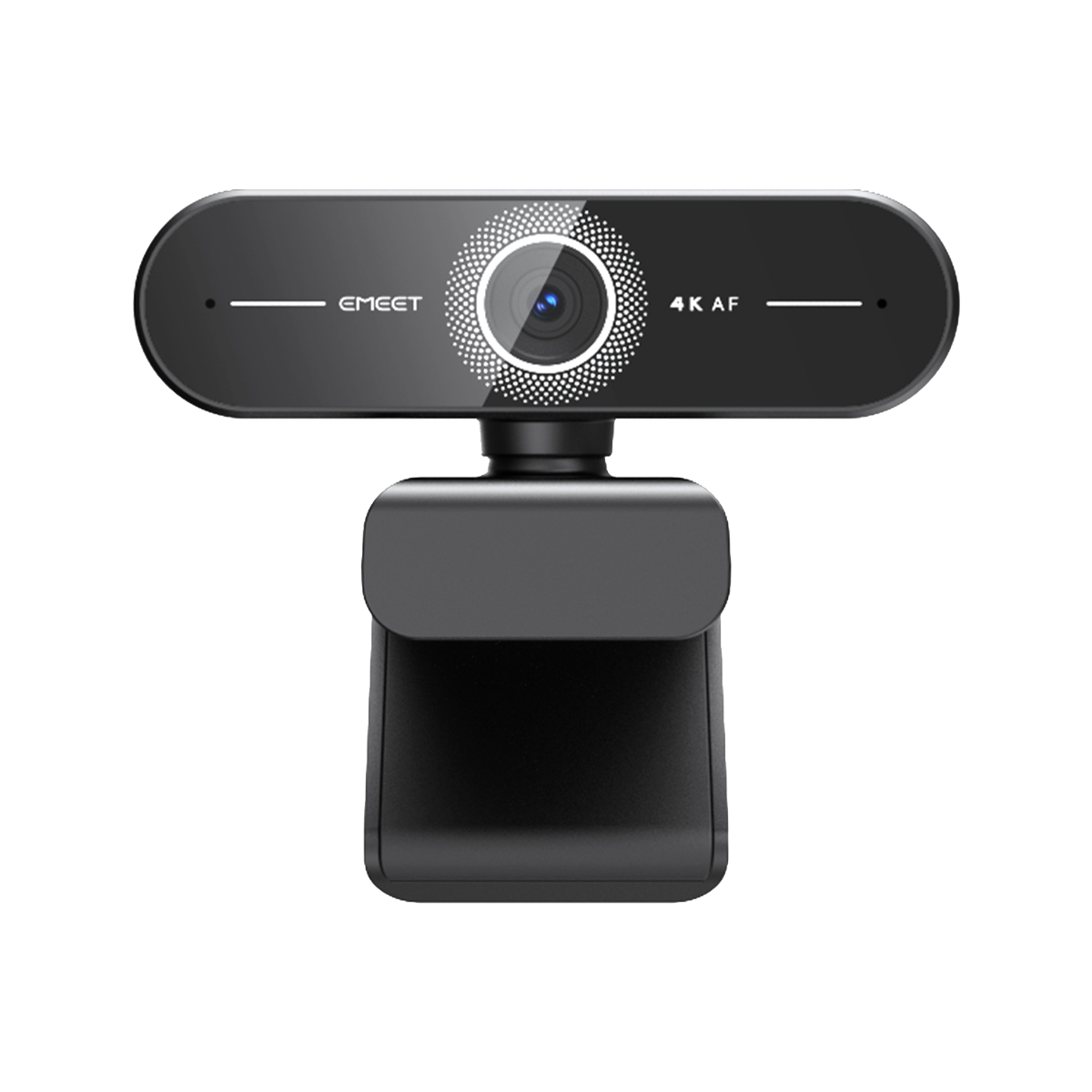


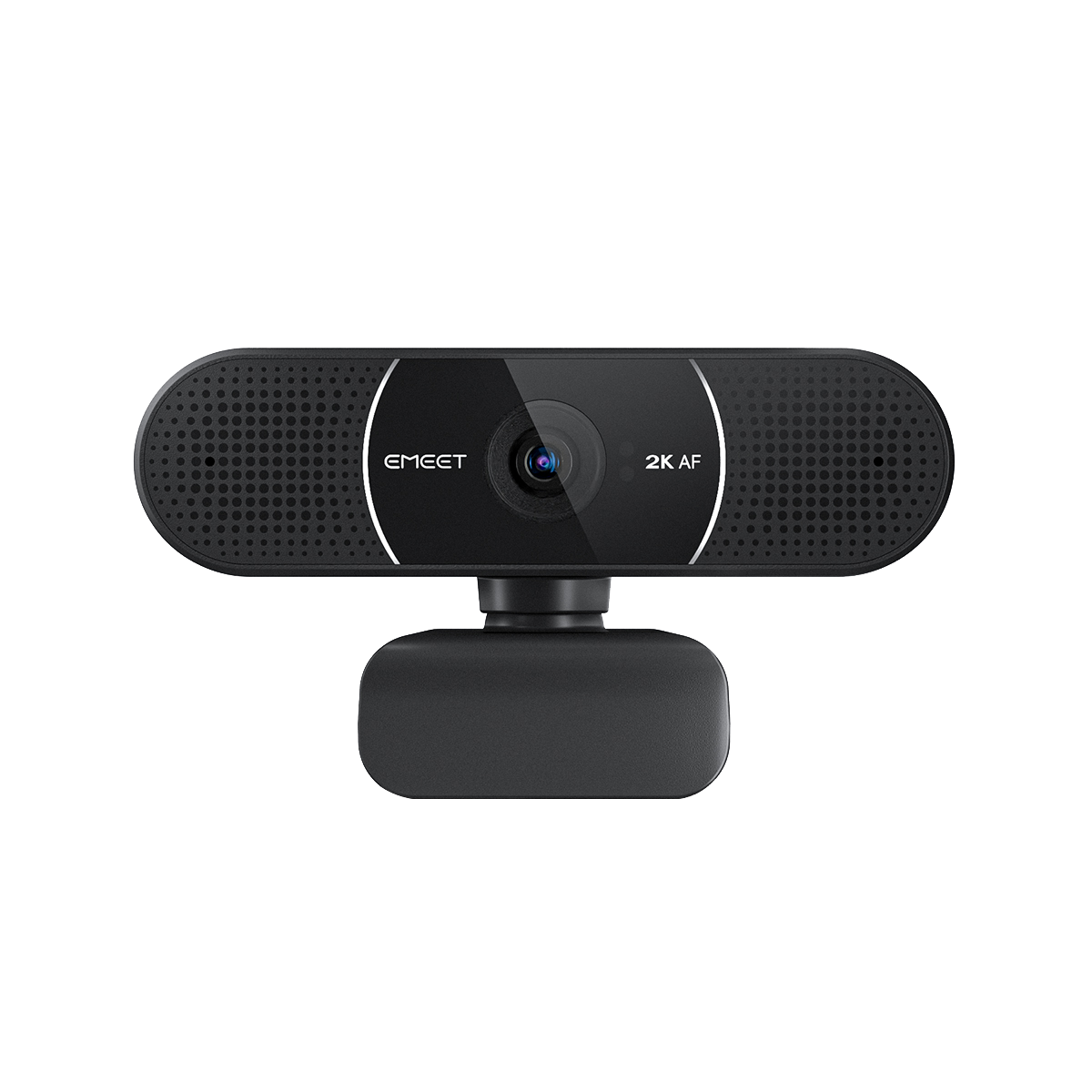






EMEET SmartCam C60E 4K Dual
Dual-Camera UHD 4K Webcam with Auto Focus
BRL
R$ 429,00
Tax included.
Shipping calculated at checkout.
- Dual 4K Cameras: a wide-angle camera and a telephoto camera for various scenarios.
- 11x Hybrid Zoom: easily zoom in for detailed product presentation.
- 3-Color RGB Lights: build your own streaming vibe with cool 3-color RGB lights.
- Super-Fast PDAF Autofocus: always focus on the right spot and keep the image clear.
- Remote Control: comes with a multi-function remote control.
Quantity:
Inquiry Form

EMEET SmartCam C60E 4K Dual
Dual-Camera UHD 4K Webcam with Auto Focus
Select Accessories
More




Fast, Free Shipping
Refundable in 30 Days
Exclusive Extended Warranty
Hassle-free Customer Service


EMEET SmartCam C60E 4K Dual
C60E 4K Dual
BRL
R$ 429,00
Explore
Overview
Specs
FAQs
Reviews
User Manual


Why Choose EMEET C60E 4K Dual

RGB Lights
Build your own streaming vibe with cool 3-color RGB lights.

Crystal-Clear 4K
Both cameras deliver crystal-clear 4K images, providing rich details and vivid colors for your streaming.

Ultra-Smooth Visuals for Your Brilliant Ideas
Deliver crystal-clear ideas with stunning clarity—choose Ultra HD 4K at 30fps for top-tier resolution, or switch to 1080p at 60fps for ultra-smooth motion.

Dual Cameras
Easily switch between the 2 cameras with the remote control for various scenarios.


11x Hybrid Zoom
With the 11x hybrid zoom, you can easily zoom in for product presentation from afar. No need to come closer to the camera.

Fast PDAF Autofocus
Both cameras use PDAF technology for fast autofocus so that it can always focus on the right spot and keep the image clear at all times.

Multi-Function Remote Control
Comes with a remote control that allows camera switching, image adjustments, etc. Easy control with just one click!

Button Guide

Portrait Mode
Mount it on a tripod with the 1/4" thread hole and rotate the camera for your mobile-ready content.

Show Mode
Tilt down your webcam with a tripod in Show Mode during your beauty live stream to share your makeup sketches and product swatches on the desk, enhancing real-time collaboration with viewers.

Dual Noise-Reduction Microphones
Two built-in microphones help reduce background noise so that your voice can be heard clearly.

Works with EMEET STUDIO
Easily manage your EMEET device with EMEET STUDIO, change image parameters or update firmware for better experience.

Wide Compatibility
Compatible on Windows/macOS and works seamlessly with popular streaming and meeting software.


Shopping Streaming

Gaming Streaming

Online Meeting
TECH SPECS
Camera
Dual Camera
Wide-angle camera*1
Telephotos camera*1
Telephotos camera*1
Video
Sensor
1/2.8” CMOS Sensor
Video Resolution
Default Resolution: 3840*2160@30FPS
640*360@30FPS, 640*480@30FPS
640*360@30FPS, 640*360@60FPS
640*480@30FPS,800*600@30FPS
960*720@30FPS,1024*576@30FPS
1024*576@60FPS,1280*720@30FPS
1280*720@60FPS,1280*960@30FPS
1920*1080@30FPS,1920*1080@60FPS
2560*1440@30FPS,3840*2160@30FPS
640*360@30FPS, 640*480@30FPS
640*360@30FPS, 640*360@60FPS
640*480@30FPS,800*600@30FPS
960*720@30FPS,1024*576@30FPS
1024*576@60FPS,1280*720@30FPS
1280*720@60FPS,1280*960@30FPS
1920*1080@30FPS,1920*1080@60FPS
2560*1440@30FPS,3840*2160@30FPS
Video Coding Format
MJPEG, YUY2
Field of View
Wide-angle camera: 73°
Telephoto camera: 45°
Telephoto camera: 45°
Digital Zoom
Up to 11x
Focus Type
PDAF autofocus
Audio
Microphone
2-mic array
Software
Connectivity
2-meter built-in USB-A
Interface
1/4” Threaded hole
System Requirement
A 2.4 GHz Intel® Core 2 Duo processor or higher 2 GB of RAM or more A USB 2.0 port
Compatibility
Windows 10 and above (64-bit operating systems) macOS (10.14 and above)
*Does not support Windows systems based on the ARM architecture

USER MANUAL
EMEET C60E 4K Dual User Manual
Download Now