

![PIXY Wireless[DEFAULT]](http://emeet.com/cdn/shop/files/pixy_647010c6-662a-4af7-b8bb-ad66e457c662.png?v=1780025408&width=1200)












Introduction: Horror Games Are the #2 Trend on YouTube Gaming
Horror games rank as the second-hottest gaming trend on YouTube in July 2026, with a trend score of 64.5 and 73% of gamers reporting they watch horror content for the adrenaline rush. Games like Escape the Backrooms, Demonology, and Phasmophobia generate millions of concurrent viewers during peak streaming hours.
The best microphone and camera setup for horror game streaming isn't just about video clarity or audio quality alone—it's about synchronizing both to maximize emotional impact. Viewers subscribe for authentic jump scare reactions (video), whispered tension during exploration (audio), and the communal experience of shared fear (both). A blurry facecam kills the moment when you scream. Muffled whispers break immersion during silent sequences. This guide covers two proven approaches: an all-in-one camera solution that handles both video and audio, and a dedicated microphone lineup for streamers who prefer separate devices.
What Makes a Great Microphone for Horror Game Streaming?
Horror streams create a unique audio challenge: whisper-quiet exploration phases followed by sudden, loud reactions. Your microphone must handle both extremes without clipping, distortion, or noise floor issues.
| Spec | Why It Matters for Horror Streams | Ideal Value |
|---|---|---|
| Polar Pattern | Cardioid isolates your voice; omnidirectional captures room ambience for co-op | Cardioid for solo, switchable for co-op |
| Frequency Response | Deep bass for screams; crisp highs for whispered commentary | 20 Hz – 20 kHz |
| Dynamic Range | Prevents clipping during jump scares | >100 dB |
| Noise Cancellation | Eliminates keyboard clicks and controller sounds during silent moments | Active DSP preferred |
| Latency | Syncs voice with on-screen reactions | <20 ms |
| Connection | USB for simplicity; XLR for flexibility | USB-C plug-and-play |
Why Horror Streaming Demands Both Video and Audio Excellence
Horror games operate on a tension-release cycle: long periods of atmospheric silence punctuated by sudden, violent events. Your stream must capture both phases faithfully.
Video matters because: Viewers want to see your face when the jumpscare hits. A 4K facecam captures the micro-expressions—widened eyes, flinched shoulders, thrown headset—that become clip-worthy moments shared across TikTok and YouTube Shorts. A blurry or poorly framed camera makes even the best audio feel amateur.
Audio matters because: Horror games rely on directional sound cues—footsteps behind you, distant whispers, creaking doors. Your commentary must cut through these mix layers without overpowering them. During silent exploration, viewers hear every breath and keyboard click. Subpar audio triggers a "cheap production" perception that breaks immersion before the scare even arrives.
The two paths forward:
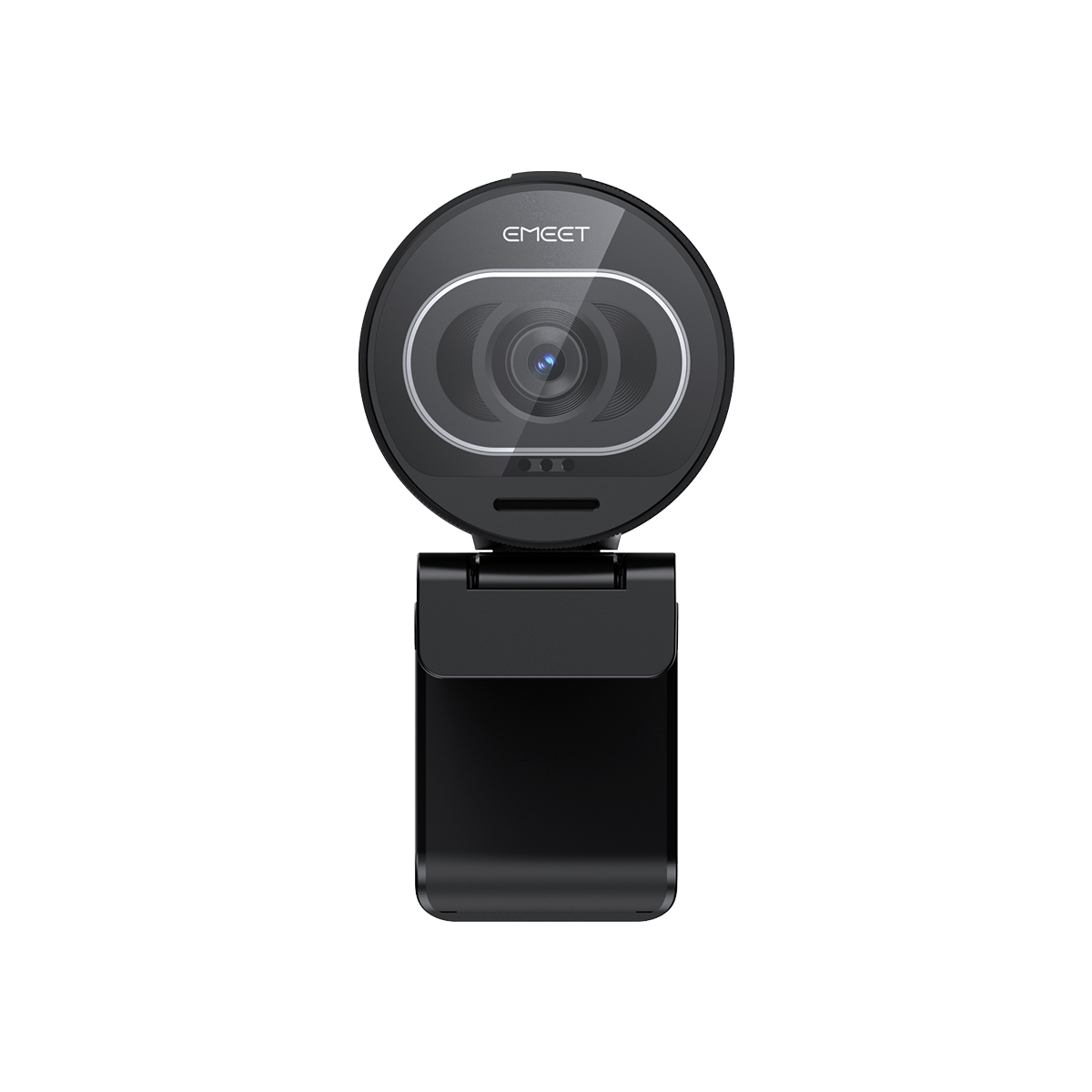
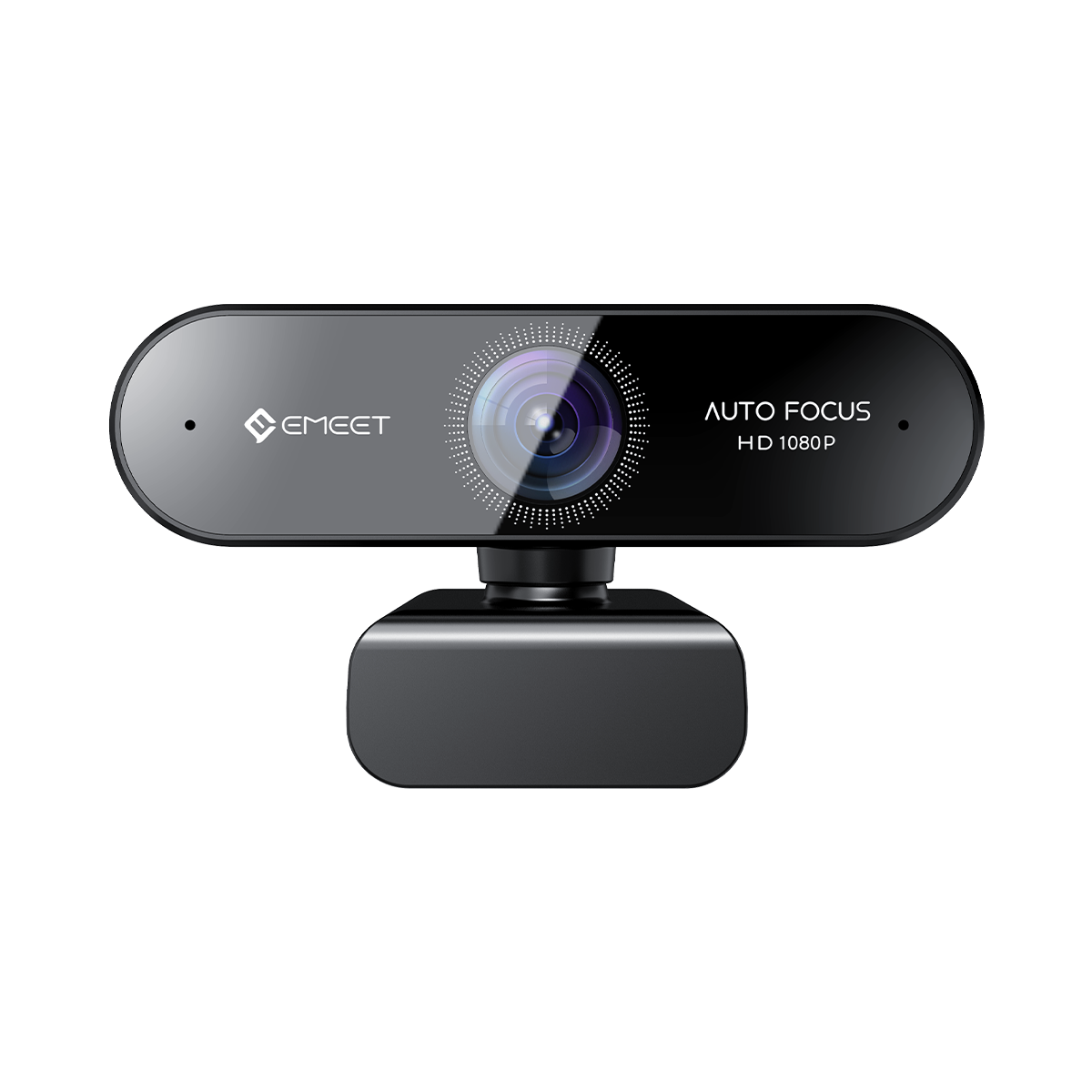
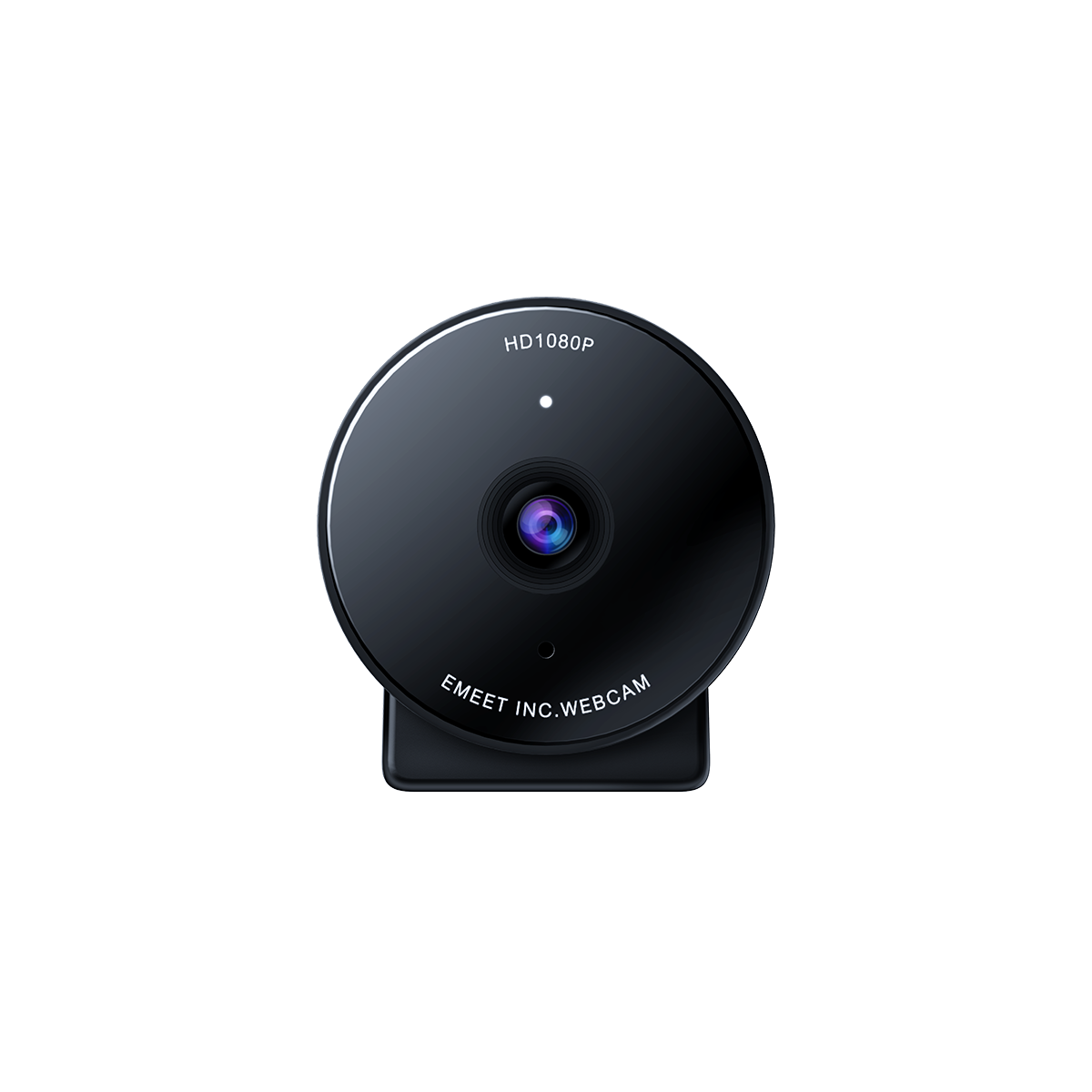
- All-in-One Path: A single device like the EMEET PIXY Wireless delivers 4K video and broadcast-quality audio simultaneously—ideal for beginners and minimalists.
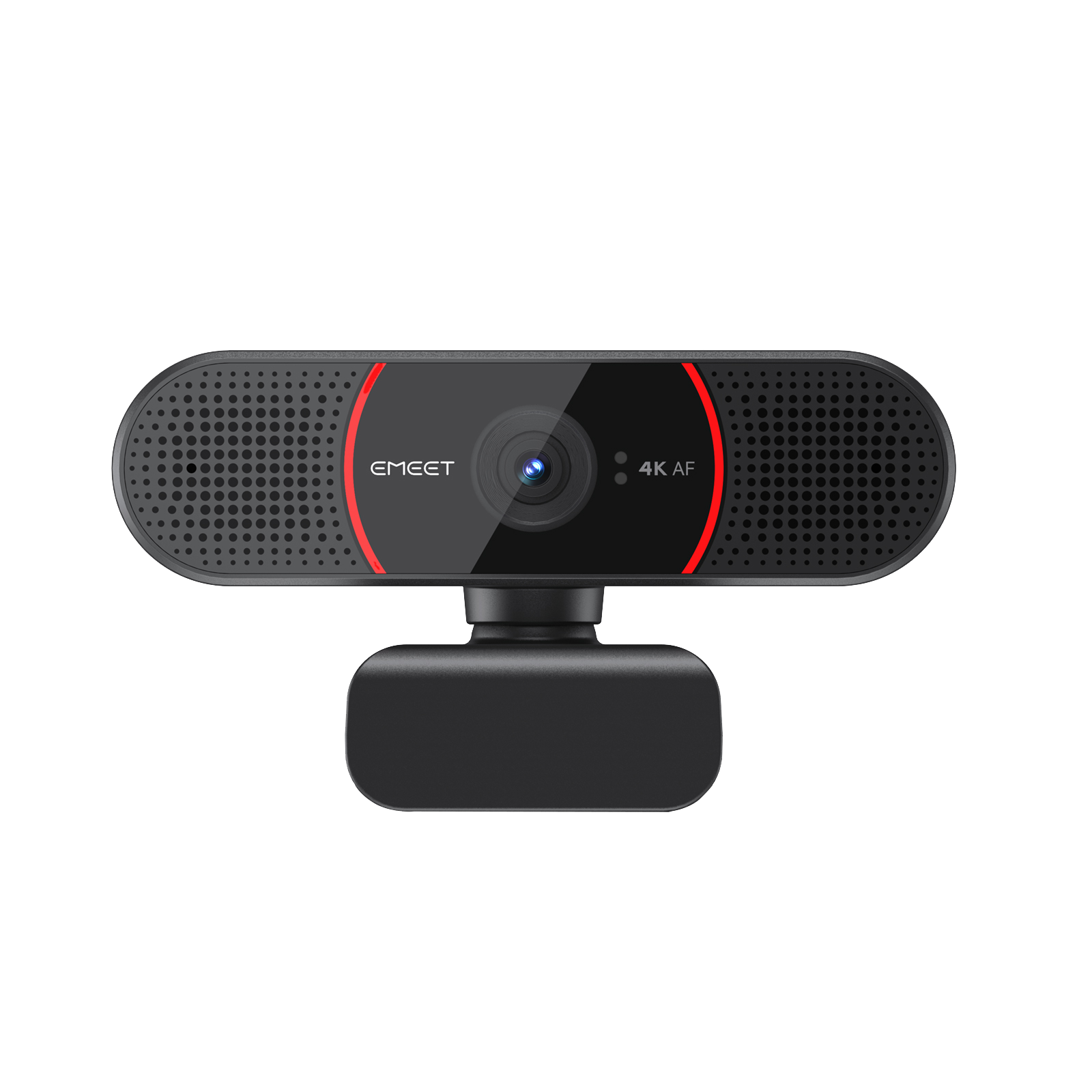
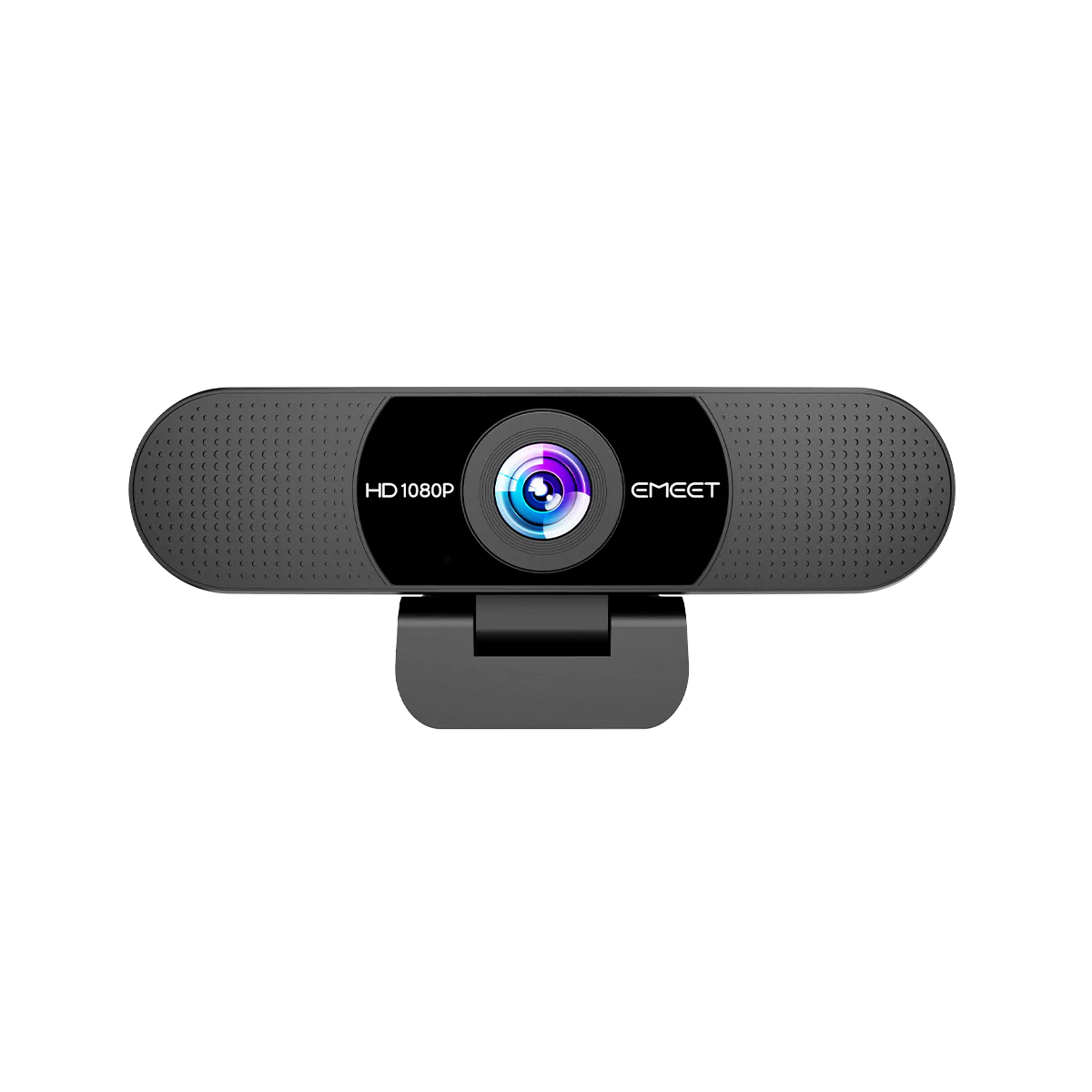
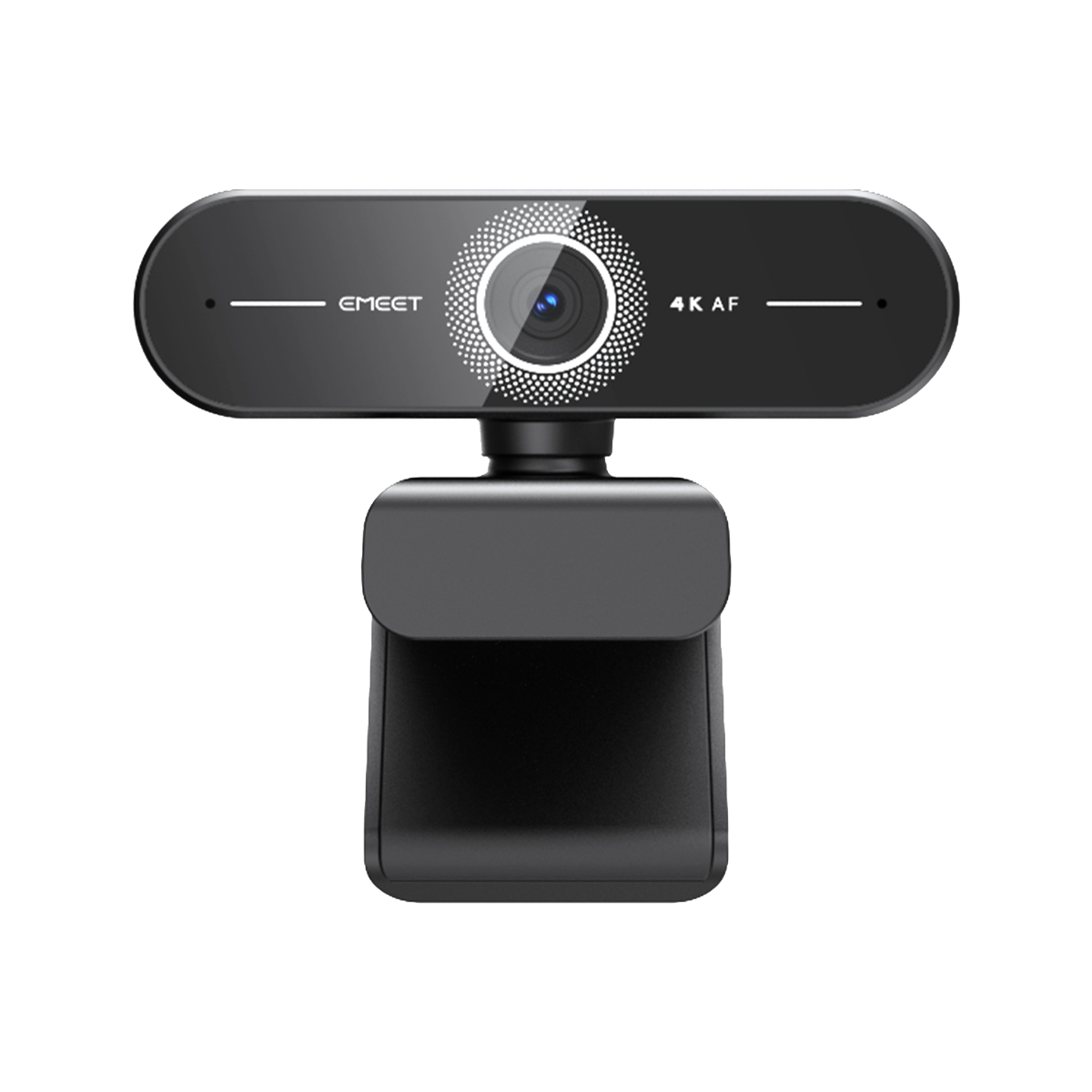
- Component Path: A dedicated 4K webcam paired with a standalone USB/XLR microphone—ideal for streamers who want maximum audio control and already own a camera.
Both approaches work. This guide walks you through each.
All-in-One Solution: EMEET PIXY Wireless
EMEET PIXY Wireless: The All-in-One Horror Streaming Camera
The EMEET PIXY Wireless isn't just a 4K streaming camera—it's a complete audiovisual solution purpose-built for horror streamers who want professional production without a complex multi-device setup.
Key specs:
- 4K video @ 30fps with HDR and AI-powered auto tracking
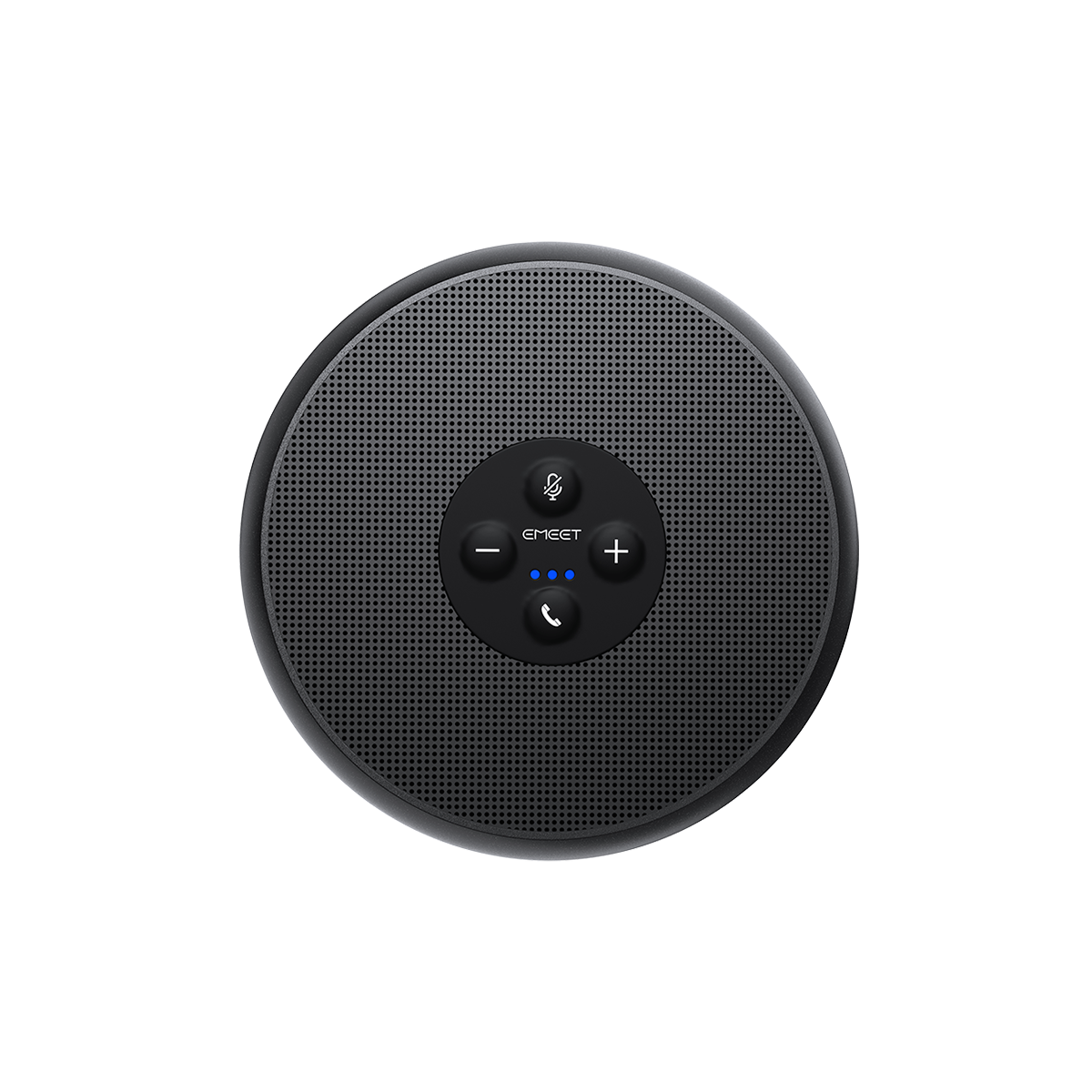
- Built-in 3-microphone array with AI noise suppression and three audio modes (Original Sound, Noise Canceling, Live)
- True wireless operation: 8-hour battery, dedicated low-latency protocol, 10-meter range
- Gesture-controlled AI tracking: Show your palm for 2 seconds to activate; 310° pan and 180° tilt follow your reactions automatically
- 97° wide-angle FOV captures your full reaction plus desk environment
Why it dominates for horror streaming: During Escape the Backrooms or Phasmophobia sessions, the PIXY's 3-mic array captures whispered "did you hear that?" moments while its AI noise suppression filters out keyboard clicks and PC fan noise. When a jumpscare hits, the camera's AI tracking follows your physical reaction through its full pan/tilt range—keeping you perfectly framed as you flinch, scream, or throw your headset. No separate mic, no cable management, no missed moments. All for under $200.
Top 5 Microphones for Horror Game Streaming in 2026
1. Shure MV7 — Best Hybrid XLR/USB Option

The Shure MV7 brings broadcast-studio heritage to streaming. Its auto-level mode adjusts gain in real time, preventing clipping during jump scare screams. The hybrid XLR/USB design grows with your setup—start with USB, upgrade to XLR when you add an audio interface. At $249, it's a premium choice for streamers ready to invest in long-term audio quality.
2. Audio-Technica AT2020USB+ — Best for Vocal Clarity

A studio classic, the AT2020USB+ delivers exceptional vocal detail across the full frequency range. Its cardioid pattern isolates your voice from room ambience, making it ideal for whispered horror commentary. However, it lacks built-in noise suppression, meaning you'll need OBS RNNoise or software processing to eliminate keyboard sounds during silent moments.
3. Razer Seiren V3 Chroma — Best for RGB Aesthetics

Razer's Seiren V3 adds visual flair with customizable Chroma lighting that syncs with your horror game's color palette. Audio quality is solid with a supercardioid pattern, though not exceptional; choose this if your brand leans heavily into RGB aesthetics and you already run a Razer peripheral ecosystem.
4. Blue Yeti Nano — Best Compact Budget Option

5. HyperX QuadCast S — Best Shock-Resistant Design

The HyperX QuadCast S features a built-in anti-vibration shock mount and a tap-to-mute sensor with an LED status indicator—critical for horror streams where you need to instantly cut audio during unexpected interruptions. The four selectable polar patterns (stereo, omnidirectional, cardioid, bidirectional) adapt to solo commentary, co-op sessions, and ASMR-style whisper segments. At $159, it sits between budget and premium tiers.
EMEET PIXY Wireless vs Standalone Camera + Mic Setup
| Feature | EMEET PIXY Wireless (All-in-One) | Logitech C920 + Shure MV7 (Component) | Winner |
|---|---|---|---|
| Total Cost | Under $200 | $69 + $249 = $318 | PIXY — 37% less |
| Cable Management | Zero cables (wireless) | 2 USB cables + mic stand + shock mount | PIXY — clean desk |
| Desk Footprint | Single compact unit | Webcam + mic arm + pop filter | PIXY — minimal setup |
| Video Quality | 4K @ 30fps, HDR, AI tracking | 1080p @ 30fps, no tracking | PIXY — 4K + AI |
| Audio Quality | Built-in 3-mic array + AI noise suppression | Broadcast-grade XLR/USB dynamic mic | Component — superior raw audio |
| Horror Stream Score | 9.0/10 | 8.5/10 | PIXY — better value |
The EMEET PIXY Wireless wins for horror streamers who prioritize simplicity, desk cleanliness, and budget efficiency. Its 4K AI-tracked video plus built-in pro audio eliminates compatibility issues and cable clutter. The component path (dedicated webcam + standalone mic) remains the choice for audiophiles who demand maximum vocal control and plan to upgrade through an XLR chain over time.
Microphone Placement and Settings for Jump Scare Moments
Optimal Placement
- Distance: 6–10 inches from your mouth, angled 15° off-axis to reduce plosives.
- Height: Level with your chin, not your nose. This captures screams without overloading the capsule.
- Isolation: Place the mic on a boom arm or shock mount to isolate desk vibrations.
- Pop Filter: Essential. Jump scare reactions often involve sharp exhalations that cause clipping.
OBS Audio Filters for Horror Streams
Filter Chain (in order):
- Noise Suppression (RNNoise) — Target: -18 dB noise floor
- Compressor — Ratio 3:1, Threshold -18 dB, Attack 2 ms
- Limiter — Threshold -2 dB, Release 60 ms
- Expander — Ratio 1.5:1, Threshold -40 dB (reduces room noise in silence)
This chain compresses the dynamic range so whispers are audible and screams don't clip, while the expander gates background noise during silent horror game moments.
Building Atmosphere: Video, Audio, and Lighting for Maximum Impact
YouTube analytics show that horror streams with professional video and audio retain viewers 34% longer than those with built-in headset mics and basic webcams. The reason is psychological: low-quality production triggers a "cheap stream" perception, breaking immersion before the game even starts.
Whether you choose an all-in-one camera solution or a dedicated camera + mic combo, three atmospheric elements separate amateur horror streams from professional broadcasts:
- Low-Light Camera Performance: Horror streams often run in dimly lit rooms to match the game's atmosphere. The EMEET PIXY Wireless's HDR and 1/2.55-inch Sony sensor maintain clarity even when your room lighting is minimal. If using a standalone webcam, ensure it supports low-light correction.
- Directional Audio Isolation: Your audience needs to hear game audio (footsteps, whispers, ambient creaks) and your commentary as separate layers. A cardioid microphone isolates your voice from room reverb. The PIXY's 3-mic array with noise suppression achieves similar isolation without extra gear.
- Camera Angle Psychology: Close-up facecams (upper chest and face) create intimacy during whispered exploration. Wide-angle shots capture full jump scare reactions. The PIXY's 97° FOV covers both from a single position. With standalone setups, position your webcam at eye level and experiment with distance—closer for tension, farther for action.
FAQ: Horror Game Streaming Setup Questions
Q: What's the best setup for Phasmophobia streaming?
A: You have two strong options. The EMEET PIXY Wireless handles everything in one device—its 3-microphone array captures your team's ghost-hunting communication, while AI tracking follows you as you move around checking EMF readings. Alternatively, pair a Logitech C920 with a Shure MV7 for superior audio control and upgrade flexibility.
Q: Do I need a pop filter for horror game streaming?
A: Yes. Jump scare reactions produce sharp plosives that distort most mics. If using a standalone microphone like the Shure MV7 or HyperX QuadCast S, a foam windscreen or pop filter is essential. The EMEET PIXY's built-in 3-microphone array with AI noise suppression naturally reduces these harsh sounds, though a foam cover still helps for extreme reactions.
Q: Is a USB mic good enough for professional horror streaming?
A: Modern USB microphones like the Shure MV7 (USB mode) and Audio-Technica AT2020USB+ deliver broadcast-quality audio that rivals XLR setups for most streaming scenarios. The difference between a $100 USB mic and a $500 XLR chain is negligible to 95% of viewers. Invest in room treatment (blankets, foam panels) before upgrading mic hardware.
Q: How do I prevent my mic from picking up game audio?
A: Run game audio through closed-back headphones at moderate volume. Position your microphone (or all-in-one camera) 2–3 feet from your face, aimed directly at your mouth. In OBS, apply a noise gate with a threshold of -40 dB to cut audio during silence, and use RNNoise suppression to isolate your voice from keyboard and controller sounds.
Q: What's the best budget setup for horror streaming beginners?
A: The EMEET PIXY Wireless at under $200 gives beginners a complete streaming solution: 4K camera + built-in pro audio + AI tracking + wireless freedom. If you already own a webcam, the Blue Yeti Nano at $99 is the best standalone mic entry point. Both outperform built-in headset mics by a significant margin.
