

![PIXY Wireless[DEFAULT]](http://emeet.com/cdn/shop/files/pixy_647010c6-662a-4af7-b8bb-ad66e457c662.png?v=1780025408&width=1200)












Introduction
When Nintendo officially announced that the Switch 2 supports USB-C cameras, fans were curious about the potential of an official Nintendo camera accessory. The system even comes with a built-in USB camera testing function, making it simple to check compatibility.
However, it’s important to note that not every USB-C camera will work with the Switch 2. This means players should be sure to confirm compatibility.
Unlike controllers or docks, the camera is not a mandatory accessory for most games. This has led to a surprising trend: while the official Switch 2 camera exists, it is largely ignored by the majority of players. Instead, users are choosing third-party webcams—or skipping the camera altogether.
1. The Official Switch 2 Camera – Specs, Features, and Price
Nintendo’s official camera was expected to bring unique functionality, but in reality, it is a fairly basic USB-C webcam with limited features.
Specifications:
-
Resolution: 1080p at 30fps
-
USB-C native connection
-
Basic plug-and-play integration
-
Compact Nintendo-branded design
Pros:
-
Guaranteed compatibility with Switch 2
-
Plug-and-play with no setup required
-
Sleek Nintendo design
Cons:
-
Higher price compared to standard webcams
-
Limited functionality (no AI tracking, low-light performance, or dual microphones)
-
Not bundled with the console
-
Not essential for most games
Price: The official camera retails for around $69–79, which is higher than many third-party webcams that offer 2K or even 4K resolution.
2. Why the Official Camera Was Ignored
The Switch 2 community quickly realized that the official camera is not necessary. Here’s why:
-
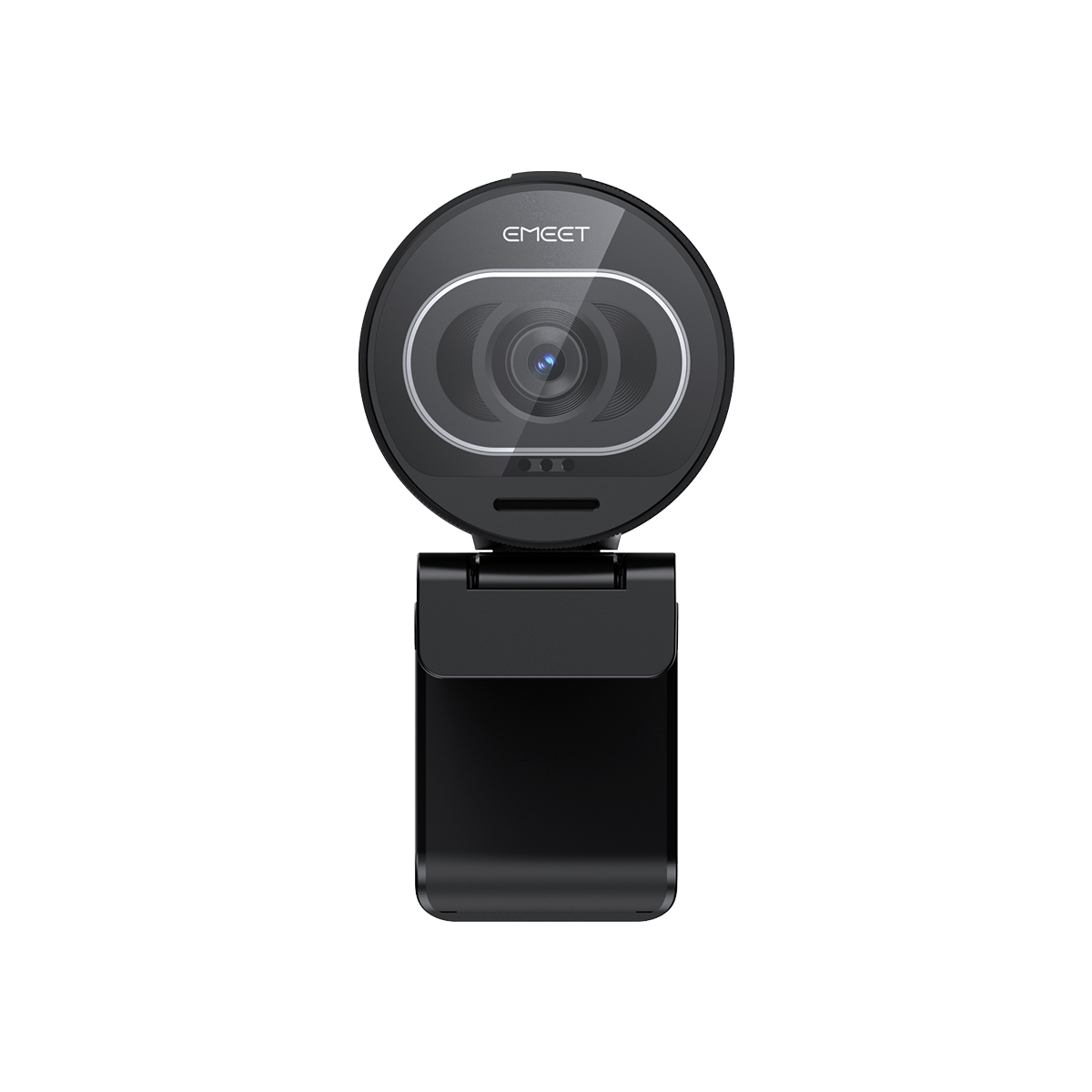
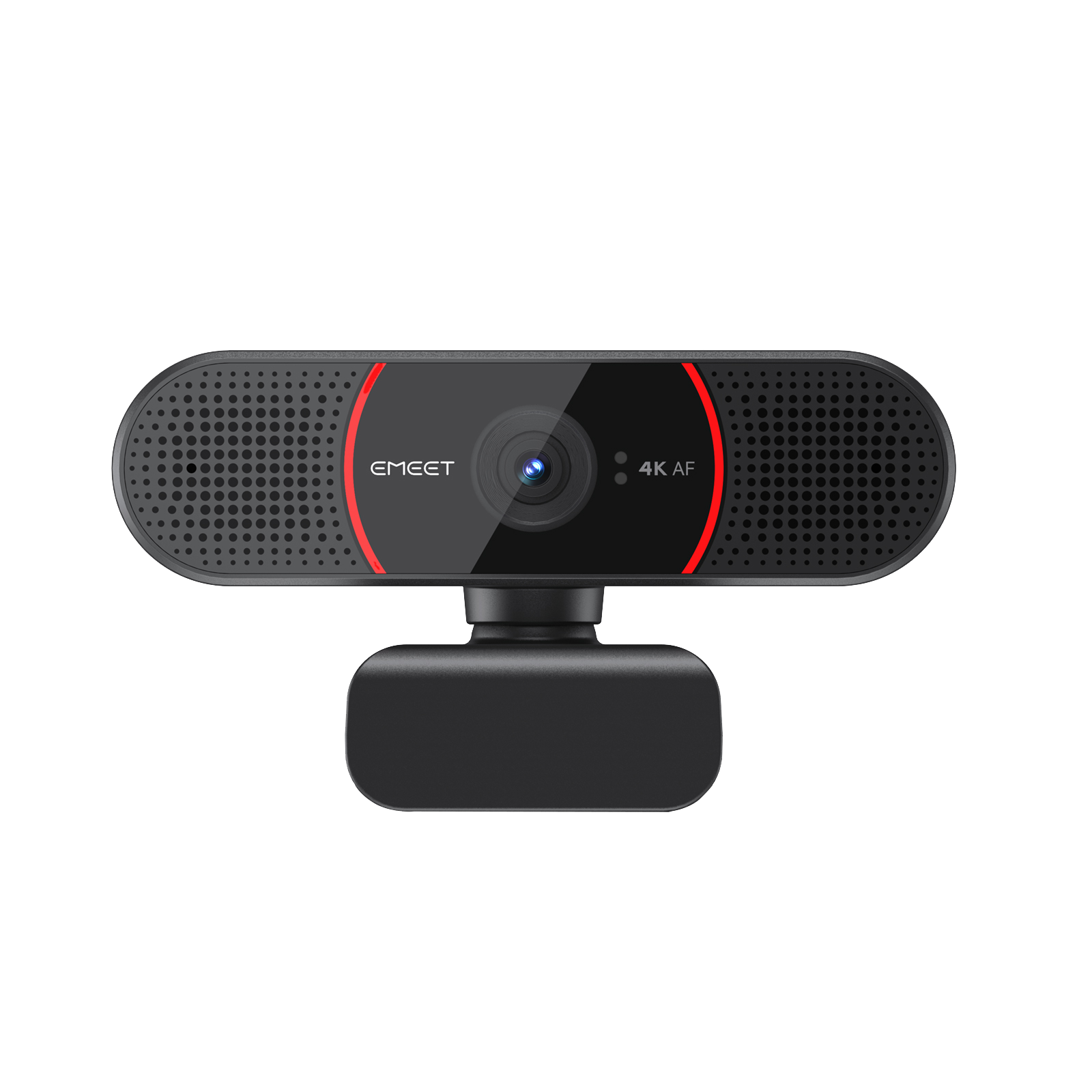
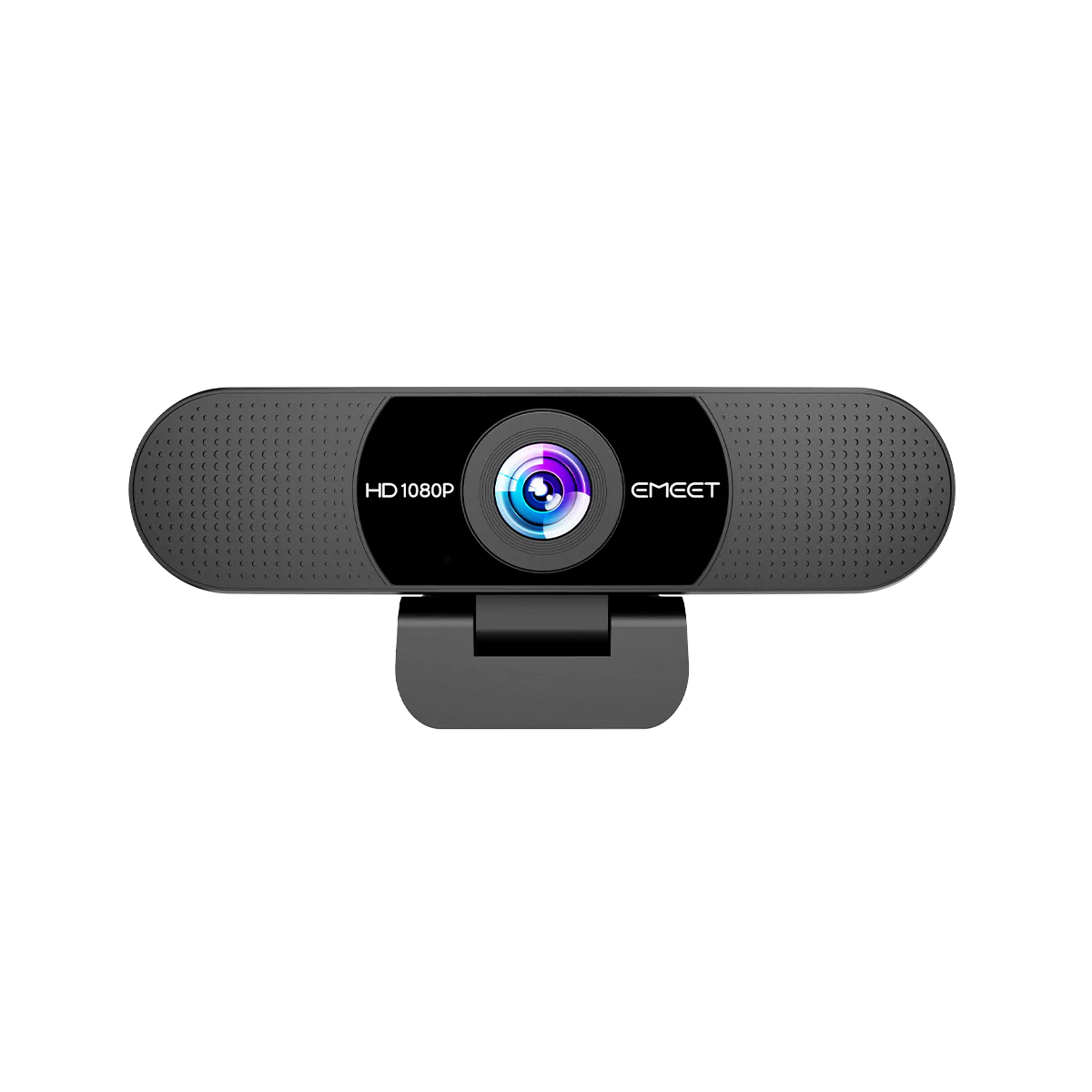
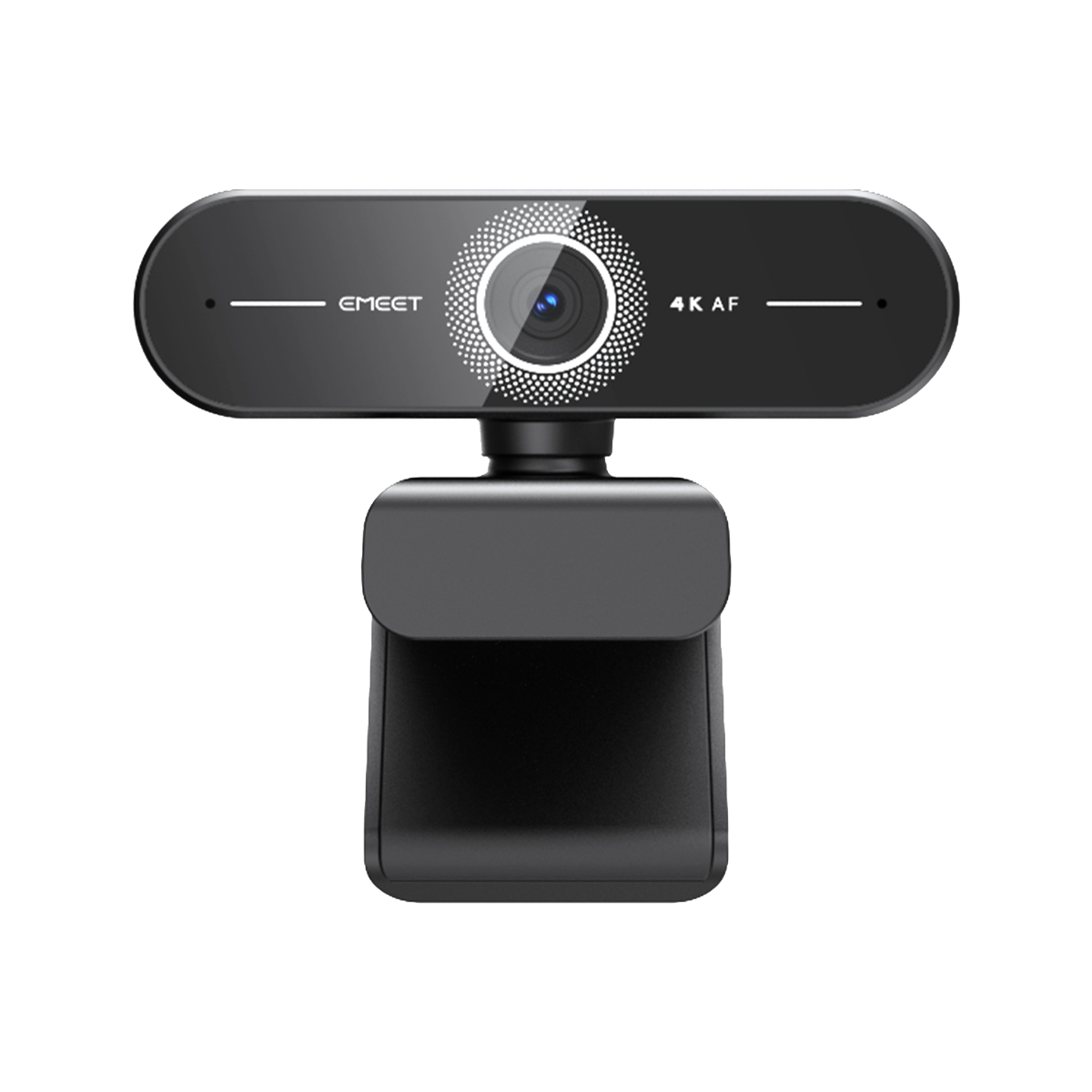
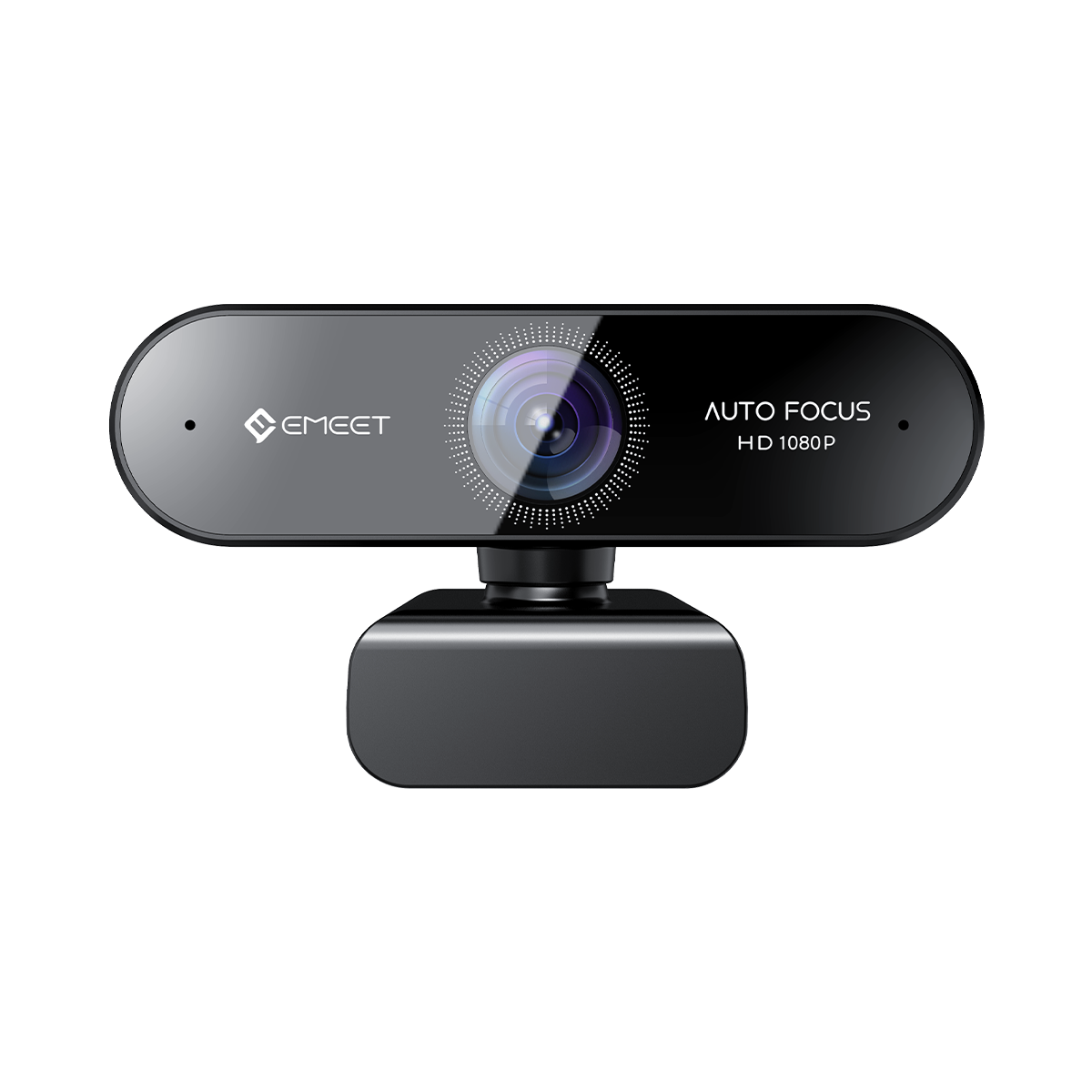
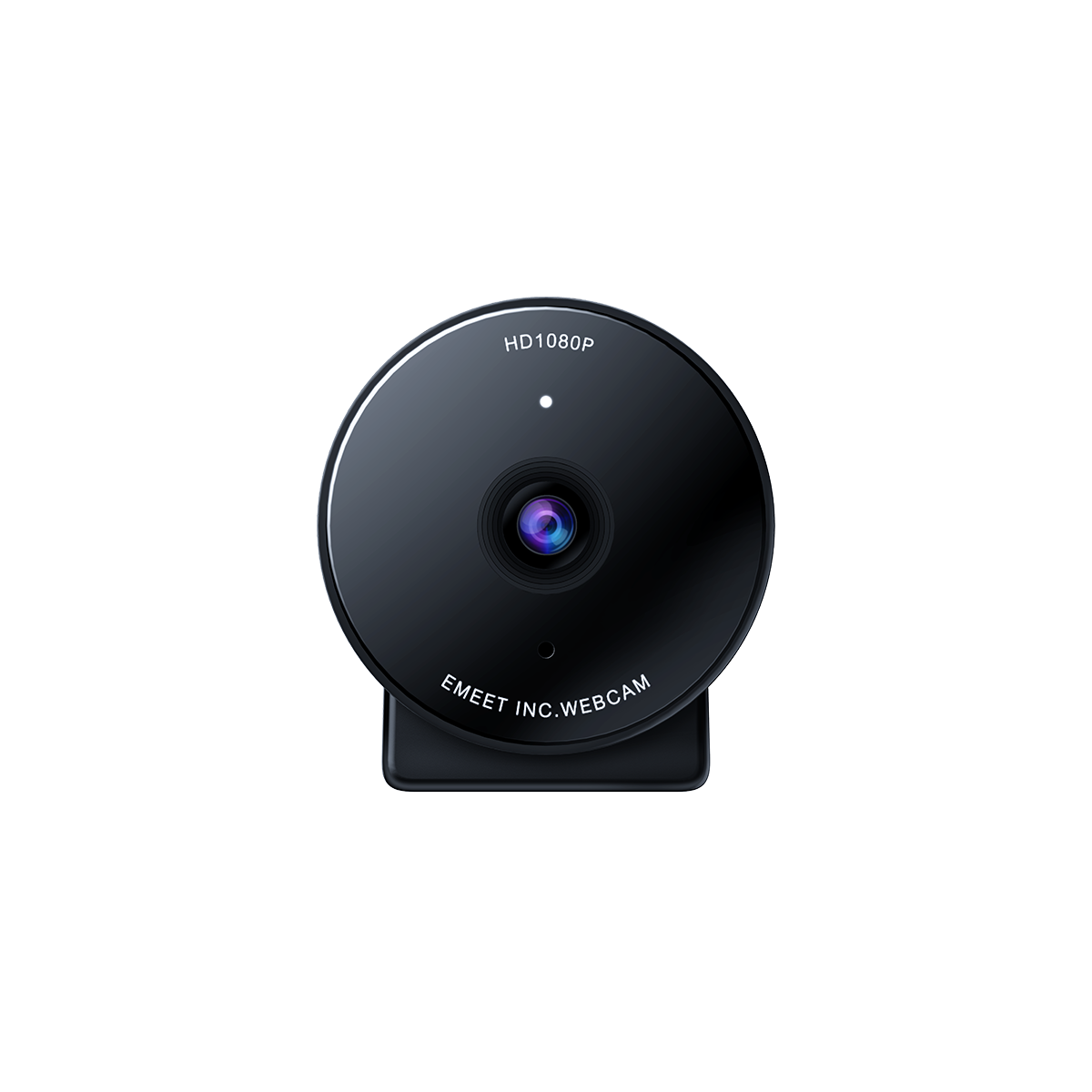
Third-party USB-C webcams work (with limits) – Many models from Logitech, EMEET, or Razer are UVC-compliant and function well.
-
Few games require a camera – Unlike the Wii era of motion tracking, Switch 2 focuses on traditional gameplay.
-
The built-in test function ensures compatibility – Players can check recognition before use.
-
Price-to-performance ratio – For streaming or content creation, official hardware simply doesn’t compete.
3. Use Cases for the Switch 2 Camera
While not essential, there are still valid reasons to use a camera with Switch 2:
-
Streaming: Streamers can connect a webcam for facecam overlays while playing.
-
AR or party games: Some smaller titles use camera input for interactive features.
-
Fitness applications: Similar to Just Dance or Ring Fit, camera tracking could enhance gameplay.
-
Video chat & family use: Nintendo’s ecosystem may support video calls, though this is not yet a major focus.
4. Do You Really Need a Camera for Nintendo Switch 2?
The short answer: no, not really.
-
Casual gamers can enjoy Switch 2 fully without ever plugging in a camera.
-
If you already own a decent UVC-compliant USB-C webcam, you don’t need the official one.
-
The only real audience for the official camera would be:
-
Streamers who don’t want to experiment with compatibility.
-
Collectors who value official Nintendo accessories.
-
For everyone else, third-party webcams or skipping the camera entirely makes more sense.
5. Nintendo Switch 2 Camera Compatible Games
Currently, only a handful of titles officially support camera integration. These include:
-
AR Party Titles – Small, experimental games with augmented reality features.
-
Fitness & Dance Games – Using the camera for motion tracking.
-
Video Chat Apps – Limited regional support for family or child-safe communication.
For the most part, mainstream games like Zelda or Mario do not use the camera at all, which explains the low adoption.
6. Best USB-C camera for Switch 2 :EMEET Piko+

Key Features:
-
4K Ultra HD resolution
-
AI auto framing & tracking
-
Dual noise-reduction microphones
-
USB plug-and-play& Strong compatibility
-
Gesture Control & Preset positions
7. Common Q&A About Switch 2 Camera
Q: What is the camera on the Switch 2 for? A: Mainly for AR mini-games, fitness apps, and video chat. It’s not widely used in most games.
Q: Can Switch 2 use any camera? A: No. While the Switch 2 supports USB-C webcams, not all will work. Only UVC-compliant models are likely to be recognized. Always use the built-in compatibility test before buying.
Q: Do you need a Switch 2 camera? A: No, most games don’t require it. It’s optional for specific use cases.
Q: Does the Switch 2 camera work with PC? A: The official camera is USB-C, but unlike most third-party webcams, it doesn’t have PC-focused drivers. For PC streaming, third-party webcams are better.
Conclusion
The Nintendo Switch 2 official camera was largely ignored because it offers too little for too much money. With third-party USB-C webcams providing better specs, lower prices, and wider use cases, most players see no reason to buy the official version.
It’s also worth remembering that not every USB-C webcam will work with the Switch 2.If you already own a decent webcam, there’s absolutely no need to purchase the Nintendo one. For new buyers, third-party webcams remain the best balance of performance and value—whether for streaming, family games, or video calls.
At the end of the day, the Switch 2 camera is an accessory that exists, but not one that most gamers will ever really need.

