

![PIXY Wireless[DEFAULT]](http://emeet.com/cdn/shop/files/pixy_647010c6-662a-4af7-b8bb-ad66e457c662.png?v=1780025408&width=1200)


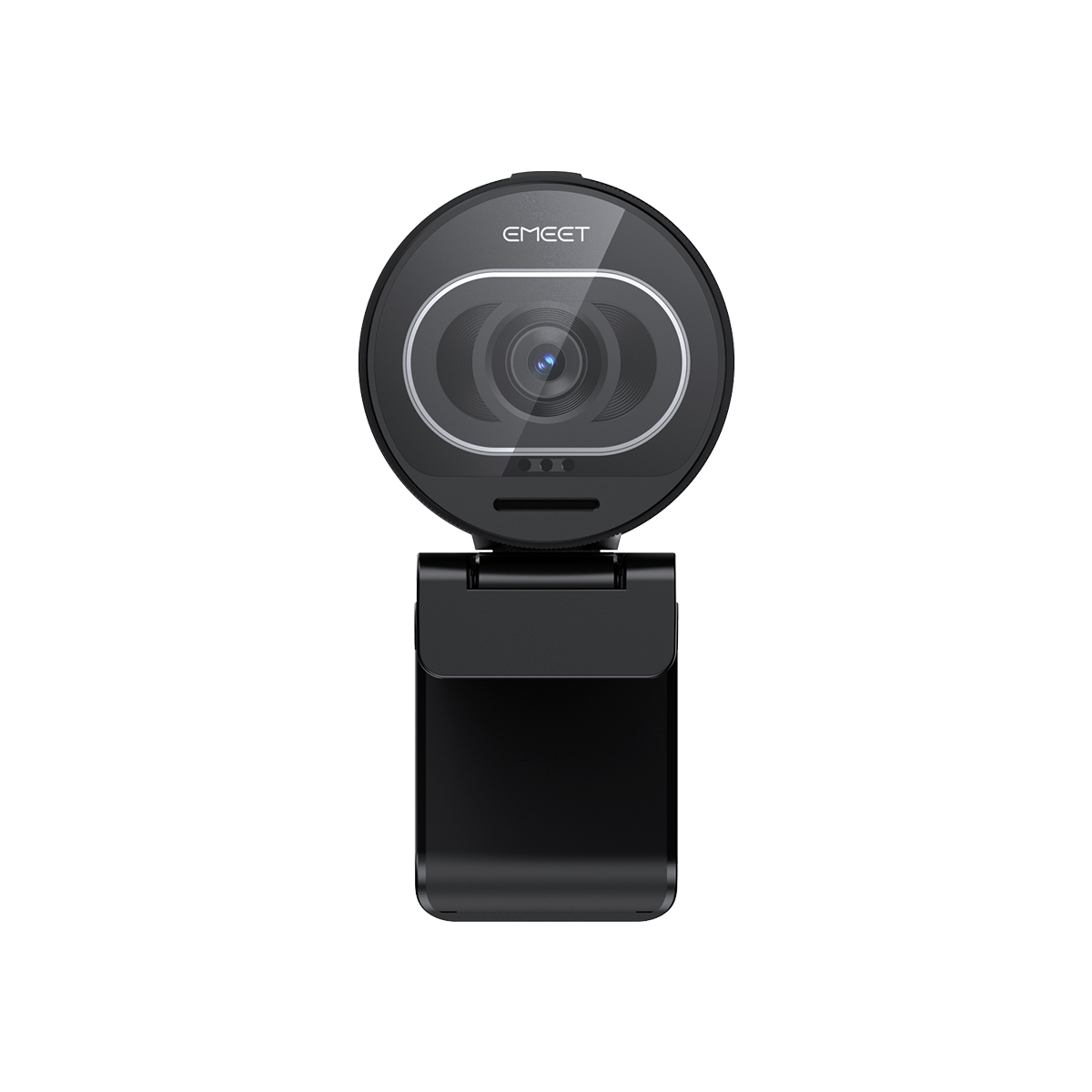


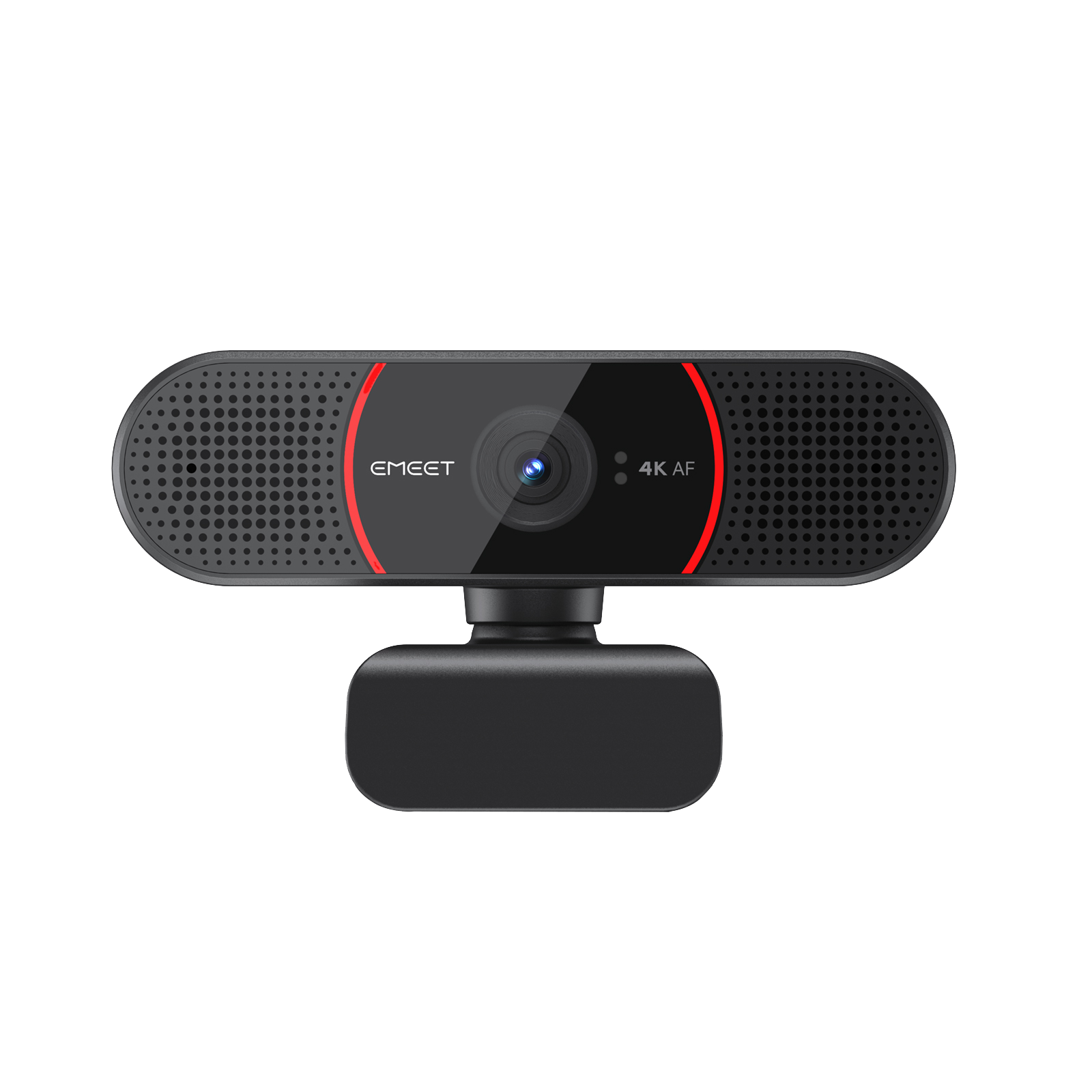
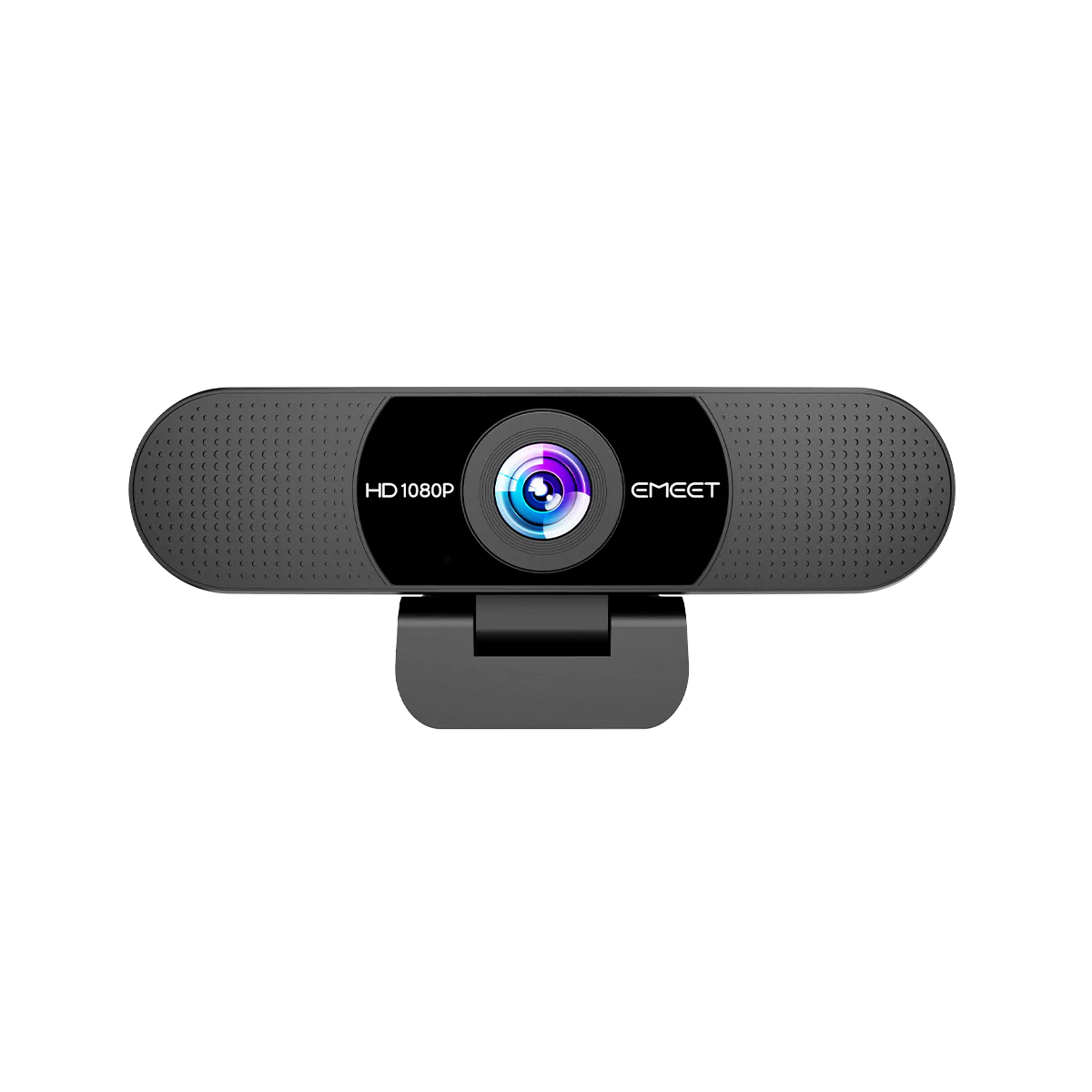
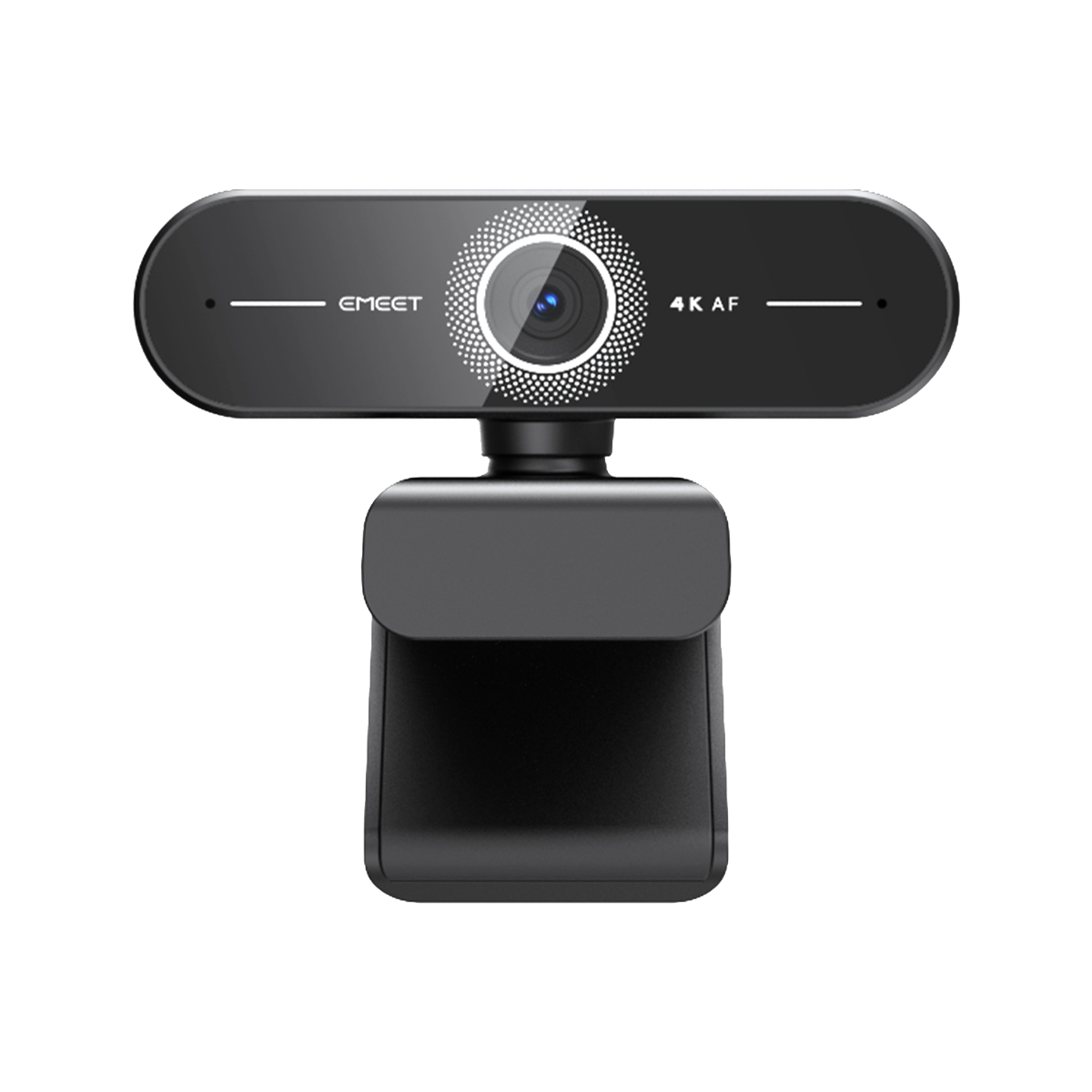

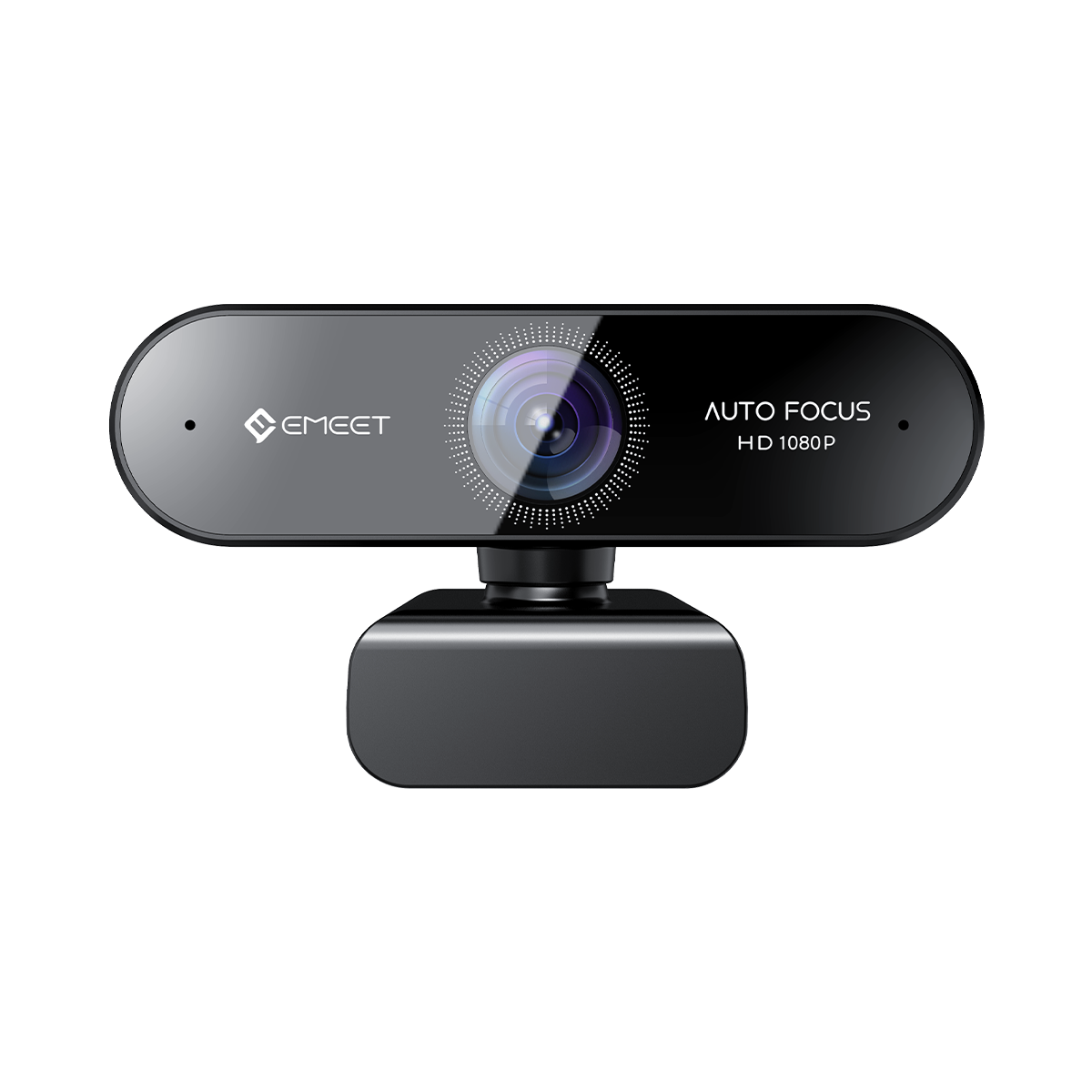

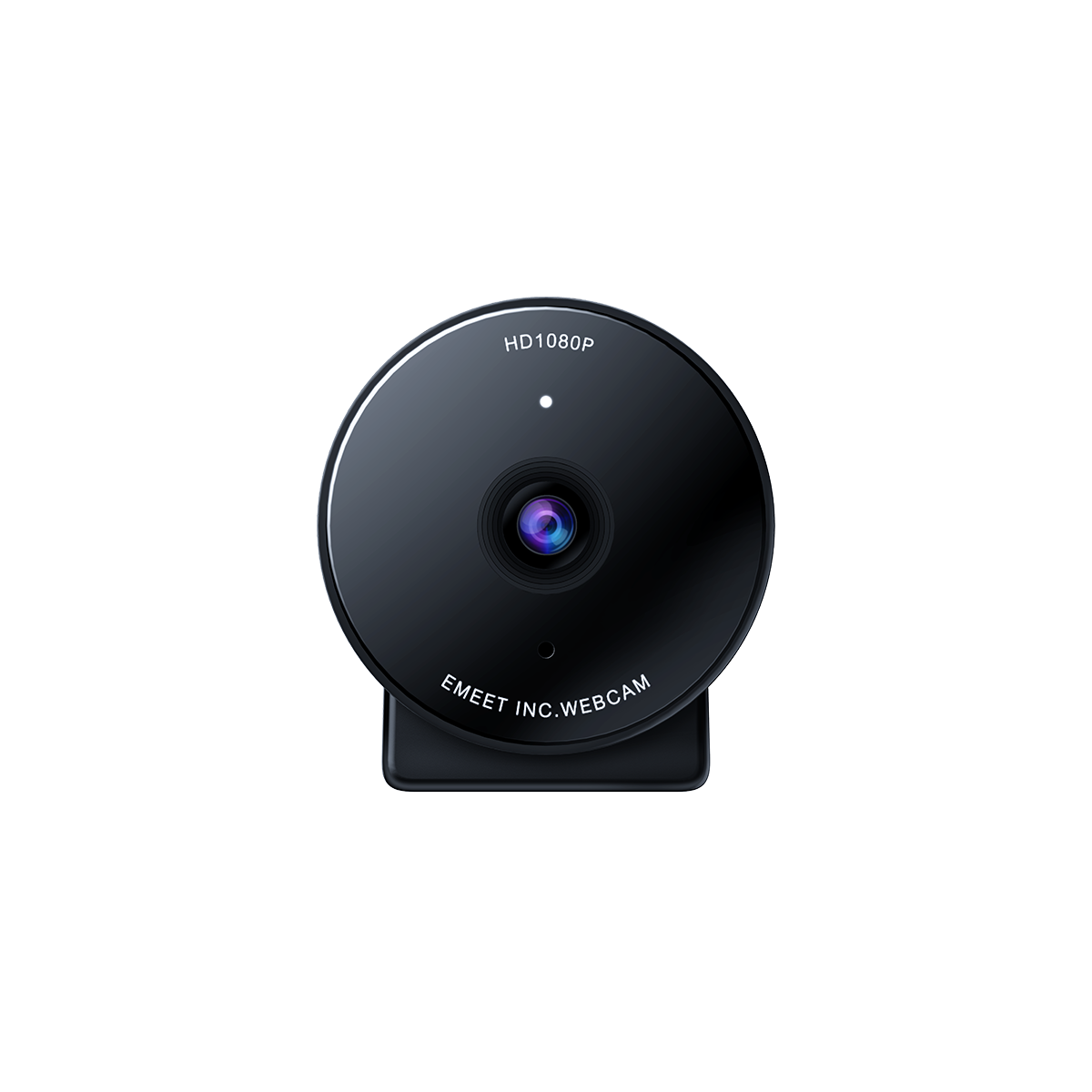






A good 4K webcam is not just about having more pixels. The best 4K webcams combine crisp image details, smooth frame rates, fast autofocus, and reliable image processing to deliver clear and natural video for streaming, online meetings, interviews, and content creation.
Today, many webcams are marketed as "4K," but resolution alone does not determine video quality. Some cameras may offer high resolution but still struggle with motion blur, unclear details, or unstable video during real-world use.
So, what actually makes a 4K webcam worth buying? This guide explains the key factors to consider and how to choose a webcam that performs well beyond the specifications on the box.
What Does 4K Mean for a Webcam?
A 4K webcam captures video at approximately 3840 × 2160 pixels, offering significantly more detail than a traditional 1080p webcam.
Higher resolution helps capture:
- Clearer facial details during video calls
- Sharper text and documents
- More professional-looking recordings
- Better flexibility for editing and cropping
For professionals, creators, and educators, these extra details can make a noticeable difference. A 4K webcam can help make presentations clearer, improve video quality during interviews, and create more polished content.
However, resolution is only one part of image quality. A truly high-quality webcam also depends on lens quality, autofocus performance, frame stability, and image processing.
Why Do Some 4K Webcams Still Look Blurry?
Not every 4K webcam delivers the same level of clarity. Some models may advertise high resolution but fail to provide sharp and smooth video in everyday situations.
Resolution Alone Does Not Guarantee Clear Images
A webcam can technically record in 4K but still produce:
- Soft facial details
- Unnatural colors
- Over-processed images
- Weak performance in changing conditions
Good image quality requires a balance between resolution, sensor performance, and intelligent image optimization.
Smooth Frame Rates Matter for Moving Subjects
Frame rate affects how naturally movement appears on screen.
When frame performance is unstable, users may experience:
- Blurry hand movements
- Choppy video during presentations
- Less natural motion while streaming
This is especially important for:
- Live streamers
- Online teachers
- Product demonstrators
- Remote professionals
A good 4K webcam should maintain smooth video performance while keeping details clear.
Autofocus Keeps Important Details Sharp
Autofocus is another important factor when choosing a webcam.
During a video call or recording, users often move naturally or show objects closer to the camera. A reliable autofocus system helps keep the subject clear when switching between:
- Face-to-camera conversations
- Documents
- Products
- Demonstrations
Without fast autofocus, important details can quickly become blurry.
How to Test a 4K Webcam Before Buying
Instead of only checking specifications, real-world testing can better show webcam performance.
Movement Test
Move naturally in front of the camera:
- Turn your head
- Move your hands
- Change sitting positions
A high-quality webcam should keep your image smooth, reduce motion blur, and maintain clear details.
This is important for streaming, online teaching, and professional presentations where movement is common.
Detail Test
A good 4K webcam should capture small details clearly.
Try showing:
- Printed text
- Product labels
- Small objects
- Facial details
Clear detail reproduction helps users create more professional videos and improves communication during remote collaboration.
Near and Far Focus Test
Switch between different distances:
- Your face
- A document
- An object close to the lens
A capable webcam should quickly adjust focus while keeping the image sharp.
What Should You Look for in a High-Quality 4K Webcam?
When choosing a webcam, consider these key features:
| Feature | Why It Matters |
|---|---|
| 4K resolution | Provides sharper visual details |
| Smooth frame performance | Creates natural movement |
| Fast autofocus | Keeps subjects clear |
| Good image processing | Improves color and clarity |
| Easy setup | Works across different platforms |
The best webcam is not always the one with the highest specifications, but the one that performs reliably in real situations.
EMEET C960 Ultra: A 4K Webcam for Clear Details and Smooth Video
For users who need a reliable webcam for work and content creation, EMEET C960 Ultra is designed to deliver detailed 4K video quality with smooth performance across different scenarios. It combines the key elements that define a high-quality 4K webcam: crisp resolution, stable frame rates, a wide field of view, and clear audio pickup.
It is suitable for:
- Video meetings
- Online interviews
- Live streaming
- Remote teaching
- Short video creation
With 4K clarity, 60fps smoothness, and wide-angle coverage, C960 Ultra helps users create a more professional appearance without requiring a complicated camera setup. Its dual microphones and broad platform support mean you can start streaming or joining meetings in seconds, not minutes.
Whether you are presenting in a business meeting, recording content, or teaching online, a high-quality webcam helps ensure your audience sees you clearly.

Best 4K Webcam Uses: Who Needs One?
For Live Streaming and Content Creation
Streamers need more than just high resolution. A good streaming webcam should provide:
- Clear facial details
- Smooth movement
- Reliable focus
- Consistent video quality
A 4K webcam like EMEET C960 Ultra can help creators produce cleaner and more professional-looking videos.
For Remote Work and Online Meetings
In professional communication, video quality affects how people perceive you.
A high-quality webcam can help provide:
- Clear facial expressions
- Better presentation quality
- More engaging meetings
For remote workers and professionals, upgrading from a basic webcam can significantly improve the video experience.
For Online Teaching and Training
Teachers and trainers often need to explain concepts while showing materials.
A detailed webcam helps capture:
- Facial expressions
- Demonstrations
- Documents
- Learning materials
This creates a clearer and more engaging online learning experience.
4K Webcam vs 1080p Webcam: Is the Upgrade Worth It?
| Feature | 1080p Webcam | 4K Webcam |
|---|---|---|
| Image detail | Standard | Higher clarity |
| Text visibility | Limited | Easier to read |
| Recording quality | Basic | More professional |
| Editing flexibility | Lower | Higher |
For casual video calls, a 1080p webcam may be enough. However, users who create content, attend professional meetings, or need clearer video can benefit from upgrading to 4K.
Final Thoughts: Choose Real Video Quality, Not Just a 4K Label
A great 4K webcam is not defined by resolution alone. The best webcams combine sharp details, smooth motion, reliable autofocus, and balanced image quality.
Before choosing a webcam, consider how it performs in real situations: movement, close-up details, focus changes, and everyday lighting conditions.
For users looking for a versatile webcam for streaming, meetings, interviews, and content creation, EMEET C960 Ultra provides a practical balance of 4K clarity and smooth video performance.
