












The Nintendo Switch 2 has finally caught up with a feature gamers have wanted for years: native voice chat. Meet GameChat—Nintendo’s built-in solution for chatting with friends while playing online. While voice chat has been common on other consoles for nearly two decades, Nintendo’s previous systems required workarounds or companion apps. With GameChat, Switch 2 users can finally enjoy a seamless social gaming experience.

What Is GameChat?
GameChat is the Switch 2’s new voice and video communication feature that works directly on the console. It lets you talk with friends during multiplayer matches, set up private chat rooms, and even share your screen. Unlike earlier solutions, you don’t need a smartphone app or third-party service.
Key functions include:
-
In-game voice chat for supported titles
-
Video calls using a Switch 2 compatible camera
-
Screen sharing to show your gameplay to friends
-
Options specifically for streamers, so you can chat live while broadcasting
GameChat Pros and Cons
| Pros | Cons |
| Native integration on Switch 2 | Limited to supported games |
| Easy video call setup with USB cameras | Lower video quality than PCs or phones |
| Built-in parental controls for safety | Fewer customization options compared to Discord |
While GameChat is great for casual players, dedicated streamers or esports players may still prefer external apps like Discord for advanced features.
Security and Conditions
Nintendo has included robust parental controls to limit voice chat for younger players, plus privacy settings to block unknown users. Note that GameChat requires:
-
A Nintendo Account (age restrictions apply)
-
Internet connection
-
A compatible USB camera and microphone (sold separately)
GameChat is currently free for a limited time, but some premium features may become part of Nintendo Switch Online in the future.
How to Use Switch 2 GameChat
Wondering switch 2 gamechat how to use? It’s easier than you think:
-
Update your Switch 2 system software.
-
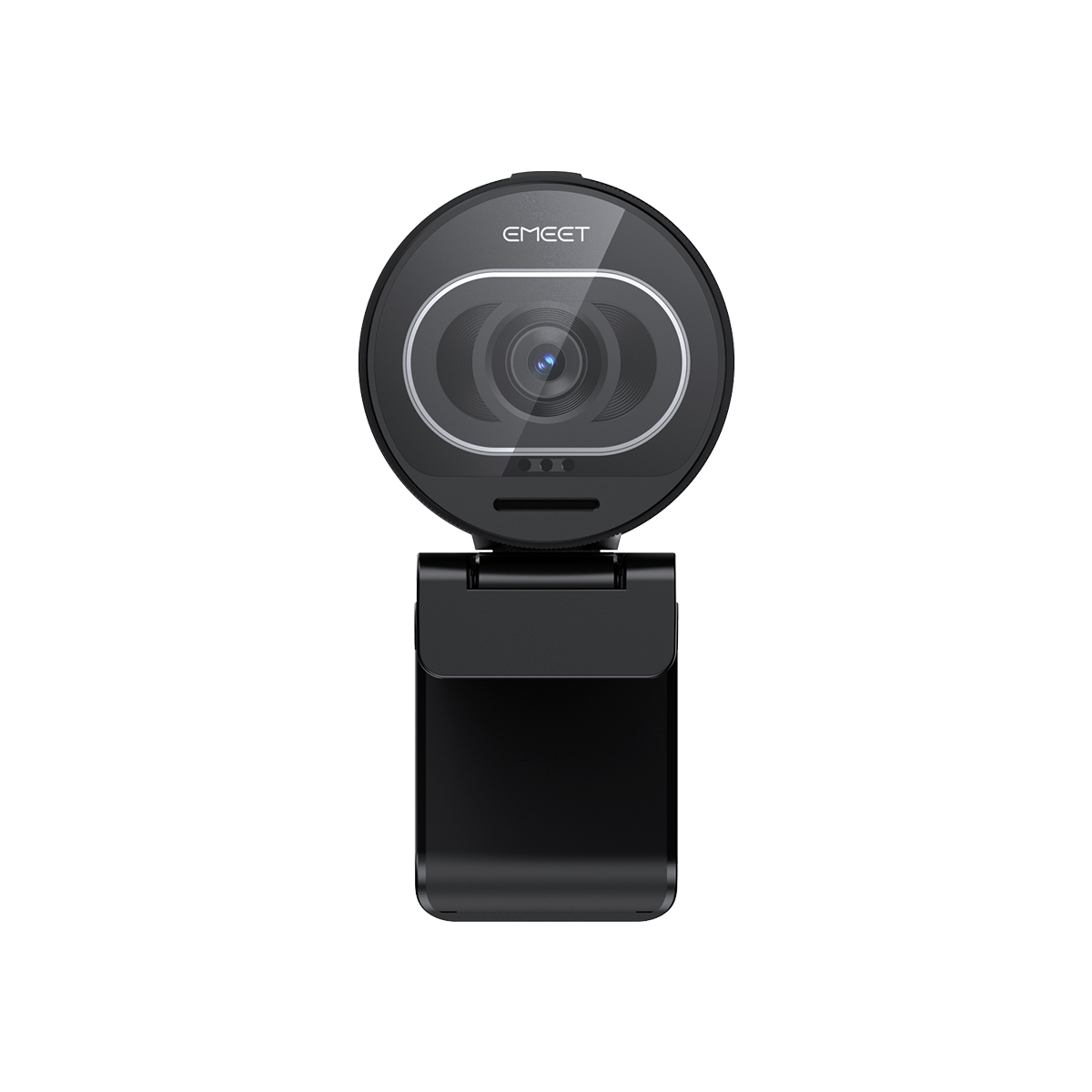
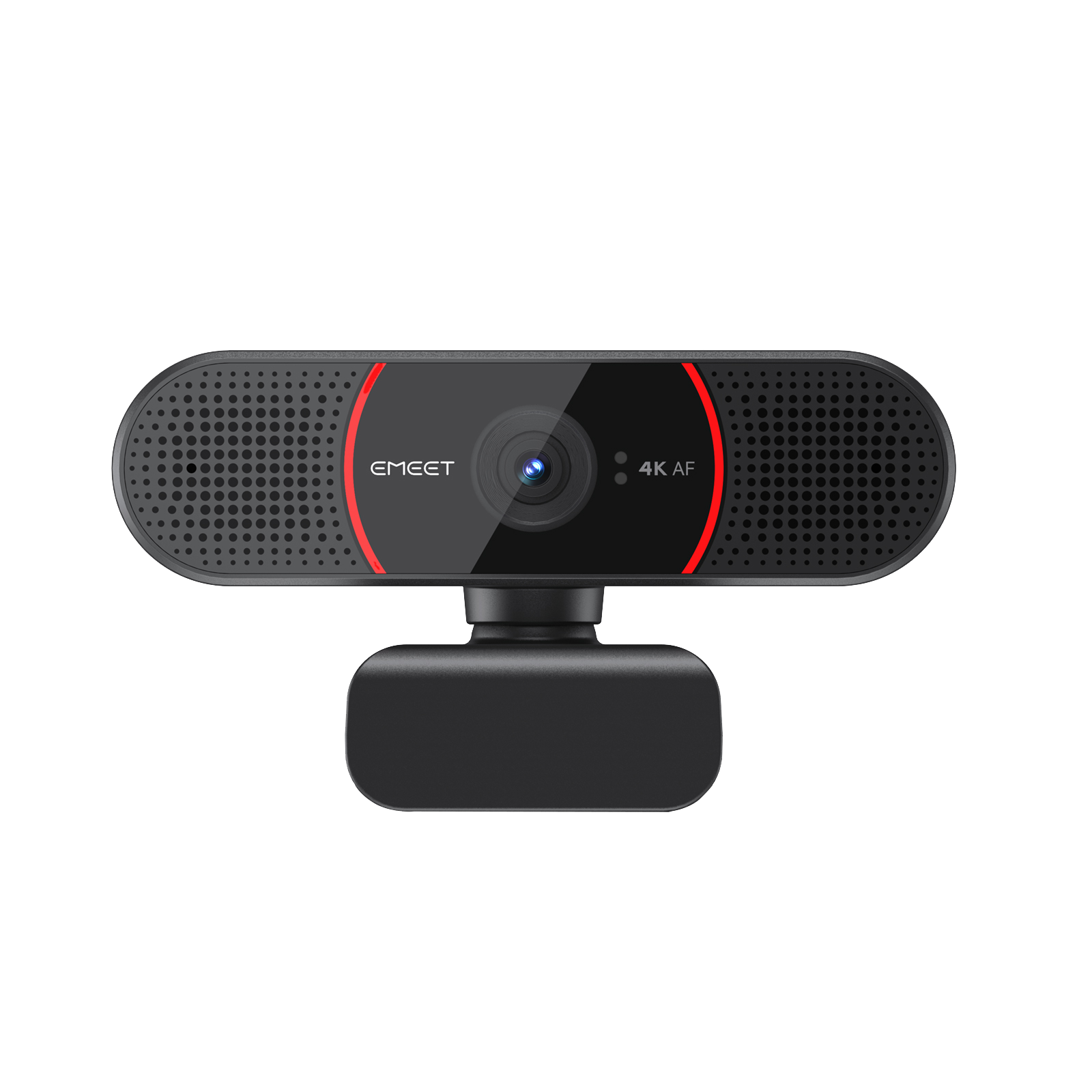
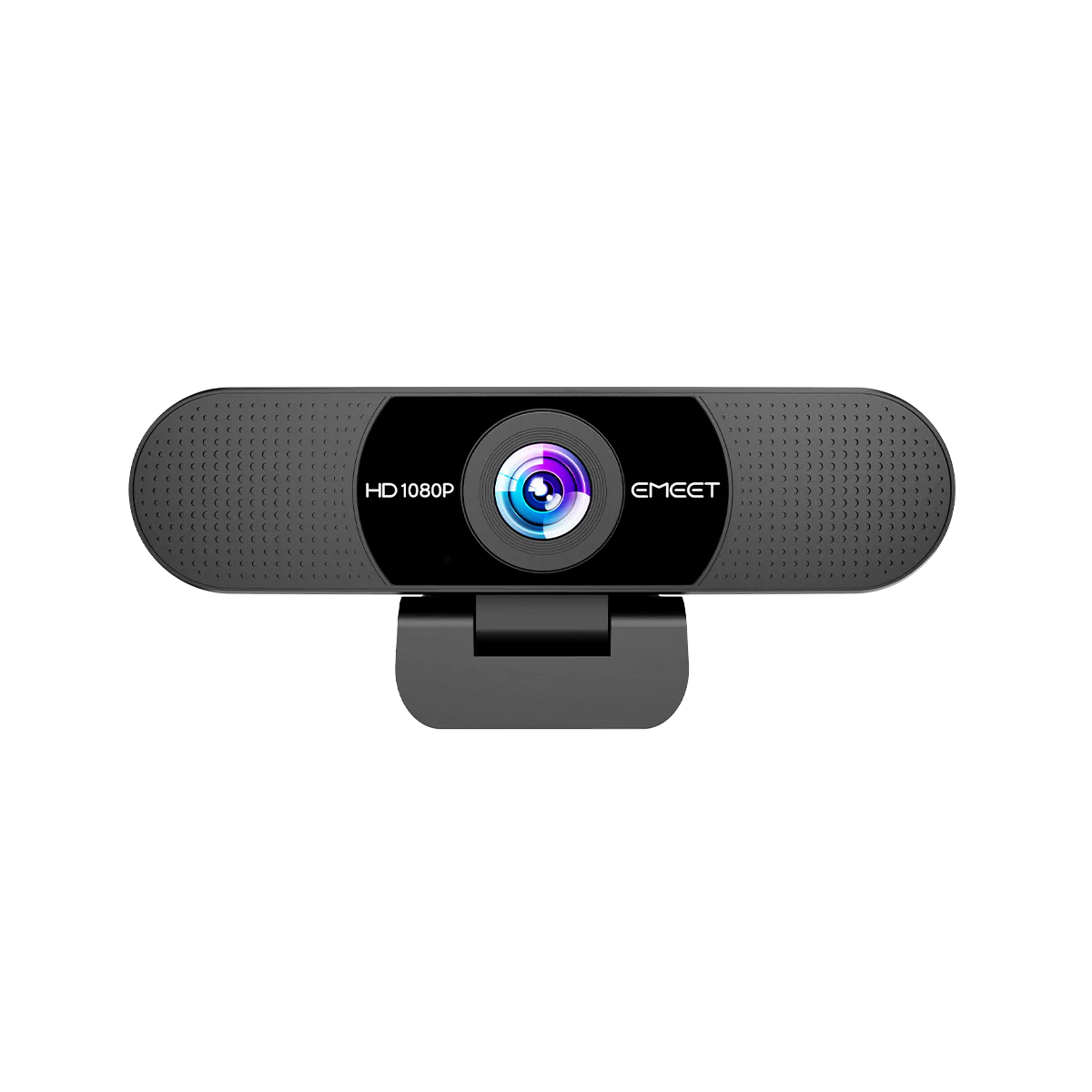
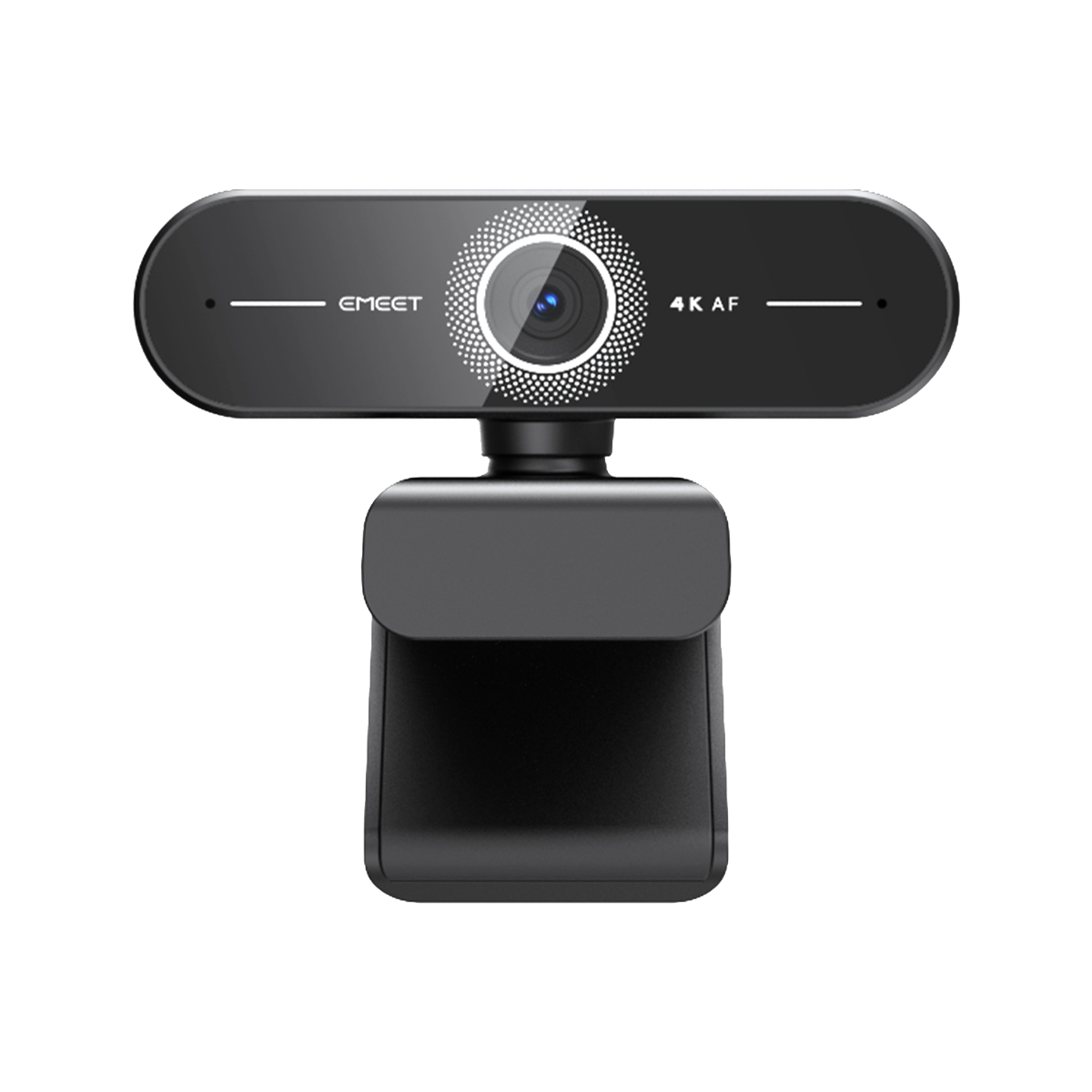
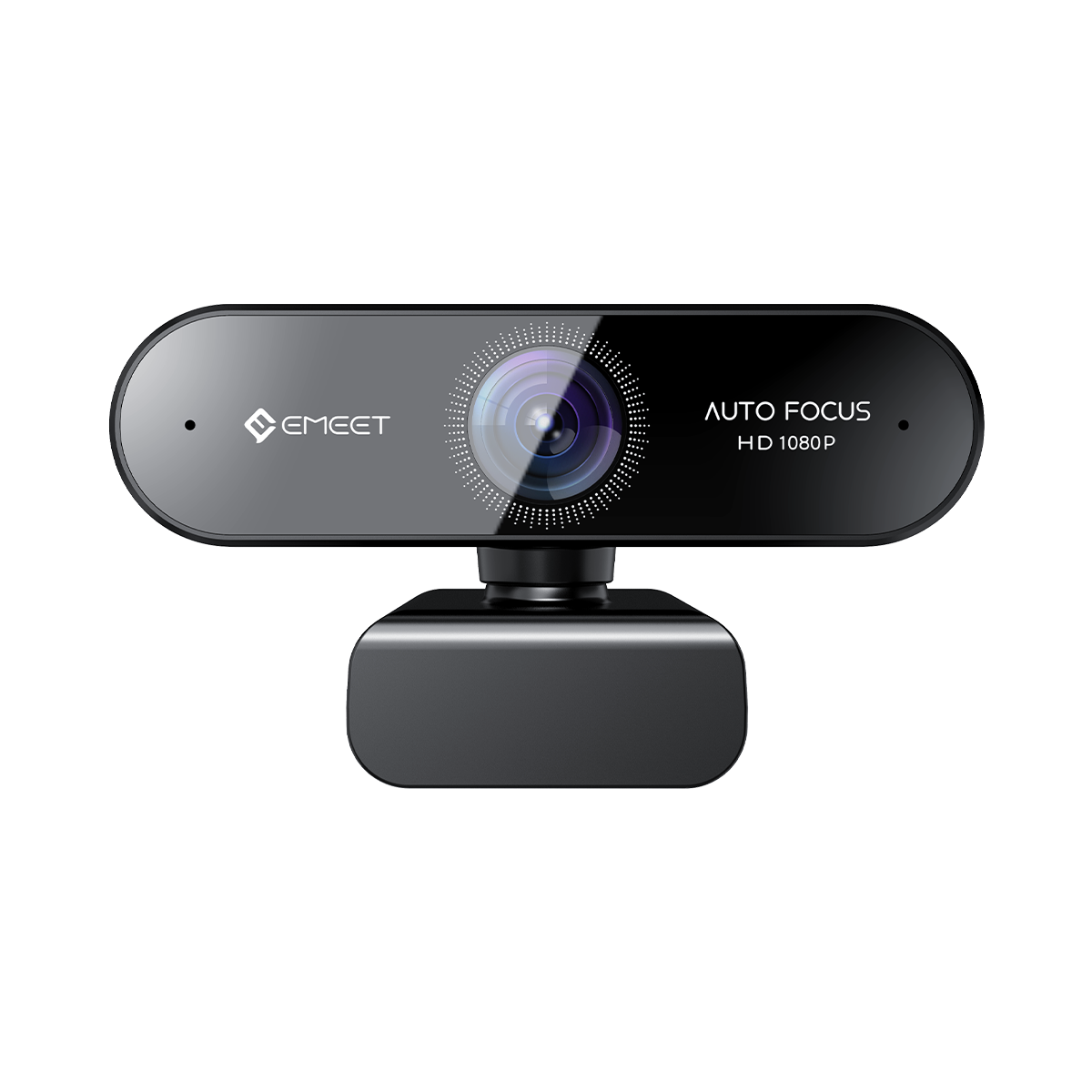
Connect a Switch 2 gamechat compatible camera (like the official Nintendo USB camera or other supported models). Most EMEET webcams are also compatible with Switch 2—see our other article for detailed recommendations.
-
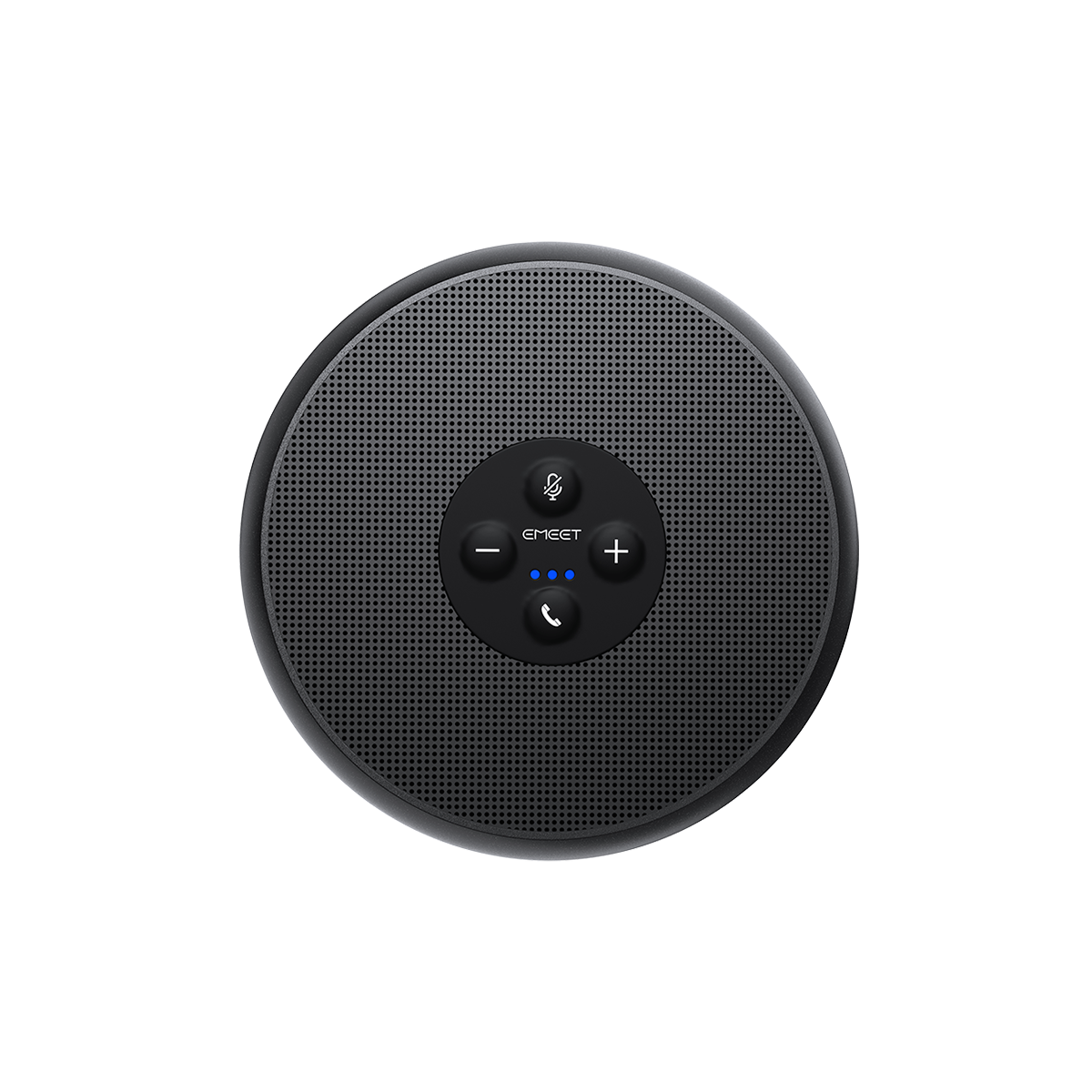
Plug in a good USB microphone—gamers recommend options like the switch 2 gamechat best microphone from brands known for clear voice capture.
-
Launch a compatible game and select “Enable GameChat” from the in-game menu.
-
Invite friends to your chat room, or join theirs.
For video call setup, follow the on-screen guide. You can also use the switch 2 gamechat screen share option to show live gameplay.
Recommended Camera for Switch 2 Video Calls
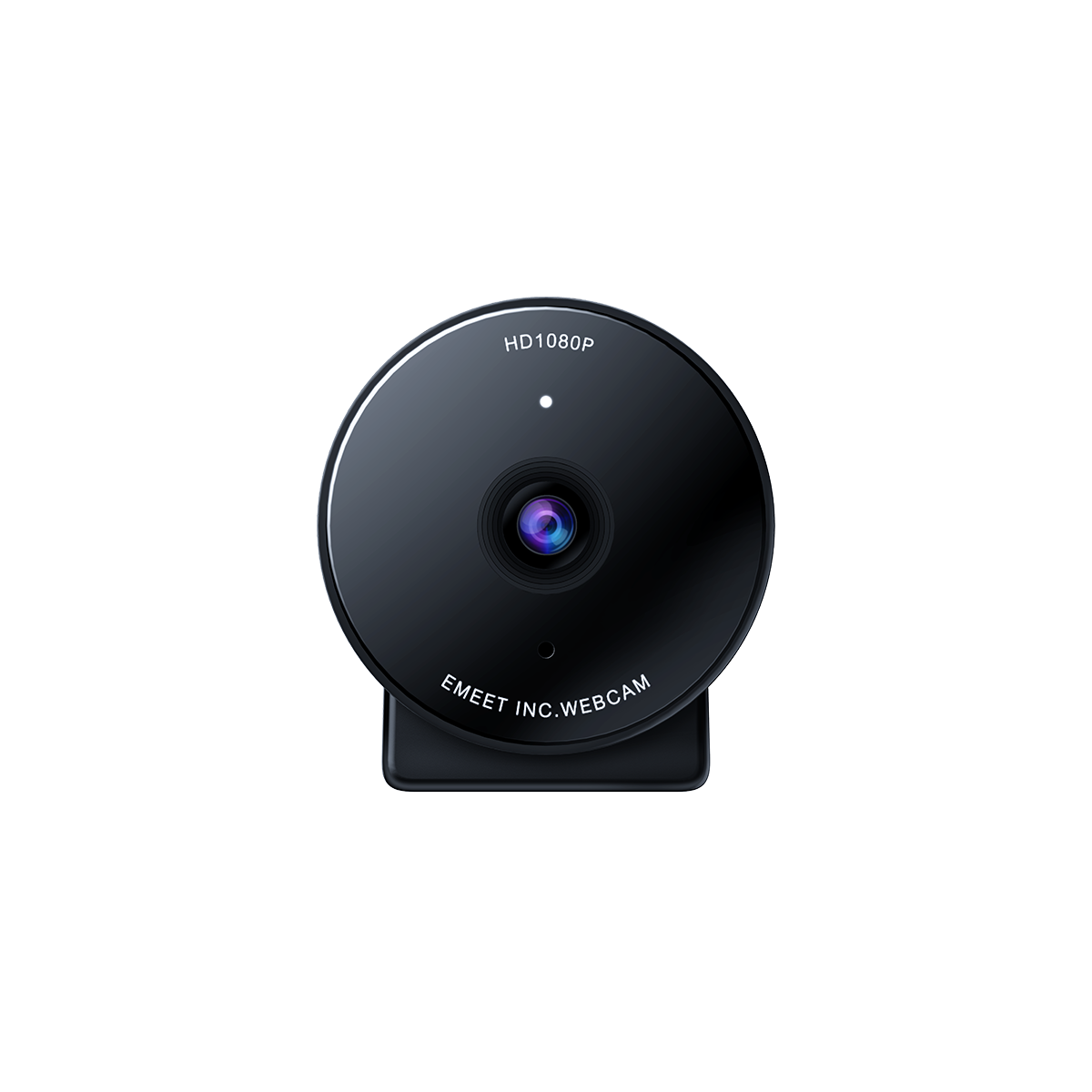
The official Switch 2 camera, while plug‑and‑play, has a rather outdated look and isn’t cheap—Nintendo lists it at $64.99. Nowadays, there are more affordable webcams that deliver equally great performance. Or if you care about a stylish desk setup, aesthetically pleasing camera designs are an even better choice.
Here are a few EMEET webcams we recommend as great value and style choices, all fully compatible with Switch 2 GameChat:
-
Best budget pick: EMEET C960 ($38.99) An affordable webcam delivering stable video quality and plug‑and‑play simplicity—ideal for everyday GameChat and video calls.
-
Compact but Powerful: EMEET Piko($75.99) Ultra‑small and beautifully designed, perfect for gamers who care about a neat desk setup or streaming corner without sacrificing functionality.
-
Pro‑level video quality: EMEET PIXY($159.99) Designed for those who want crystal‑clear image, smooth auto‑focus, and advanced features—great for streaming, content creation, or just showing your best side during GameChat.
Featured games compatible with GameShare
-
Donkey Kong™ Bananza
-
Super Mario Party™ Jamboree – Nintendo Switch™ 2 Edition + Jamboree TV
-
Big Brain Academy™: Brain vs. Brain
-
Super Mario™ 3D World + Bowser’s Fury
-
Clubhouse Games™: 51 Worldwide Classics
-
Captain Toad™: Treasure Tracker
-
Super Mario Odyssey™
GameChat vs Discord
Discord remains the top choice for serious streamers and cross-platform teams because of richer features like bots and overlay support. But for quick, built-in voice chat, switch 2 gamechat vs discord shows GameChat is far easier for casual use—no extra devices needed.
Troubleshooting Tips
If GameChat isn’t working:
-
Check you’re using a switch 2 gamechat compatible camera
-
Verify your mic and camera are plugged in and selected
-
Restart your console and update firmware
-
Test with another game or user
-
These steps solve most switch 2 gamechat troubleshooting issues.
Enjoy Closer Play, Even Miles Apart With Switch 2’s new GameChat, you can laugh, plan, and share moments as if you’re all in the same room—even when you’re apart. Thanks to Switch 2 Camera support, the fun now includes video calls too.
Ready to upgrade your setup? Discover our recommended EMEET webcams—compatible, stylish, and perfect for Switch 2 GameChat. Get yours today and enjoy the next level of Nintendo gaming together!

